swaggerjmx
v1.1.1

English Document
pip install -U swaggerjmx # -*- coding: utf-8 -*-
from swaggerjmx . convert import conversion
from swaggerjmx . settings import Settings as ST
# swagger_url
ST . swagger_url = 'http://ip:port/v2/api-docs'
# report_path
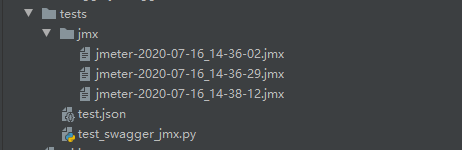
ST . report_path = 'jmx'
# 开始转换
conversion () # -*- coding: utf-8 -*-
from swaggerjmx . convert import conversion
from swaggerjmx . settings import Settings as ST
# swagger_url_json_path
ST . swagger_url_json_path = 'test.json'
# report_path
ST . report_path = 'jmx'
# 开始转换
conversion ()(venv) lijiawei@bogon swaggerjmx % swaggerjmx -h
usage: swaggerjmx [-h] -i INPUT [-o OUTPUT]
Swagger or YApi convert jmx tool ! Created: Lijiawei. Version 1.1.0
optional arguments:
-h, --help show this help message and exit
-i INPUT, --input INPUT
The input swagger json file or swagger url.
-o OUTPUT, --output OUTPUT
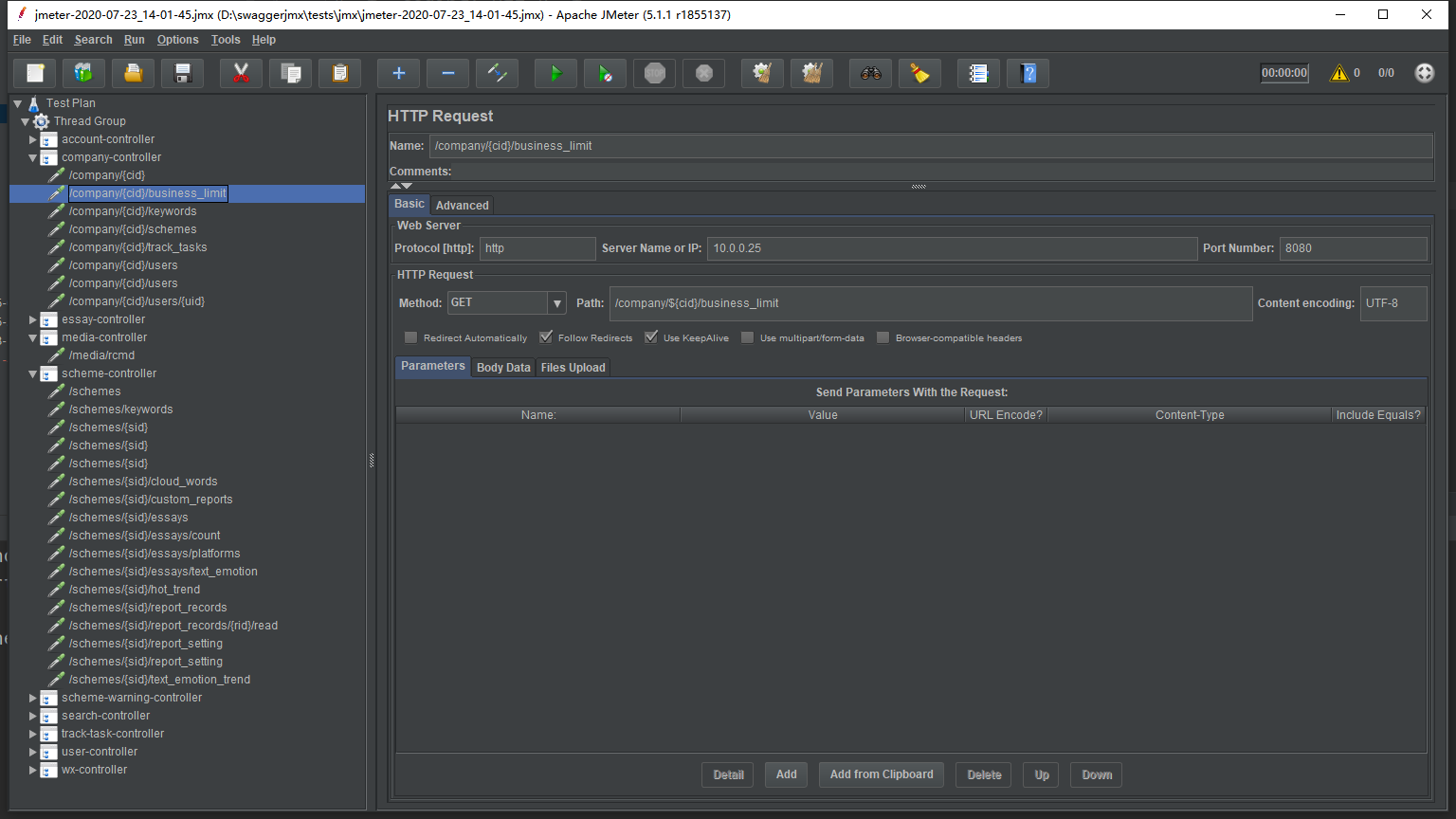
The output jmx file path(default jmx). If it exists, new endpoints will be overwrite.swaggerjmx -i < path_to_swagger_json_or_swagger_url > -o < path_to_output_jmx >swaggerjmx -i tests/data/swagger.json -o jmxswaggerjmx -i https://ip:port/v2/api-docs -o jmx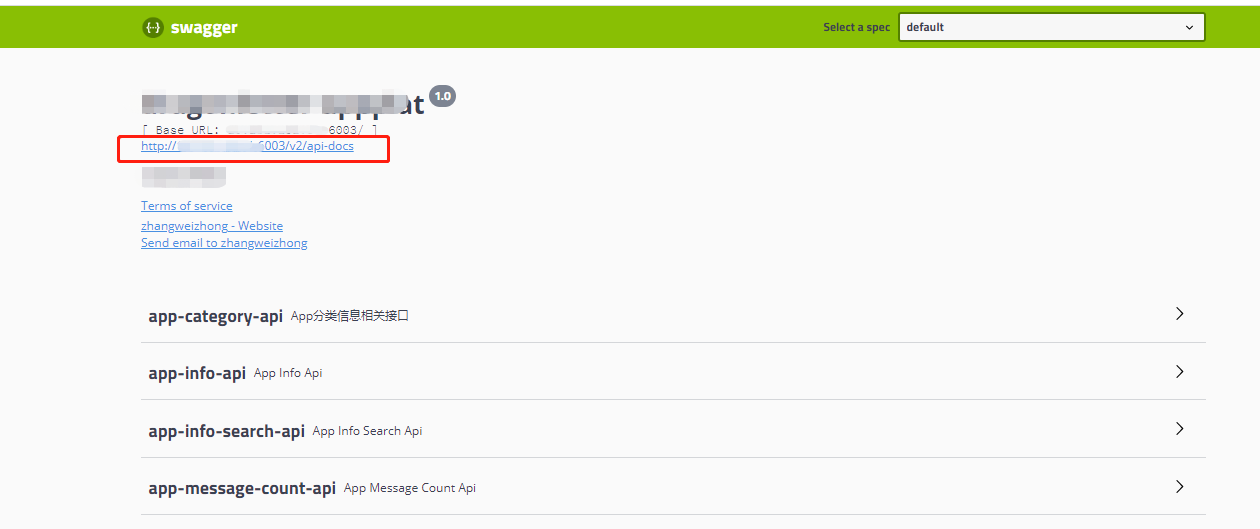
git clone [email protected]:Pactortester/swaggerjmx.git
cd swaggerjmx
pip install -e .
The above is an introduction to the basic usage of swaggerjmx.
If you find an error, or you have any suggestions for swaggerjmx, welcome to swaggerjmx Issues, thank you very much for your support. Your feedback and suggestions are invaluable and hope your involvement will help swaggerjmx do better.







