react native ui lib
7.34.0


Bibliothèque d'outils et composants de l'interface utilisateur pour React Native
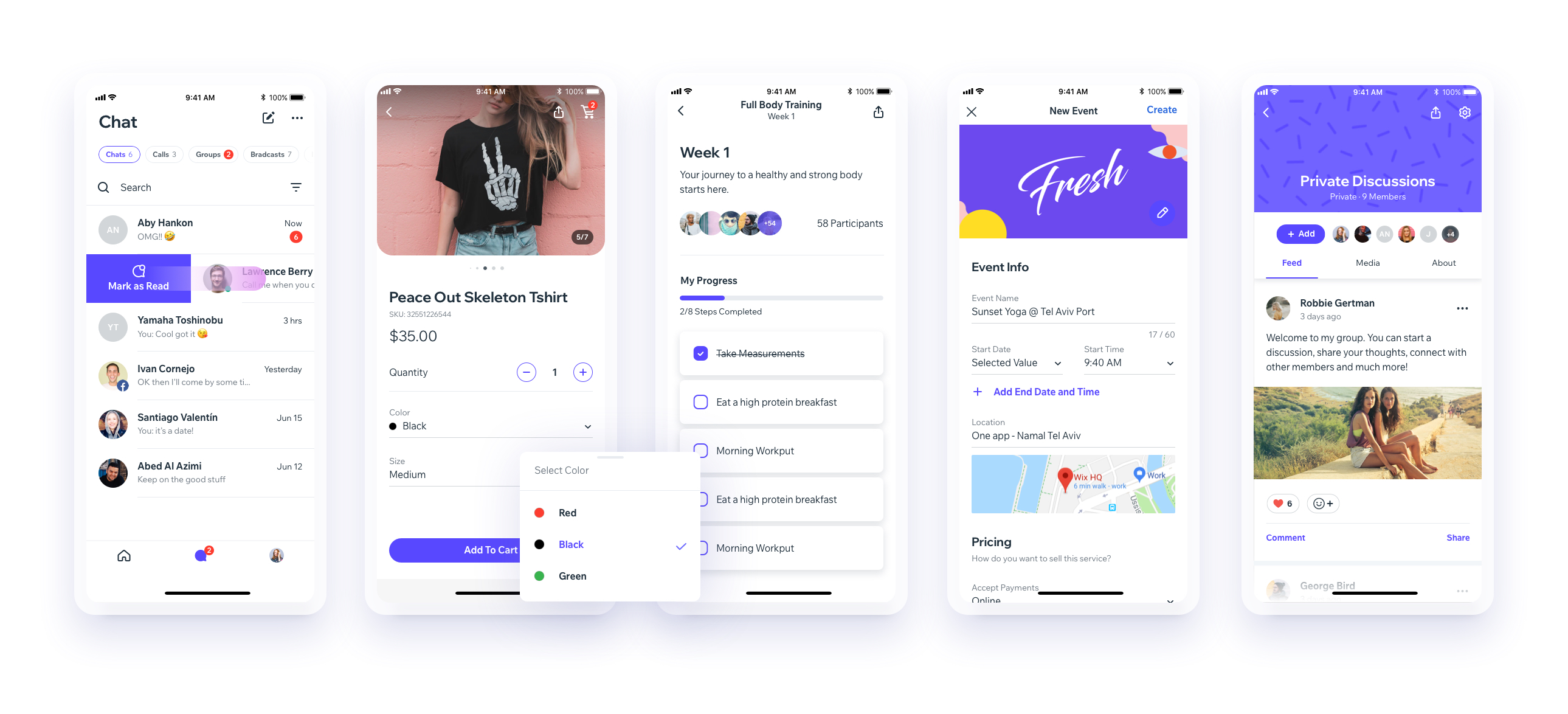

Téléchargez notre application de démonstration d'expo
(Vous aurez besoin de l'application Expo) ou ouvrez le lien dans vos appareils [Expo] exp: //exp.host/@vn.chemgio/rnuilib? Release-Channel = Default
Voir les instructions de configuration ici.
Voir les changements de rupture
Veuillez utiliser react-native-ui-lib
Veuillez utiliser react-native-ui-lib@^3.0.0
Chargez vos fondations et vos préréglages (couleurs, typographie, espacements, etc ...)
 // FoundationConfig.js

import { Colors , Typography , Spacings } from 'react-native-ui-lib' ;

Colors . loadColors ( {
  primaryColor : '#2364AA' ,
  secondaryColor : '#81C3D7' ,
  textColor : '##221D23' ,
  errorColor : '#E63B2E' ,
  successColor : '#ADC76F' ,
  warnColor : '##FF963C'
} ) ;

Typography . loadTypographies ( {
  heading : { fontSize : 36 , fontWeight : '600' } ,
  subheading : { fontSize : 28 , fontWeight : '500' } ,
  body : { fontSize : 18 , fontWeight : '400' }
} ) ;

Spacings . loadSpacings ( {
  page : 20 ,
  card : 12 ,
  gridGutter : 16
} ) ;Définissez les configurations par défaut sur vos composants
 // ComponentsConfig.js

import { ThemeManager } from 'react-native-ui-lib' ;

// with plain object
ThemeManager . setComponentTheme ( 'Card' , {
  borderRadius : 8
} ) ;

// with a dynamic function
ThemeManager . setComponentTheme ( 'Button' , ( props , context ) => {
  // 'square' is not an original Button prop, but a custom prop that can
  // be used to create different variations of buttons in your app
  if ( props . square ) {
    return {
      borderRadius : 0
    } ;
  }
} ) ;Utilisez le tout ensemble. Vos configurations seront appliquées sur les composants Uilib afin que vous puissiez les utiliser facilement avec des modificateurs.
 // MyScreen.js

import React , { Component } from 'react' ;
import { View , Text , Card , Button } from 'react-native-ui-lib' ;

class MyScreen extends Component {
  render ( ) {
    return (
      < View flex padding-page >
        < Text heading marginB-s4 >
          My Screen
        </ Text >
        < Card height = { 100 } center padding-card marginB-s4 >
          < Text body > This is an example card </ Text >
        </ Card >

        < Button label = "Button" body bg-primaryColor square > </ Button >
      </ View >
    ) ;
  }
} Voir Guide de contribution





