react native ui lib
7.34.0


مكتبة ومكونات مجموعة أدوات واجهة المستخدم لـ React Native
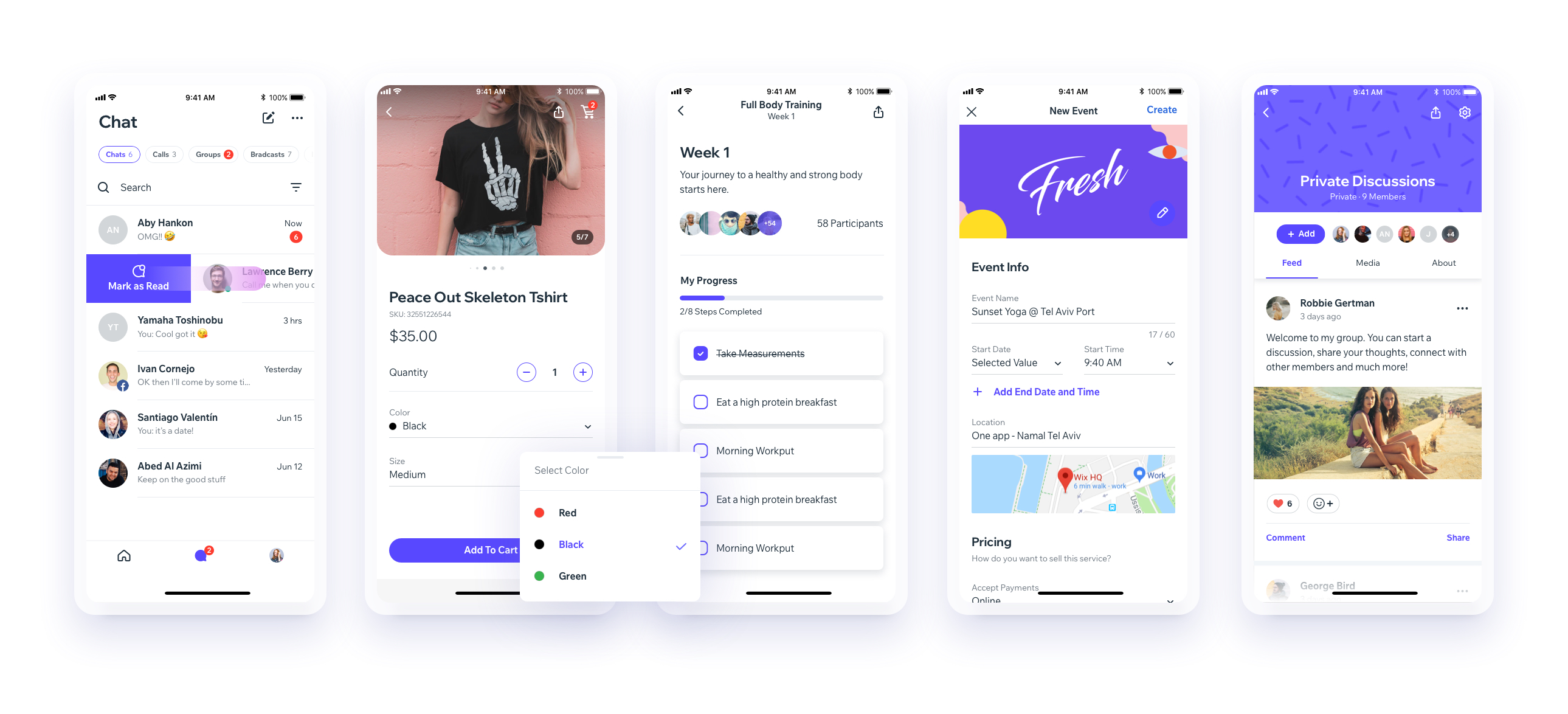

قم بتنزيل تطبيق العرض التجريبي الخاص بنا
(ستحتاج إلى تطبيق Expo) أو الرابط المفتوح في أجهزتك [Expo] exp: //exp.host/@vn.chemgio/rnuilib؟ release-channel = افتراضي
انظر تعليمات الإعداد هنا.
انظر كسر التغييرات
يرجى استخدام react-native-ui-lib
يرجى استخدام react-native-ui-lib@^3.0.0
قم بتحميل أسسك وإعدادات الإعدادات المسبقة (الألوان ، الطباعة ، الفواصل ، إلخ ...)
 // FoundationConfig.js

import { Colors , Typography , Spacings } from 'react-native-ui-lib' ;

Colors . loadColors ( {
  primaryColor : '#2364AA' ,
  secondaryColor : '#81C3D7' ,
  textColor : '##221D23' ,
  errorColor : '#E63B2E' ,
  successColor : '#ADC76F' ,
  warnColor : '##FF963C'
} ) ;

Typography . loadTypographies ( {
  heading : { fontSize : 36 , fontWeight : '600' } ,
  subheading : { fontSize : 28 , fontWeight : '500' } ,
  body : { fontSize : 18 , fontWeight : '400' }
} ) ;

Spacings . loadSpacings ( {
  page : 20 ,
  card : 12 ,
  gridGutter : 16
} ) ;اضبط التكوينات الافتراضية على مكوناتك
 // ComponentsConfig.js

import { ThemeManager } from 'react-native-ui-lib' ;

// with plain object
ThemeManager . setComponentTheme ( 'Card' , {
  borderRadius : 8
} ) ;

// with a dynamic function
ThemeManager . setComponentTheme ( 'Button' , ( props , context ) => {
  // 'square' is not an original Button prop, but a custom prop that can
  // be used to create different variations of buttons in your app
  if ( props . square ) {
    return {
      borderRadius : 0
    } ;
  }
} ) ;استخدمها جميعًا معًا. سيتم تطبيق تكويناتك على مكونات UILIB حتى تتمكن من استخدامها بسهولة باستخدام المعدلات.
 // MyScreen.js

import React , { Component } from 'react' ;
import { View , Text , Card , Button } from 'react-native-ui-lib' ;

class MyScreen extends Component {
  render ( ) {
    return (
      < View flex padding-page >
        < Text heading marginB-s4 >
          My Screen
        </ Text >
        < Card height = { 100 } center padding-card marginB-s4 >
          < Text body > This is an example card </ Text >
        </ Card >

        < Button label = "Button" body bg-primaryColor square > </ Button >
      </ View >
    ) ;
  }
} انظر دليل المساهمة





