docker archivebox
1.0.0

L'image officielle Docker pour Archivebox, la solution d'archivage Internet auto-hébergé.
https://hub.docker.com/r/archivebox/archivebox
docker pull archivebox/archivebox

# using Docker Compose
mkdir -p ~ /archivebox/data && cd ~ /archivebox
curl -fsSL ' https://docker-compose.archivebox.io ' > docker-compose.yml
docker compose up

# using Docker:
mkdir -p ~ /archivebox/data && cd ~ /archivebox/data
docker run -v $PWD :/data -it archivebox/archivebox init
Dockerfile ou Dockerfile.simpledocker-compose.ymlarchivebox-kubernetes.yml Il est recommandé d'utiliser :latest (build stable et multiplateforme pour toutes les architectures prises en charge)
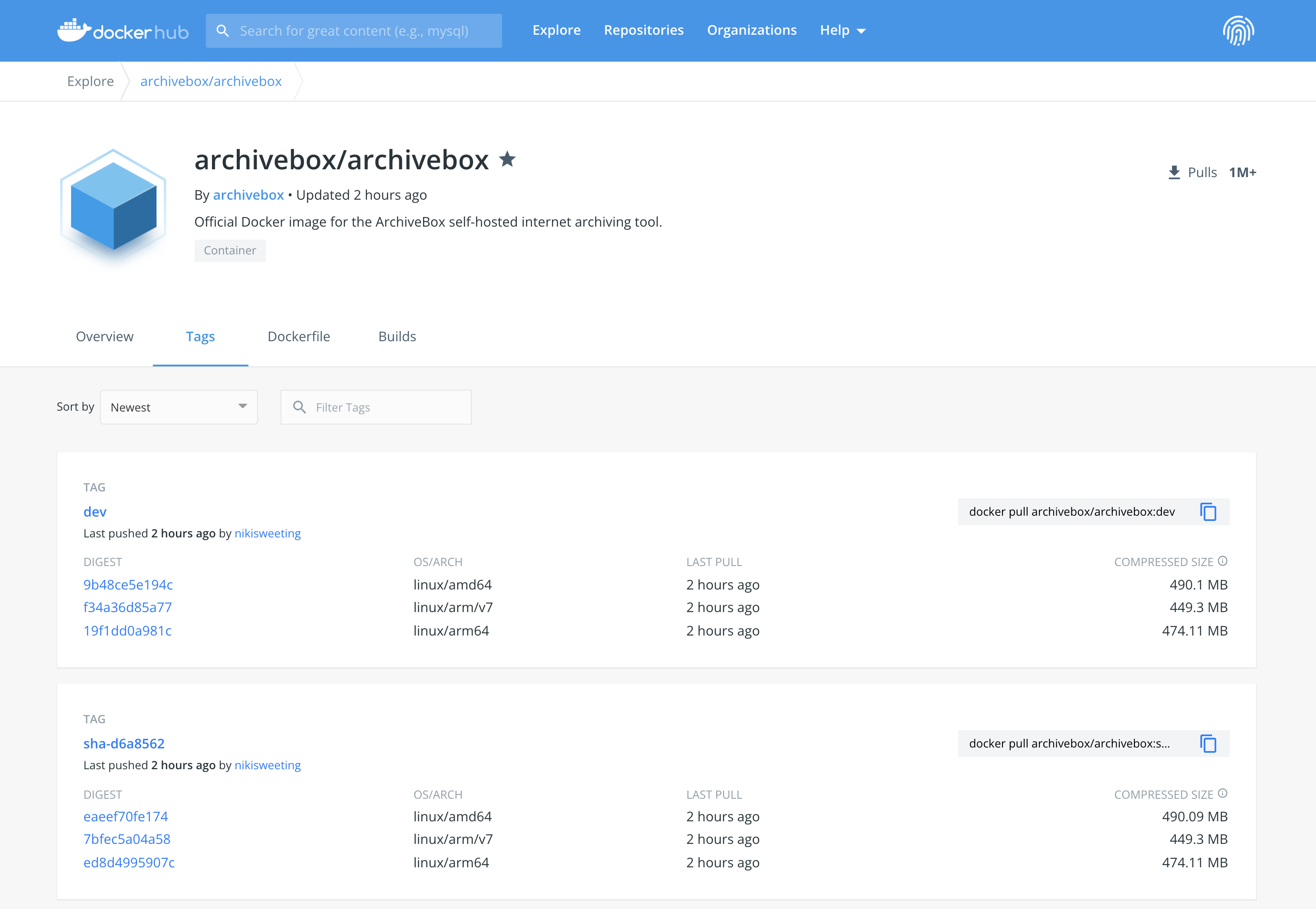
:latest (la balise stable par défaut, 1: 1 avec :stable / :master ):dev / :main / :<branchname> (étiquettes pour chaque branche git, utilisez-les pour essayer une version bêta ou un PR spécifique)sha-2c7be14 / :sha-<commitid> (balises pour chaque engagement git, utilisez-les pour épingler une version de base de code exacte)Pour une liste complète des images publiées: https://hub.docker.com/r/archivebox/archivebox/tags
Linux, macOS, Windows
Tout système d'exploitation où Docker ou Docker Desktop est pris en charge.
amd64 tous les processeurs Intel / AMD x86 64 bitsarm64 / aarch64 Raspberry Pi V4 +, M1 ou Mac plus récent et les nouveaux systèmes ARM (> = ARM V8) i386 X86 Processeurs Intel / AMD 32 bitsarm/v7 / arm/v6 / arm/v5 Raspberry Pi V3 et Systèmes de bras plus anciensriscv64 / riscv32 / ppc64le / ppc32 / s390x ou d'autres architectures Voir complet docker-compose.yml et les documents Docker ArchiveBox pour des exemples et une documentation plus complets.
 services :
    archivebox :
        image : archivebox/archivebox:dev
        ports :
            - 8000:8000
        environment :
            # add any ArchiveBox config options you want here
            - ALLOWED_HOSTS=archivebox.example.com
            - ADMIN_USERNAME=admin
            - ADMIN_PASSWORD=...
            - MEDIA_MAX_SIZE=750m
        volumes :
- ./data:/data FROM python:3.12-slim
WORKDIR /data
RUN pip install archivebox==0.8.5rc44
RUN archivebox install
RUN useradd -ms /bin/bash archivebox && chown -R archivebox /data (Remplacer 0.8.5rc44 par la dernière version)
Voir plus:
Dockerfile : image complète de la production avec une mise en cache de construction optimisée et des tailles de calquesDockerfile.simple : exemple simple de la façon d'ajouter Archivebox à votre propre dockerfile (Beta: utilisateurs avancés uniquement, Archivebox ne teste pas les sorties sur Kubernetes, mais cela devrait fonctionner en théorie)
./archivebox.yml contient un exemple de manifeste Kubernetes (avec rook-ceph-rbd et metallb ).
Utilisez en tant qu'est ou modifiez vos besoins, les objets seront créés dans l'espace de noms: archivebox .
 apiVersion : apps/v1
kind : Deployment
metadata :
  name : archivebox-deployment
spec :
  selector :
    matchLabels :
      app : archivebox
  replicas : 1
  template :
    metadata :
      labels :
        app : archivebox
    spec :
      containers :
        - name : archivebox
          args : ["server", "--quick-init", "0.0.0.0:8000"]
          image : archivebox/archivebox
          ports :
            - containerPort : 8000
              protocol : TCP
              name : http
          volumeMounts :
            - mountPath : /data
              name : archivebox
      restartPolicy : Always
      volumes :
        - name : archivebox
          persistentVolumeClaim :
            claimName : archivebox
# run this to apply the configuration
kubectl apply -f archivebox.yml L'image est construite à l'aide de docker : https://docs.docker.com/get-docker/ et hébergé sur Docker Hub & GitHub Packages: https://hub.docker.com/r/archivebox.
https://hub.docker.com/r/archivebox/archivebox
La définition de file de configuration / package est ici: ArchiveBox/Dockerfile .
Pour construire ce package, assurez-vous d'abord dans le repo principal ArchiveBox.
 cd ArchiveBox/
git pull --recurse-submodules

# Build the docker image
./bin/build_docker.sh

# Push the image to Docker Hub & Github Packages
docker login
./bin/release_docker.sh 0.7.1 latestdocker image ls archivebox/archivebox
docker image inspect < image id > # view image details
docker image history < image id > # view image layer sizes Veuillez noter: L'ancienne image de nikisweeting/archivebox est obsolète, utilisez plutôt archivebox/archivebox .





