foam.lite
1.0.0

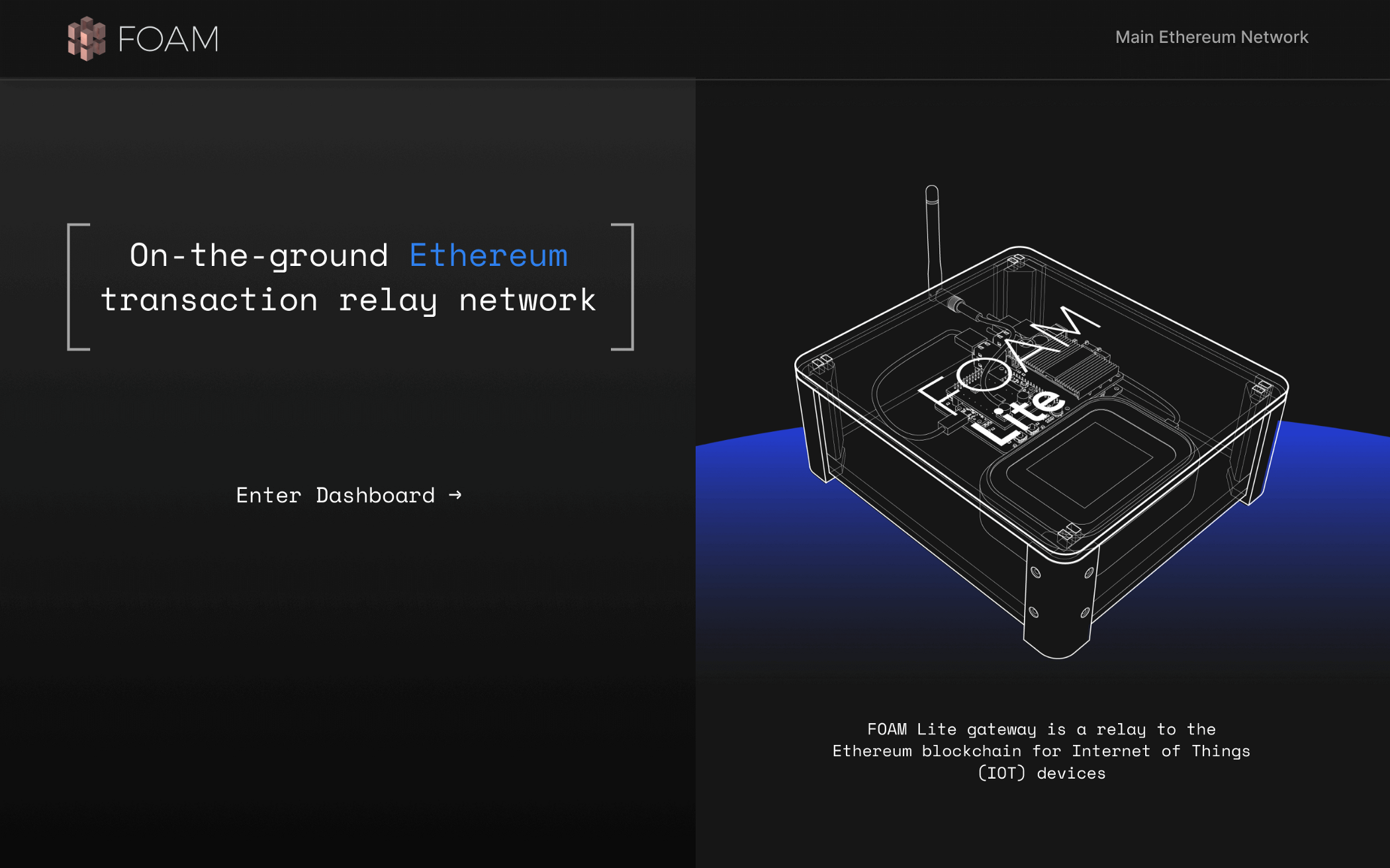
Desplegado aquí
La última documentación se puede encontrar en el portal del desarrollador de espuma.
Debido a la rareza con ciertas versiones de Node y Spago, idealmente desea usar el tren v10.x del nodo. Con NVM, este es nvm install lts/dubnium && nvm use lts/dubnium
Para construir la interfaz de usuario, asegúrese de haber construido e implementado el DAPP. Cuando esté listo para construir y servir la aplicación, simplemente haga
 > npm i
> npm run bundle-app
> RELAYER_NFT= < contract adddress > npm run browserify
> npm run serve
La dirección predeterminada es localhost: 8080
 # Start a blockchain
make cliquebait-start

# Deploy the contracts
make deploy-contracts

# Bundle up the app to make it easier to pass arguments to it
# You could skip this step and run `spago -x <component>.dhall run -a "<args>"`
# instead of `node dist/<component>.js` in the future, but you'll have to do an
# `export PRIVATE_KEY=<copypaste the output>` as spago likes to add an annoying
# "[info] Build Succeeded" line to stdout sometimes. Also, because there's no way to tell
# spago that everything that follows is arguments for the app, you'll have to be
# wary of shell quoting/escaping issues in the `-a` arg to spago
make bundle

# Make an account that doesn't exist on the Ethereum node
PRIVATE_KEY= $( node dist/helper.js generate-private-key )
echo " The private key is ${PRIVATE_KEY} "

# Faucet the account with some of the FungibleToken we deployed, as well
# as some Ether to let it approve the RelayableNFT contract to spend its FungibleTokens
node dist/helper.js faucet --to-private-key ${PRIVATE_KEY} --also-ether

# Approve the RelayableNFT token to spend the account's balance (and automatically execute the approve() transaction on-chain)
node dist/helper.js approve --private-key ${PRIVATE_KEY} --submit --node-url " http://localhost:8545 "

# Double check our balances
node dist/helper.js balance --private-key ${PRIVATE_KEY}

# Start a relayer server in the background. This is what the radios use to forward messages to the blockchain
# And what we will use to simulate radio messages being sent.
# It takes a couple of seconds to start up, so wait until you see "Started listening on http://0.0.0.0:3000"
node dist/server.js &
VALIDATE_ENDPOINT= " http://localhost:3000/relay/validate "
SUBMIT_ENDPOINT= " http://localhost:3000/relay/submit "

# Check the nonce that the blockchain expects our next message to have. If we've just created this account, this will probably be 0.
# You can use the output of this command as a `--nonce` argument for the `sign-*` helpers
node dist/helper.js nonce -p ${PRIVATE_KEY}

# Make a minting message that creates an "arbitrary" hello-world message
# Using relay-nonce 0, and paying 0.1 FT to the relayer, and simulate submitting it over
# the radio to our "validate" endpoint, to double check that it got encoded/signed correctly
node dist/helper.js sign-mint --private-key ${PRIVATE_KEY} -a ' Hello World! ' --nonce $( node dist/helper.js nonce -p ${PRIVATE_KEY} ) --fee-amount 1000000000000000000 --transmit ${VALIDATE_ENDPOINT}

# The exact same command, but to the "submit" endpoint, which will actually kick off a transaction on the blockchain
node dist/helper.js sign-mint --private-key ${PRIVATE_KEY} -a ' Hello World! ' --nonce $( node dist/helper.js nonce -p ${PRIVATE_KEY} ) --fee-amount 1000000000000000000 --transmit ${SUBMIT_ENDPOINT}

# We can have some fun now. Lets make a quick loop to send the current time as a relayed message on the blockchain every minute
while true ; do
  the_message= " It is now ` date ` "
  echo " sending " ${the_message} " via relay "
  node dist/helper.js sign-mint --private-key ${PRIVATE_KEY} -a " ${the_message} " --nonce $( node dist/helper.js nonce -p ${PRIVATE_KEY} ) --fee-amount 1000000000000000000 --transmit ${SUBMIT_ENDPOINT}
  echo " waiting a minute "
  sleep 60
done






