crud mvc aspnet
v1.2

Basic system with raw operations made at MVC ASP.NET 4.5 and Entity Framework ready to run.
This project consists of a small inventory system with a database ready for use and minimal business logic. All components used to a greater or lesser extent are listed below
To be able to execute the application, you need to have previously installed the programs
Once installed, follow the following steps to start the project.
Create a directory with the application files in C:inetpubwwwrootmi-sitio .
Open Internet Information Services (IIS), "Connections"> "Add website ..."
Complete the fields "Site Name" and "Applications Group" (are completed automatically at the same time) then on "Physical Access" Indicate the Site Archives Route. It would be in this case C:inetpubwwwrootmi-sitio and choose a port that is not assigned. Then accept to "accept."
Before starting the change the connection to "point" to the database inside the App_Data folder. For this, modify the Web.config file and change the connection chain as well.
< connectionStrings >
  <!-- develop -->
  <!-- <add name="DefaultConnection" connectionString="Server=(LocalDB)MSSQLLocalDB; Database=crud_mvc_aspnet; Trusted_Connection=True;" providerName="System.Data.SqlClient" /> -->
  <!-- deploy in any machine -->
  < add name = " DefaultConnection " connectionString = " Data Source=(LocalDB)MSSQLLocalDB; AttachDbFilename=|DataDirectory|crud_mvc_aspnet.mdf; Trusted_Connection=True; " providerName = " System.Data.SqlClient " />
</ connectionStrings >
Ensure that the connectionStrings section is as shown above.
Then, in IIS select the site and in "shares"> "examine *: 8x (http)" to open the site.
Note: An error is out of wanting to execute the application, review this general document to display applications (step by step) that use localdb in IIS from this link.
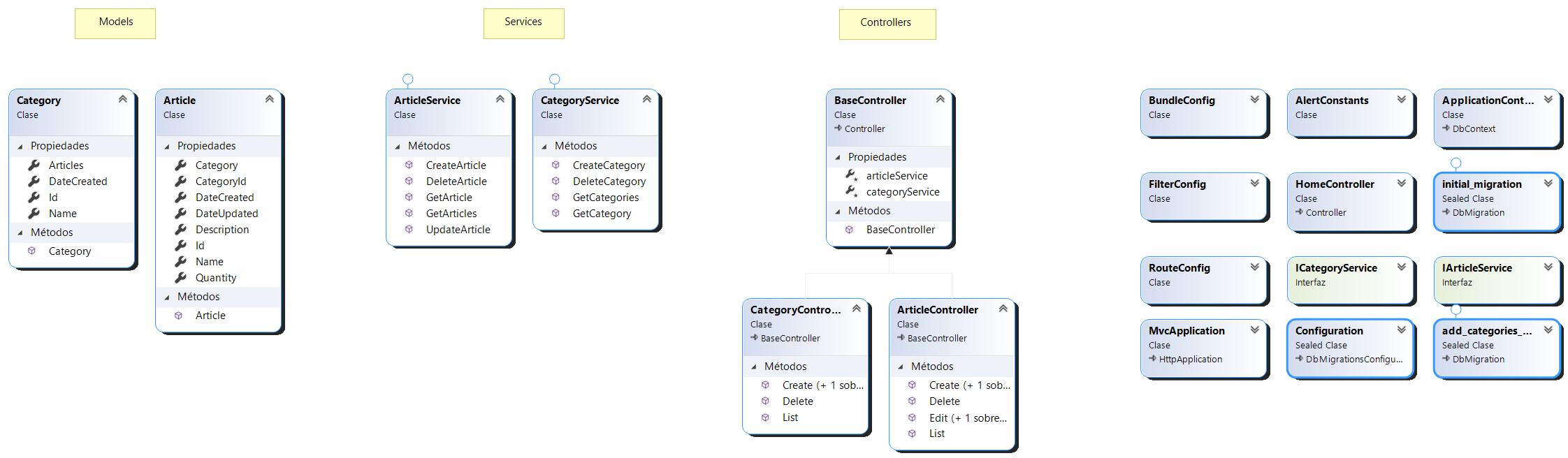
The application has an MVC structure (model-vista-controller). It also implements a layer of services for access to data. All this in the same project . For a general view, the class diagram is presented ( ClassDiagram.cd )
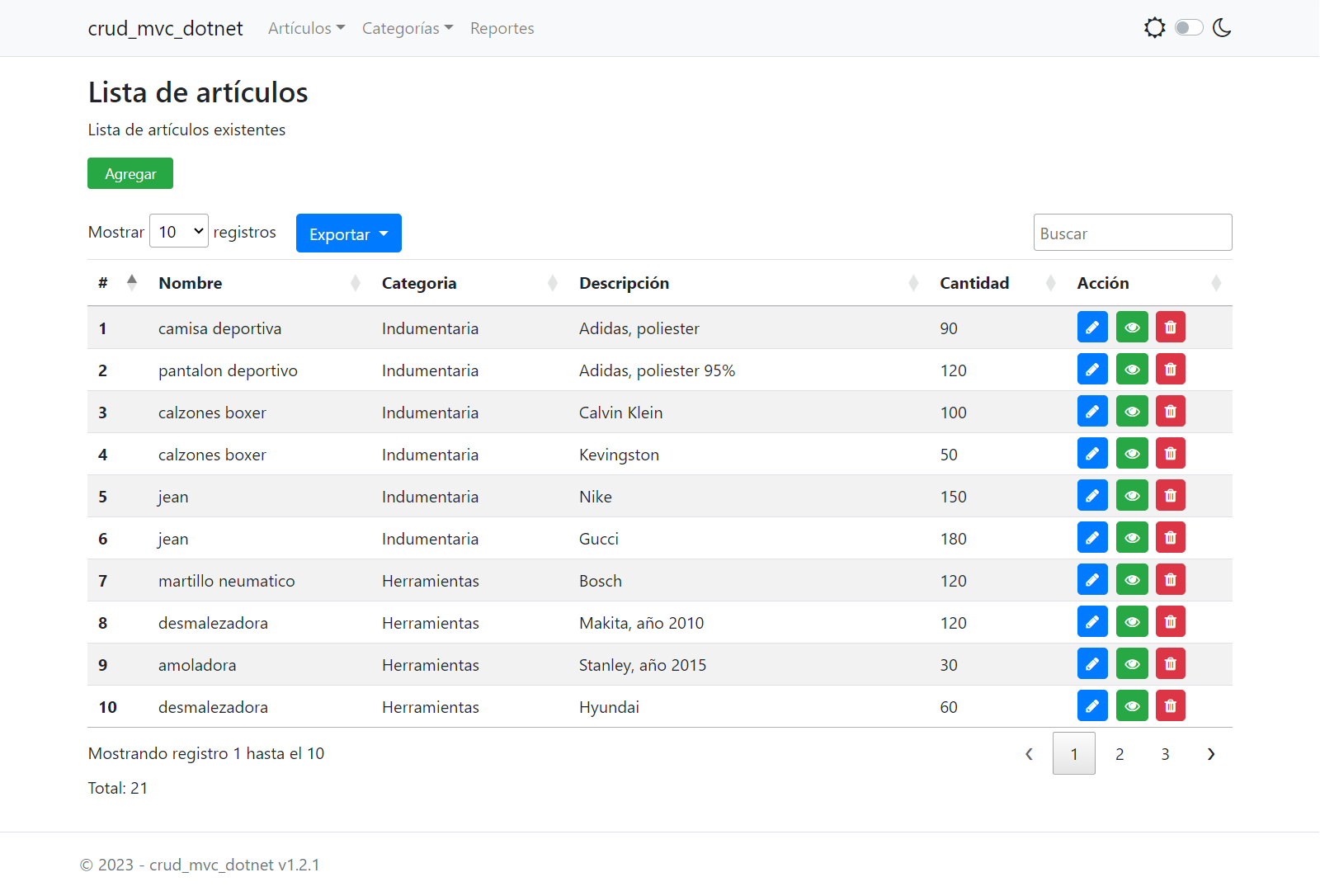
Articles list
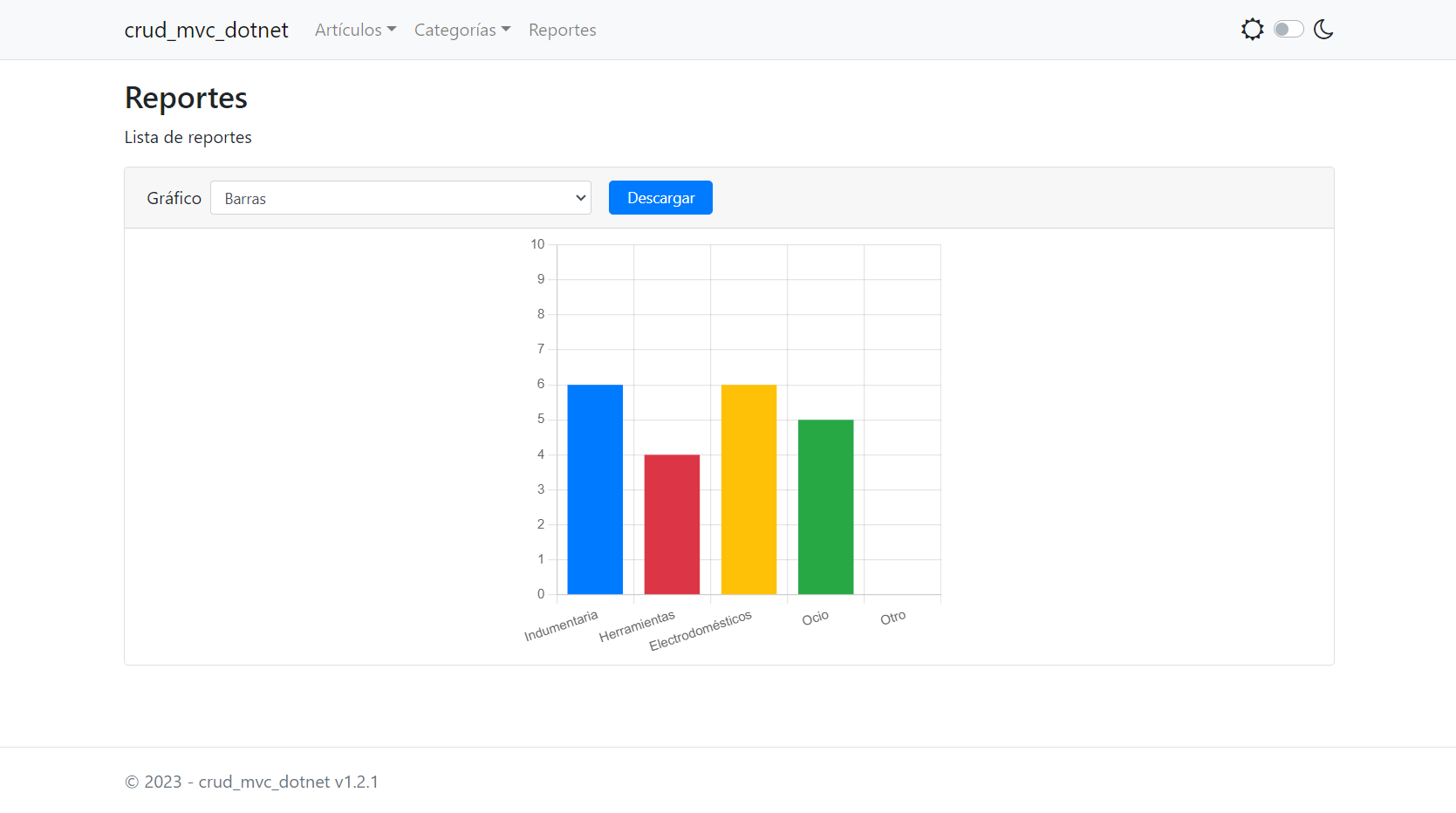
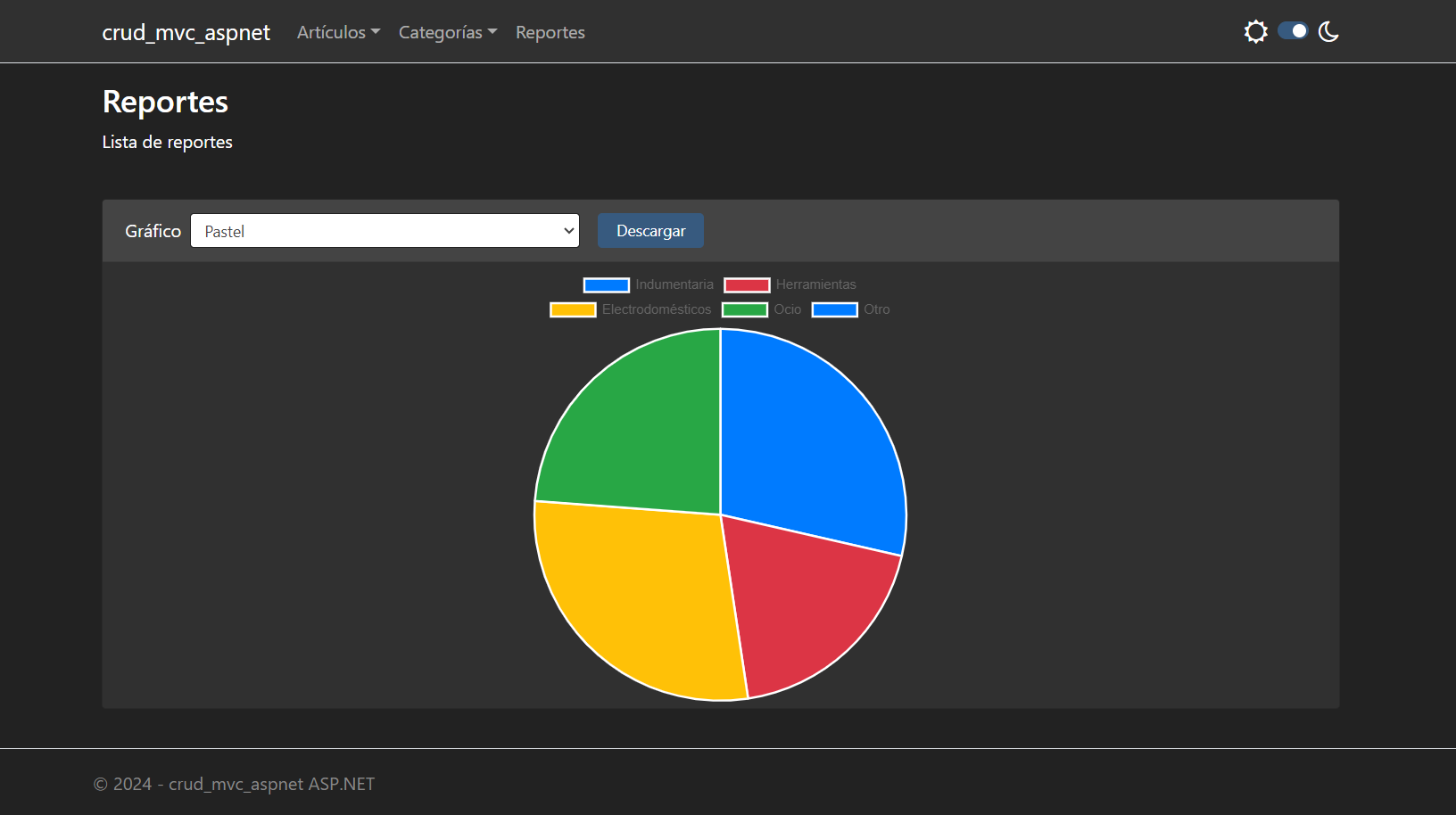
Reports
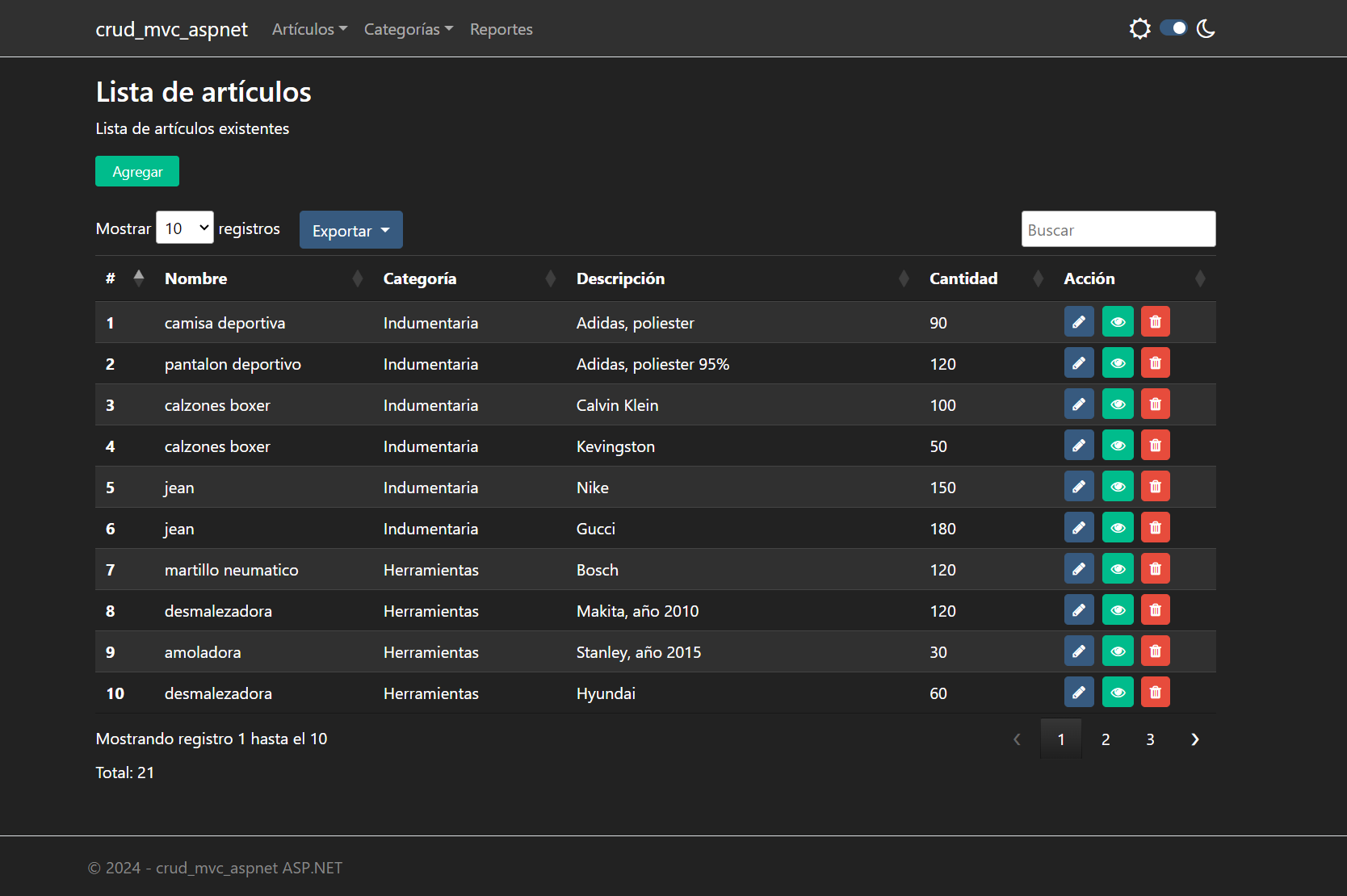
Night mode
Articles list
Reports
Error: You can't find a part of the access route ... bin roslyn csc.exe
If, wanting to execute the solution after having downloaded the application with git clone gives the error message indicated to try the following:
Execute the Update-Package Microsoft.CodeDom.Providers.DotNetCompilerPlatform command from the Nugget Package Administration console.
Close .vs visual Studio Ide
Then reopen the solution with Visual Studio Ide
Name convention
https://dvoituron.com/naming-conventions/rules/
Error: err_ssl_version_or_cipher_mismMatch in the browser when executing application in Windows 7
This error occurs because Windows 7 is disabled by default TLS 1.2 in the registration. Therefore you have two options to be able to execute the application.
Source: https://stackoverflow.com/Questions/71279204/it-is-not-postible-to-launch-ac-sharp-web-application-using-the-https-procol
Build Microsoft.typeScript.targets ..
To solve this error modifying the Microsoft.TypeScript.targets file found in C:Program Files (x86)Microsoft SDKsTypeScript4.3build (or in some similar solution) and look for the node <TypeScriptCompileBlocked> and leave it like this:
<TypeScriptCompileBlocked>true</TypeScriptCompileBlocked>
(The file must be opened in administrator mode to be able to modify it) Then close Visual Studio, clean the repair and execute solution.





