ASPNET Core Angular FutureSports
1.0.0

This project contains all the code necessary to reproduce FutureSports web application using .NET CORE Web API 2.0, MongoDB and Angular 5 Framework
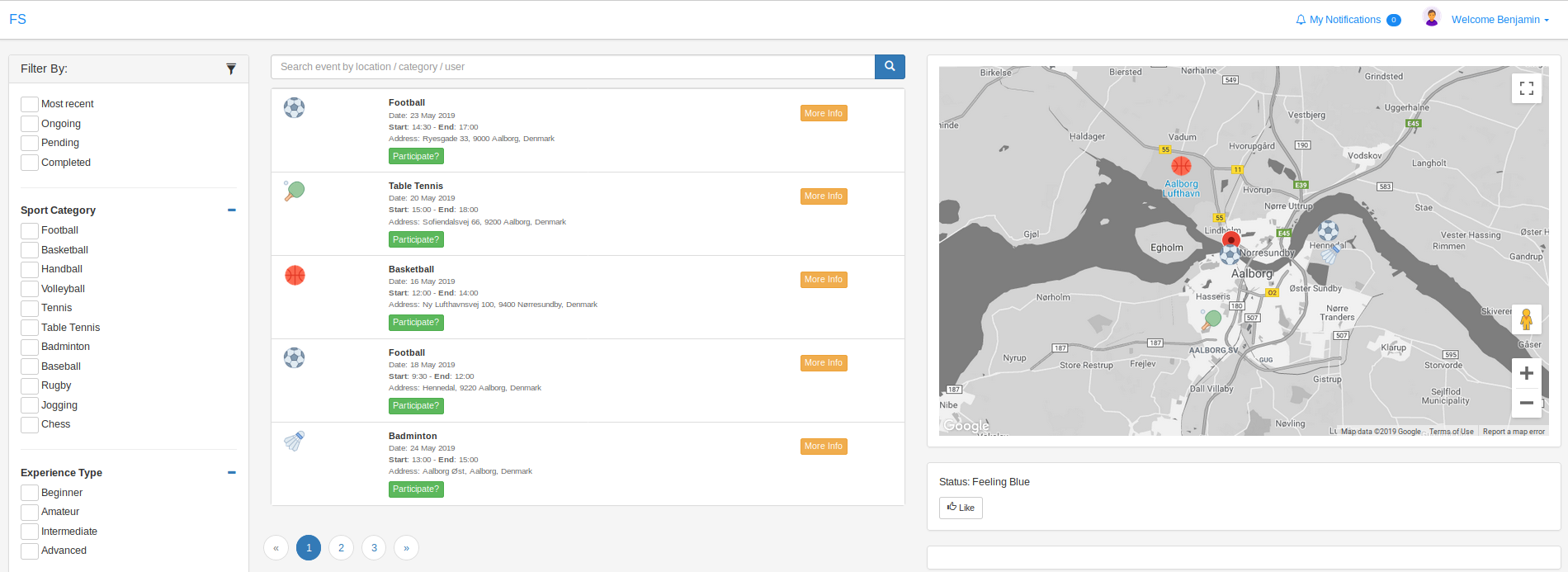
Functionality: login using JWT authentication, register, browsing events in Google Maps, event creation, event participation, event details, my profile, user profile
Required libraries and tools:
1. Node.js
2. Angular CLI
3. .NET CORE Framework 2.0
4. MongoDB
Basic project installation steps:
Clone repository

FRONT-END:
1. sudo npm install -g
2. cd future-sports
3. npm install
4. ng serve
5. input Google Maps credentials in app.module.ts

BACK-END:
1. cd back-end
2. build & run project

MongoDB:
1. install local MongoDB
2. create Categories, Events, Experiences, User collections (the rest are not used)
3. insert required data (see db-samples folder)





