fmfm filemanager
1.0.0

A web-based document manager/viewer upon Flask+Python. Currently PDF, zip file (of images), markdown and epub documents are supported.
This is still in beta stage and the code is not secure. Please do not use this on public servers.
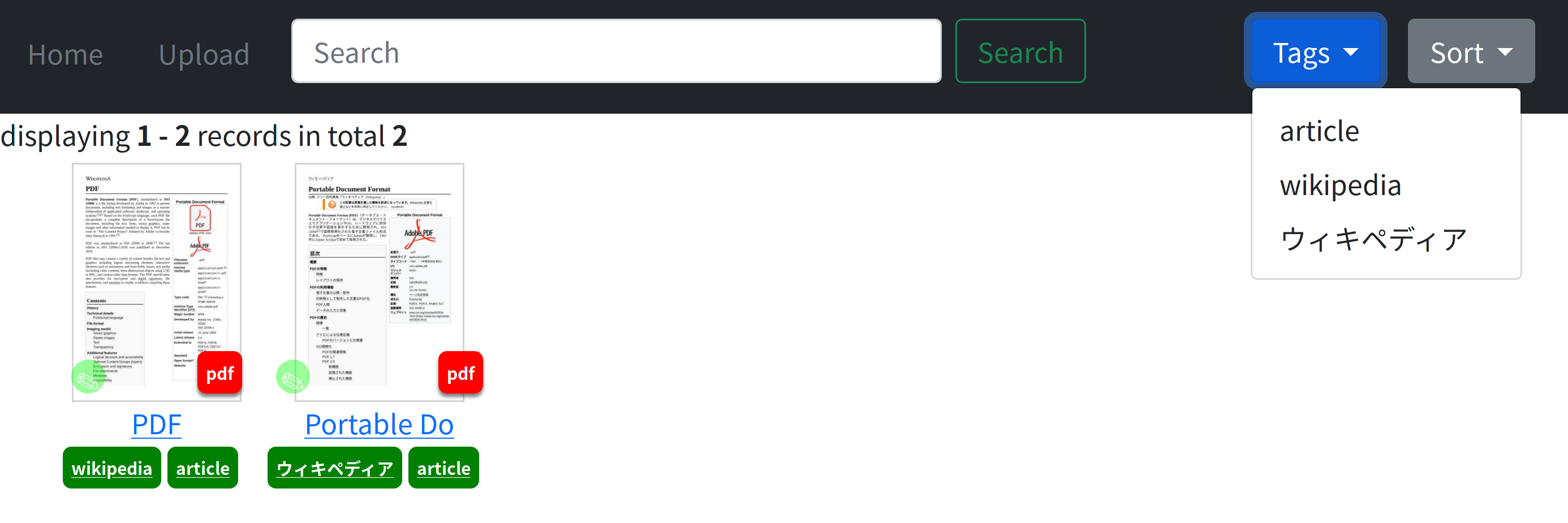
Clicking thumbnail opens the viewer. The right bottom "PDF" badge jumps into the original file. Document tagging and searching are supported.
Tiny HTML-based document viewer is included. Capabilities:
S key)
Epub reading is powered by Bibi. (This is a fantastic software!)
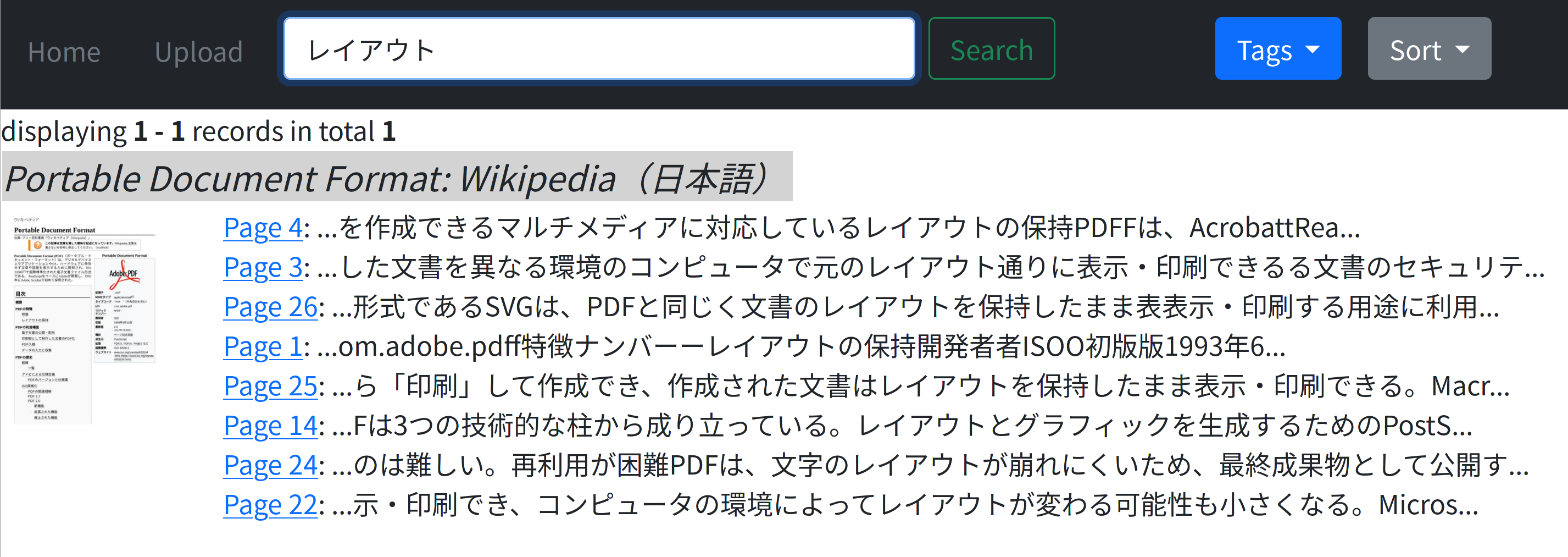
Full-text search (PDF, epub and markdown)

日本語も検索可能です Japanese search is supported. (tokenizer: 2-gram)
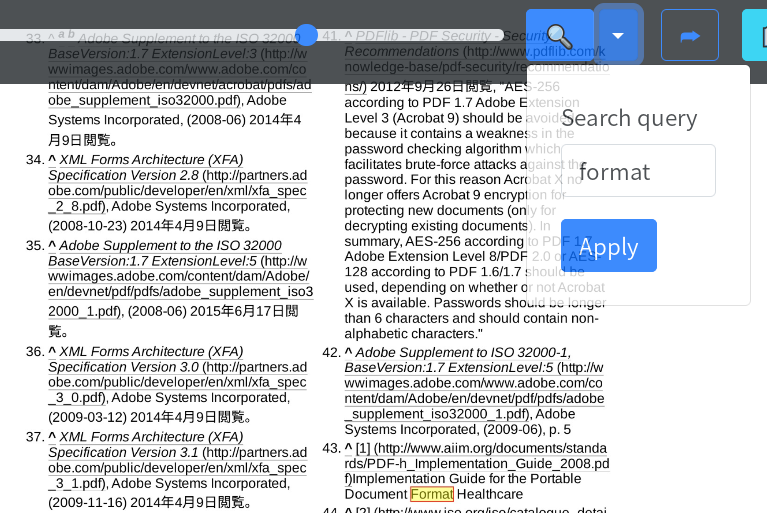
(PDF only) Search hits are highligted in page view; also in-page search is possible. (shortcut: F key)
r2l: the document is right-to-left (PDF and zip)spread: the document is shown in spread view (PDF and zip)hide: hides the document; it works, but currently the file found by search.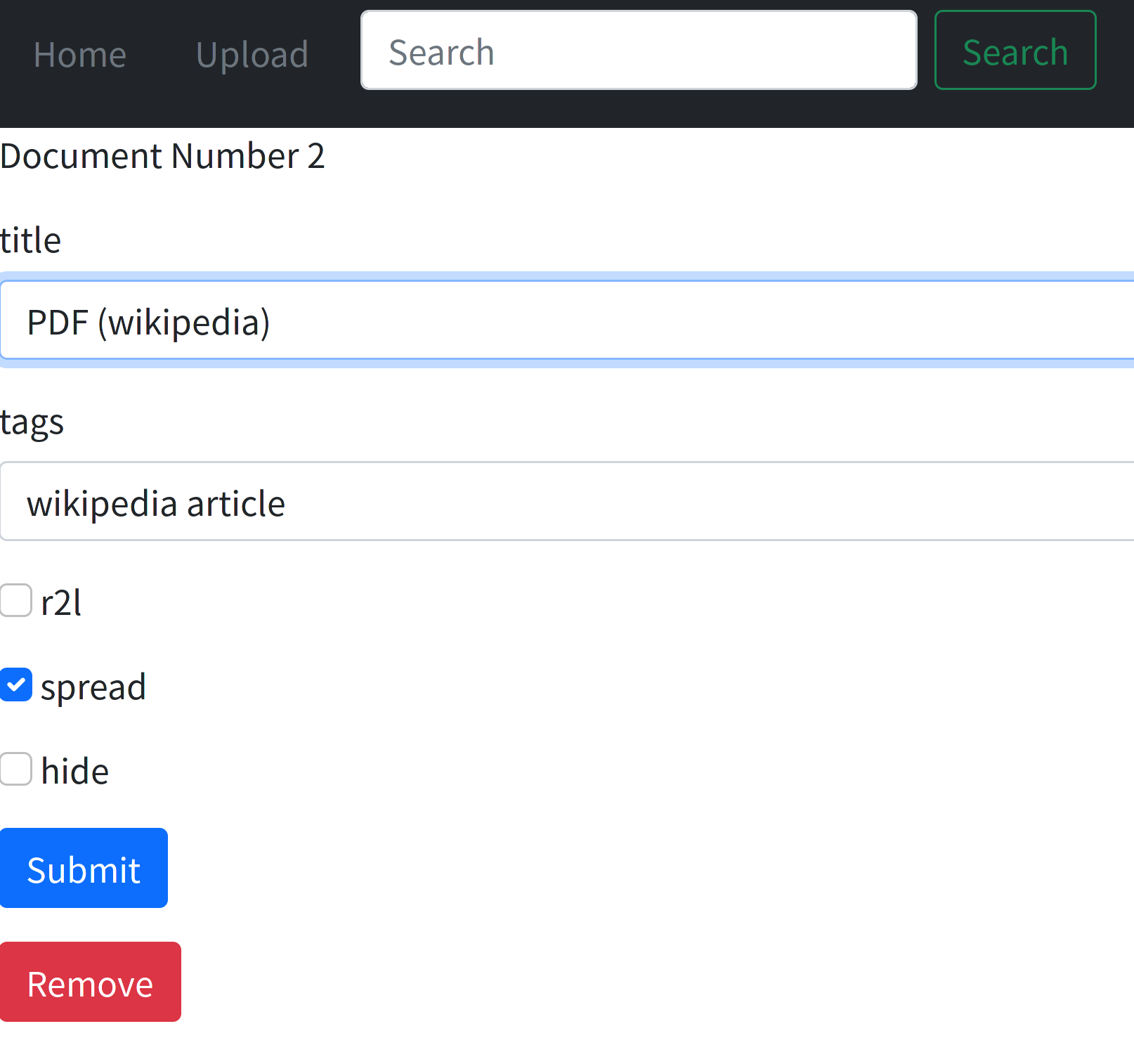
fmfm_util.py) is included.fmfm_util.py import ... to import all the files from inbox folder.fmfm_util.py remove 1 2 3 ... to remove specified books from DB.fmfm_util.py update 1 2 3 ... to update the metadata in the DB.fmfm_util.py update_title 1 2 3 ... to update the metadata, and title is replaced by the file's metadata.git clone this repository and cd into the folderSECRET_KEY to something random string in settings.pyBibi-v1.2.0.zip from Bibi releases, unpack the file and move Bibi-v1.2.0 folder into static folder.docker-compose up -dhttp://localhost:8888 by a web browser.docker container stop fmfm-filemanager-python3-1.pip install -r requirements.txt (You also need cmake and poppler-cpp package in a distro)python server.py or bash run_fmfm_local.shhttp://localhost:5000/ (Former) or http://localhost:8888/ (Latter) by a web browser.static files by nginx improves the performance. See nginx_conf.sample for example.




