MyWeather IOS app
1.0.0

Project for the IOS part of the MobDev course, consists of a weather application in objective c made with Xcode.
With the MyWeather app you can:
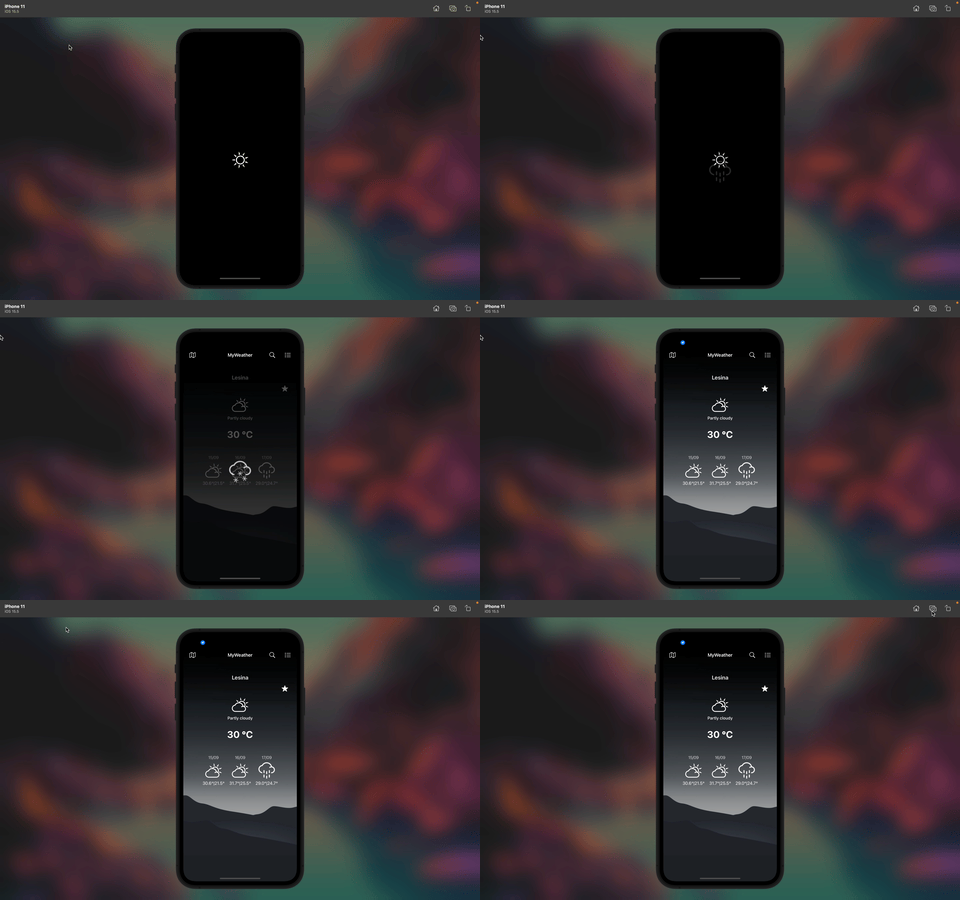
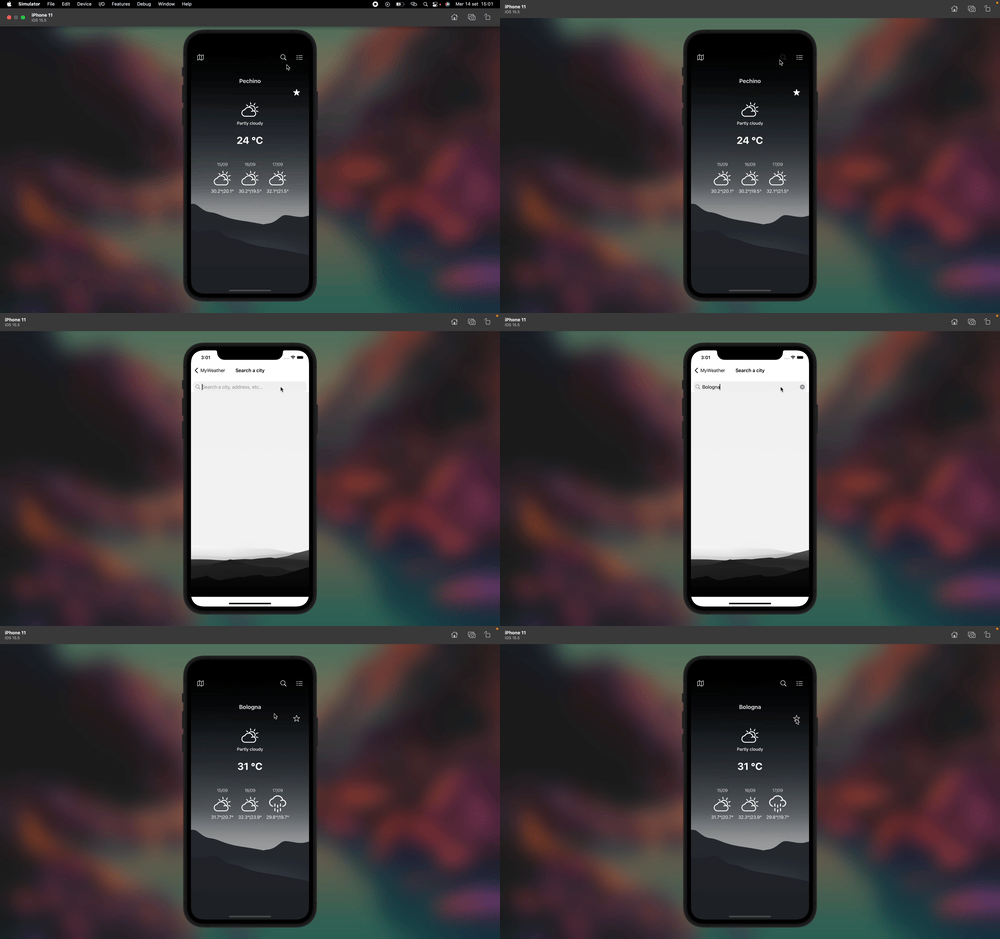
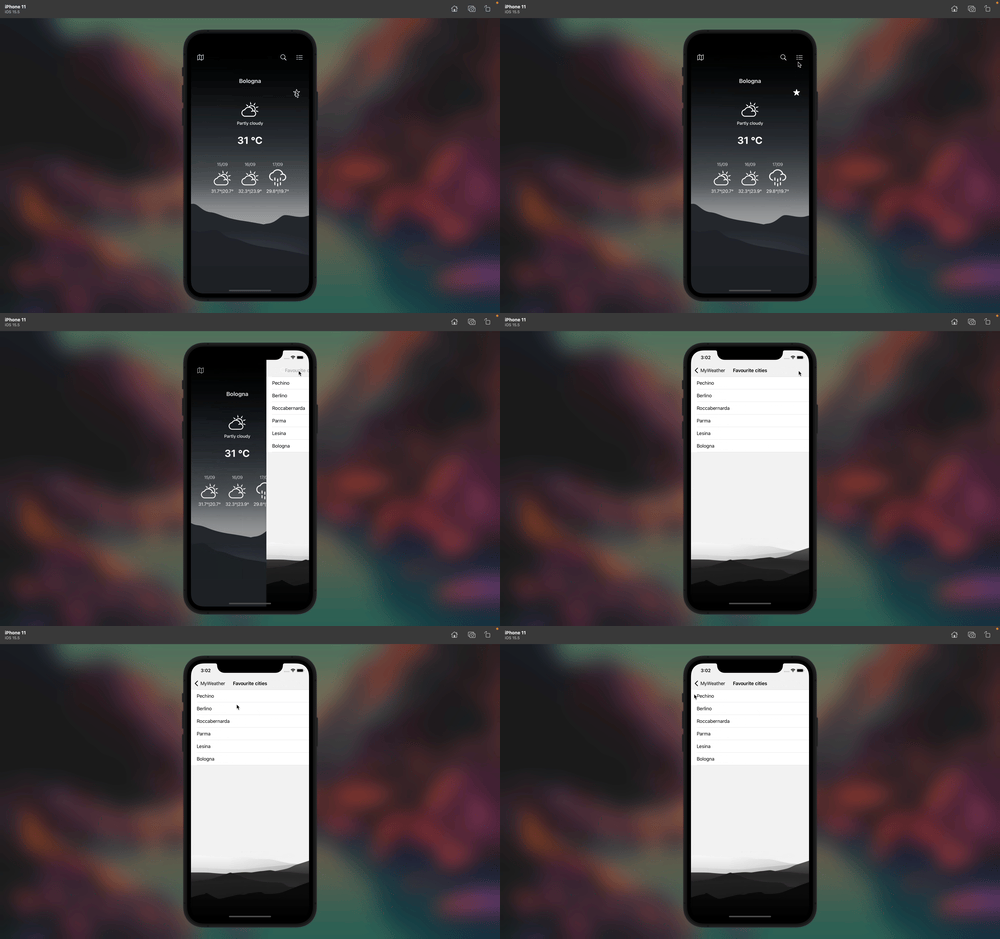
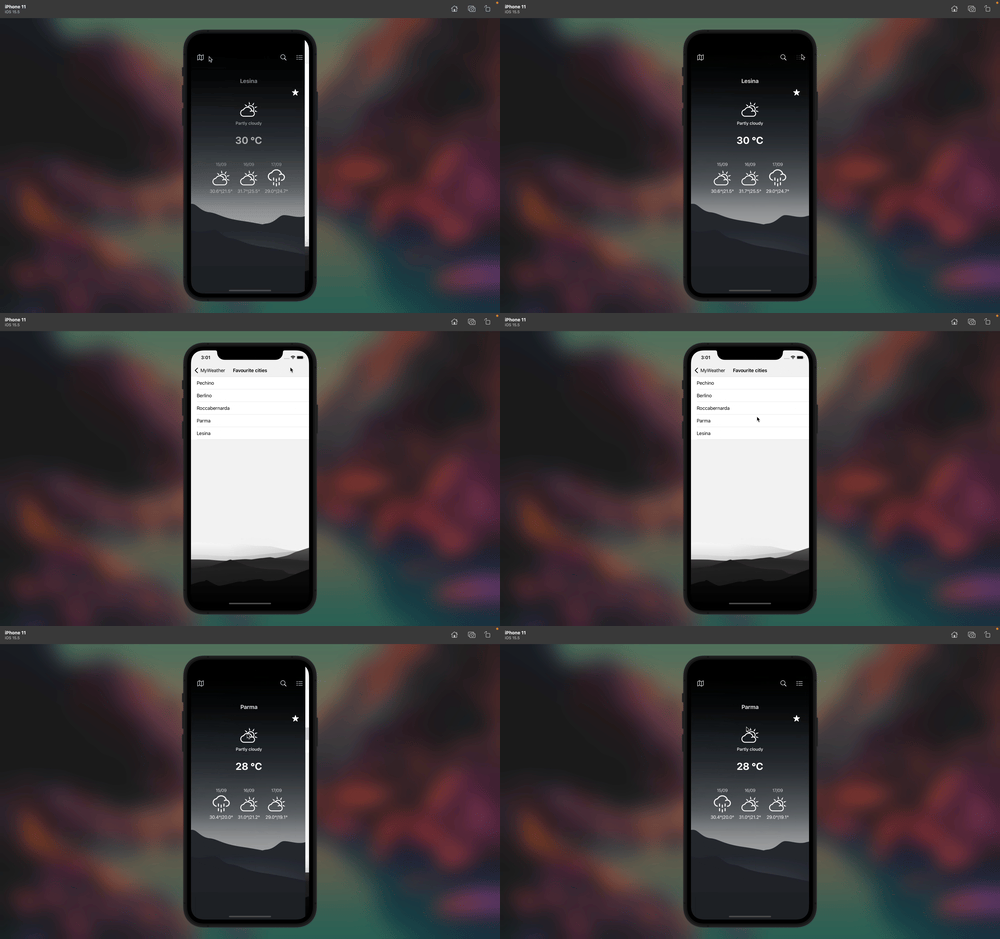
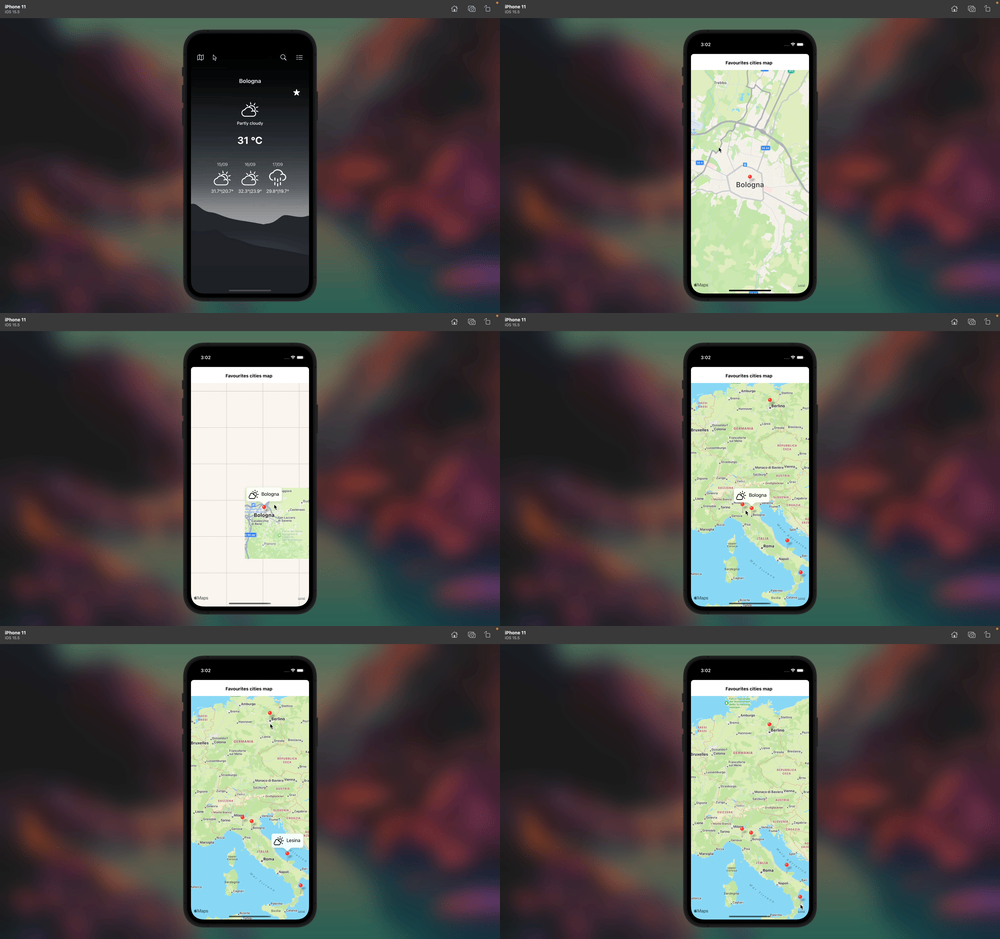
The application is based on the MVC model: Model, View, Controller.
The model is responsible for defining the application data.
The City,CityList and Forecast classes are the application model. I decided to use a Forecast class to asynchronous manage the capture of weather information via the open.meteo API and ensure smooth application use for the user.
The API is used via JSON serialisation.
The views display the data contained in the model and 'capture' the user's interaction with the application, the controllers are the brain of the application: they provide the link between view and model, manage the user inputs sent by the view and send any updates to the model.
The use of a UInavigation controller allows you to quickly and intuitively manage the use of multiple views using the stack structure (LIFO Logic).
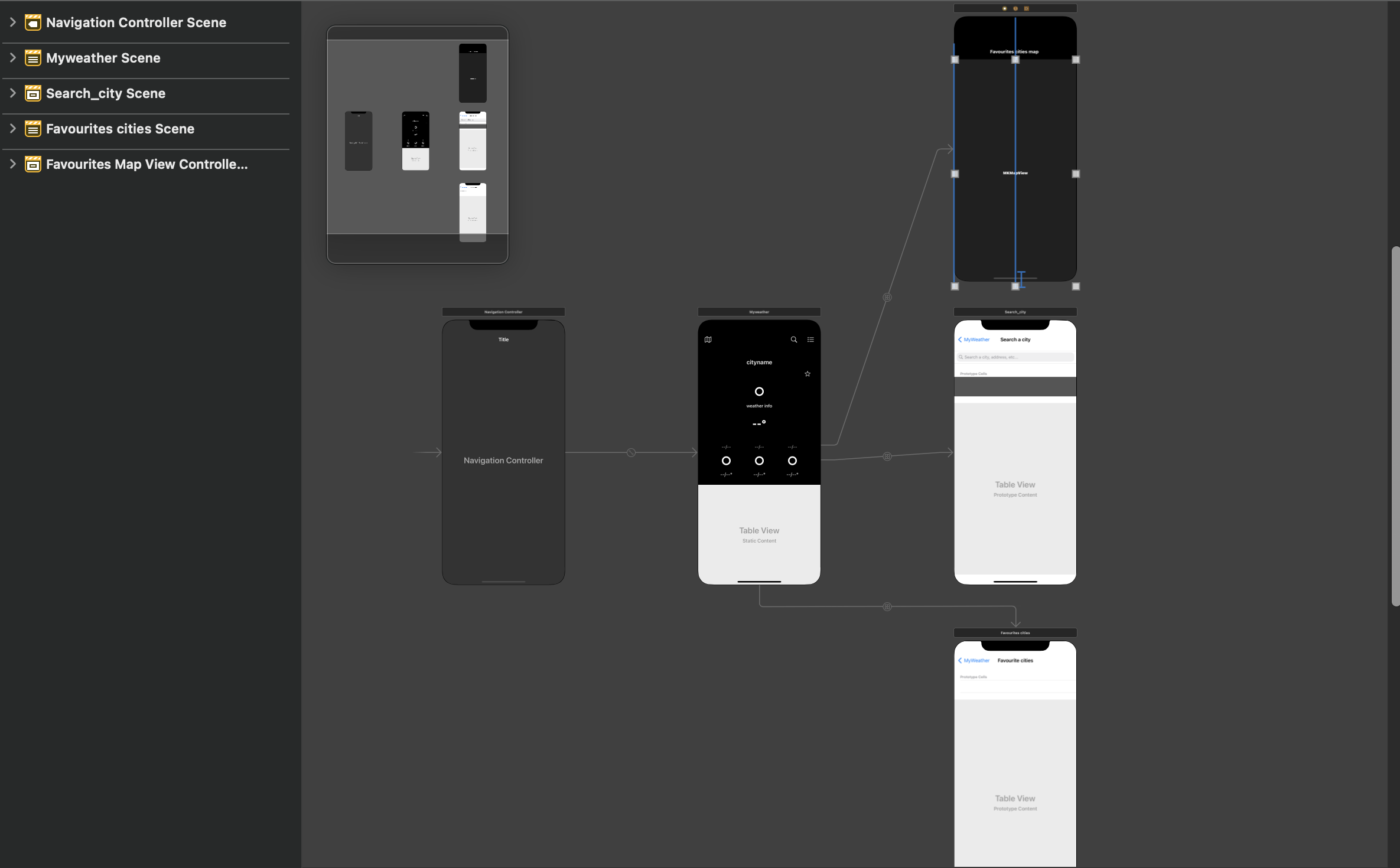
There are 4 view controllers:
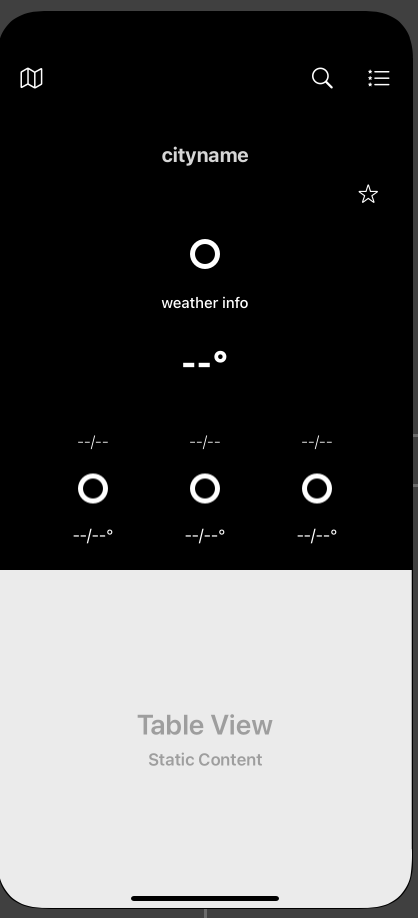
This view implements the LocationManager recording to derive the current location of the user and records the controller to listen to notifications sent by the Forecast class once the request for weather information via API has been completed to update the view.
When starting the view (method 'viewDidLoaded') the controller retrieves via file the list of favourite cities (3 arrays that handle names, latitude and longitude), to be sent via follows to the controllers (if files do not exist they are created).
The buttons on the navigation bar allow you to start the segues for the respective view controllers.
The results are displayed on a dynamic UITableView with a section and number of rows equal to the number of search results. There is a listener that captures the click on a TableView cell that allows you to send a notification to the MyWeatherTableViewController that allocates a request to the Forecast to show the weather.
Once the operation is complete, the SearchCityViewController in turn receives a notification to pop itself from the NavigationController stack.
N.B: This notification exchange operation could be replaced by implementing a delegate (by defining a protocol) of the viewcontroller that signalled the selection of a city.
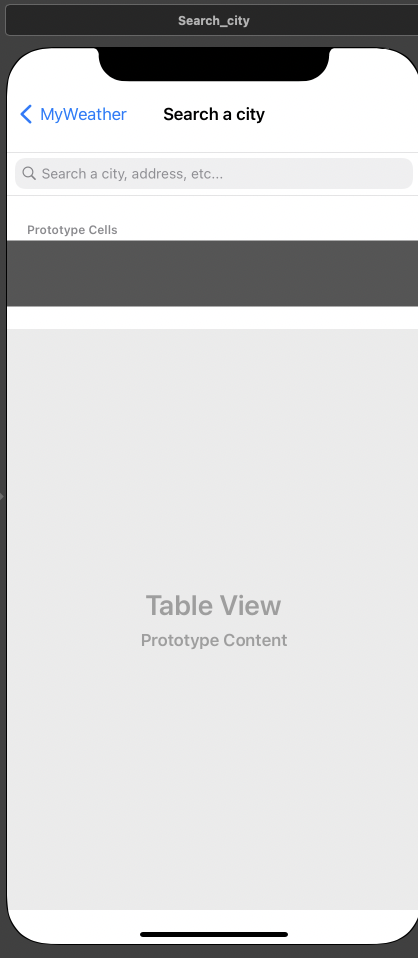
When a user selects a table view cell, the same procedure explained above is applied to notify MyWeatherTableViewController to initialise the Forecast object and make the transition to show the view.
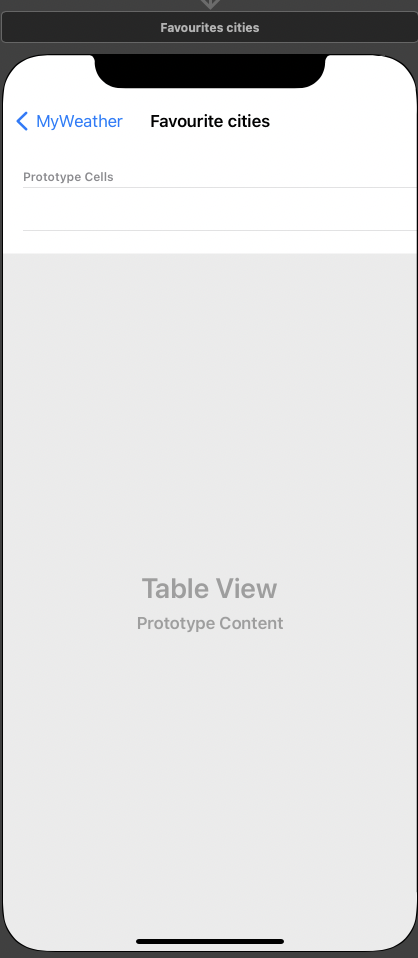
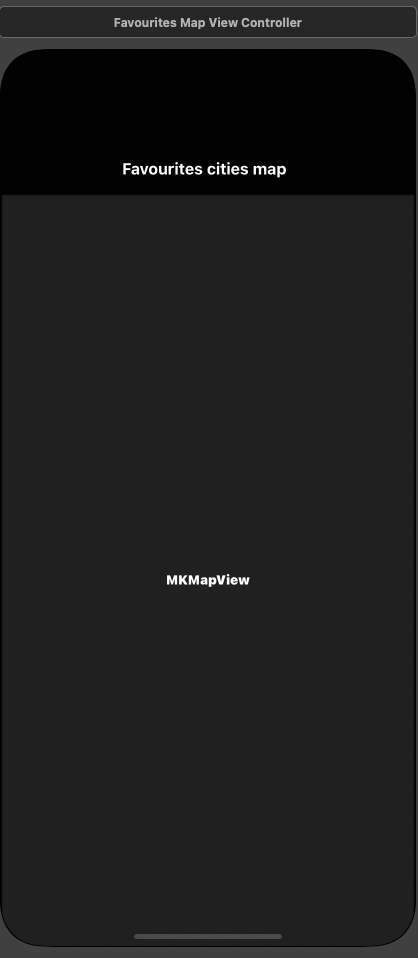
To create annotations, the ViewController receives the arrays of favourite cities saved in files and draws an annotation for each pair of coordinates of the favourite city.
There is a Listener on the touch of an annotation that proceeds with the generation of a current day weather request in the selected city and shows it to the user.