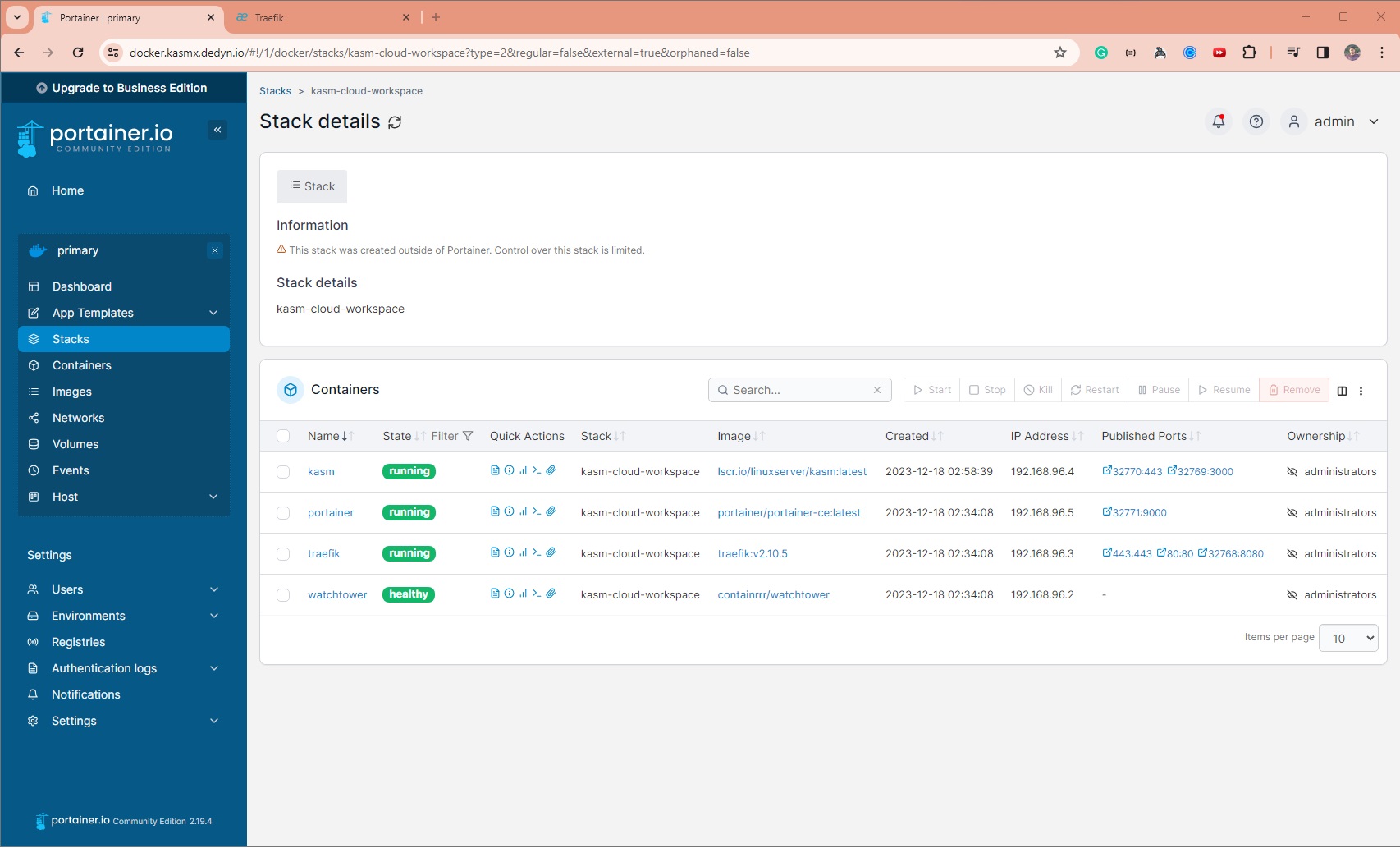
kasm cloud workspace
1.0.0

Run Linux Desktop on Web for FREE - KASM Workspace on Oracle Cloud - Ampere A1 Compute Instance.
140.240.180.210Note:
While the above pre-requisite is given to setup a Linux Instance in Oracle Cloud ARM instance, this setup will work in other cloud providers like AWS, GCP, Azure as well.
Simply create a Linux Instance, install Docker and open HTTP Ports.
Make sure to select an instance type with sufficient RAM and CPU to run multiple Linux Desktops.
Create an account in https://desec.io
Create a new Domain YOUR_DOMAIN.dedyn.io under https://desec.io/domains - Example: apps.dedyn.io
Add multiple A records in YOUR_DOMAIN.dedyn.io and point to the Public IP Address of the instance.
| Type | Subname | IP Address | TTL (seconds) | Comments |
|---|---|---|---|---|
| A | (blank) | 140.240.180.210 |
3600 | points to YOUR_DOMAIN.dedyn.io |
| A | * |
140.240.180.210 |
3600 | points to *.YOUR_DOMAIN.dedyn.io |
| A | docker |
140.240.180.210 |
3600 | points to docker.YOUR_DOMAIN.dedyn.io |
| A | installer |
140.240.180.210 |
3600 | points to installer.YOUR_DOMAIN.dedyn.io |
| A | proxy |
140.240.180.210 |
3600 | points to proxy.YOUR_DOMAIN.dedyn.io |
Note: For some reason the wildcard is not working and all other subname/subdomain had to be explicitly added.
Create and note down the DESEC Token under https://desec.io/tokens - say YOUR_DESEC_TOKEN_STRING
git clone [email protected]:RawSanj/kasm-cloud-workspace.git && cd kasm-cloud-workspace# Set desec.io token created in Step 1.4
export DESEC_TOKEN="YOUR_DESEC_TOKEN_STRING"
# Set Traefik Credentials:
export TRAEFIK_CREDENTIALS=$(htpasswd -nbB admin "SuperSecretPassword")
# Set WORKING_DIR to point to cloned repo directory:
export WORKING_DIR="/path/to/kasm-cloud-workspace"YOUR_DOMAIN.dedyn.io in entryPoints.websecure.http.tls.domains section and email for certificate expiry notifications from Let's Encrypt
# Run below command to replace exiting domain with your domain
sed -i 's/apps.dedyn.io/YOUR_DOMAIN.dedyn.io/g' traefik/traefik.yml
# Run below command to replace exiting email with your email
sed -i 's/[email protected]/[email protected]/g' traefik/traefik.ymlYOUR_DOMAIN.dedyn.io in tls.stores.default.defaultGeneratedCert.domains section.
# Run below command to replace exiting domain with your domain
sed -i 's/apps.dedyn.io/YOUR_DOMAIN.dedyn.io/g' traefik/config.ymldocker-compose up -dhttps://installer.YOUR_DOMAIN.dedyn.io to setup KASM credentials and Workspaces. You can add more Workspaces later via Admin UI.https://kasm.YOUR_DOMAIN.dedyn.io and login to start using KASM Workspaces.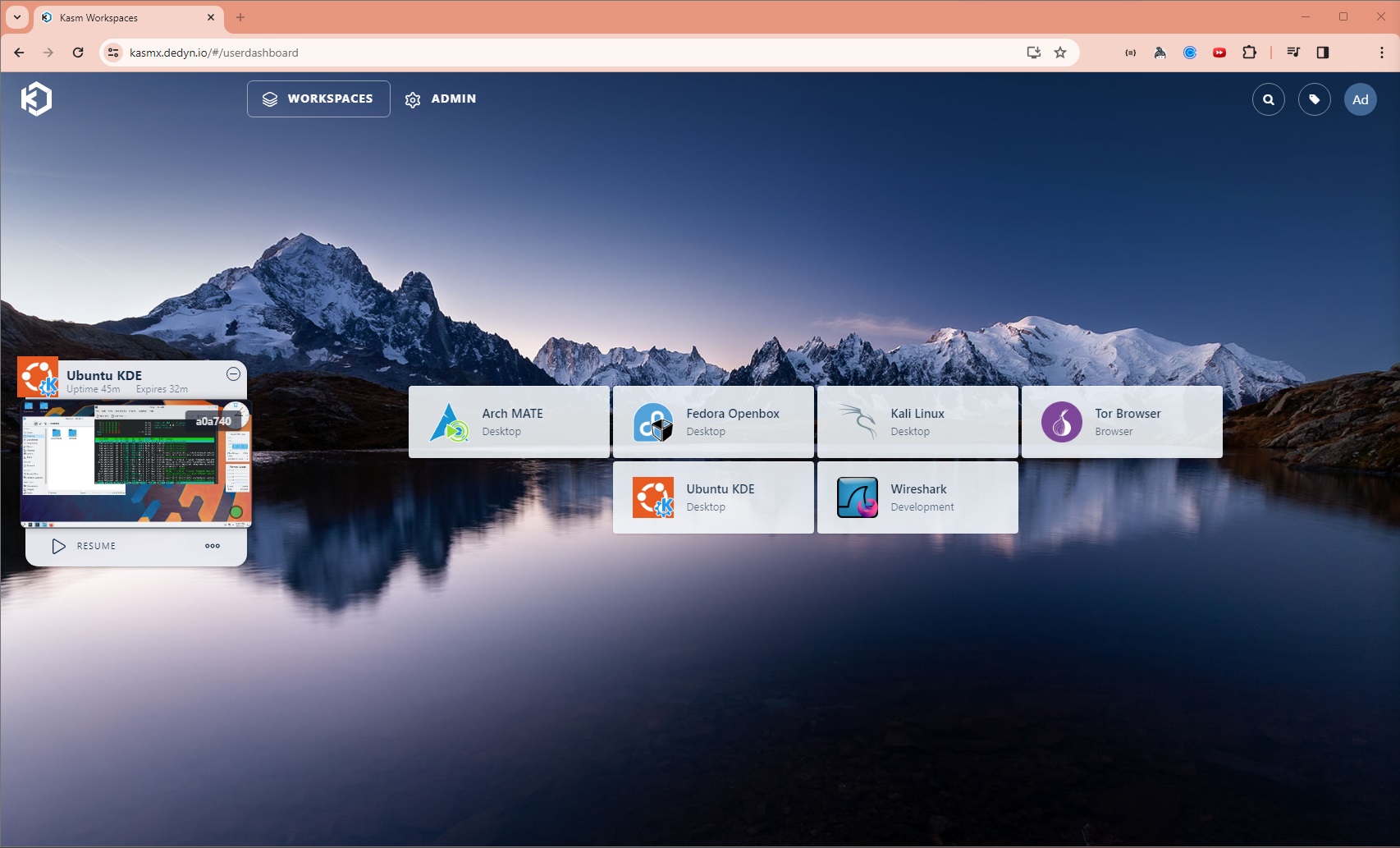
Visit https://docker.YOUR_DOMAIN.dedyn.io to start managing and deploying docker containers.