[ENGLISH README]
Airplay Receiver For Android & Windows
- Android receiver | Android sender | Official website download
- Windows Receiver
- Sells the source code of the Airplay protocol, which can be run on linux/android and other platforms
- Deep code optimization, extremely low mirroring latency, choice for tens of thousands of paid users
- Supports 1080p/2K/4K mirror resolution negotiation and 30/60 fps mirror frame rate negotiation
- Supports Airplay/Android mirror/DLNA, supports multiple Airplay mirroring at the same time
- Support iPhone/iPad using USB data cable to project the screen, the screen is constantly open, and the frame rate is stable 60fps
- Supports Android USB cable projection, audio and video mirroring at the same time, low latency and no lag
- In iOS and MacOS, use the Airplay protocol, no software is required, and the screen projection is directly mirrored without installing software
- Install the screen projection client app on Android to realize split-screen display
- Screen projection counter-control, that is, Android receiver reverse control sending end
- Supports double-speed playback, supports 4K video playback, and can push 4K content playback of iQIYI/Tencent Video/Youku and other apps (relying on the hardware specifications of the receiver side)
- Deep optimization of protocol layer and decoding layer, low latency, no delay for screen-casting racing games (120ms)
- Supports vertical screen display, mobile phone screen can be enlarged and displayed on vertical screen displays such as advertising machines
- The screen projection client is installed in Windows system, and the screen projection code can be used to project the screen to the corresponding receiver with one click. It supports mirroring the computer screen to multiple receivers at the same time, and the receiver can also display multiple screens at the same time, that is, it supports one-in-one and one-in-one, suitable for conference offices, PPT demonstrations
connect
- Official website | Gitee | Github |
- Email: [email protected]
- WeChat: maxfirefly
- Telegram: https://t.me/maxguguji
Function display
MacOS Mirror 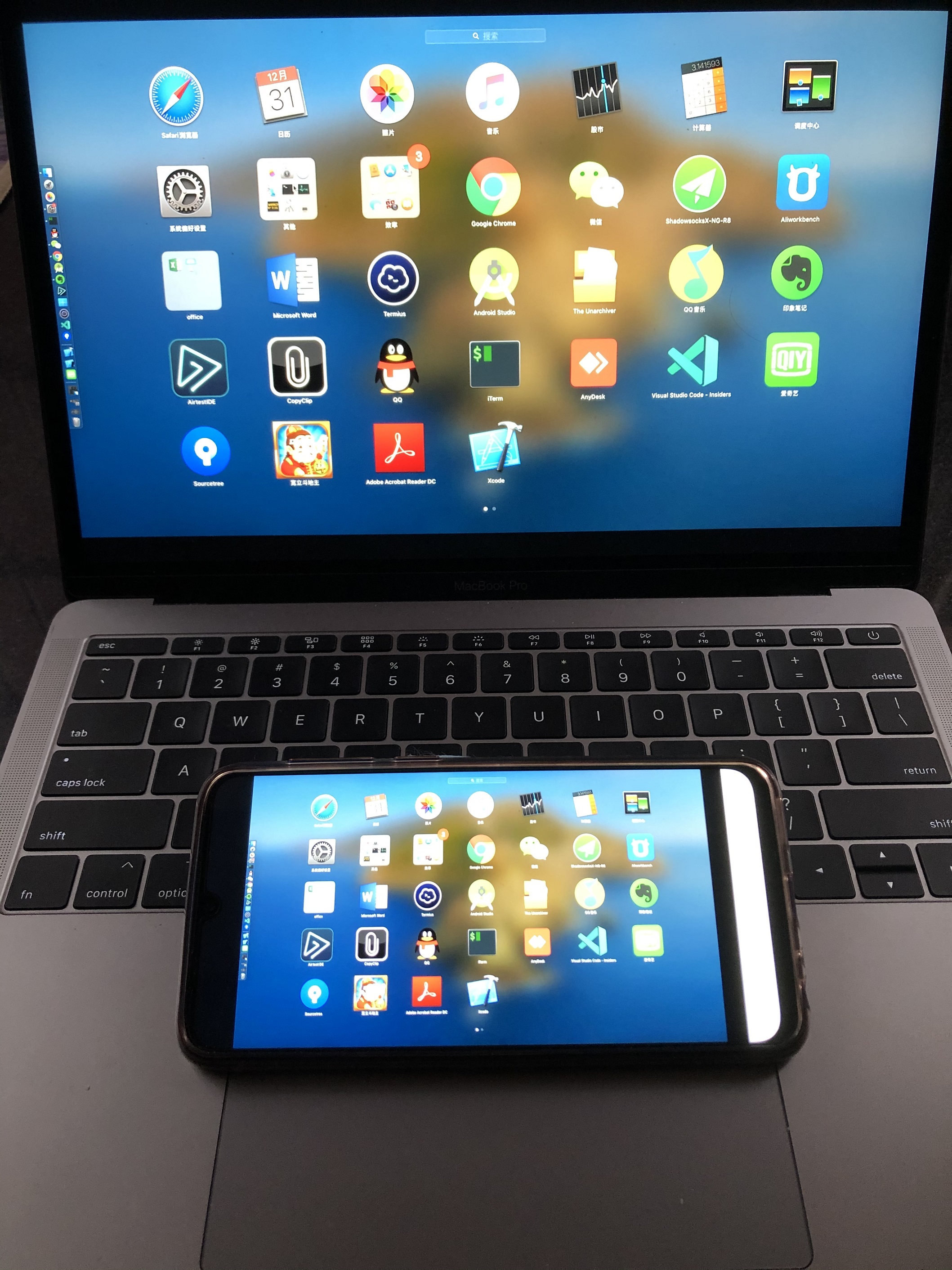
It supports up to four split-screen display functions. Its advantage is that it can display 4 solutions on the large screen at the same time. Multiple computers or mobile phones can project the screen to the TV at the same time 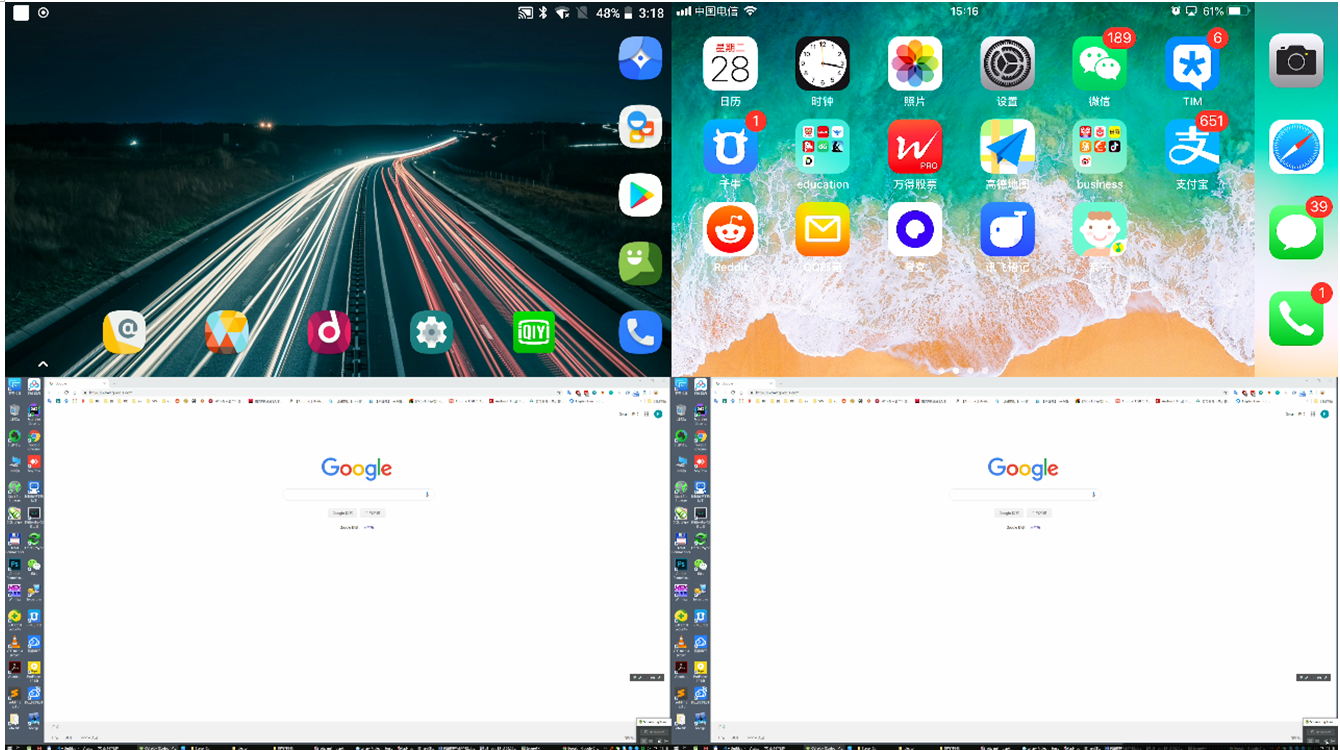
Deeply optimized for vertical screen display, supporting Airplay / Miracast / mobile app vertical screen display, low delay and no loss of original image quality 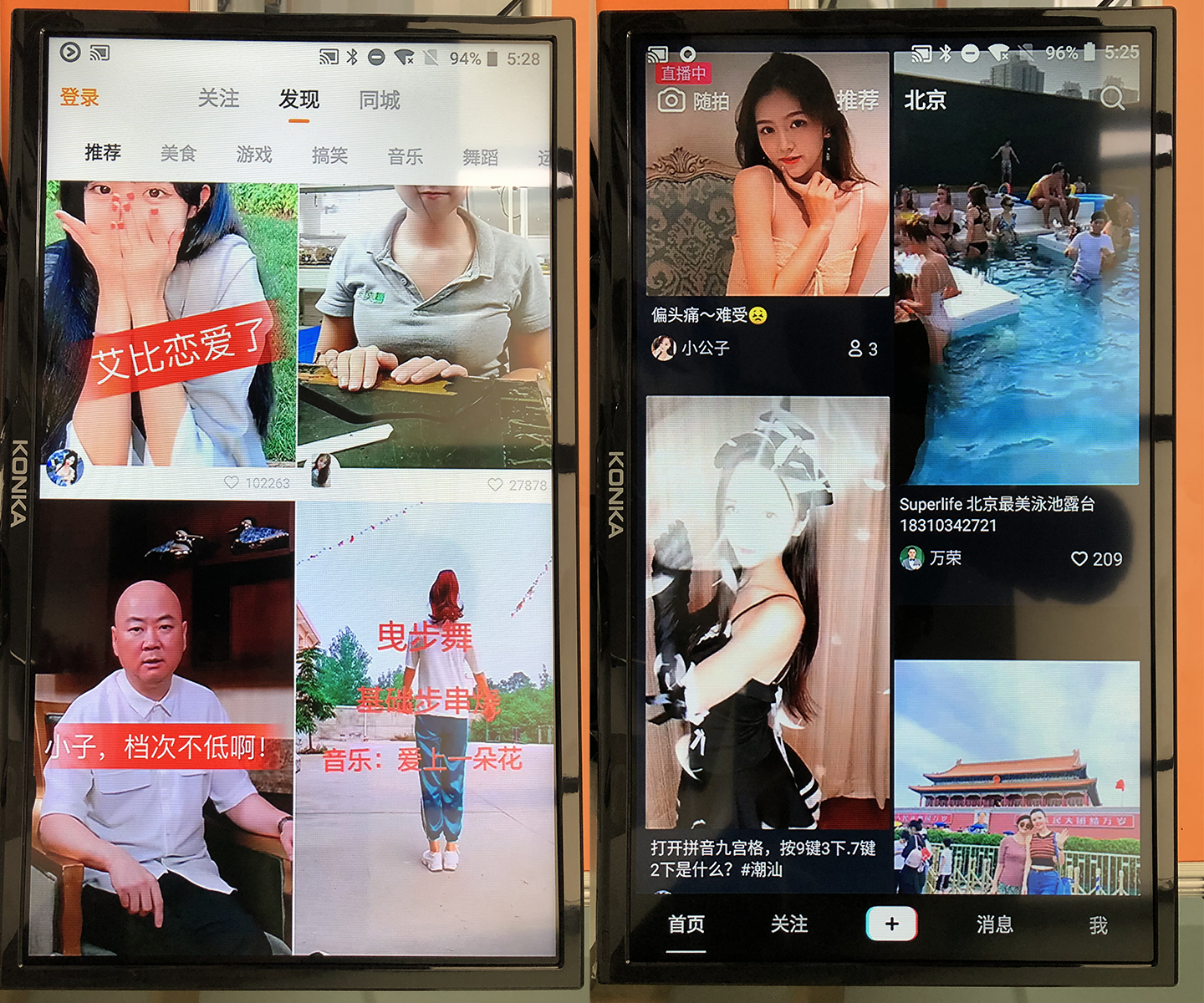
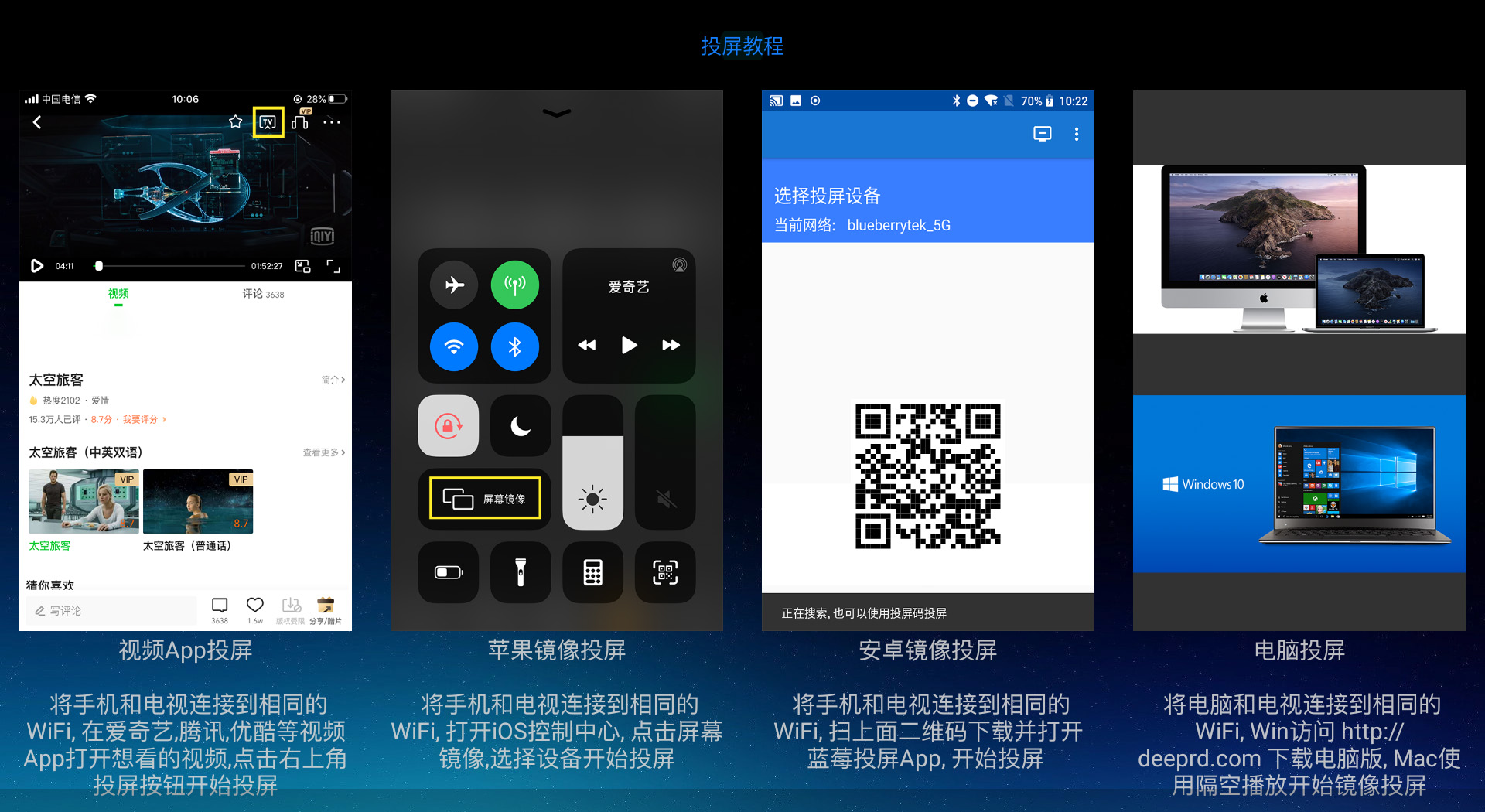
Screen projection tutorial
Other questions
When the app is installed on some platforms, there may be mirror lag and delay. This is because of the difference in codec implementations of various chip companies. Currently, this app is mainly debugged on Rockchip/Qualcomm mobile platform. It is very smooth on Rockchip 3288. You can click on the link to see. In order to achieve the best results, it is necessary to optimize the debugging and optimization for the chip platform.
Two-segment screen
Android screen casting






