YesPlayMusic
v0.4.9


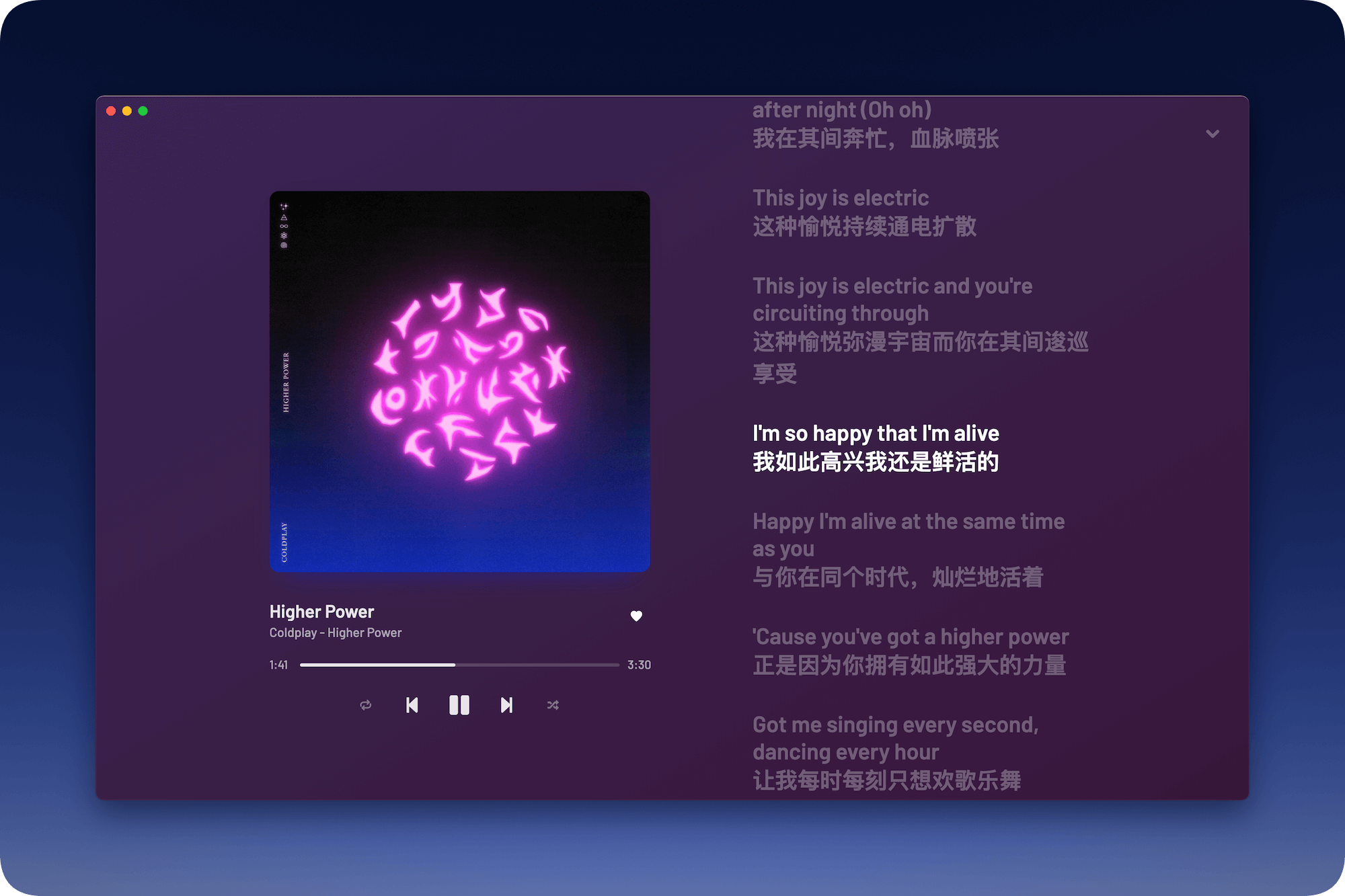
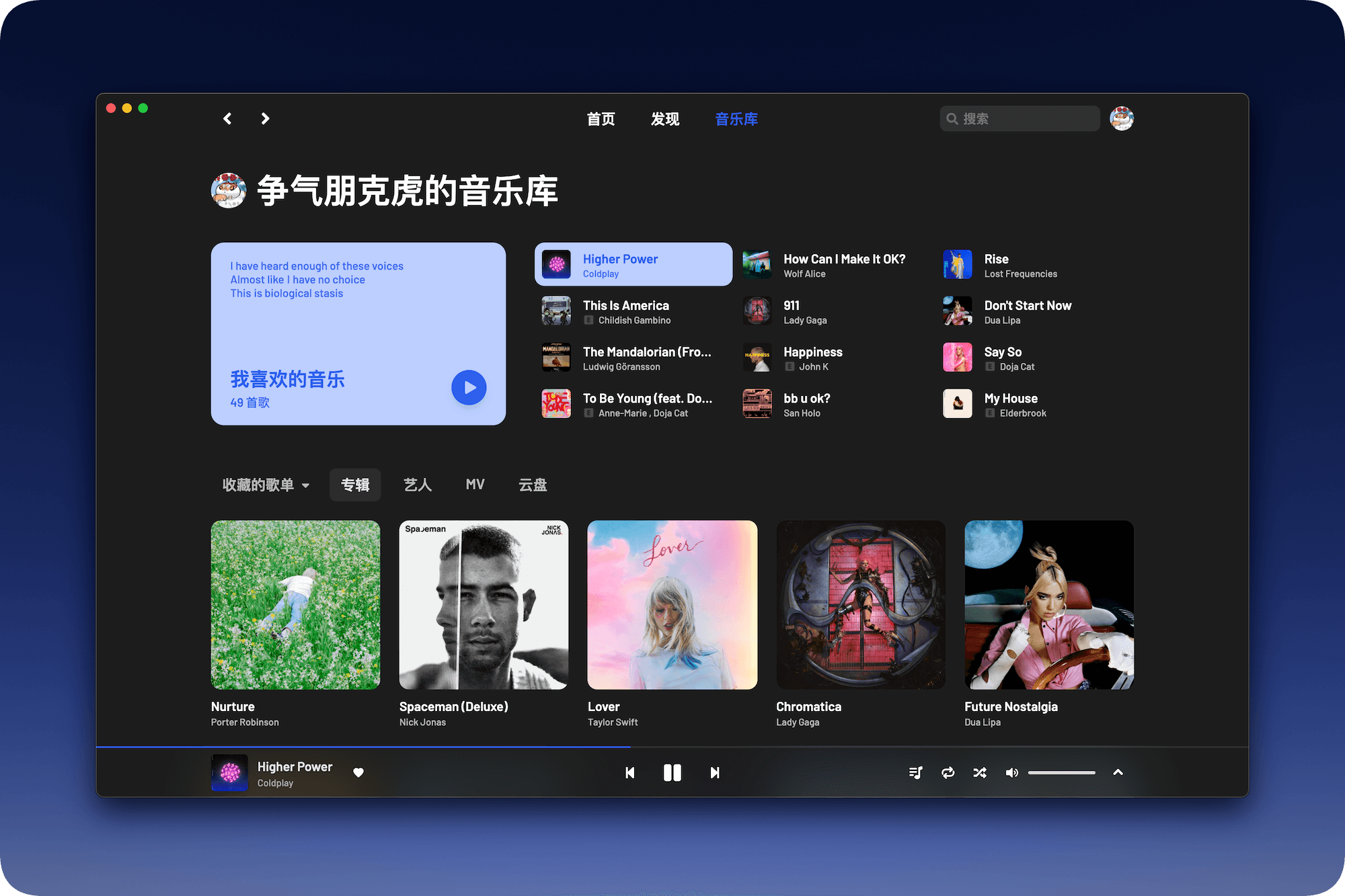
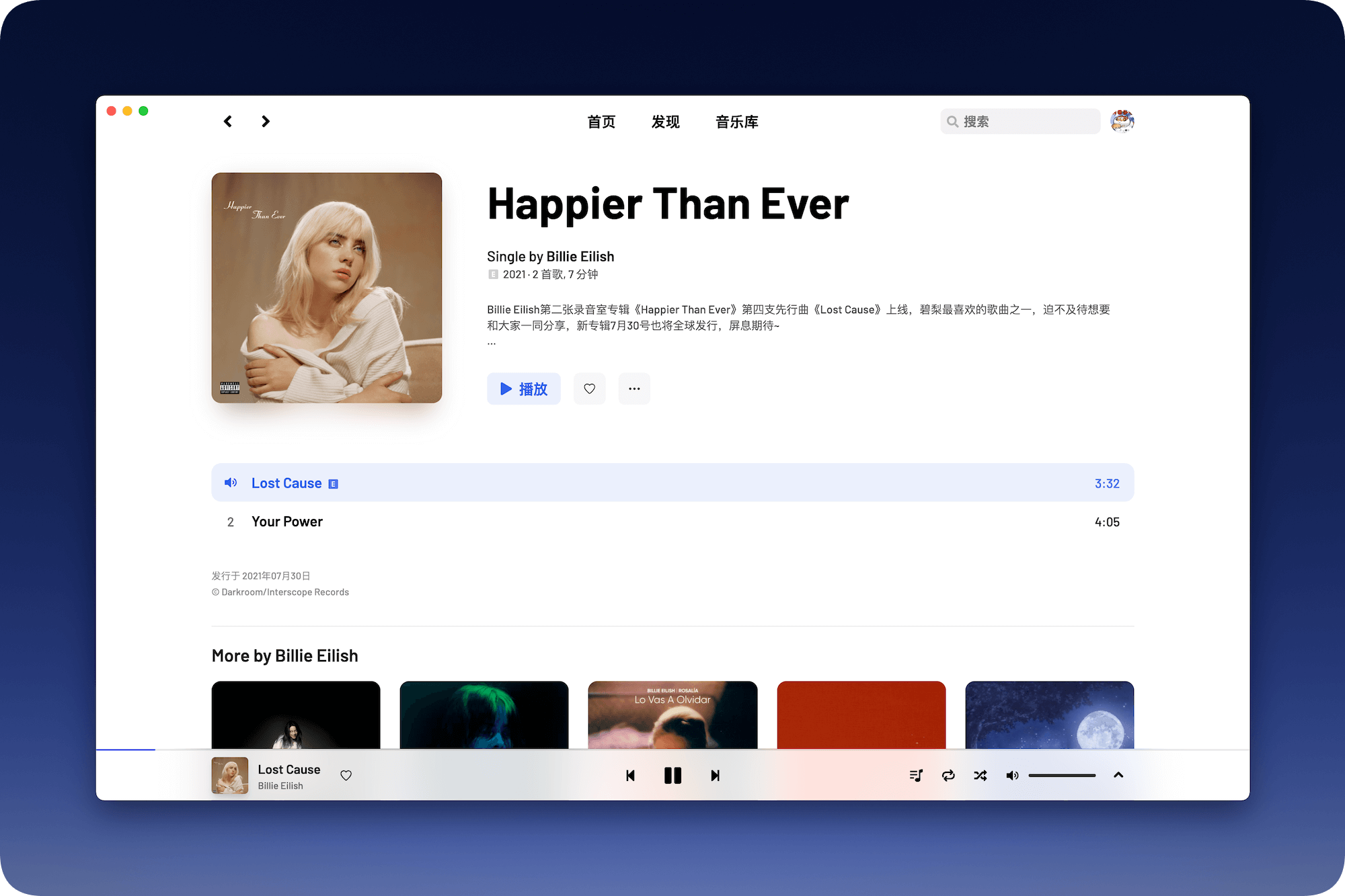
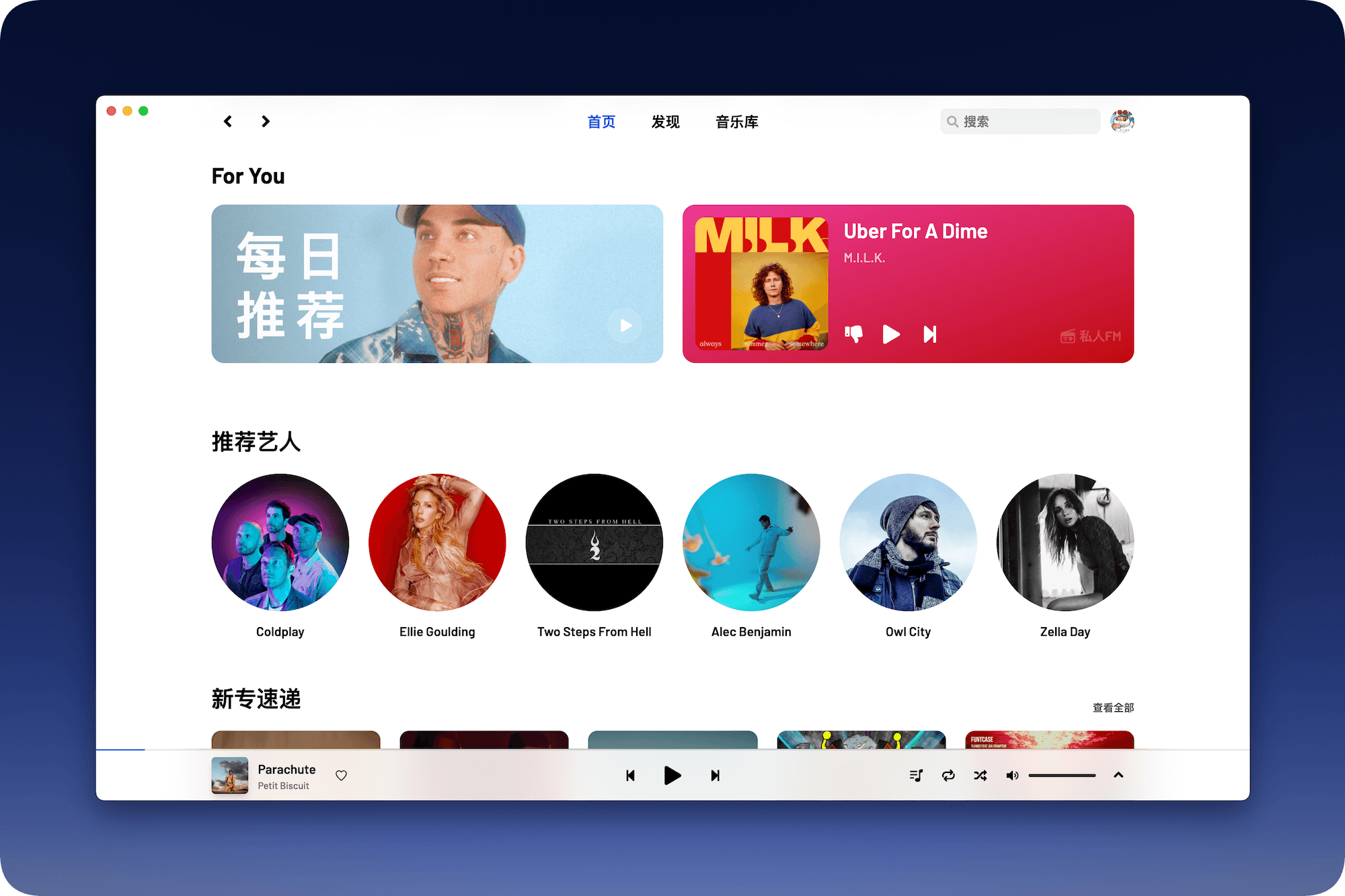
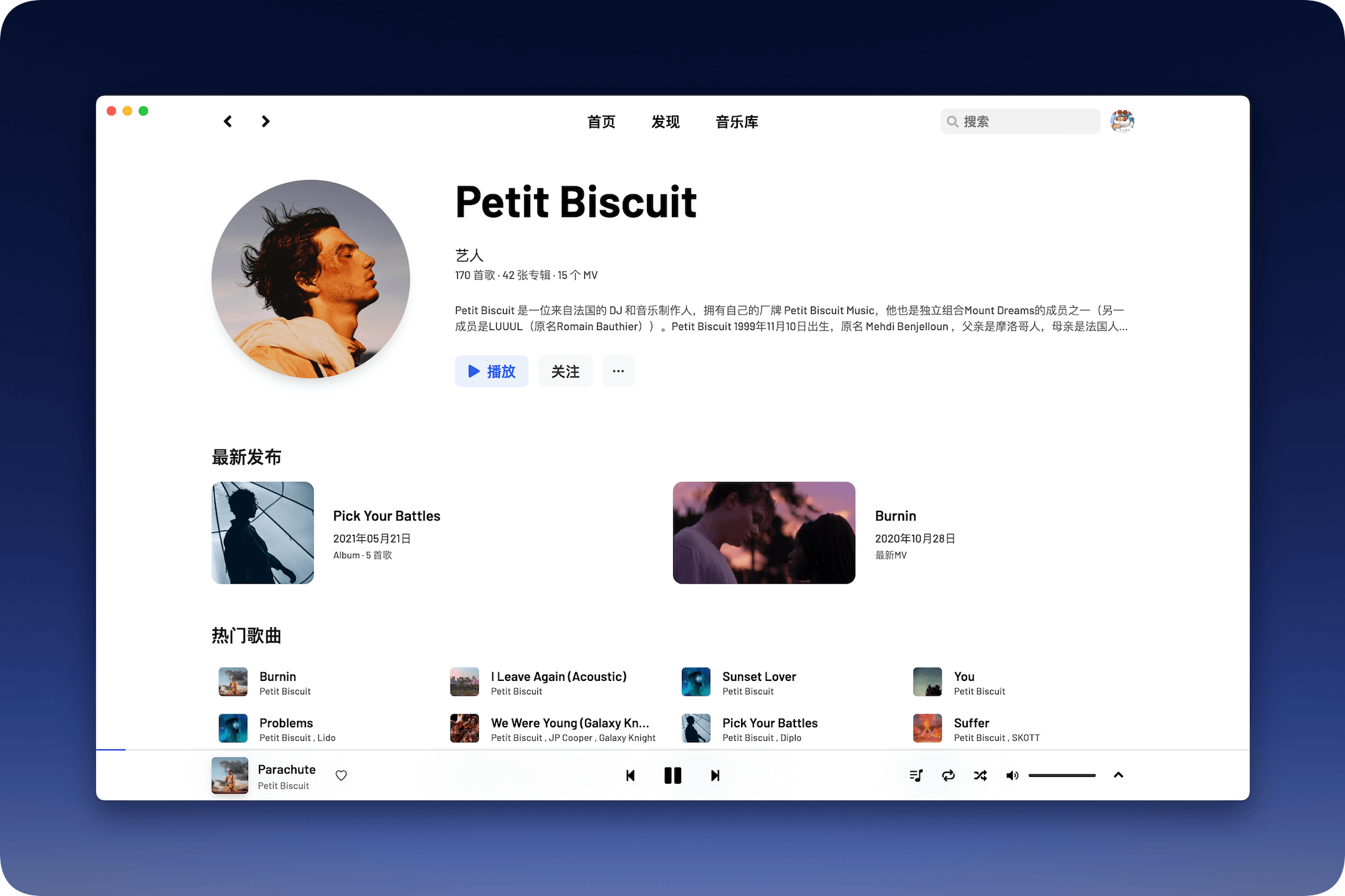
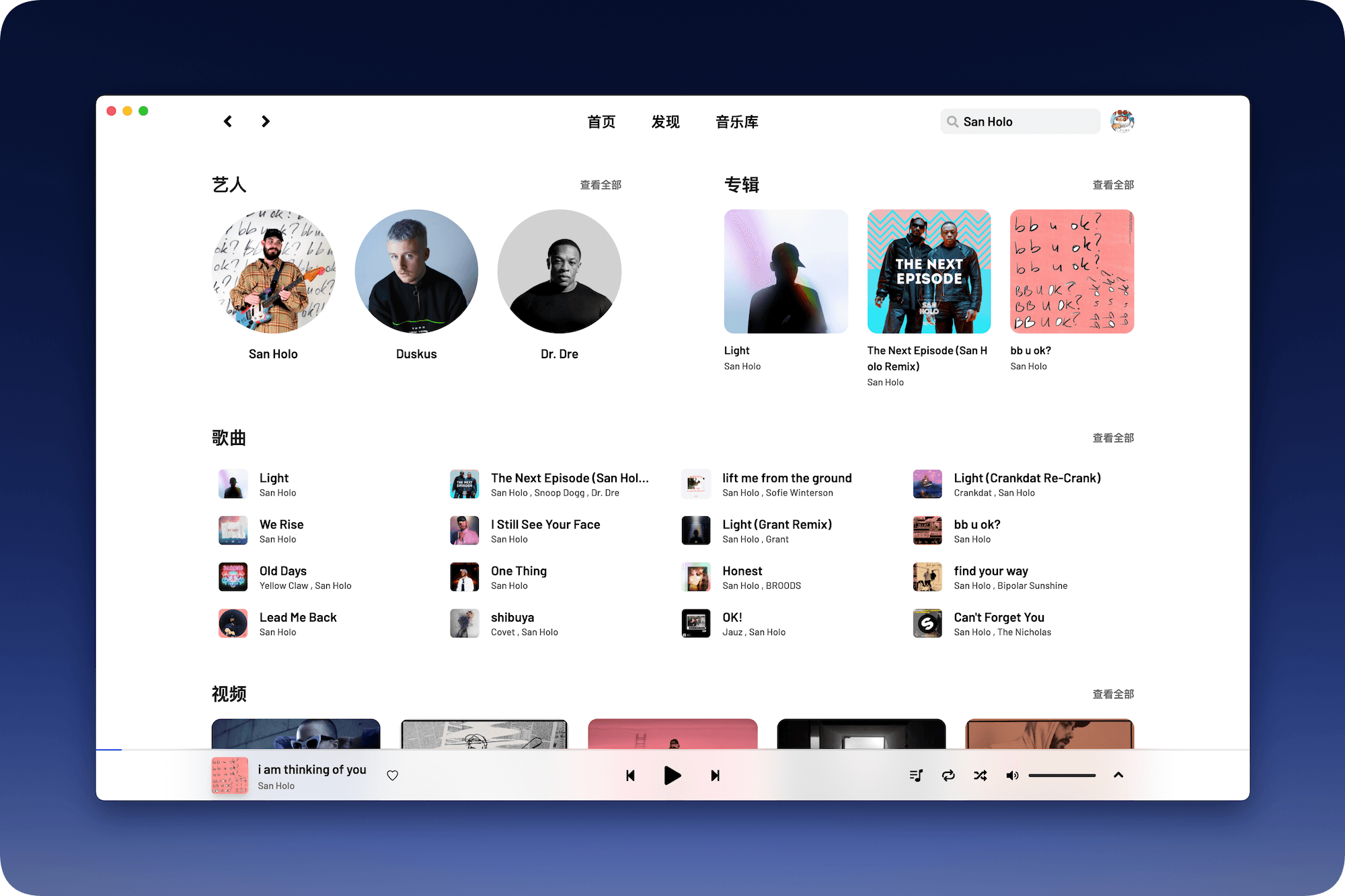
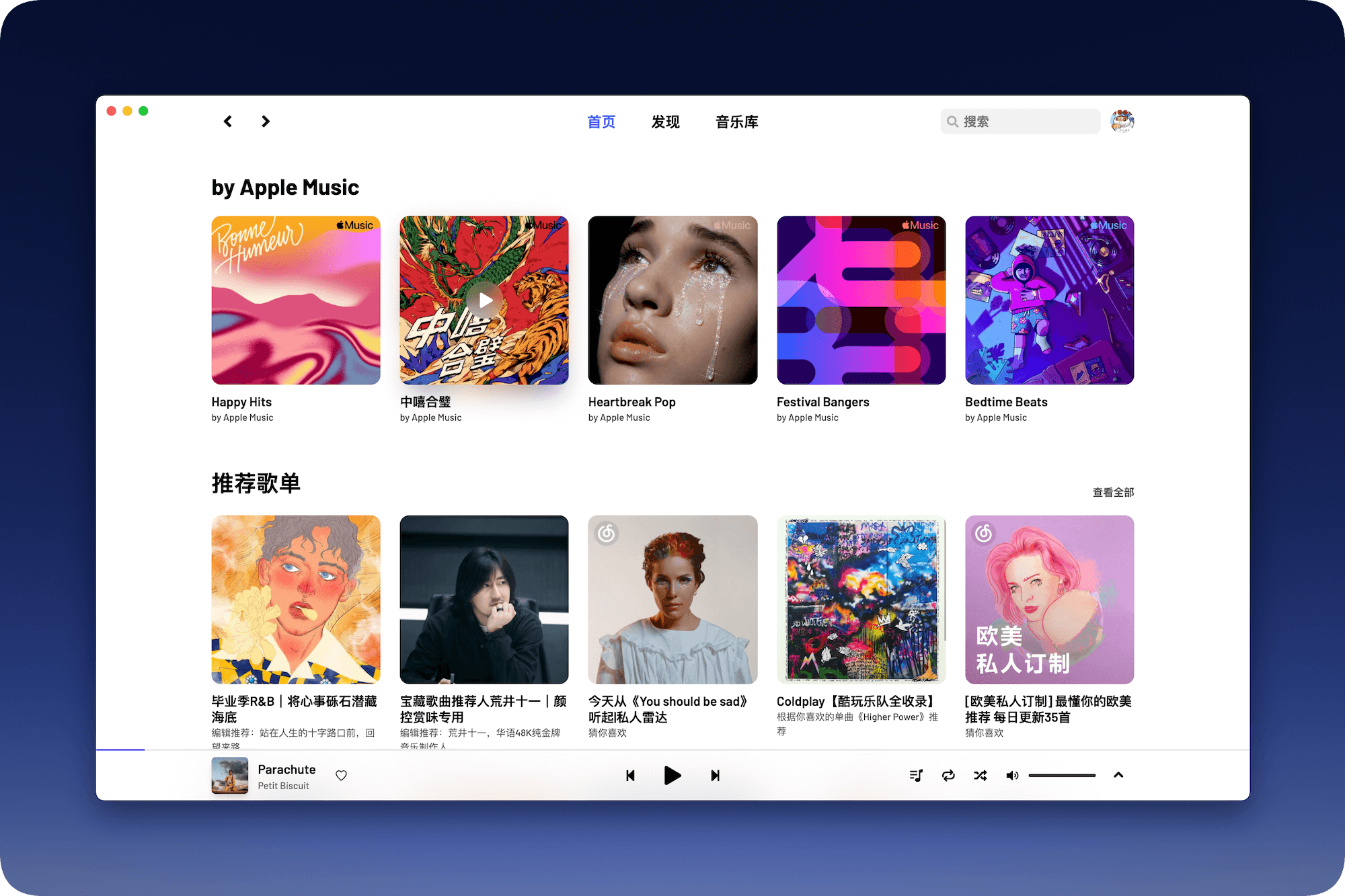
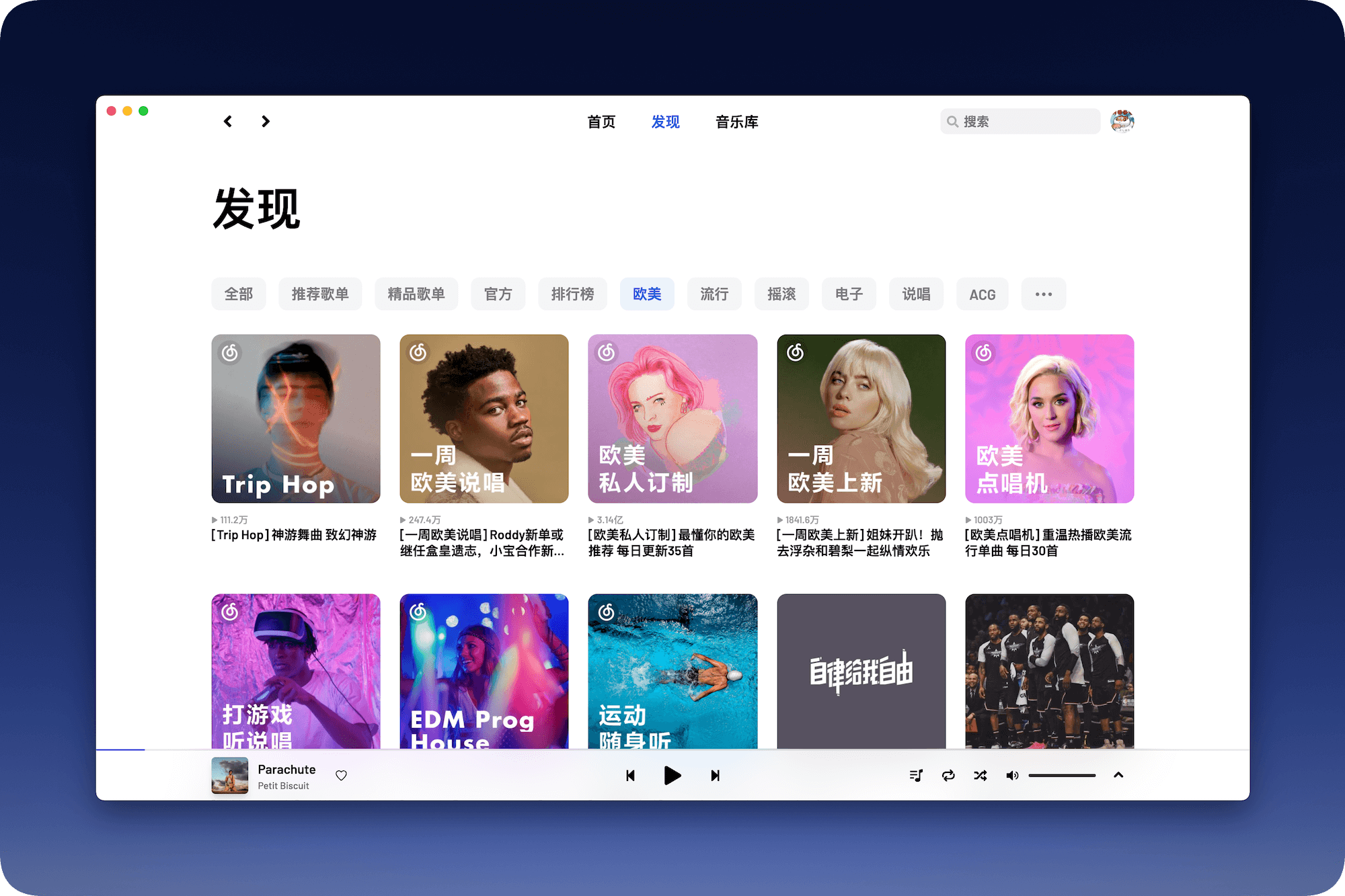
A high-value third-party NetEase Cloud Player
? Visit DEMO | ?️ Download the installation package | Join the exchange group
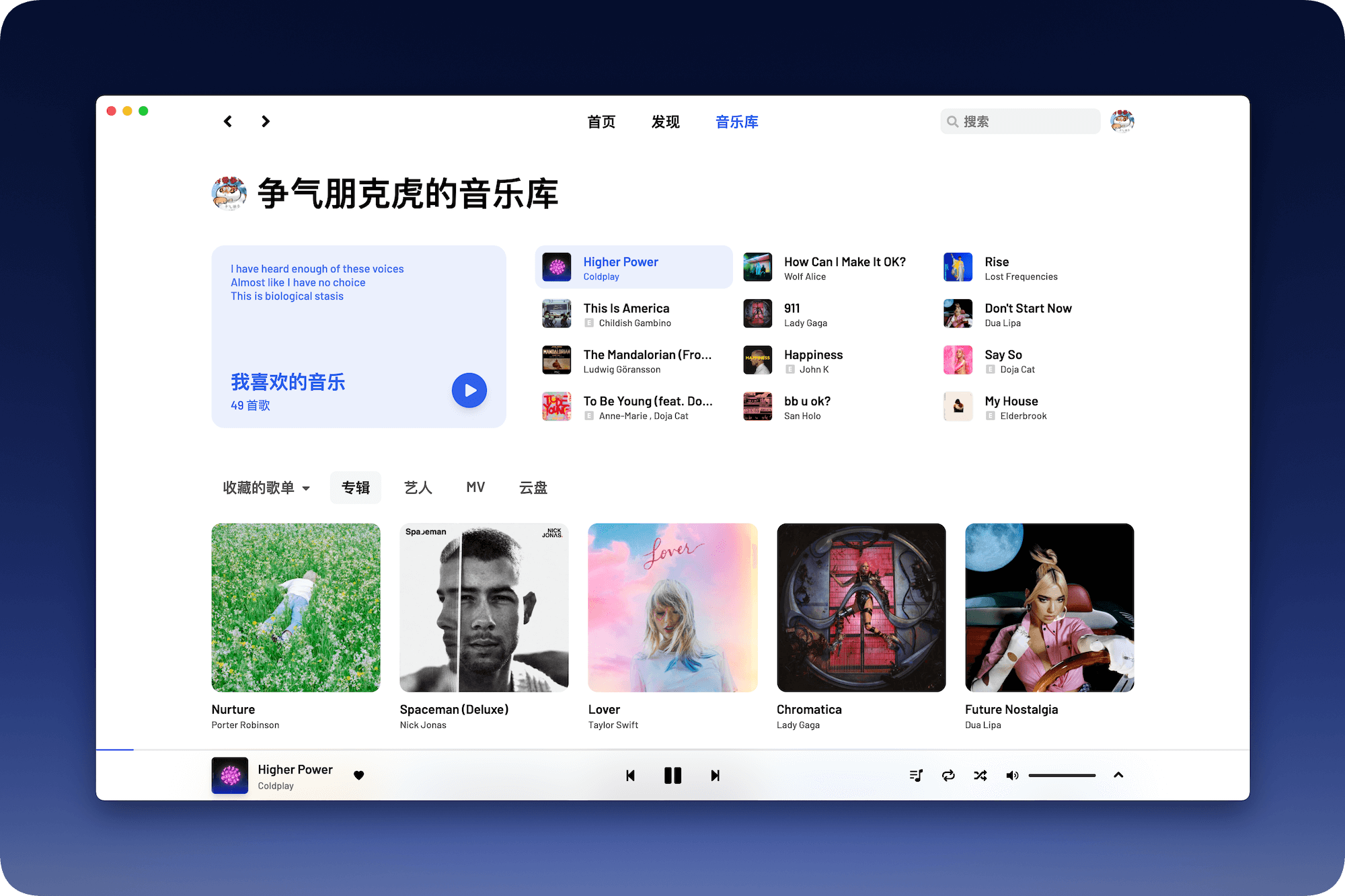
The new 2.0 Alpha beta version has been released, welcome to the Releases page to download. The current version will enter maintenance mode, and no new functions will be updated except for major bug fixes.
yt-dlp by itself.The Electron version is adapted and maintained by @hawtim and @qier222, and supports macOS, Windows, and Linux.
Visit the Releases page of this project to download the installation package.
macOS users can install it through Homebrew: brew install --cask yesplaymusic
Windows users can install it through Scoop: scoop install extras/yesplaymusic
In addition to downloading the installation package, you can also deploy this project to Vercel or your server. Here is how to deploy to Vercel.
The demo of this project (https://music.qier222.com) is the website deployed on Vercel.
Deploy NetEase Cloud API, see Binaryify/NeteaseCloudMusicApi for details. You can also deploy the API to Vercel.
Click Fork in the upper right corner of this repository and copy this repository to your GitHub account.
Click Add File in the repository, select Create new file, enter vercel.json , copy and paste the following content into the file, and replace https://your-netease-api.example.com with the NetEase Cloud API address you just deployed:
{
  "rewrites" : [
    {
      "source" : " /api/:match* " ,
      "destination" : " https://your-netease-api.example.com/:match* "
    }
  ]
}
Open Vercel.com and log in with GitHub.
Click Import Git Repository and select the repository you just copied and click Import.
Click Select next to PERSONAL ACCOUNT.
Click Environment Variables, fill in the Name as VUE_APP_NETEASE_API_URL , Value as /api , and click Add. Finally, click Deploy at the bottom to deploy to Vercel.
In addition to deploying to Vercel, you can also deploy to your own server
git clone --recursive https://github.com/qier222/YesPlayMusic.gityarn install
(Optional) Use the Nginx reverse proxy API to map the API path to /api . If the API and web page are not under the same domain name (cross-domain), there will be some bugs.
Copy the /.env.example file to /.env and modify the value of VUE_APP_NETEASE_API_URL to the NetEase Cloud API address. For local development, you can fill in the API address: http://localhost:3000 and YesPlayMusic address: http://localhost:8080 . If you use the reverse proxy API, you can fill in the API address as /api .
VUE_APP_NETEASE_API_URL=http://localhost:3000
yarn run build/dist directory to your web server Install the pagoda panel, go to the pagoda panel official website, and select the official version of the script to download and install.
After installation, log in to the Pagoda panel, click Docker in the left navigation bar. When you enter the first time, you will prompt you to install the Docker service. Click Install now and follow the prompts to complete the installation.
After the installation is completed, find YesPlayMusic in the application store, click Install, configure the domain name, port and other basic information to complete the installation.
After installation, enter the domain name set in the previous step in the browser to access it.
docker build -t yesplaymusic .docker run -d --name YesPlayMusic -p 80:80 yesplaymusicdocker-compose up -d YesPlayMusic address is http://localhost
Create a new Repl and select the Bash template
Run the following command in the Replit shell
bash <( curl -s -L https://raw.githubusercontent.com/qier222/YesPlayMusic/main/install-replit.sh ) After the first run is successful, just click the green button Run and run again
Since replit personal version limits memory to 1G (education version is 3G), it may fail during the build process, please run the above command again or run the following command:
cd /home/runner/ ${REPL_SLUG} /music && yarn install && yarn run buildIf you do not find an installation package for your device on the Release page, you can package your own client according to the steps below.
Node.js and Yarn are required to package Electron. You can go to the Node.js official website to download the installation package. After installing Node.js, you can execute npm install -g yarn in the terminal to install Yarn.
Use git clone --recursive https://github.com/qier222/YesPlayMusic.git to clone this repository locally.
Use yarn install to install project dependencies.
Copy the /.env.example file to /.env .
Select the command below to package the appropriate installation package. The packaged files are in the /dist_electron directory. Learn more about the electron-builder documentation
| Order | illustrate |
|---|---|
yarn electron:build --windows nsis:ia32 | Windows 32-bit |
yarn electron:build --windows nsis:arm64 | Windows ARM |
yarn electron:build --linux deb:armv7l | Debian armv7l (Raspberry Pi, etc.) |
yarn electron:build --macos dir:arm64 | macOS ARM |
This project is provided by NeteaseCloudMusicApi.
Run this project
 # 安装依赖
yarn install

# 创建本地环境变量
cp .env.example .env

# 运行(网页端)
yarn serve

# 运行(electron)
yarn electron:serve
Run NeteaseCloudMusicApi locally, or deploy the API to Vercel
 # 运行 API (默认 3000 端口)
yarn netease_api:runView Todo Please visit Projects for this project
Welcome to mention Issue and Pull request.
This project is for personal study and research only and is prohibited for commercial and illegal purposes.
Open source based on the MIT license license.
API source code comes from Binaryify/NeteaseCloudMusicApi