freerouting
v2.0.1

Download installers for Windows, Linux, and macOS here.
Freerouting is a powerful PCB autorouter compatible with any PCB design software that supports the standard Specctra or Electra DSN interface. It imports .dsn files generated by the host system's Specctra interface and exports .ses Specctra session files.
You can interact with Freerouting using the Graphical User Interface (GUI), the Command Line Interface (CLI), or the Freerouting API. All interfaces support command-line arguments to set input/output files or modify settings.
Integrations are available with:
Click here for more details.
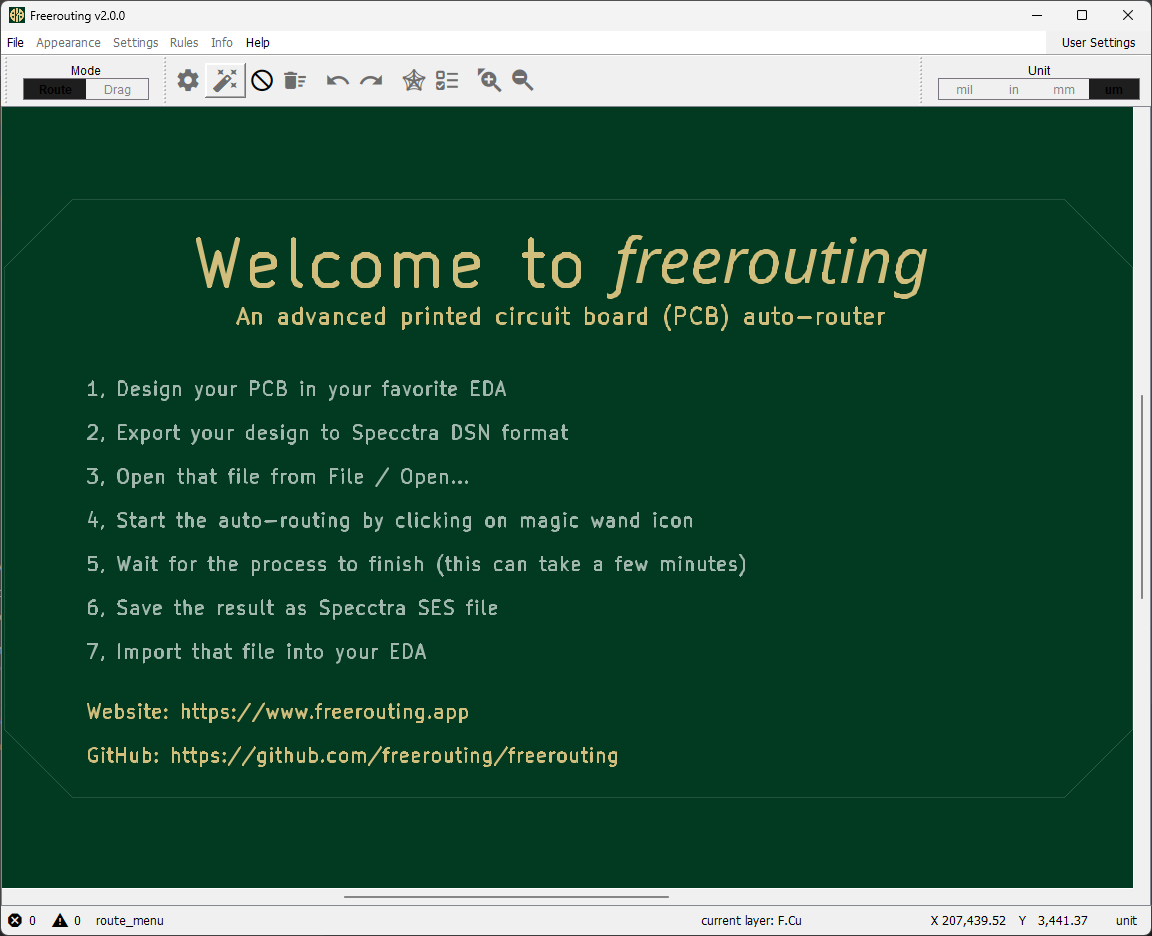
Launch Freerouting: Upon launching, you'll see the main interface.
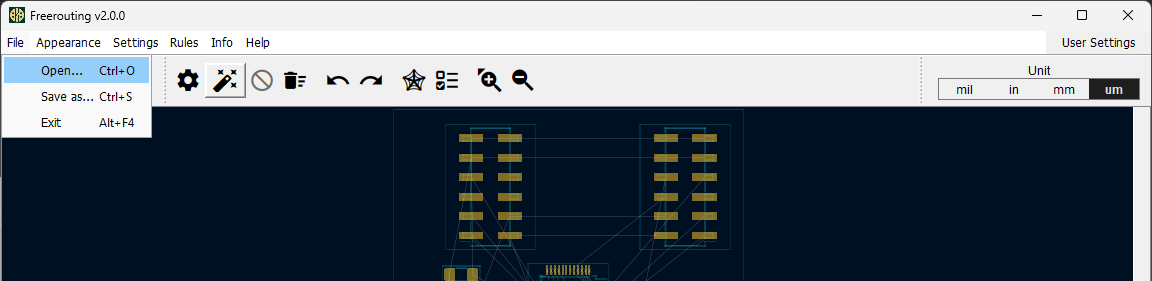
Open Your Design: Go to File > Open... and select your .dsn input file.
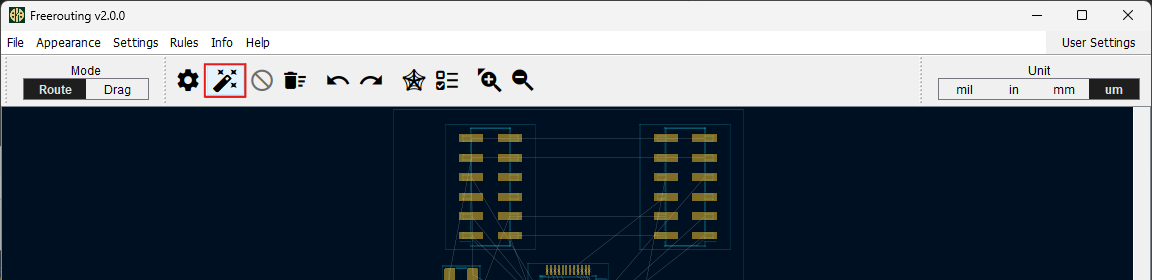
Start Autorouting: Click the Magic Wand icon to begin the autorouting process.
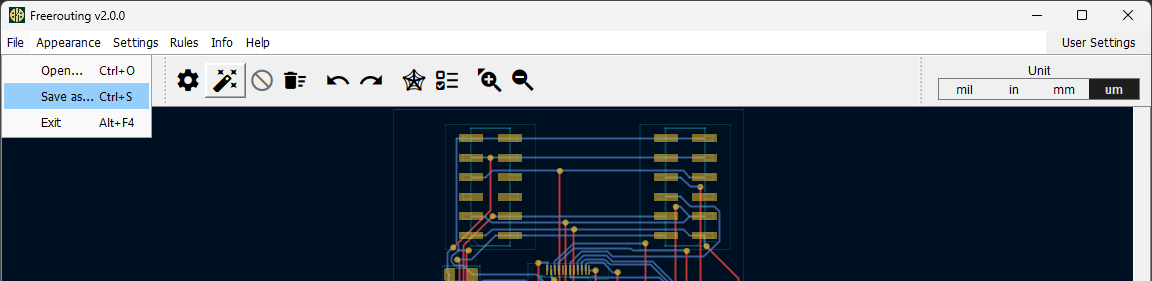
Monitor Progress: Watch the routing progress visually in the board editor and numerically in the footer.

Completion: Wait for the autorouter to finish all passes. This may take from a few minutes to several hours.
Save Your Routed Board: Go to File > Save as... to save your routed board as a .ses file.
When using the CLI, you'll work with an input file (e.g., Specctra .dsn) exported from your EDA tool. Freerouting will autoroute unconnected nets and save the results for re-import into your EDA (e.g., as a Specctra .ses file).
Common command-line arguments:
-de [design input file]: Load a Specctra design file (.dsn) at startup.-do [design output file]: Save a Specctra session file (.ses) after routing.-l [language]: Set the language (e.g., en for English, de for German).-inc [net class names]: Ignore specified net classes during routing.-help: Display help information.Example Command:
java -jar freerouting-2.0.0.jar -de MyBoard.dsn -do MyBoard.ses -inc GND,VCCThis command routes MyBoard.dsn, ignores the GND and VCC net classes, and outputs MyBoard.ses.
For more details (including headless mode), see the CLI documentation.
Freerouting offers public API endpoints for PCB routing. The API root is https://api.freerouting.app/v1. Check the service status at /system/status.
To access full functionality, request access on the Freerouting website.
Please note that the Freerouting API and its documentation are in beta and may change.
Installers are available for Windows x64, Linux x64, and macOS. For other systems, you can run the platform-independent .jar file if you have Java JRE installed.
Steps:
Download the JAR File: Get the latest .jar from the Releases page.
Install Java JRE: Download and install Java JRE.
JRE as the package type.21.Run Freerouting:
java -jar freerouting-2.0.0.jarNote for macOS Users: Launch Freerouting from the Terminal; starting from Finder is not supported.
We ❤️ all our contributors; this project wouldn't be possible without you!
If you'd like to support the project financially, please consider sponsoring me.
Every contribution, no matter how small, is greatly appreciated!





