Supple Crystal
1.0.0


Supple Crystal is an efficient and versatile lightweight/advanced image viewer.
Supple Crystal can change between 2 modes: Fast mode and polished mode.
bmp, png, tga, jpg (non-progressive), gif (unanimated), psd, hdr and pic.Too often, I have trouble opening images. When I'm in a hurry, I want to open an image as fast as possible to check. Nonetheless, when I'm not in a hurry but inspecting an image, I would prefer having many features that helps me viewing the details. As a consequence, I have 2 image viewers. However, this is also a problem, because it's hard managing both - sometimes I open the advanced one when I'm in a hurry and my computer lags - and it causes a lot of desorganization.
Then, I got the idea of creating Supple Crystal. Supple Crystal solves this problem by giving the user both the fast mode and the polished mode. The fast mode is the default mode which opens as fast as possible so you won't have problem if you're in a hurry. The polished mode can be accessed from fast mode and has more advanced features. With those two modes, there is no need of having two image viewers nor causing yourself a lot of trouble.
To build and install Supple Crystal from source you must follow the next steps:
extlibs in the root folder.extlibs folder should look like this:
| extlibs/
|--- SFML-2.5.1/
|------- bin/
|------- include/
|------- lib/
git clone (your link).CMakefiles.txt to "Release" or to "Debug" depending on what you want to build.CMakelists.txt.After doing this, Supple Crystal should appear inside a folder in build/.
For the release version, it should appear like this:
        | Release/
        |--- PublicSans-Regular.ttf
        |--- sfml-graphics-2.dll
        |--- sfml-system-2.dll
        |--- sfml-window-2.dll
        |--- ${Supple Crystal Executable}
        |--- assets/
        |------- logo_bg-true_resized.png
For the debug version, it should appear like this:
        | Debug/
        |--- PublicSans-Regular.ttf
        |--- sfml-graphics-d-2.dll
        |--- sfml-system-d-2.dll
        |--- sfml-window-d-2.dll
        |--- ${Supple Crystal Executable}
        |--- assets/
        |------- logo_bg-true_resized.png
Notice that you may not change the names of the TTFs, the DLLs nor the assets.
You can also install a precompiled version of Supple Crystal that comes ready to use.
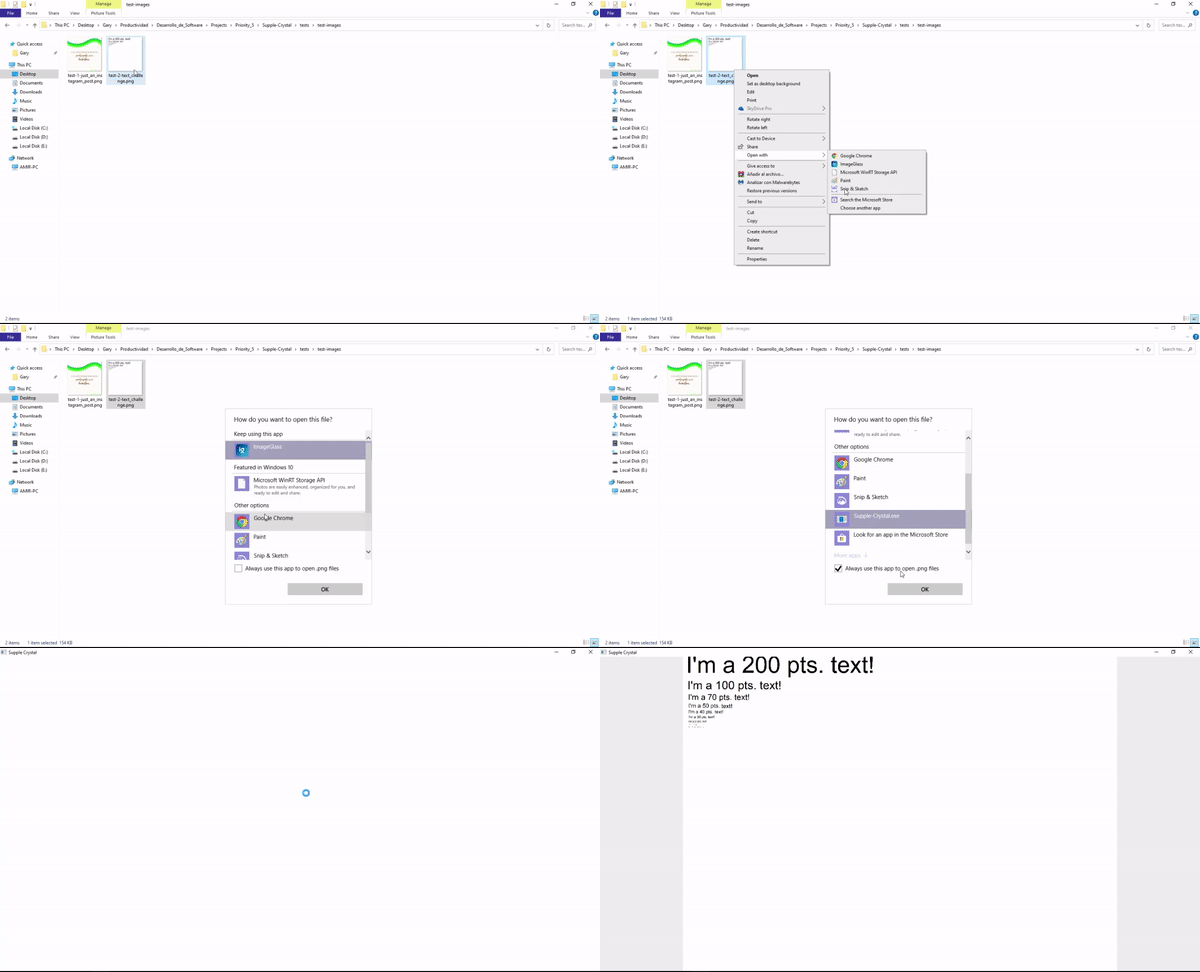
Once you have it, you can start using it:
(executable path) (filename) 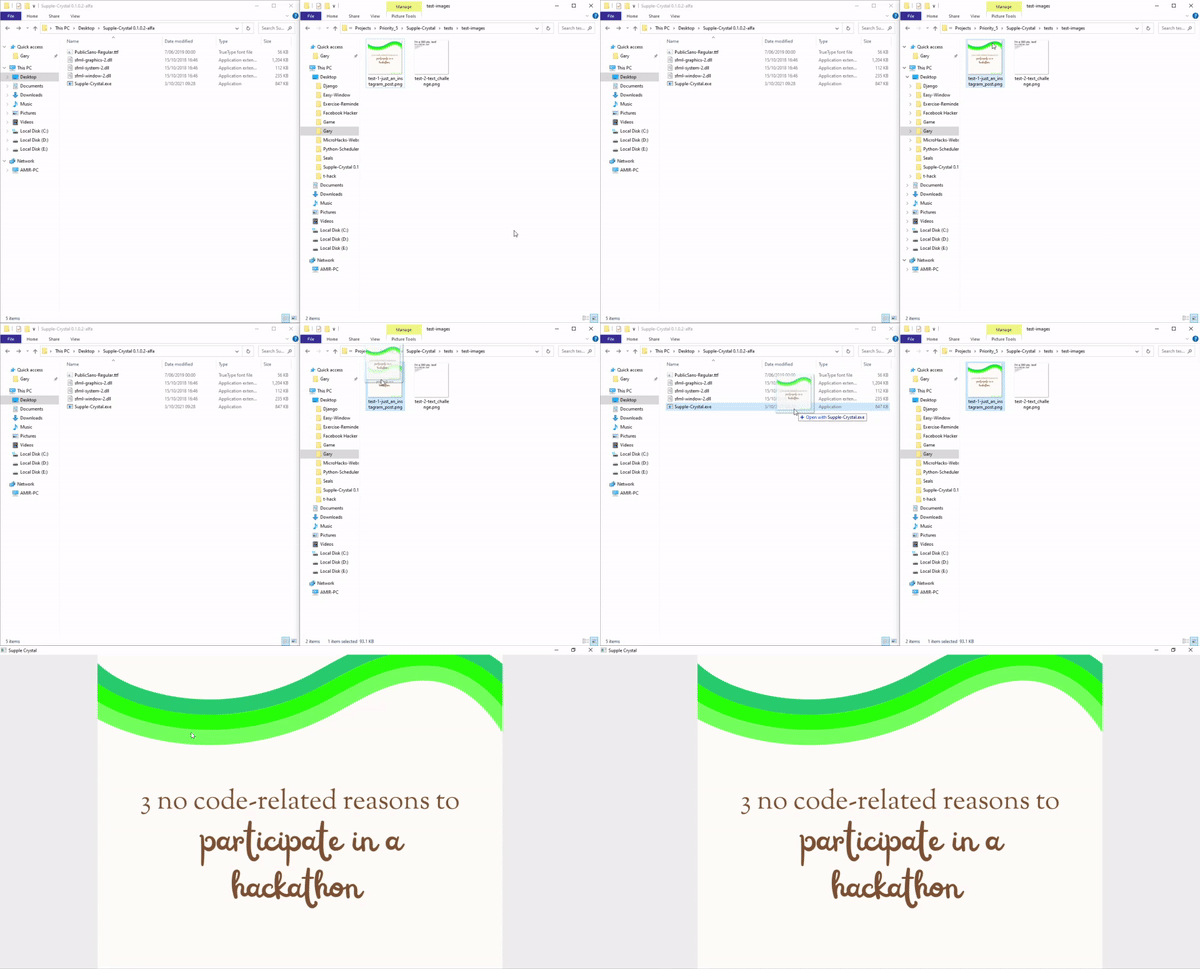
This work is licensed under a Creative Commons Attribution 4.0 International License.
Third party code and resources in this repository are under their own licenses:





