Intelligent Q&A system based on medical knowledge graph
- This is a primary knowledge base Q&A system implemented by the Python module REfO. The Q&A system can parse input natural language questions to generate SPARQL queries, and further request the Apache Jena Fuseki service based on the TDB knowledge base in the background, thereby obtaining the result of the problem.
- Provides functions such as disease symptoms, disease medication, drug inquiry, etc.
- demo demo
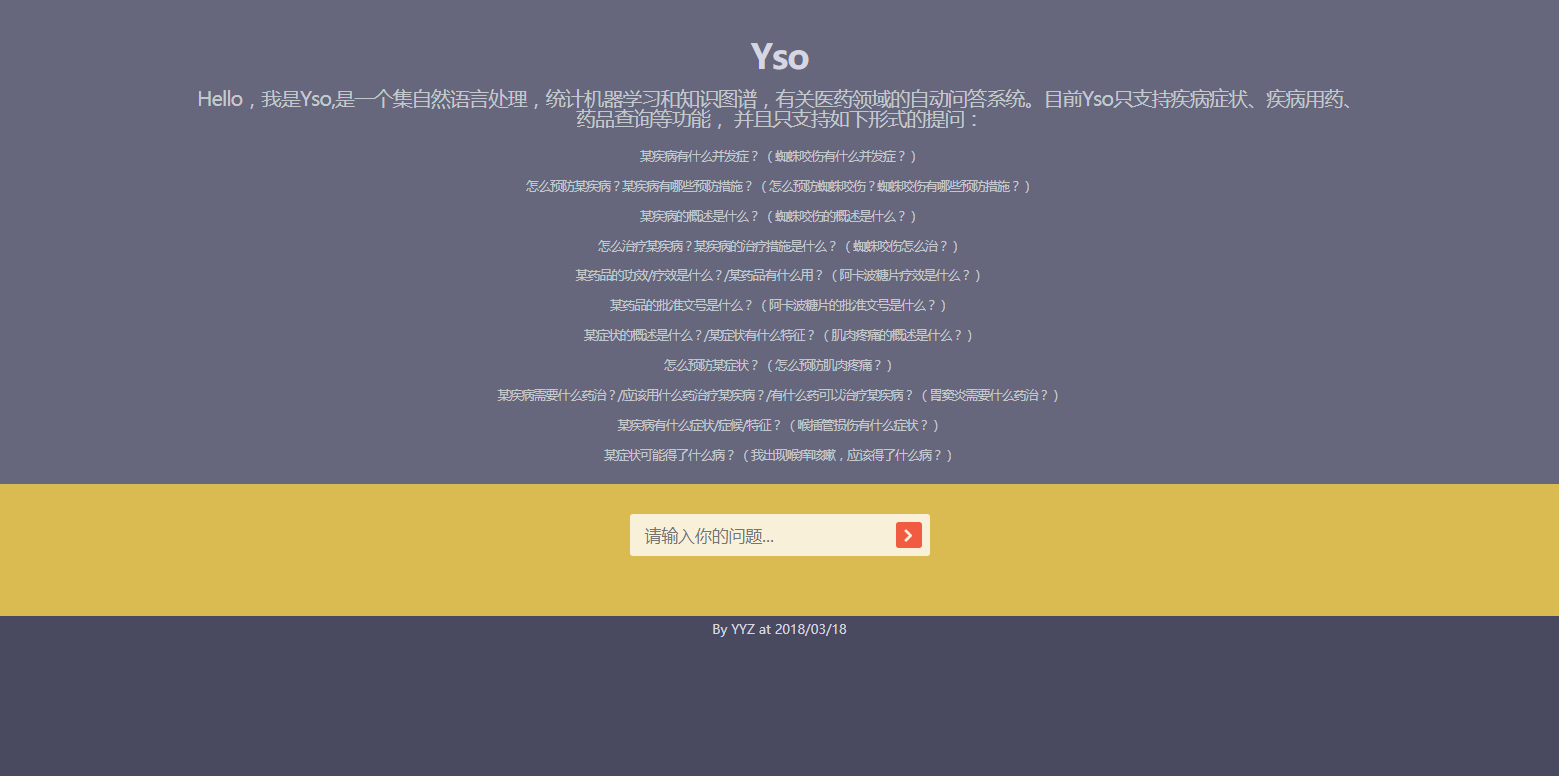
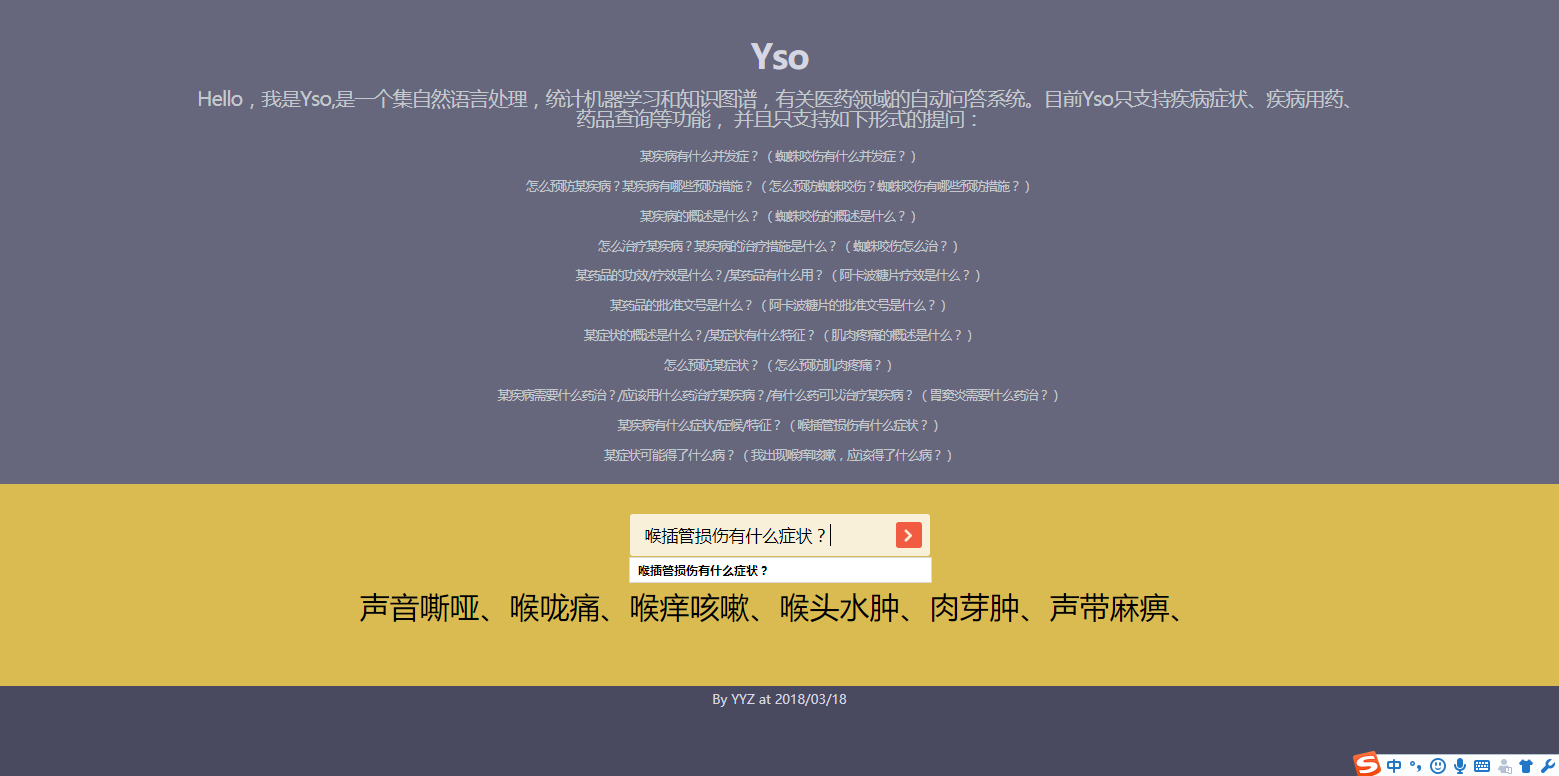
Requires an environment
- python3.5.2 development environment
- Install jieba Chinese word participle component
- Install sparqlwrapper, interactive components of python and Apache Jena Fuseki service
- Django, a web application framework for interactive display
- Apache Jena is an open source Semantic Web Framework for Java, used to build semantic web and link data applications.
- apache-jena-fuseki, enable Apache Jena Fuseki service
- Java environment, Apache Jena needs to run in Java environment
- data
- TDB Drug Disease Knowledge Base
How to run
- Download TDB Drug Disease Knowledge Base Data & clone project code
- Turn on Apache Jena Fuseki Service
- Place TDB data and Apache Jena Fuseki in the same directory.
- Go to the Apache Jena Fuseki folder, run fuseki-server.bat, and exit. The program automatically creates the "run" folder for us in the current directory
- Move the kgdrug.tll and rules.tll files in the apache_configuration folder to the "run" folder.
- kgdrug.tll: Knowledge Base Ontology File
- rules.tll: Rule reasoning configuration file
- Move the fuseki_conf.ttl file in the apache_configuration folder to the "run" folder.
- fuseki_conf.ttl: Fuseki configuration file, mainly configures the paths of the above two files and the TDB knowledge base path.
- After the above operation is configured, run fuseki-server.bat again to enable Apache Jena Fuseki service
- Install the packages required for python environment
pip install requirements . txt
- Here we need to modify the dictionary import path in the setting.py file in the project code, because our file path may be different.
- Run query_main.py in the KB_query folder to enable command line mode.
- Run manage.py in the root directory of the project and enable the project's web mode
python manage.py runserver
Probable problems
- When starting the Apache Jena Fuseki service the second time, if the startup fails, you need to go to the TDB file to delete all the prefix files.
- Most of the code operation errors should be concentrated on path errors. Please read the error message carefully.
Insufficient projects
- Only support one-question-answer conversations.
- It only supports querying data in the knowledge base, and data not included in the knowledge base cannot be queryed.
- The page UI design is simple
Post-update
- Add synonyms of drugs and diseases to increase the robustness of the system
- Increase disease inference function
- Added multi-wheel dialogue function
- Redesign the page UI
refer to
KBQA implementation and examples based on REfO






