cpp game engine book
1.0.0

This book uses actual project development Timeline to fully introduce all the modules of a game engine, from the most basic OpenGL environment construction to skeletal animation, multi-threaded rendering, shadow implementation, etc., and finally realizes a complete game engine.
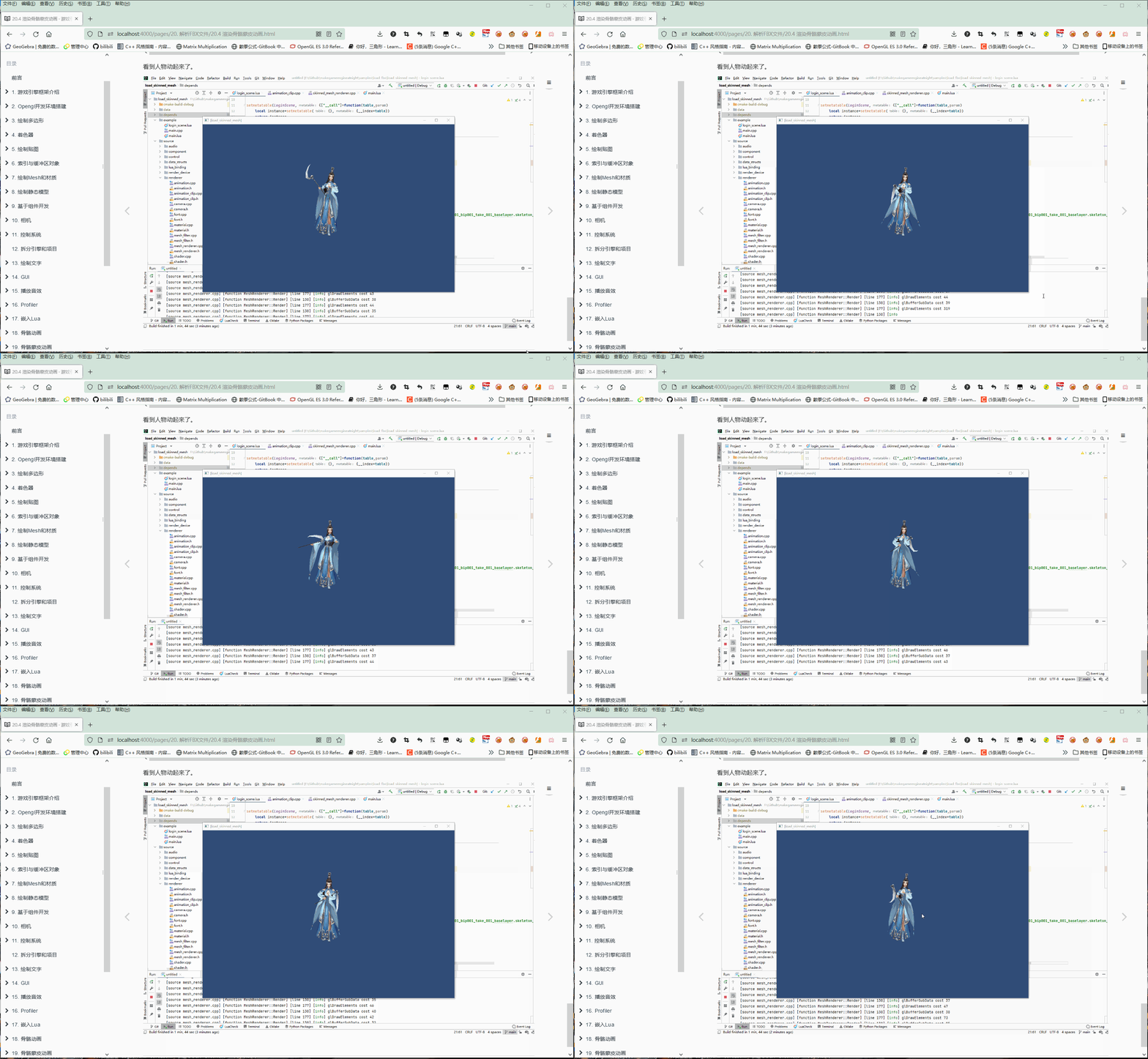
Chapter 1 introduces the game engine framework, and takes Unity as an example to introduce the composition of the game engine.
Chapter 2 introduces the construction of the OpenGL development environment and creates an OpenGL empty window to get into the trap.
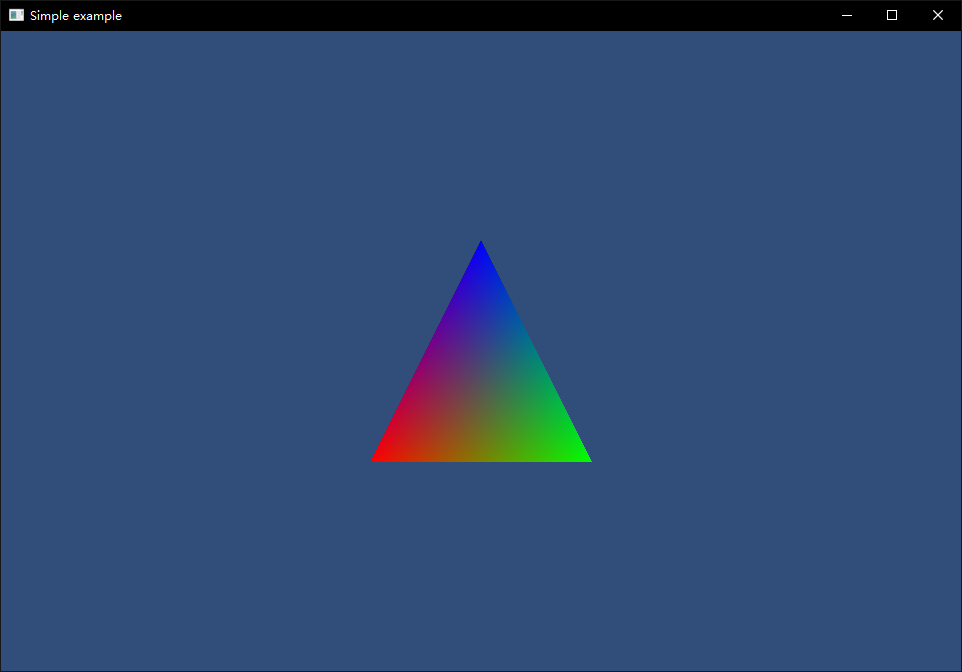
Chapter 3 introduces using OpenGL to draw triangles, squares, and cubes to become familiar with the most basic elements of game rendering.
Chapter 4 introduces the concept of Shader, compile links, as well as Shader format and keywords.
Chapter 5 introduces the texture format, directly read PNG and JPG rendering, and then introduces the compressed texture used by the GPU.
Chapter 6 introduces index and buffer objects. Index is the subscript of multiple vertices. Use indexes to multiplex vertices to render. The buffer stores the vertex data in video memory, and no longer needs to upload every frame from memory to the GPU.
Chapter 7 introduces the engine's customized Mesh file format and material composition. Store the vertex data originally written in the code into a Mesh file, and store the Shader parameters originally written in the code into the material.
Chapter 8 introduces using Blender to create models and write Python code to export them as Mesh files.
Chapter 9 introduces how to implement the GameObject-Component mode.
Chapter 10 introduces what a camera is and how to render multiple cameras.
Chapter 11 introduces obtaining mouse and keyboard input.
Chapter 12 introduces how to split the demo code into engine source code and project source code.
Chapter 13 introduces the use of FreeType to generate and render the texture of a single alpha channel for specified characters, and the use of vertex colors to implement colored text.
Chapter 14 introduces the implementation of basic GUI controls, including UIImage, UIMask, UIText, and UIButton. With these basics, other complex controls can be implemented.
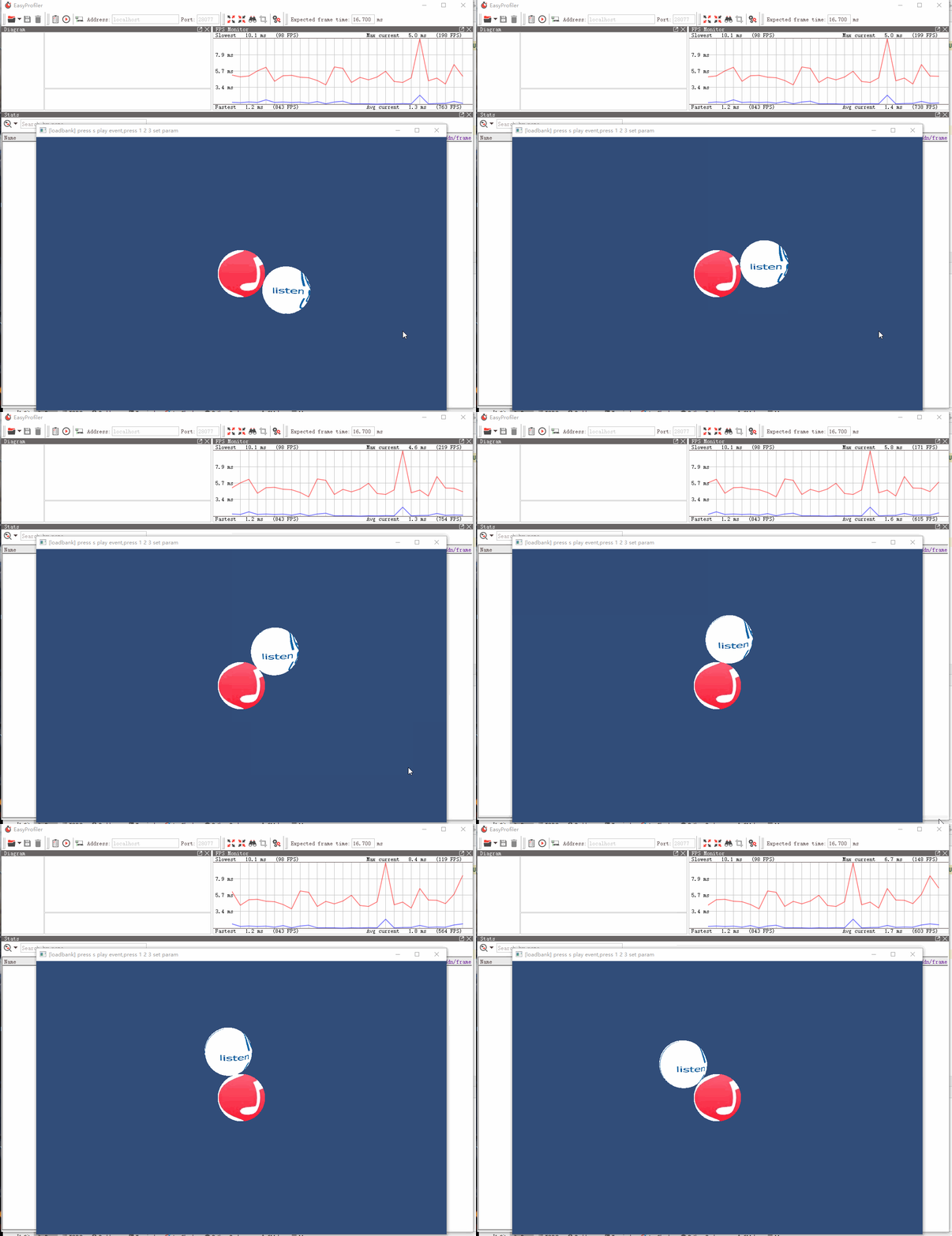
Chapter 15 introduces using FMOD to play MP3 and Wav music, and using FMOD professional audio editor to create sound effects and analyze playback.
Chapter 16 introduces easy_profiler, the C++ performance analysis library.
Chapter 17 introduces the use of Sol2, the open source library, integrate Lua into the engine, and subsequently use the C++ development engine, and use Lua to write test code.
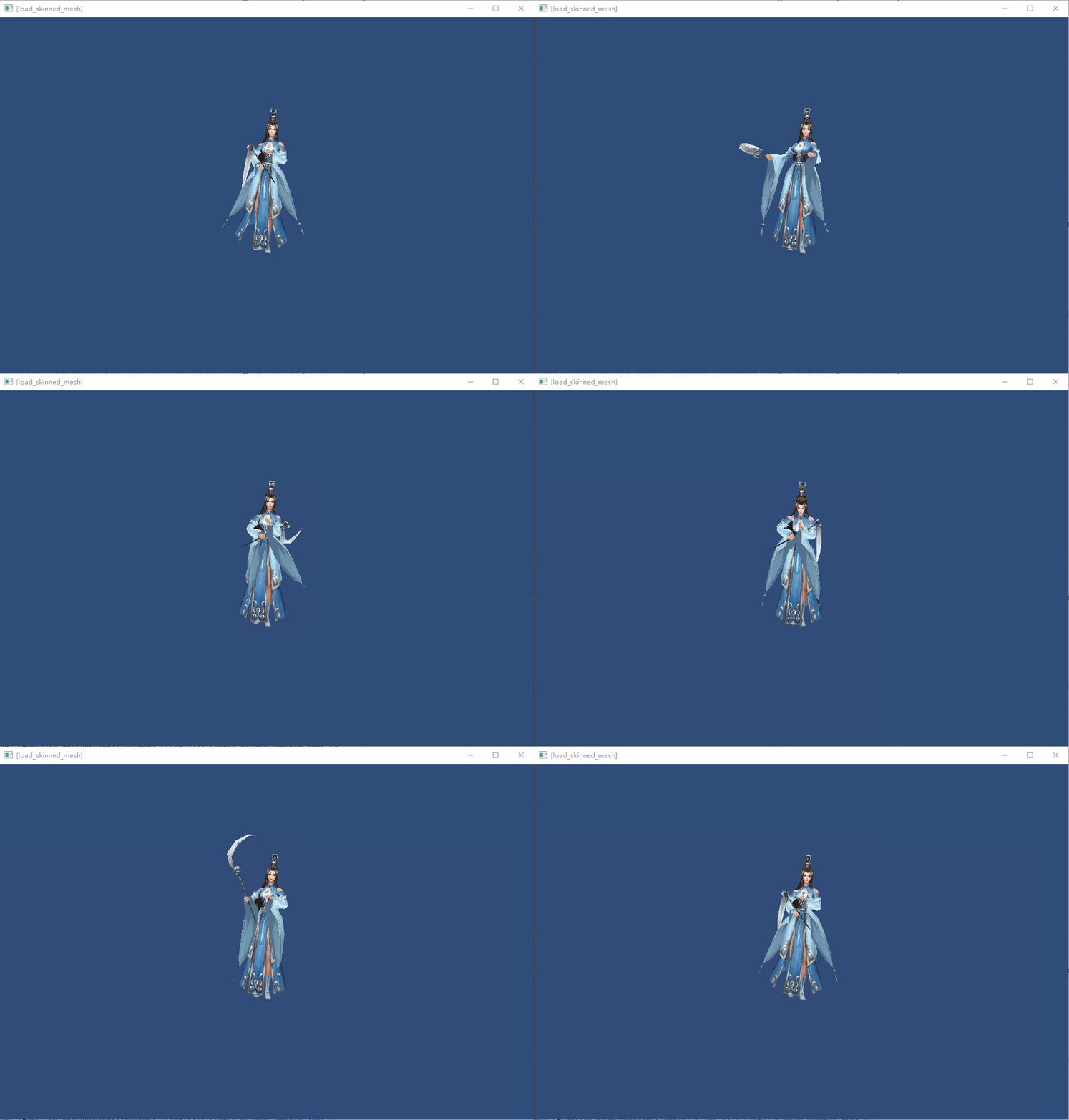
Chapter 18 introduces the principles of skeleton animation, and introduces the use of Blender to create skeleton animation, export to skeleton_anim file, and parse it in the engine.
Chapter 19 introduces the skeleton skin animation, refreshes the weight in Blender, exports to the weight file, parses it in the engine, and renders it.
Chapter 20 introduces how to export Mesh, skeleton animation, and weights from FBX files, and export ancient style girls and render them in the examples.
Chapter 21 introduces multi-threaded rendering, putting the OpenGL API on a separate rendering thread, issuing commands from the main thread to the rendering thread, and dividing the influence of DrawCall to reduce the burden on the main thread.
Chapter 22 Introduction to update from time to time.
The purpose of writing this book is to popularize the basic knowledge of game engines, and to readers who have certain Unity experience and are interested in certain points of the engine.
The knowledge points introduced in each chapter are for introductory understanding, and are not digging in depth.
Simple, easy to get started, short-term goals, and not boring. This is what this book pursues. It is easy to give up if it is too complicated. I spent a lot of time on this.
Each article is written from an introductory perspective. I will try to relate some nouns that can be associated with other nouns. For example, I compare Shader's compilation with Link, using C language compilation.
| C language | Shader | |
|---|---|---|
| Target hardware | CPU | GPU |
| Compilation process | Create a project | Create a GPU program |
| Create and write multiple C code files | Create and write Shader (vertex Shader and fragment Shader) | |
| Send C code to the compiler | Send Shader code to compiler | |
| Compile C code | Compile Shader code | |
| Add to link list | Add to link list | |
| Link | Link |
The project address of this section is posted at the beginning of each section, and drag the folder into CLion to debug immediately. 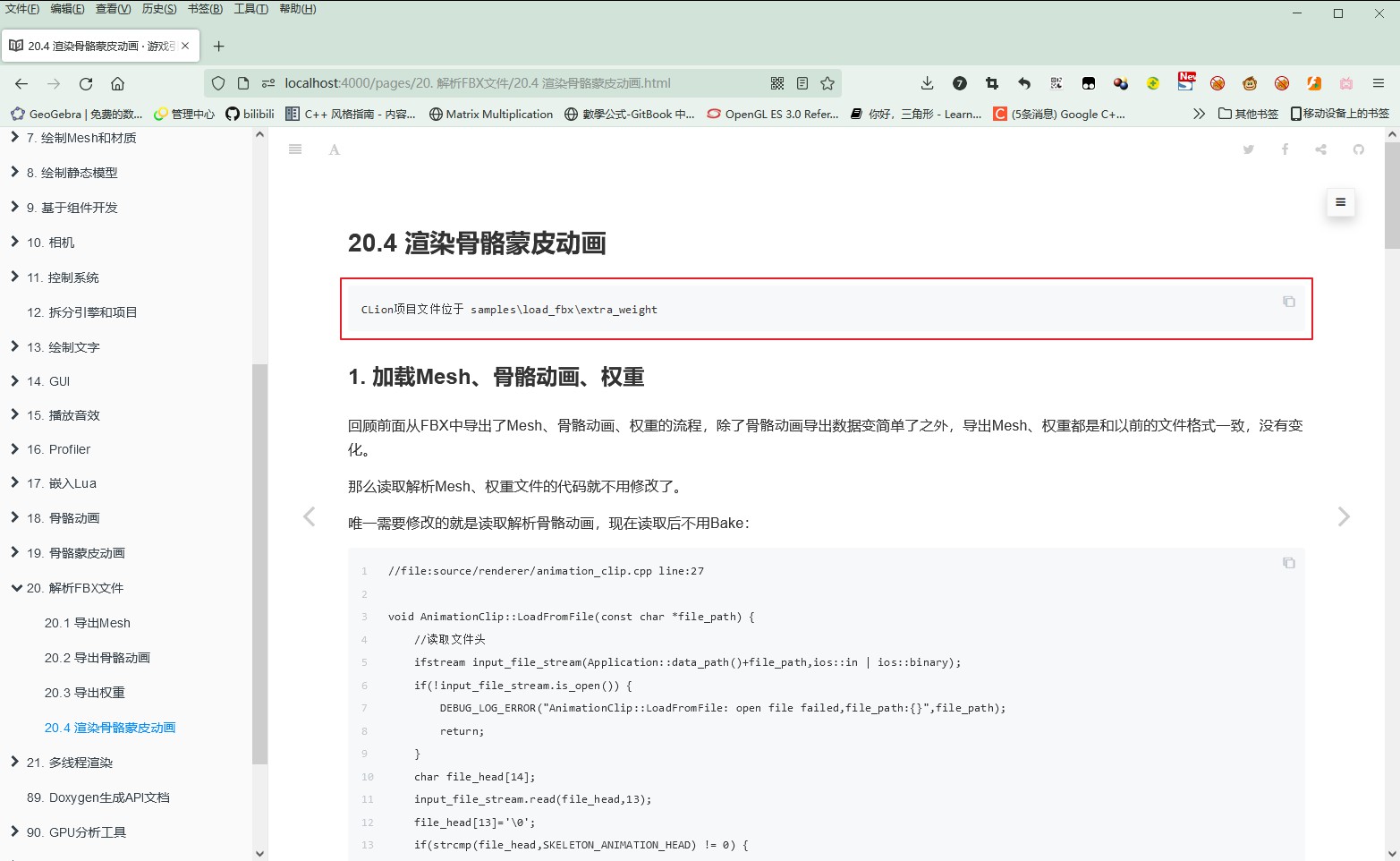
The code snippet begins with the file and number of lines in which the code is located. 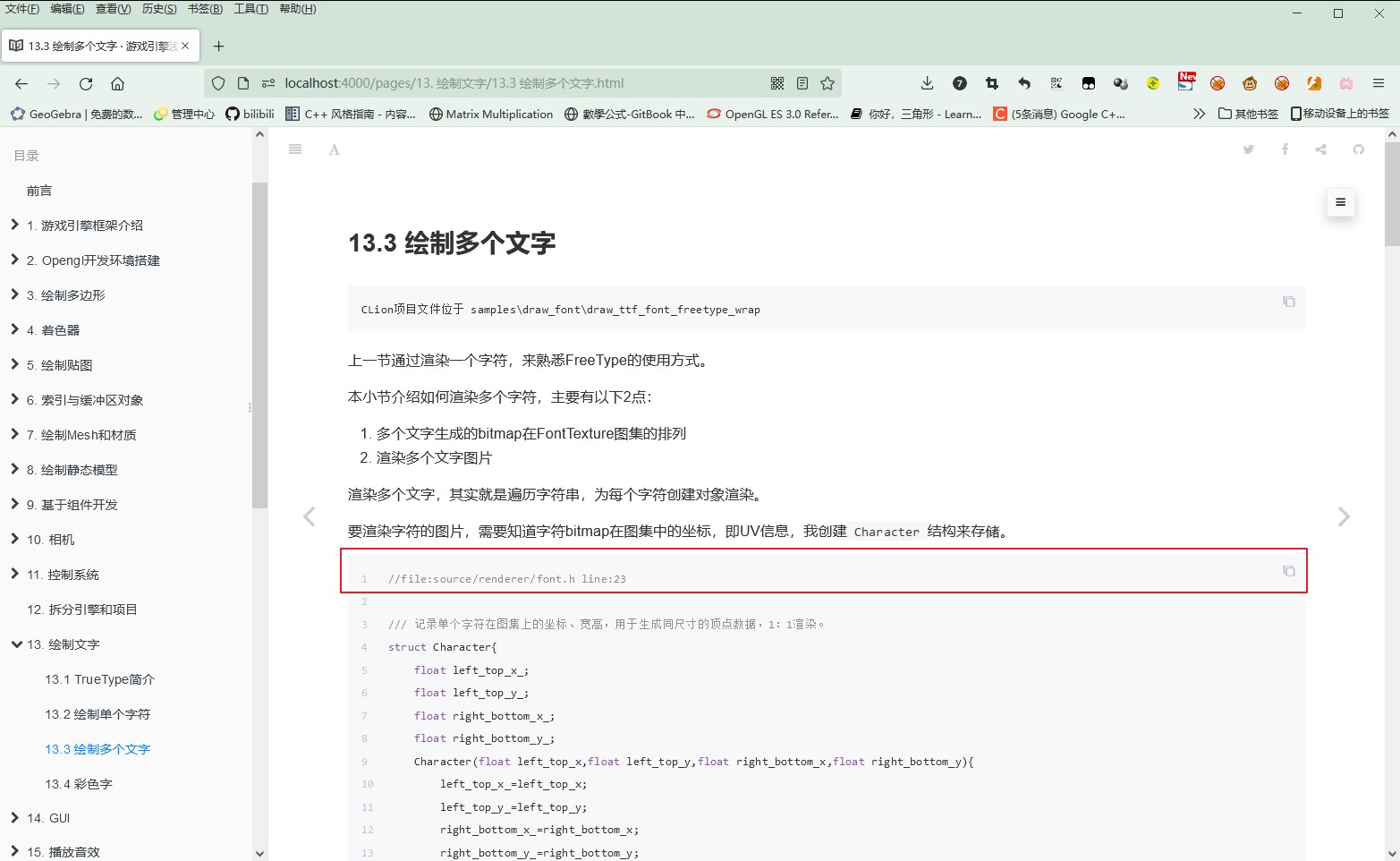
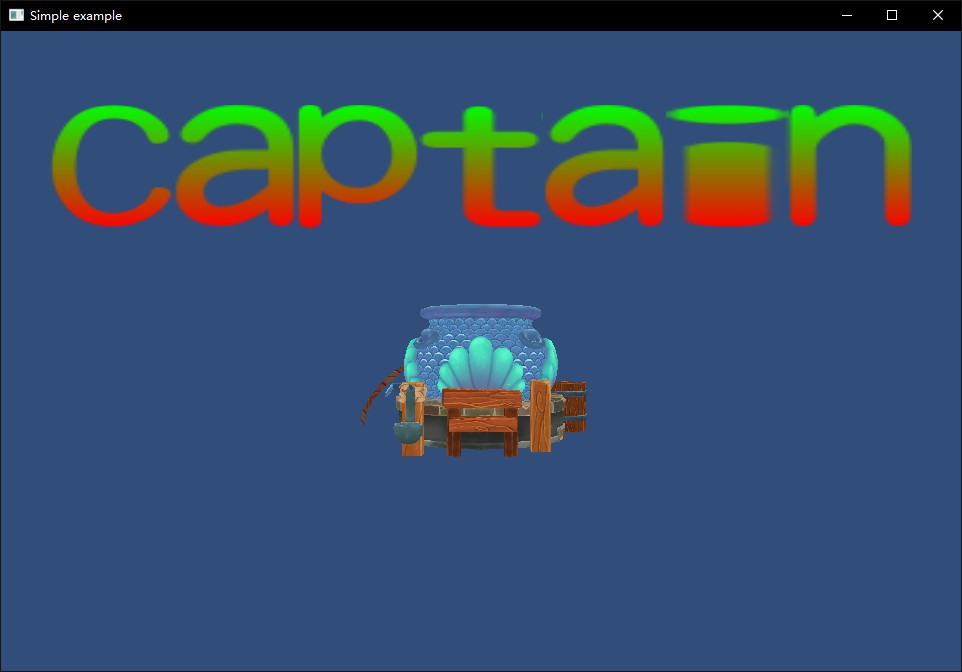
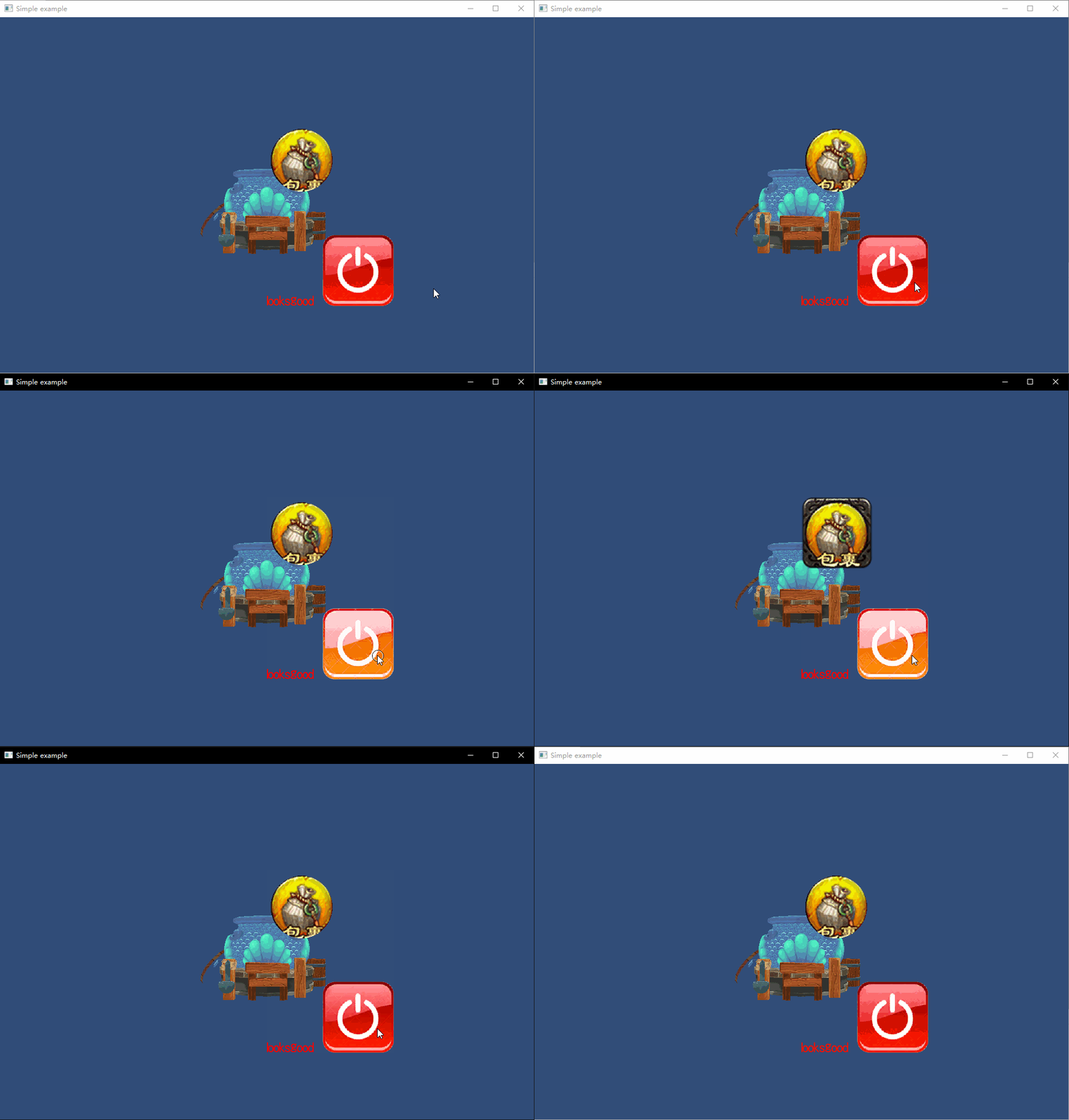
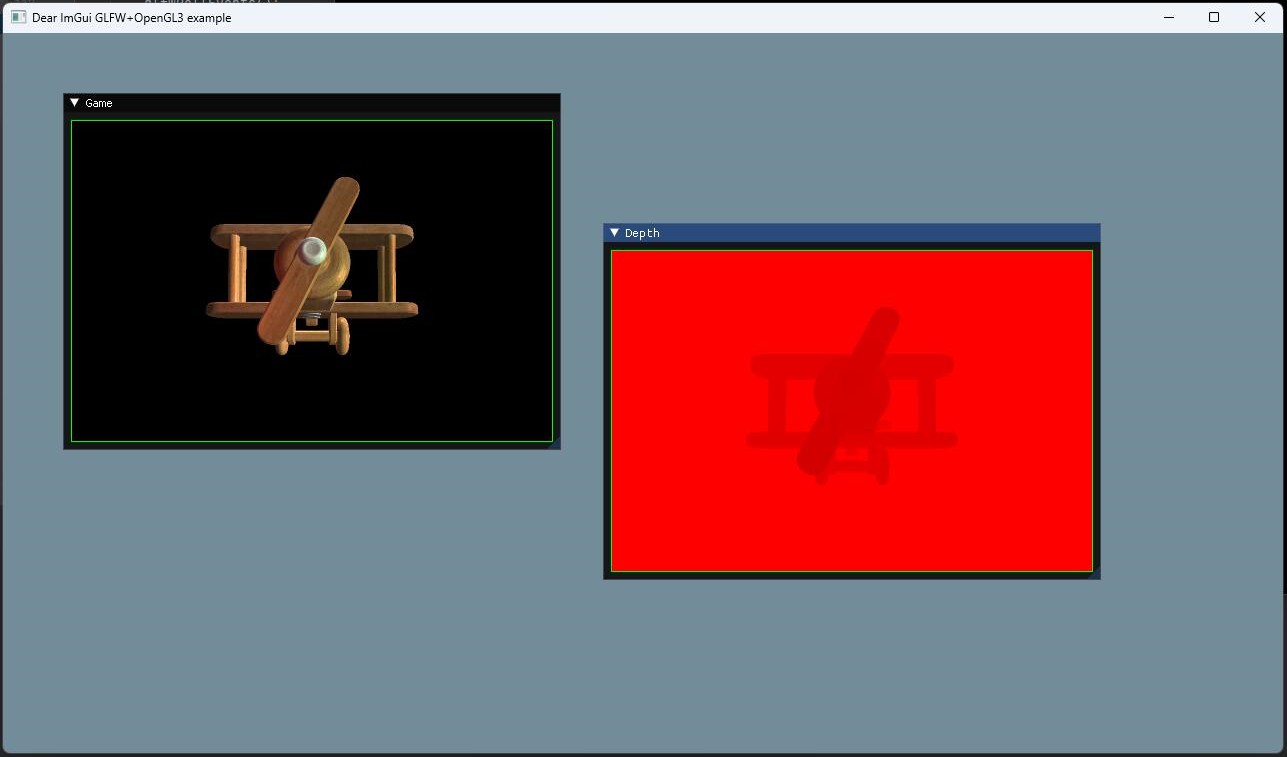
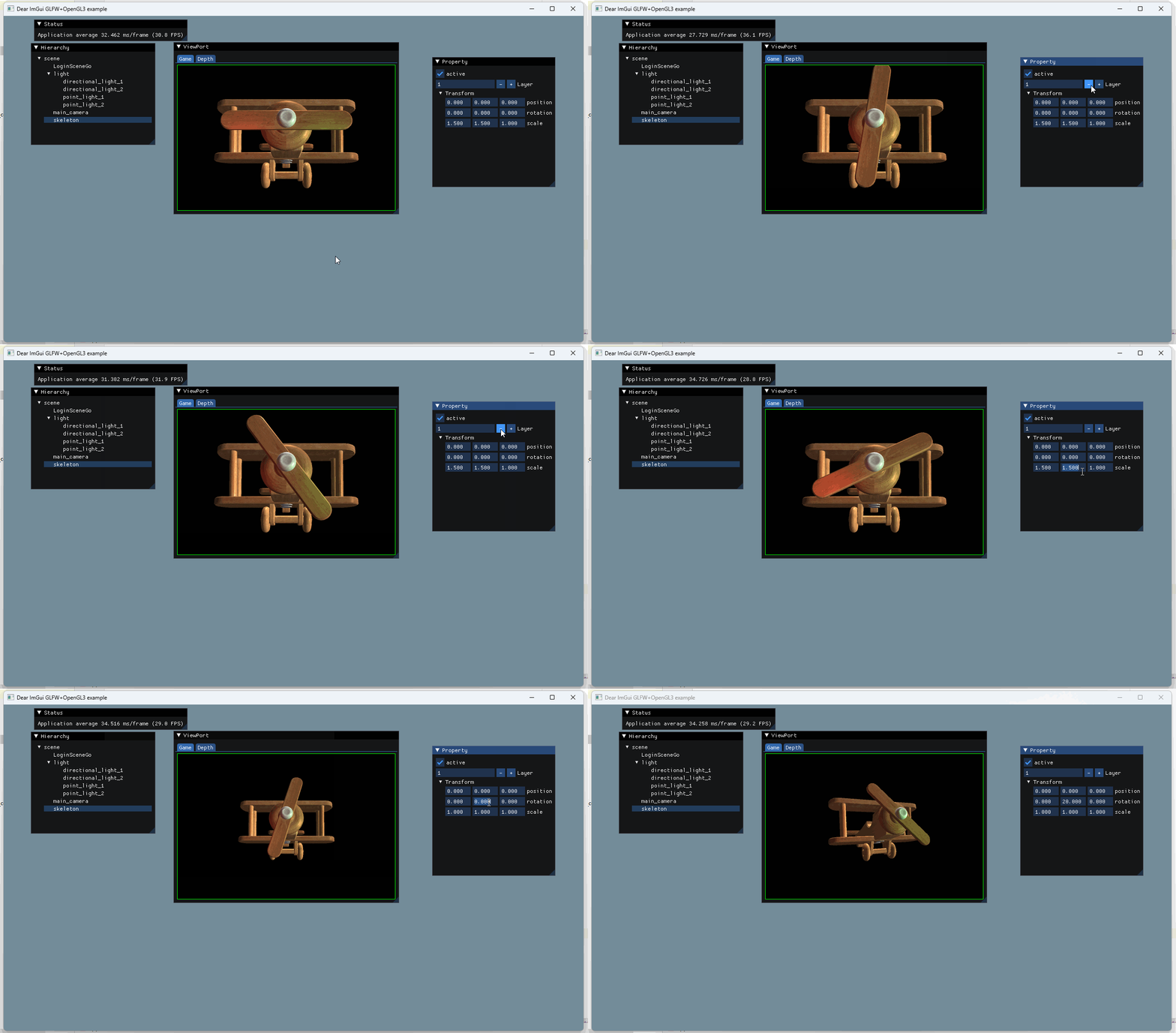
From the simplest triangle drawing to skeletal animation rendering, lighting and shadowing, multi-threading, physics, pathfinding AI, and audio analysis will be introduced.
 | 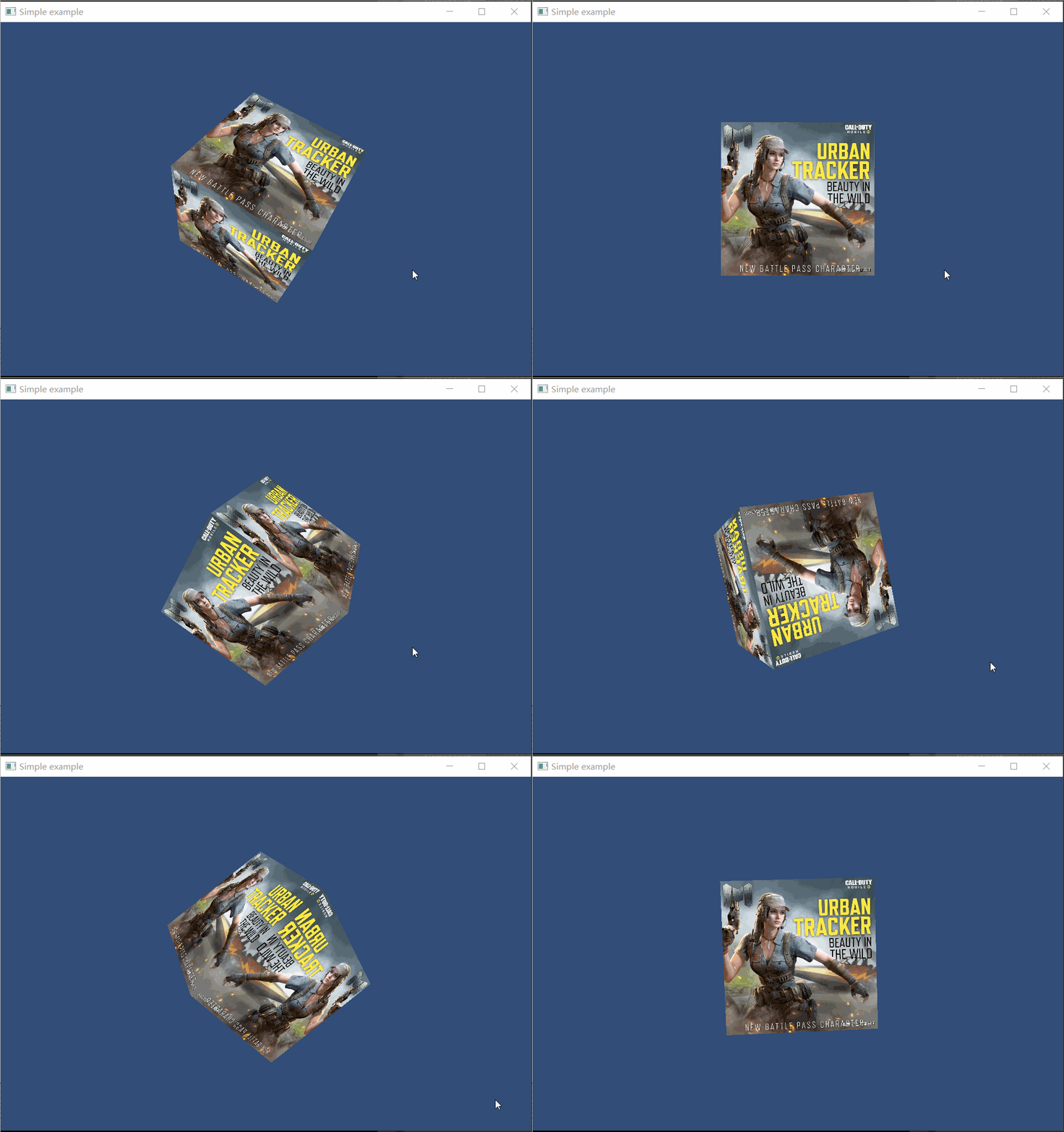 | 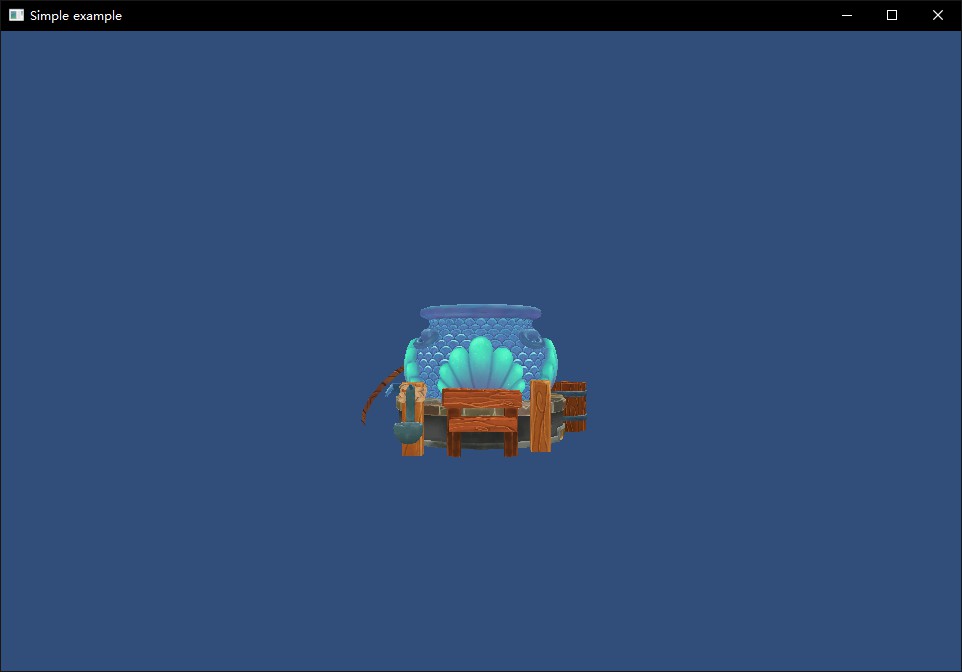 |
|---|---|---|
 |  |  |
 |  |  |
This should be the first time we teach how to model and audio edit in the engine book.
I recorded videos for Blender modeling, FMOD, WWise audio production.
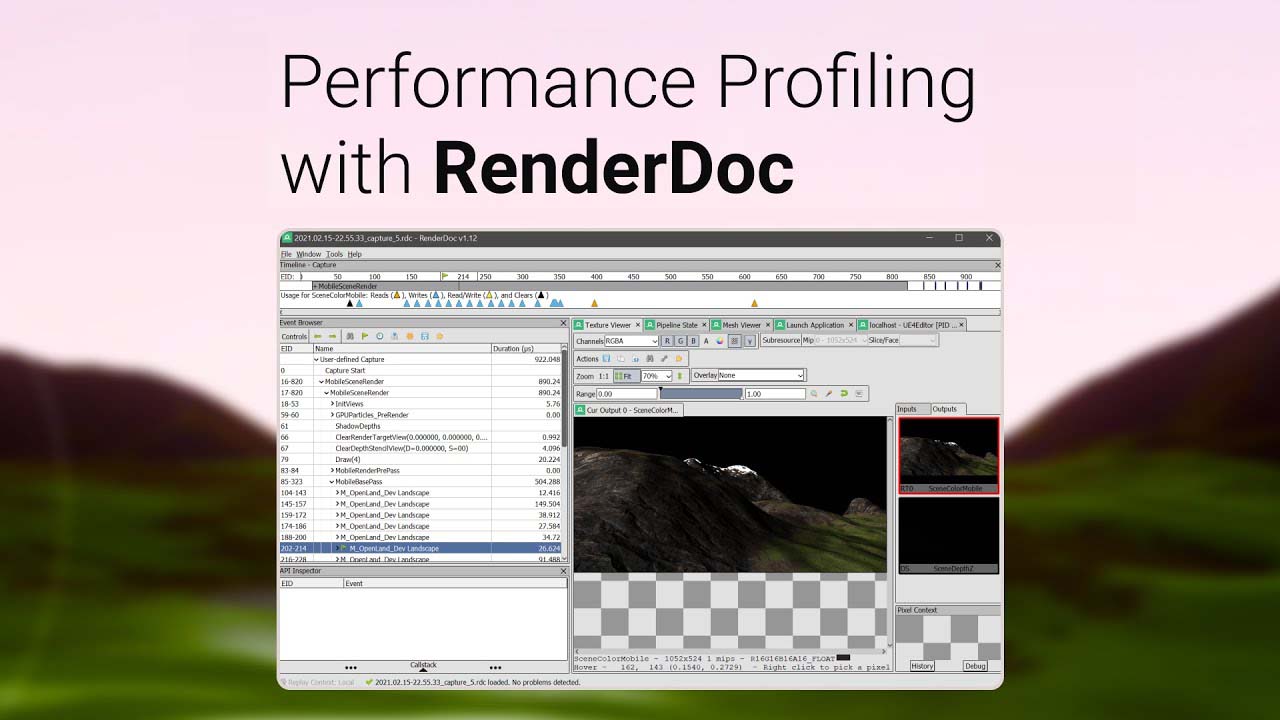
Other Substance, Toolbag plug-in development, Renderdoc DrawCall analysis are briefly introduced.
 |  | 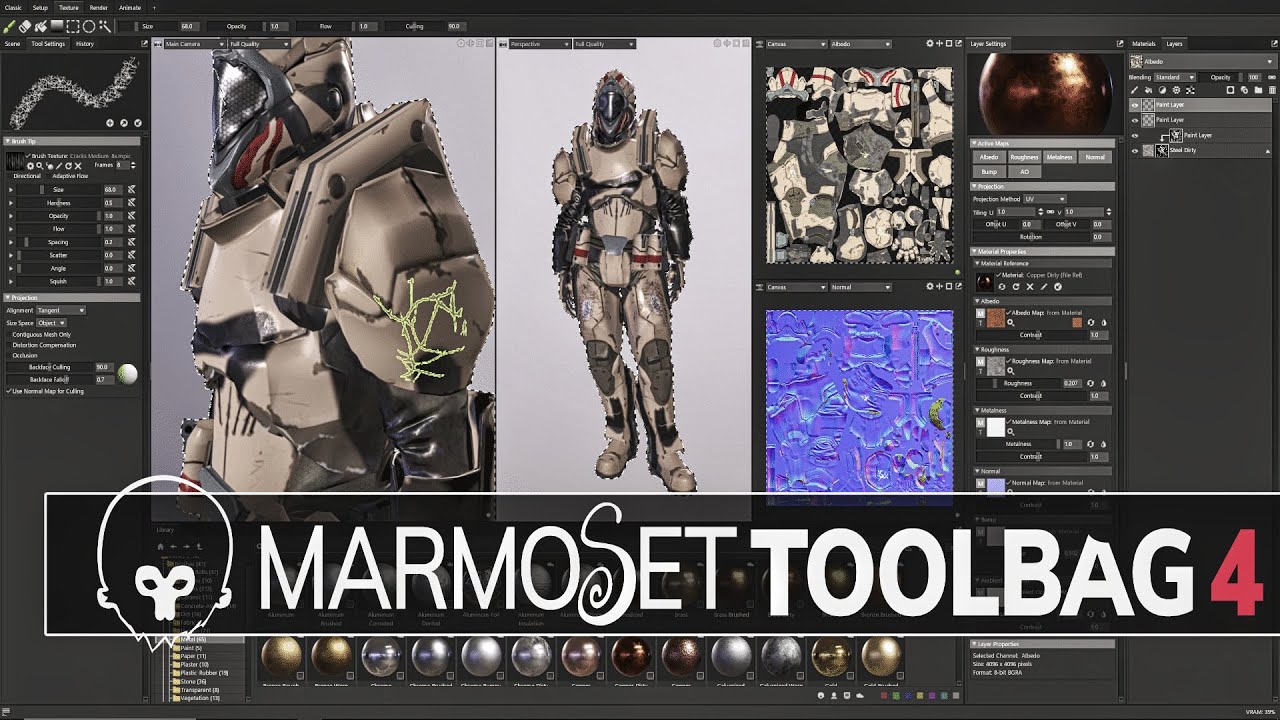 |
|---|---|---|
 |  |  |
The rendered model animation uses beauties, handsome men, and colorful objects, which makes it more fulfilling.
After having certain functions, a small game will be developed based on the existing functions, so that phased achievements can be persisted for a long time.
 |  | |
|---|
Read online: http://www.thisisgame.com.cn/tutorial?book=cpp-game-engine-book&lang=zh&md=Introduction.md
Local construction: https://github.com/ThisisGame/thisisgame-web-openresty
Currently adapted to Windows and MacOS.
- 由于Arm版Mac只支持OpenGL Core,所以《6.3 OpenGL Core Profile》之前的章节实例无法在Arm版Mac运行。 The book instances are developed using CLion, which supports Windows and Mac, and cross-platform does not require additional learning costs.
VisualStudio supports CMake projects since 2019, so you can also use VisualStudio 2019 and above to open the CLion project with the book instance on Windows.
For details, please refer to 2.3 Development using VisualStudio
The engine is developed using C++, complies with Google C++ specifications, and when contributing code, you need to be familiar with the code style first. 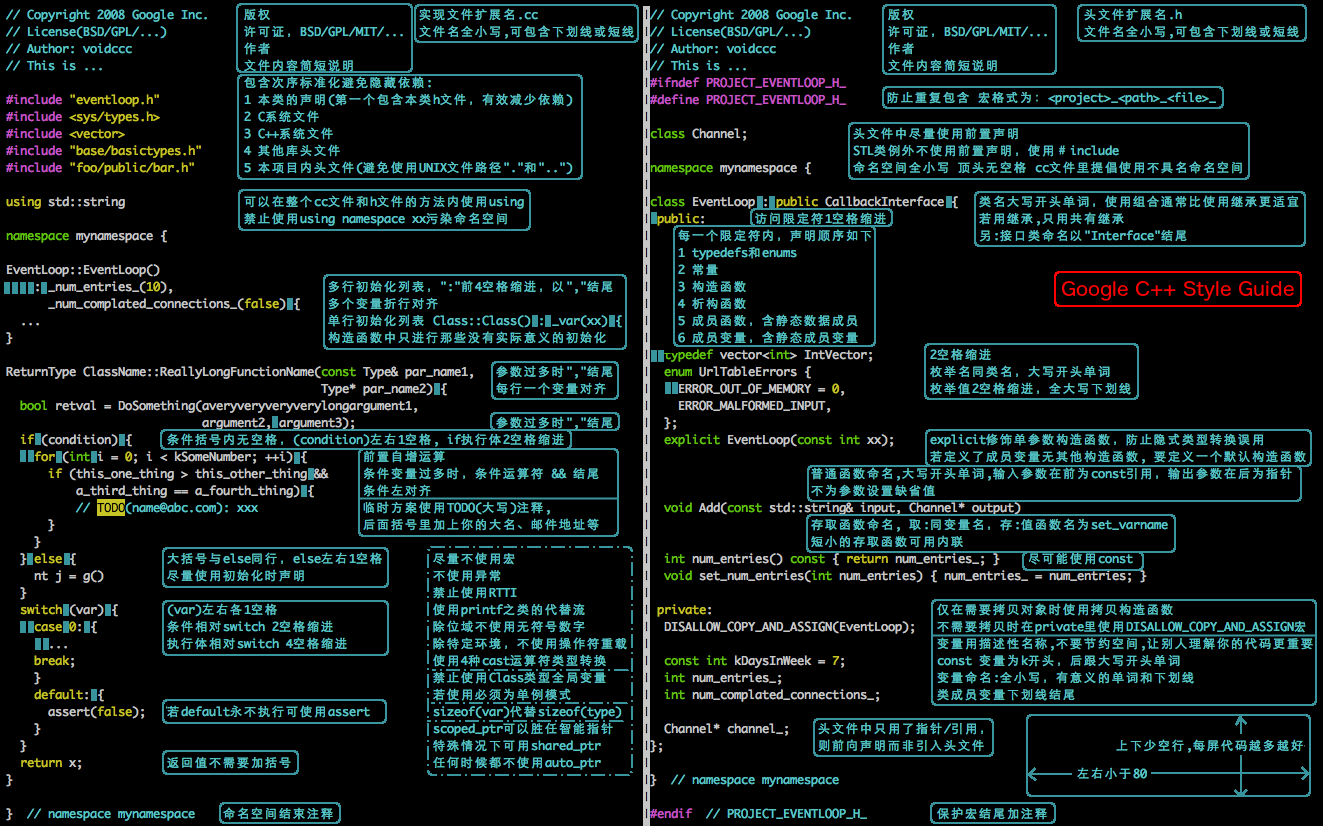
When contributing the code, please first fork this project to your name, then modify the code, and submit it by combining the request.
Currently adapted to Windows and Mac, you can develop on both systems. Before submitting the code, make sure that the functionality is normal and consistent on both systems.
You can directly open it online to read: http://www.thisisgame.com.cn/tutorial?book=cpp-game-engine-book&lang=zh&md=Introduction.md
This book is open source, you can fork this project, then modify the code, and then submit a merge request.
Everyone is welcome to mention Issue and feedback on any problems encountered. You can contact me directly on the intranet. You can also join the Q group (879187705) to discuss. After getting the answer, update the issue to facilitate other people's query.
 |
|---|
The project uses CLion IDE and uses PVS-Studio as a code scanning analysis tool, thanks to its open source license.
 |  |
|---|---|
| PVS-Studio | JetBrains |







