wikiman
v2.13.2

Wikiman is an offline search engine for manual pages, Arch Wiki, Gentoo Wiki and other documentation.
Wikiman provides an easy interface for browsing documentation without the need to be exact and connected to the internet. This is achieved by utilizing full text search for wikis, partial name and description matching for man pages, and fuzzy filtering for search results.
By default, Wikiman only searches system's manual pages. Follow these instructions to enable optional sources.
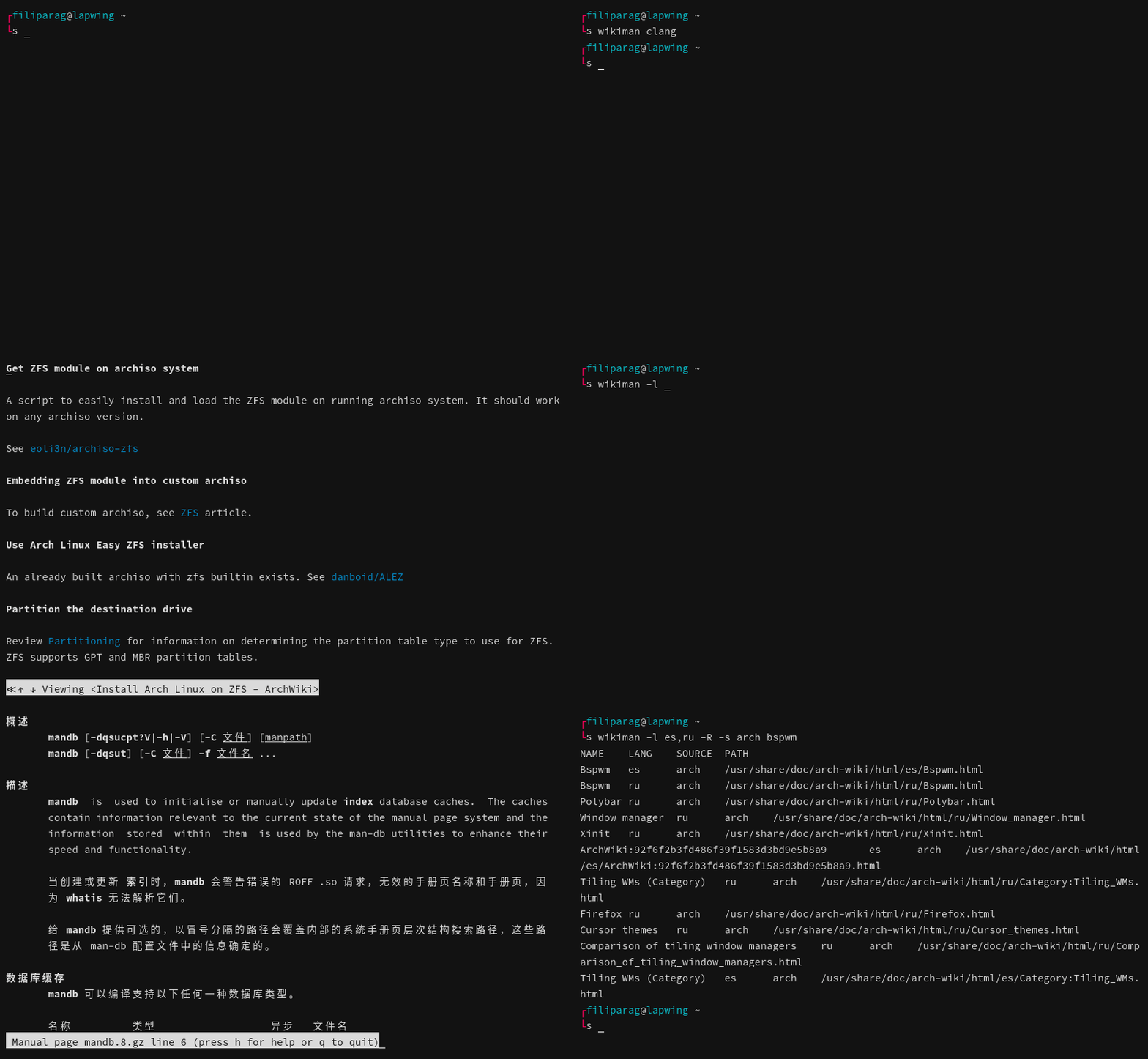
Install from Arch Linux's extra repository:
pacman -S wikiman

# Optional: Enable Arch Wiki
pacman -S arch-wiki-docs
If you are running Manjaro or another Arch-based distribution, download the latest .pkg.tar.zst package from Releases tab, and follow these instructions to add Arch Wiki as a source.
sudo pacman -U wikiman*.pkg.tar.zstDownload latest .deb package from Releases tab.
sudo apt update
sudo apt install ./wikiman*.debDownload latest .rpm package from Releases tab.
# Fedora
sudo dnf install wikiman*.rpm

# openSUSE (skip signature verification)
sudo zypper in wikiman*.rpmInstall textproc/wikiman from the Ports Collection:
portsnap auto
cd /usr/ports/textproc/wikiman
make install
Or download latest .txz package from Releases tab.
pkg install wikiman*.txzDependencies: man, fzf, ripgrep, awk, w3m, coreutils, parallel
# Clone from GitHub
git clone 'https://github.com/filiparag/wikiman'
cd ./wikiman

# Switch to latest stable release (optional)
git checkout $(git describe --tags | cut -d'-' -f1)

# Available targets: all, core, widgets, completions, config, docs
make all

# Only for BSD users: install to /usr/local instead of /usr
make local

# Install Wikiman
sudo make install
Wikiman uses GNU find and awk, so BSD users have to install findutils and gawk.
Currently available optional sources are:
arch)gentoo)fbsd)tldr)Due to their large size, wikis don't come bundled with Wikiman. If you want to use them, you can download their latest snapshots using following commands.
# Download latest Makefile
curl -L 'https://raw.githubusercontent.com/filiparag/wikiman/master/Makefile' -o 'wikiman-makefile'

# Example for Linux: install Arch Wiki
make -f ./wikiman-makefile source-arch
sudo make -f ./wikiman-makefile source-install
sudo make -f ./wikiman-makefile clean

# Example for BSD: install FreeBSD Documentation
make -f ./wikiman-makefile source-fbsd local
sudo make -f ./wikiman-makefile source-install
sudo make -f ./wikiman-makefile clean
After installation, they should be enabled automatically if
sources configuration variable is empty.
To verify active sources, run:
wikiman -SIn build/ directory there are scripts
for manual snapshot compilation. These scripts can have external dependencies and are not
recommended to be run by end users, but by Wikiman maintainers. Your mileage may vary.
Usage: wikiman [OPTION]... [KEYWORD]...
If no keywords are provided, show all pages.
-l search language(s)
Default: en
-s sources to use
Default: (all available)
-f fuzzy finder to use
Default: fzf
-q enable quick search mode
-a enable AND operator mode
-p disable quick result preview
-k keep open after viewing a result
-c show source column
-H viewer for HTML pages
Default: w3m
-R print raw output
-S list available sources and exit
-W print widget code for specified shell and exit
-v print version and exit
-h display this help and exit
Wikiman can be launched using a shell key binding (default: Ctrl+F).
Current command line buffer will be used as a search query.
Add appropriate line from below to your .bashrc-like
configuration file to make the key binding permanent.
# bash
source /usr/share/wikiman/widgets/widget.bash

# fish
source /usr/share/wikiman/widgets/widget.fish

# zsh
source /usr/share/wikiman/widgets/widget.zshUser configuration file is located at ~/.config/wikiman/wikiman.conf,
and fallback system-wide configuration is /etc/wikiman.conf.
If you have set the XDG_CONFIG_HOME environment variable, user configuration will be looked up from there instead.
Example configuration file:
# Sources (if empty, use all available)
sources = man, arch

# Fuzzy finder
fuzzy_finder = sk

# Quick search mode (only by title)
quick_search = true

# Raw output (for developers)
raw_output = false

# Manpages language(s)
man_lang = en, pt

# Wiki language(s)
wiki_lang = zh-CN

# Show previews in TUI
tui_preview = false

# Keep open after viewing a result
tui_keep_open = true

# Show source column
tui_source_column = true

# Viewer for HTML pages
tui_html = xdg-open
To list available languages, run these commands:
# Man pages (excluding English)
find '/usr/share/man' -maxdepth 1 -type d -not -name 'man*' -printf '%P '

# Arch Wiki
find '/usr/share/doc/arch-wiki/html' -maxdepth 1 -type d -printf '%P '

# FreeBSD Documentation
find '/usr/share/doc/freebsd-docs' -maxdepth 1 -type d -printf '%P '

# TLDR Pages
find '/usr/share/doc/tldr-pages' -maxdepth 1 -type d -printf '%P 'Wikiman is designed to be extensible: each source has it's module in sources/ directory.
Source modules are POSIX compliant shell scripts. Wikiman calls their search function whichs
reads $query and configuration variables, and prints results to STDOUT.
variable with rows formatted as NAMEtLANGtSOURCEtPATH.
NAME title of the pageLANG two letter language code (can include locale)SOURCE source namePATH path to HTML fileWhen listing available sources, Wikiman will call module's info funcion which prints
name, state, number of pages and path of the source.
If you create a source module useful to the general public, please share it using a pull request. Your pull request should contain:
sources/your-source.sh
your-source
your-source-TIMESTAMP.tar.xz
build/your-source.sh
Other improvements are also welcome!





