AutoGPT.js
1.0.0

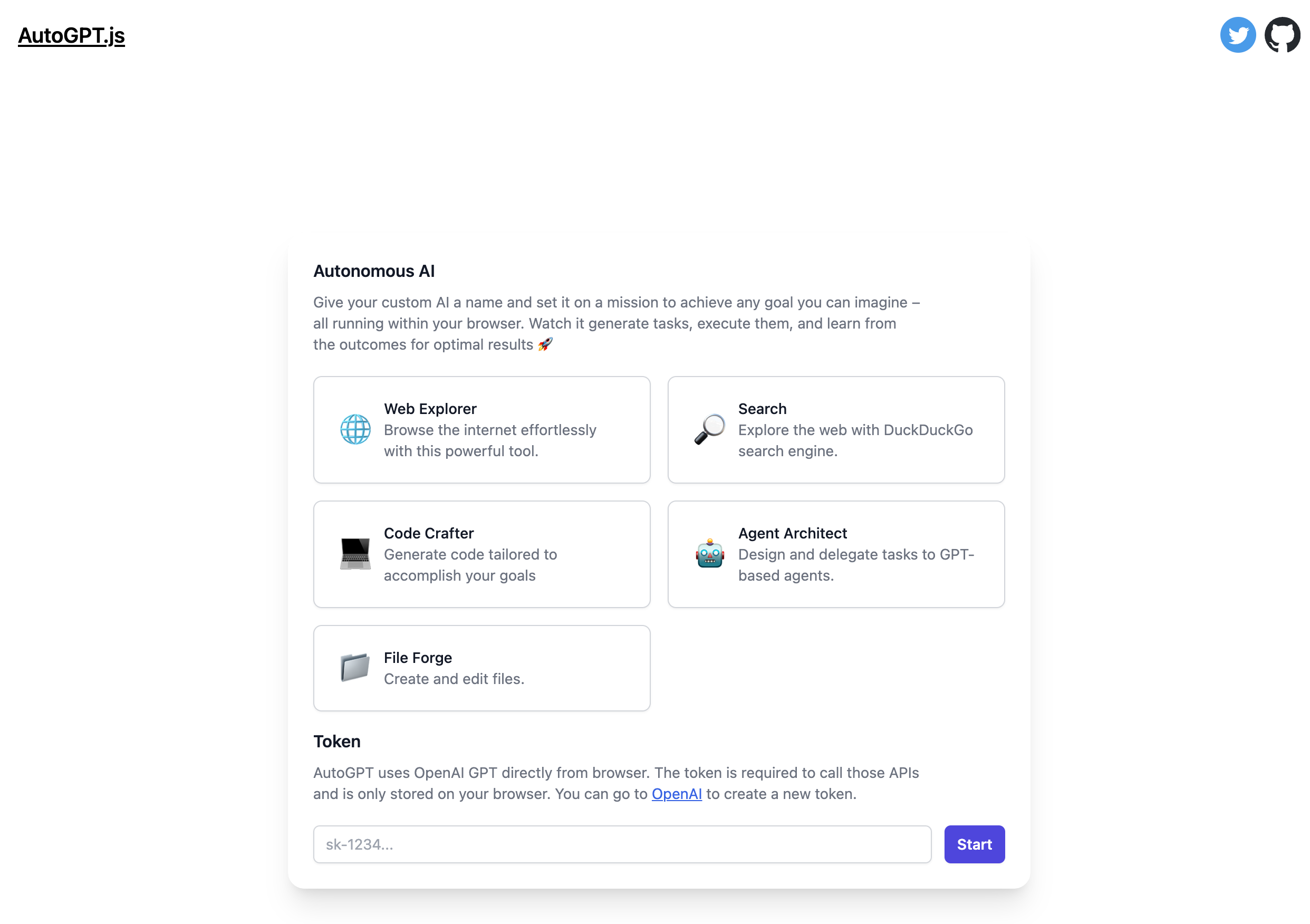
AutoGPT.js is an open-source project that aims to bring the powerful capabilities of AutoGPT to your browser. By running directly in the browser, AutoGPT.js offers greater accessibility and privacy.
Visit AutoGPTjs.com
iframe).env.example to .env and change as necessary.npm install to get all the dependencies.npm run dev to start the development server.Install Fly
Sign up and log in to Fly
fly auth signupNote: If you have more than one Fly account, ensure that you are signed into the same account in the Fly CLI as you are in the browser. In your terminal, run
fly auth whoamiand ensure the email matches the Fly account signed into the browser.
Create an app on Fly
fly apps create autogpt-jsAdd a SESSION_SECRET to your fly app secrets, to do this you can run the following commands:
fly secrets set SESSION_SECRET=$(openssl rand -hex 32) --app autogpt-jsIf you don't have openssl installed, you can also use 1Password to generate a random secret, just replace $(openssl rand -hex 32) with the generated secret.
Create a persistent volume for the sqlite database. Though there is no code reading/writing to sqlite but that dependency from this project starter template was not removed.
fly volumes create data --size 1 --app autogpt-jsNow that everything is set up you can deploy.
fly deploy --app autogpt-jsdocker build -t IMAGE_NAME . to create the docker imagedocker run -p PORT:8080 IMAGE_NAME.npm install to get all dependencies.npm run build to build the project.NODE_ENV="production" npm run start to start the server which will expose the endpoint at localhost:3000. You can then use a reverse proxy like NGINX to route to that local address on your server.We welcome and encourage contributions from the developer community.
This project is licensed under the MIT License. By contributing to this project, you agree to the terms and conditions of the license.





