TalkWithGemini
v0.12.3

Deploy your private Gemini application for free with one click, supporting Gemini 1.5 Pro, Gemini 1.5 Flash, Gemini Pro and Gemini Pro Vision models.
Deploy your private Gemini app for free with one click, supporting Gemini 1.5 Pro, Gemini 1.5 Flash, Gemini Pro and Gemini Pro Vision models.
Web App / Desktop App / Issues
Web version/Client/Feedback
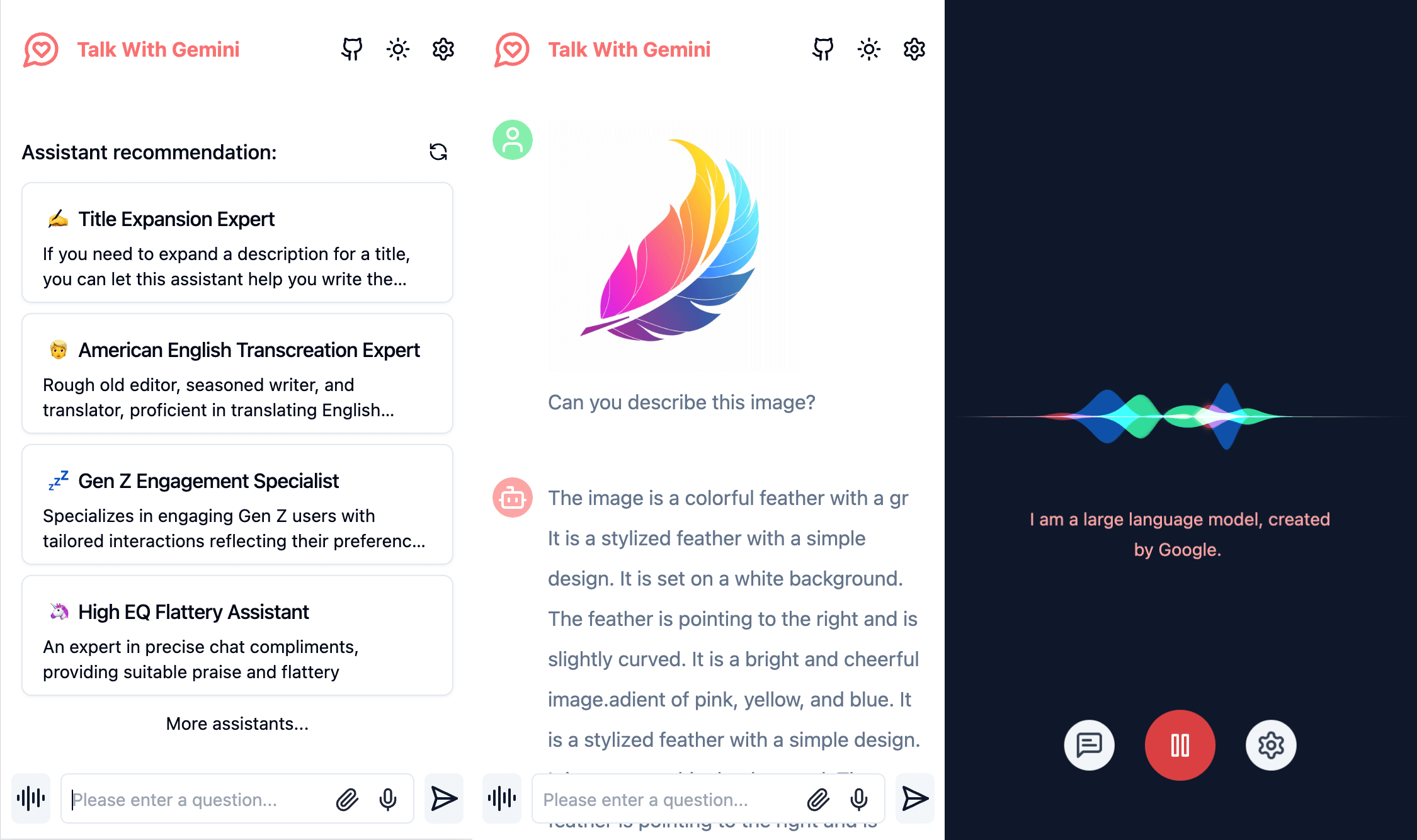
Simple interface, supports image recognition and voice conversation
Concise interface, supporting image recognition and voice conversation
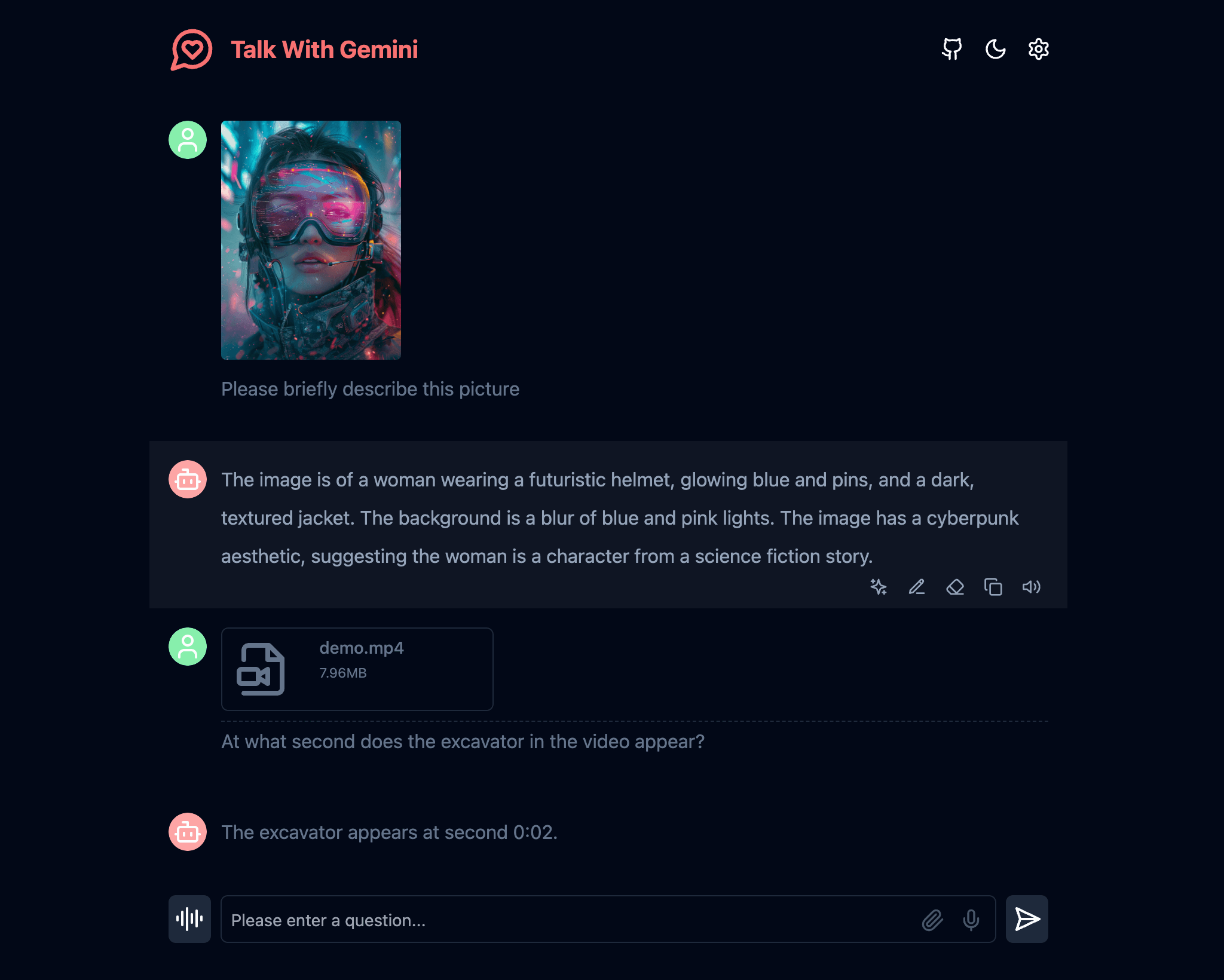
Supports Gemini 1.5 and Gemini 1.5 Flash multimodal models
Supports Gemini 1.5 and Gemini 1.5 Flash multimodal models
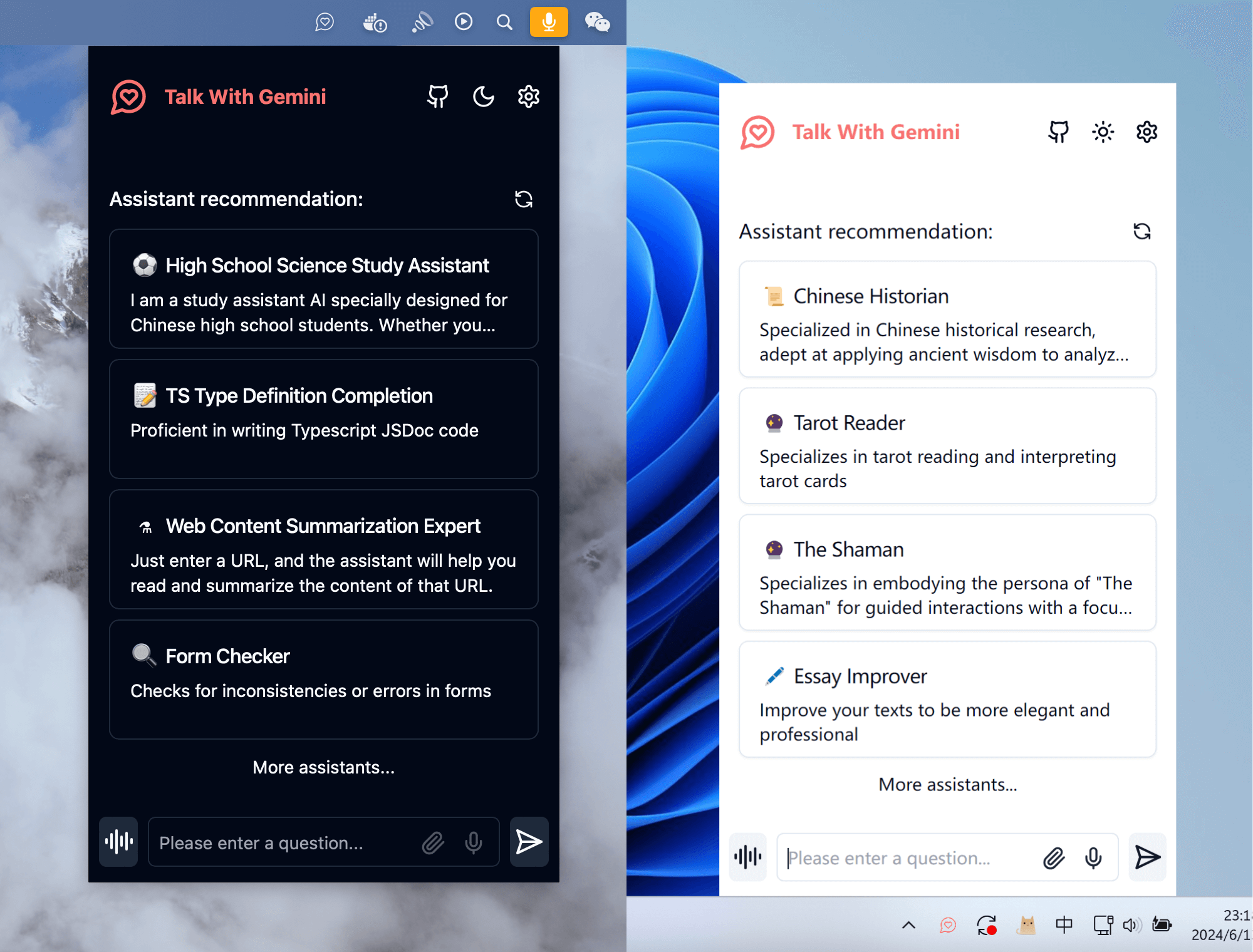
A cross-platform application client that supports a permanent menu bar, double your work efficiency
Cross-platform application client, supports resident menu bar, double your work efficiency
Note: If you encounter problems during the use of the project, you can check the known problems and solutions of FAQ.
Note: If you encounter problems during use of the project, you can view known issues and solutions to common problems.
If you want to update instantly, you can check out the GitHub documentation to learn how to synchronize a forked project with upstream code.
You can star or watch this project or follow author to get release notifications in time.
If you want to update now, you can check out the GitHub documentation to learn how to sync your forked projects with your upstream code.
You can follow the project or follow the author to get timely release notifications.
This project provides limited access control. Please add an environment variable named ACCESS_PASSWORD on the vercel environment variables page.
After adding or modifying this environment variable, please redeploy the project for the changes to take effect.
The project provides access control. Please add an environment variable named ACCESS_PASSWORD to the .env file or environment variable page.
After you add or modify this environment variable, redeploy the project for the changes to take effect.
This project supports custom model lists. Please add an environment variable named NEXT_PUBLIC_GEMINI_MODEL_LIST in the .env file or environment variables page.
The default model list is represented by all , and multiple models are separated by , .
If you need to add a new model, please directly write the model name all,new-model-name , or use the + symbol plus the model name to add, that is, all,+new-model-name .
If you want to remove a model from the model list, use the - symbol followed by the model name to indicate removal, ie all,-existing-model-name . If you want to remove the default model list, you can use -all .
If you want to set a default model, you can use the @ symbol plus the model name to indicate the default model, that is, all,@default-model-name .
This project supports custom model lists. Please add an environment variable named NEXT_PUBLIC_GEMINI_MODEL_LIST in the .env file or environment variable page.
The default model list is represented by all , used , separated by multiple models.
If you need to add a new model, please write the model name all,new-model-name directly, or use the + symbol plus the model name to represent the addition, that is, all,+new-model-name .
If you want to remove a model from the model list, use the - symbol plus the model name to indicate removal, that is, all,-existing-model-name . If you want to remove the default model list, you can use -all .
If you want to set the default model, you can use the @ symbol plus the model name to represent the default model, that is, all,@default-model-name .
GEMINI_API_KEY (optional) Your Gemini api key. If you need to enable the server api, this is required.
GEMINI_API_BASE_URL (optional)Default:
https://generativelanguage.googleapis.com
Examples:
http://your-gemini-proxy.com
Override Gemini api request base url. **To avoid server-side proxy url leaks, links in front-end pages will not be overwritten. **
GEMINI_UPLOAD_BASE_URL (optional)Default:
https://generativelanguage.googleapis.com
Example:
http://your-gemini-upload-proxy.com
Override Gemini file upload api base url. **To avoid server-side proxy url leaks, links in front-end pages will not be overwritten. **
NEXT_PUBLIC_GEMINI_MODEL_LIST (optional)Custom model list, default: all.
NEXT_PUBLIC_ASSISTANT_INDEX_URL (optional)Default:
https://chat-agents.lobehub.com
Examples:
http://your-assistant-market-proxy.com
Override assistant market api request base url. The api link in the front-end interface will be adjusted synchronously.
NEXT_PUBLIC_UPLOAD_LIMIT (optional)File upload size limit. There is no file size limit by default.
ACCESS_PASSWORD (optional)Access password.
HEAD_SCRIPTS (optional)Injected script code can be used for statistics or error tracking.
EXPORT_BASE_PATH (optional)Only used to set the page base path in static deployment mode.
GEMINI_API_KEY (optional)Your Gemini api key. This is required if you need to "enable" the server api.
GEMINI_API_BASE_URL (optional)Default value:
https://generativelanguage.googleapis.com
Example:
http://your-gemini-proxy.com
Override Gemini API requests the base url. To avoid server proxy url leaks, links in front-end pages will not be overwritten.
GEMINI_UPLOAD_BASE_URL (optional)Default value:
https://generativelanguage.googleapis.com
Example:
http://your-gemini-upload-proxy.com
Override Gemini file upload api basic url. To avoid server proxy url leaks, links in front-end pages will not be overwritten.
NEXT_PUBLIC_GEMINI_MODEL_LIST (optional)Custom model list, default is: all.
NEXT_PUBLIC_ASSISTANT_INDEX_URL (optional)Default value:
https://chat-agents.lobehub.com
Example:
http://your-assistant-market-proxy.com
Coverage Assistant Market API Requests Basic URL. The API links in the front-end interface will be adjusted simultaneously.
NEXT_PUBLIC_UPLOAD_LIMIT (optional)File upload size limit. File size is not limited by default.
ACCESS_PASSWORD (optional)Access password.
HEAD_SCRIPTS (optional)The script code used for injection can be used for statistics or error tracking.
EXPORT_BASE_PATH (optional)Only used to set the page base path in static deployment mode.
NodeJS >= 18, Docker >= 20
NodeJS >= 18, Docker >= 20
If you have not installed pnpm
npm install -g pnpm # 1. install nodejs and yarn first
# 2. config local variables, please change `.env.example` to `.env` or `.env.local`
# 3. run
pnpm install
pnpm devIf you haven't installed pnpm
npm install -g pnpm # 1. 先安装nodejs和yarn
# 2. 配置本地变量,请将 `.env.example` 改为 `.env` 或 `.env.local`
# 3. 运行
pnpm install
pnpm devThe Docker version needs to be 20 or above, otherwise it will prompt that the image cannot be found.
️ Note: Most of the time, the docker version will lag behind the latest version by 1 to 2 days, so the "update exists" prompt will continue to appear after deployment, which is normal.
docker pull xiangfa/talk-with-gemini:latest

docker run -d --name talk-with-gemini -p 5481:3000 xiangfa/talk-with-gemini
You can also specify additional environment variables:
docker run -d --name talk-with-gemini
   -p 5481:3000
   -e GEMINI_API_KEY=AIzaSy...
   -e ACCESS_PASSWORD=your-password
   xiangfa/talk-with-gemini
If you need to specify other environment variables, please add -e key=value to the above command to specify it.
Deploy using docker-compose.yml :
version: ' 3.9 '
services:
   talk-with-gemini:
      image: xiangfa/talk-with-gemini
      container_name: talk-with-gemini
      environment:
         - GEMINI_API_KEY=AIzaSy...
         - ACCESS_PASSWORD=your-password
      ports:
- 5481:3000Docker version needs to be 20 or above, otherwise the image will not be found.
️ Note: The docker version will lag behind the latest version by 1 to 2 days most of the time, so the prompt "existence update" will continue to appear after deployment, which is normal.
docker pull xiangfa/talk-with-gemini:latest

docker run -d --name talk-with-gemini -p 5481:3000 xiangfa/talk-with-gemini
You can also specify additional environment variables:
docker run -d --name talk-with-gemini
   -p 5481:3000
   -e GEMINI_API_KEY=AIzaSy...
   -e ACCESS_PASSWORD=your-password
   xiangfa/talk-with-gemini
If you need to specify other environment variables, please add -e 环境变量=环境变量值to the above command to specify it yourself.
Deploy using docker-compose.yml :
version: ' 3.9 '
services:
   talk-with-gemini:
      image: xiangfa/talk-with-gemini
      container_name: talk-with-gemini
      environment:
         - GEMINI_API_KEY=AIzaSy...
         - ACCESS_PASSWORD=your-password
      ports:
- 5481:3000 You can also build a static page version directly, and then upload all files in the out directory to any website service that supports static pages, such as Github Page, Cloudflare, Vercel, etc..
pnpm build:export If you deploy the project in a subdirectory and encounter resource loading failures when accessing, please add EXPORT_BASE_PATH=/path/project in the .env file or variable setting page.
You can also directly build a static page version and upload all files in the out directory to any website service that supports static pages, such as Github Page, Cloudflare, Vercel, etc.
pnpm build:export If you deploy your project in a subdirectory, you will encounter resource loading failures when accessing, please add EXPORT_BASE_PATH=/路径/项目名称to the .env file or variable settings page.
The currently known vercel and netlify both use serverless edge computing. Although the response speed is fast, they have size restrictions on uploaded files. Cloudflare Worker has relatively loose limits on large files (500MB for free users, 5GB for paid users) and can be used as an api proxy. How to deploy the Cloudflare Worker api proxy
Currently, the two models Gemini 1.5 Pro and Gemini 1.5 Flash support most images, audios, videos and some text files. For details, see Support List. For other document types, we will try to use LangChain.js later.
You can refer to the following two Gemini Api proxy projects gemini-proxy and palm-netlify-proxy.
Note Vercel and Netlify prohibit users from deploying proxy services. This solution may cause account bans and should be used with caution.
The vercel and netlify that we have learned currently use serverless edge computing. Although the response speed is fast, there are size limits for uploading files. Cloudflare Worker is relatively loose for large files (500MB for free users and 5GB for paid users) and can be used as an API proxy. How to deploy Cloudflare Worker api proxy
Currently, voice recognition uses the browser's SpeechRecognition interface, and the system will hide the voice conversation function in some browsers that do not support the SpeechRecognition interface.
Since most Chrome kernel-based browsers use Google's voice recognition services on the implementation of the SpeechRecognition interface, they need to be able to access the international network normally.
Currently, most of the pictures, audio, video and some text files supported by Gemini 1.5 Pro and Gemini 1.5 Flash are supported. See the support list for details. For other document types, you will try to implement it later using LangChain.js.
The domain name generated after vercel was blocked by the domestic network a few years ago, but the server's IP address was not blocked. You can customize the domain name and you can access it normally in the country. Since Vercel does not have a server in the country, sometimes there will be some network fluctuations, which is a normal phenomenon. How to set the domain name, you can refer to the solution article I found from the Internet Vercel binding custom domain name.
GPL-3.0-only





