Git Blame
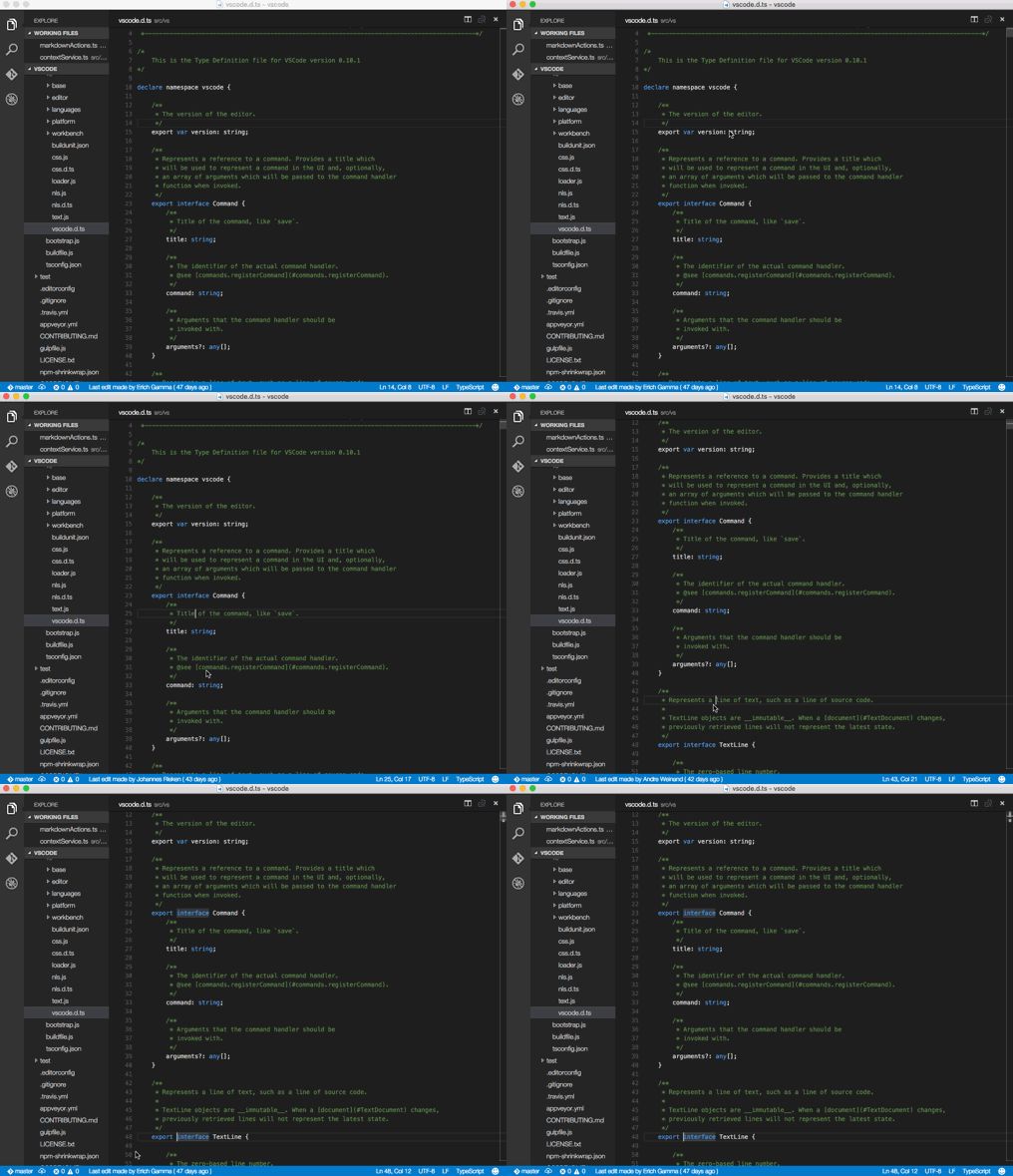
See Git Blame information in the status bar for the currently selected line.
Install
Open up VS Code.
- Type
F1
- Type
ext in command palette.
- Select "install" and hit enter.
- Type "blame"
- Select "Git Blame" extension and hit enter.
Backlog
- Click on the status bar to see more blame info, including commit SHA
- Show blame line ranges
Known Issues
Update Log
Version 1.1
- Reduced text size which was causing the blame info not to show.
- Merged in PR (credit to @fogzot) that searches for .git in parent dirs.
Version 1.2
- Merged in PR replacing 'Hello World' message with hash and commit message (credit to @carloscz).
Version 1.3
- Merged in PR to make the status bar message interactive (credit to @j-em);






