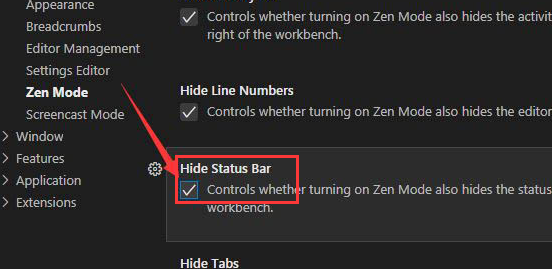
How to hide the status bar in vscode:
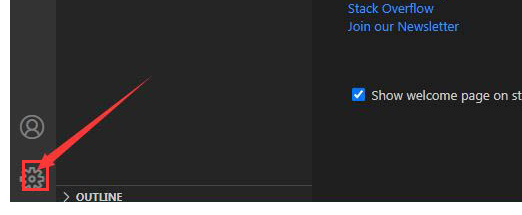
1. After entering the application, click the settings icon at the bottom of the homepage (as shown in the picture below).
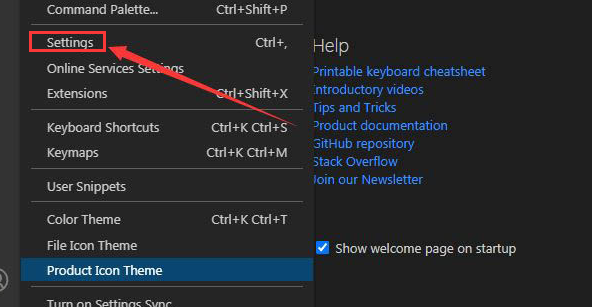
2. Then select the Settings option in the pop-up drop-down box.
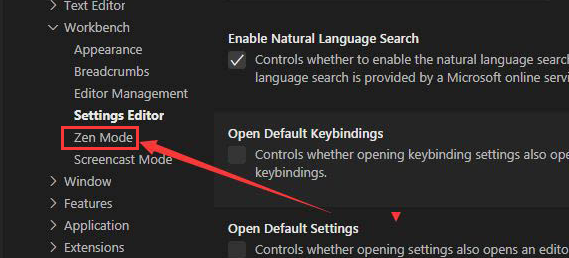
3. Then find the Zen Mode option on the left side of the page.
4. Finally, click the Hide Status Bar function to check it.