handmade blog
v1.3.1

✍️
Handmade Blog
Read this document in another language: ?? ?? ?? ?? ?? ?? ??
Handmade Blog is a lightweight static blog generator for people who want to start a blog quickly. It supports article type document for a blog post, work type document for portfolio, code highlights, KaTeX syntax, footnotes, and more.
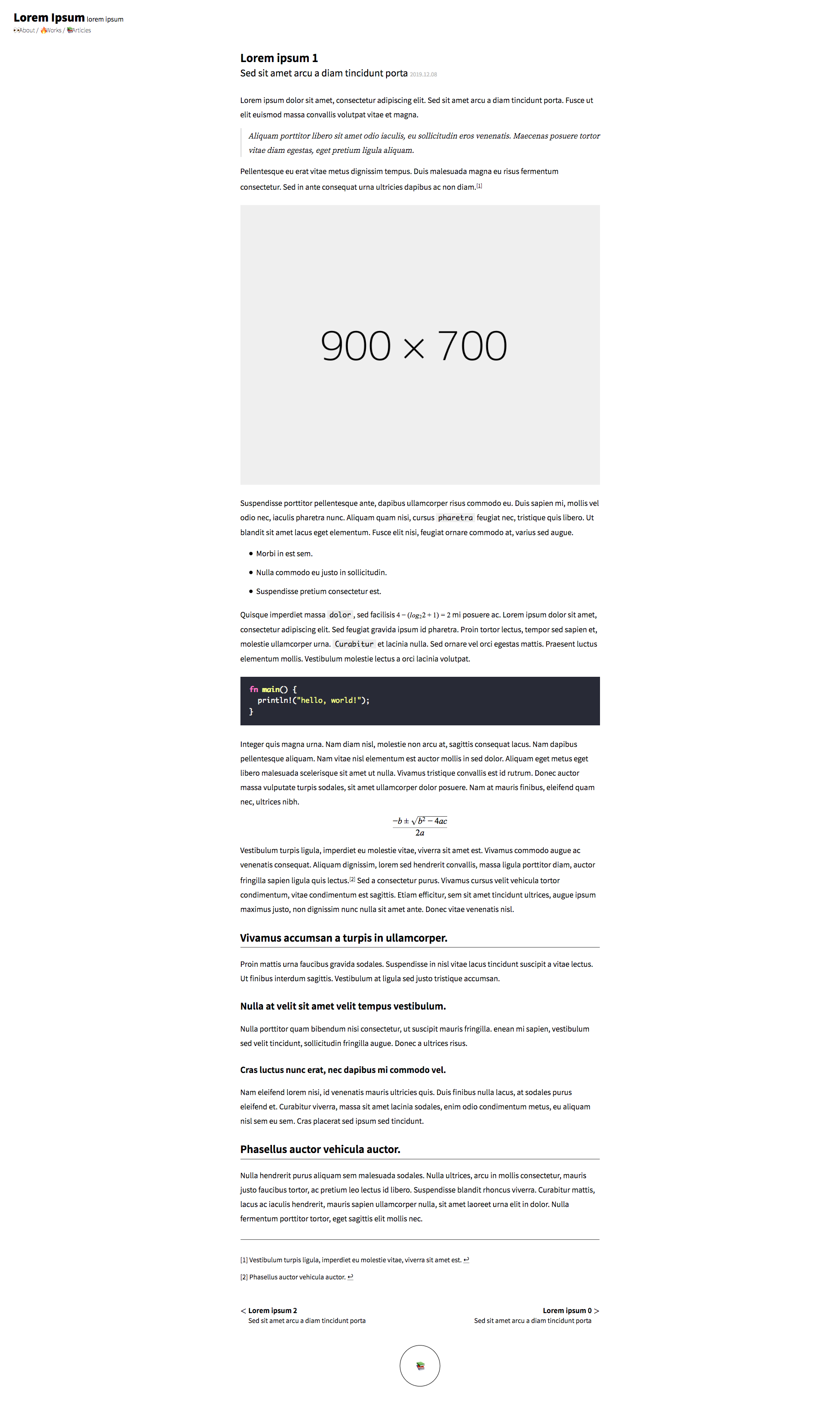
article/0.html on mobile

article/0.html on desktop

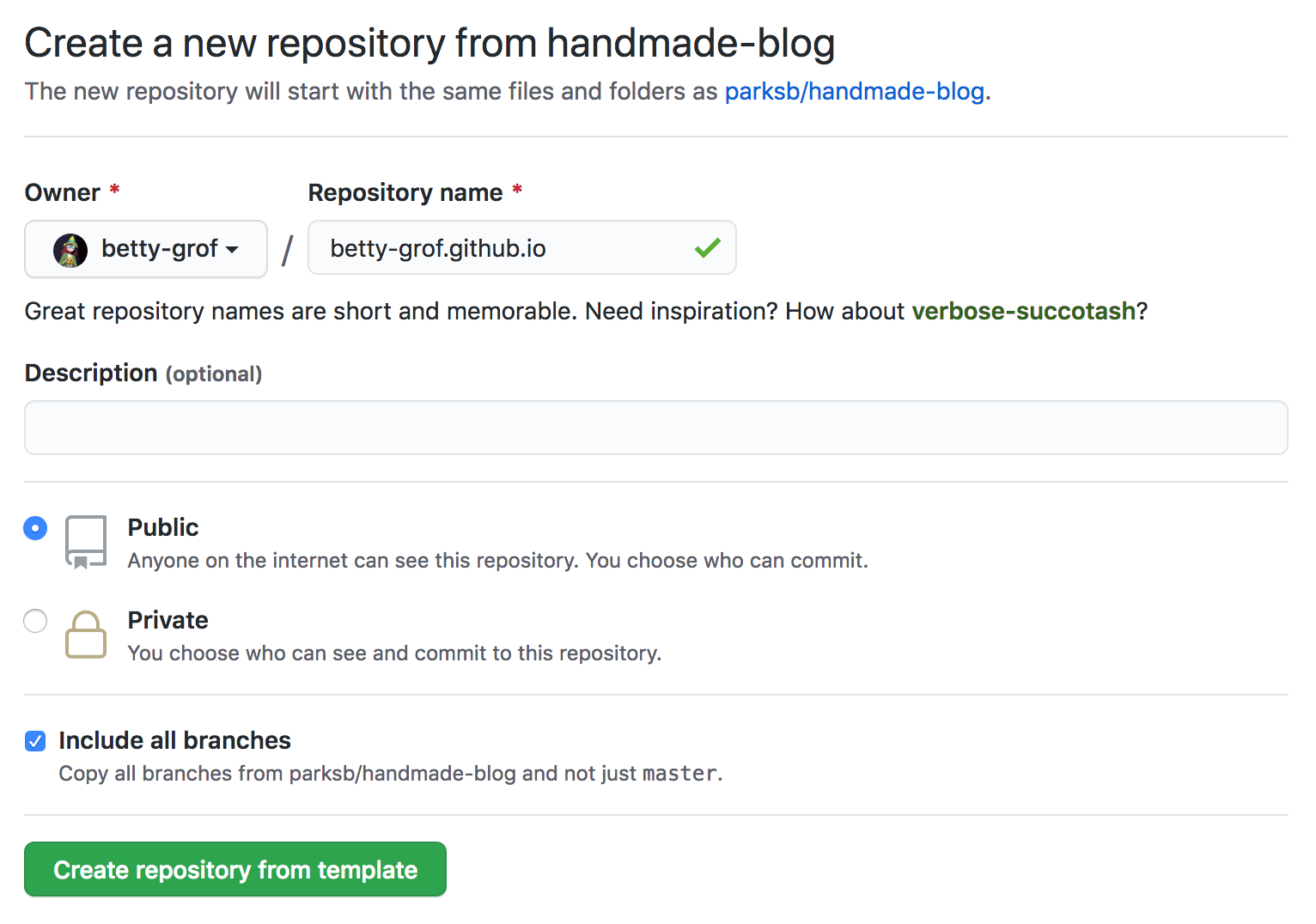
Click the 'Use this template' button above the file list to create a new repository. If you want to use github.io domain, have to name the repository {YOUR_ID}.github.io. (e.g., betty-grof.github.io) Don't forget to enable the 'Include all branches' option.

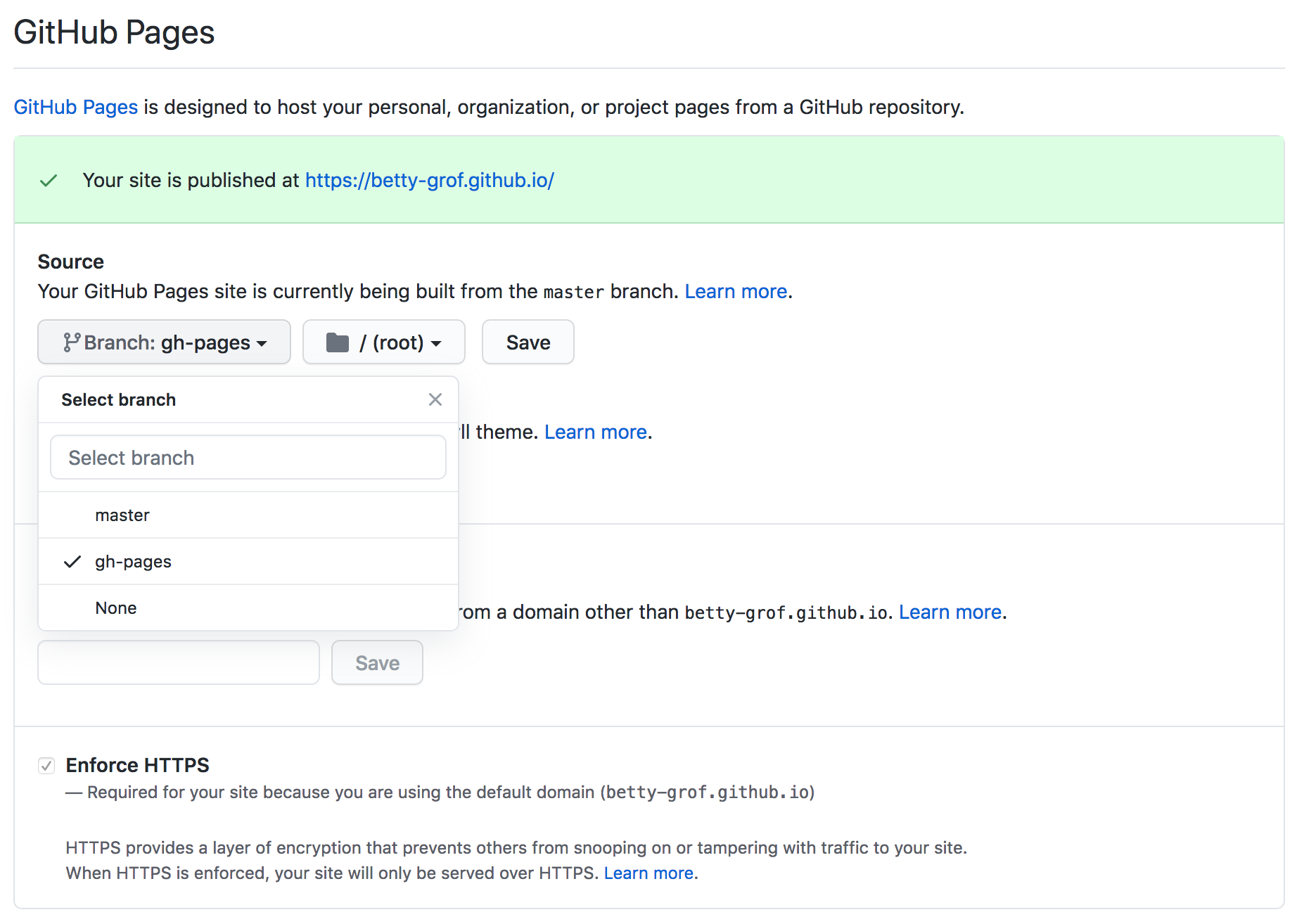
Click the 'Settings' tab in your repository, and set the source branch for GitHub Pages to gh-pages branch. GitHub Pages will host your website based on gh-pages branch. You'll be able to access the website via https://{YOUR_ID}.github.io/ in a few minutes.

Clone the repository, and install node packages.
$ git clone https://github.com/{YOUR_ID}/{REPOSITORY_NAME}.git # git clone https://github.com/betty-grof/betty-grof.github.io.git
$ cd {REPOSITORY_NAME} # cd betty-grof.github.io
$ npm install
Customize a some texts such as title of the navigation(in app/templates/navigations.ejs), and run npm run build.
<nav>
  <a class="logo-link" href="/">
    <h1>CUSTOMIZED BLOG TITLE</h1>
    <span>customized blog subtitle</span>
  </a>
  <small>
    <a id="about" class="info-link" href="/about.html">?About</a> /
    <a id="works" class="info-link" href="/works.html">Works</a> /
    <a id="articles" class="info-link" href="/articles.html">Articles</a>
  </small>
</nav>
$ npm run buildRun npm start script to start a local server listening on http://localhost:8080/. The local server is based on dist directory.
$ npm run build
$ npm start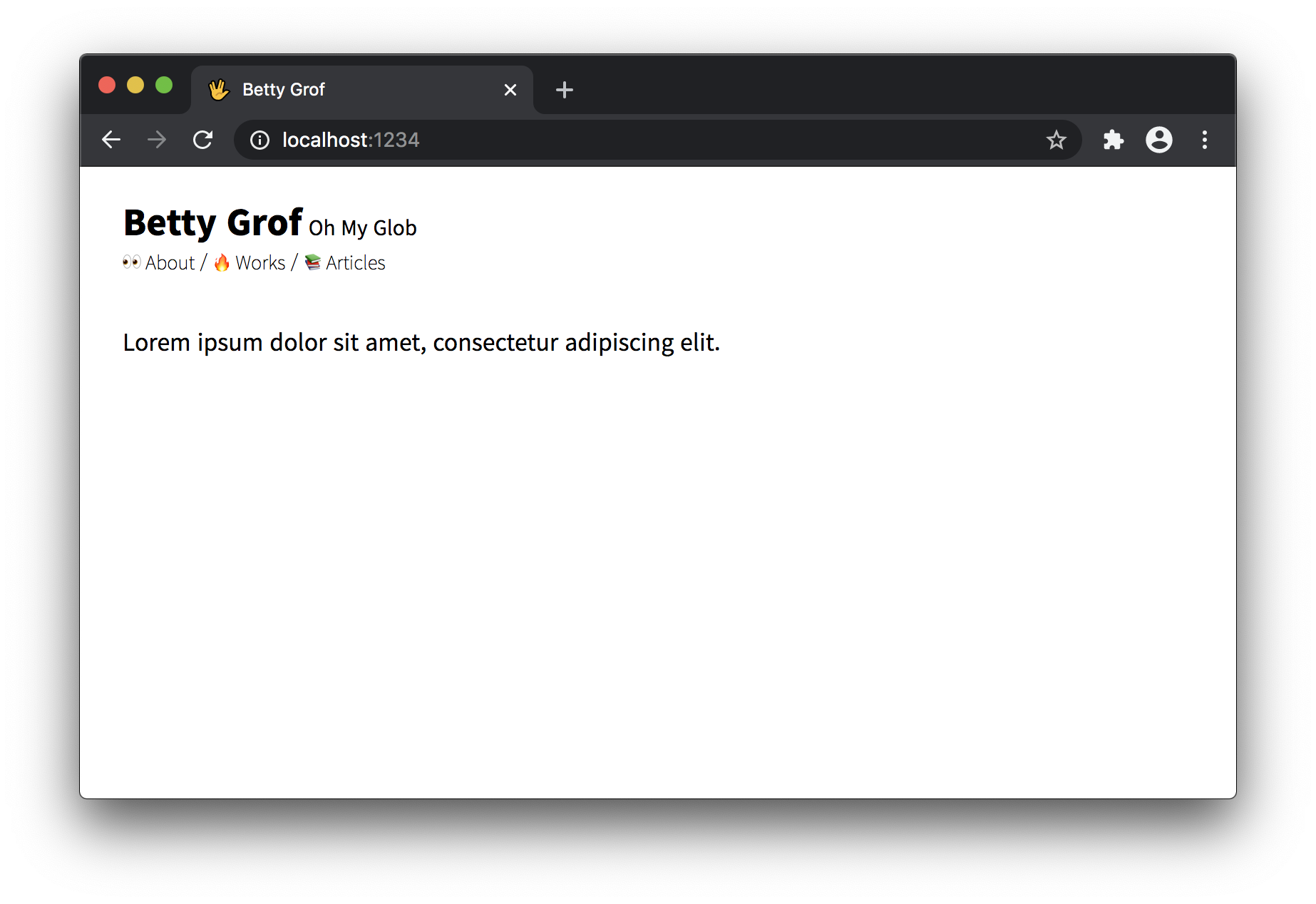
Commit and push the changes in your working directory to the remote repository.
$ git add ./app/templates/navigations.ejs
$ git commit -m "Customize the blog title and subtitle"
$ git push origin master
Run deploy script if you're ready to host the website. This script builds local files to dist directory and pushes it to gh-pages branch that contains only the files in dist directory. GitHub Pages will host your website at https://{YOUR_ID}.github.io/ based on gh-pages branch automatically.
$ npm run deploynpm run watch to track changes in real time.npm start to start local server. (npm run watch must still be running in the background or other tab, or other session.)app/templates, app/styles, and _articles directories._articles or _works directory.npm run publish article or npm run publish work script to convert markdown documents to HTML.npm start script.npm run deploy to deploy.Modify an ejs template to change the contents of the existing page. For example, if you want to put an image to the landing page, open the app/templates/index.ejs file, and add img tag to the main-container element.
<main id="main-container">
  <img src="../assets/profile.jpg" alt="My profile picture" />
  <p>Lorem ipsum dolor sit amet, consectetur adipiscing elit.</p>
</main>
Then, run npm run build script to publish the modified landing page and preview changes on the local server using npm start script.
$ npm run build
$ npm start
If you're ready to deploy, run npm run deploy script. You can change not only the landing page but any pages like this way. (You may need to understand the project structure.)
Create a CNAME file in the root directory. The build process will automatically pick up on the CNAME for you and you can serve your blog from your custom domain.
To find out more about how Github manages CNAMEs, check out the docs
_articles - Markdown files for the blog posts._works - Markdown files for the portfolio.app
assets - Any files to be imported by HTML files such as image, font, etc.public - HTML files generated by publish script. server and dist directory is based on this directory. Do not change the files under this directory directly.
article - HTML files converted from _articles directory.work - HTML files converted from _works directory.styles - CSS source code to be imported by HTML files.static - Any static files that aren't compiled by build script like robots.txt, sitemap.xml, or SEO files. build script copies all files under this directory to dist directory.templates - EJS template files. publish script converts templates under this directory to HTML files.dist - Files compiled by build script. start script opens local server based on this directory, and deploy script deploys a website to GitHub pages based on this directory. Do not change the files under this directory directly.services - Source code implementing publish script.
classesmodelstools - Source code implementing various npm scripts.npm startStarts local development server listening on http://localhost:8080/.
npm run publishConverts templates to HTML files.
$ npm run publish articleConverts all articles.
$ npm run publish worksConverts all works.
$ npm run publish article 5Converts an article which id is 5.
$ npm run publish work 3Converts a work which id is 3.
$ npm run publish pageConverts all pages.
npm run watchRebuilds template files in templates directory, css files in styles directory and markdown files in _articles directory automatically whenever the files are modified.
npm run buildBuilds files with parcel bundler.
npm run deployBuilds and deploys the files.
This project is licensed under the MIT License - see the LICENSE file for details.





