metaforce
1.0.0

A reverse-engineered, native reimplementation of Metroid Prime.
This project is currently in alpha state.
Builds are currently unavailable while the project undergoes large changes.
Separately, a matching decompilation of Metroid Prime is currently underway. Contributions are welcome.
Progress on the decompilation benefits Metaforce with bug fixes and new implementations.
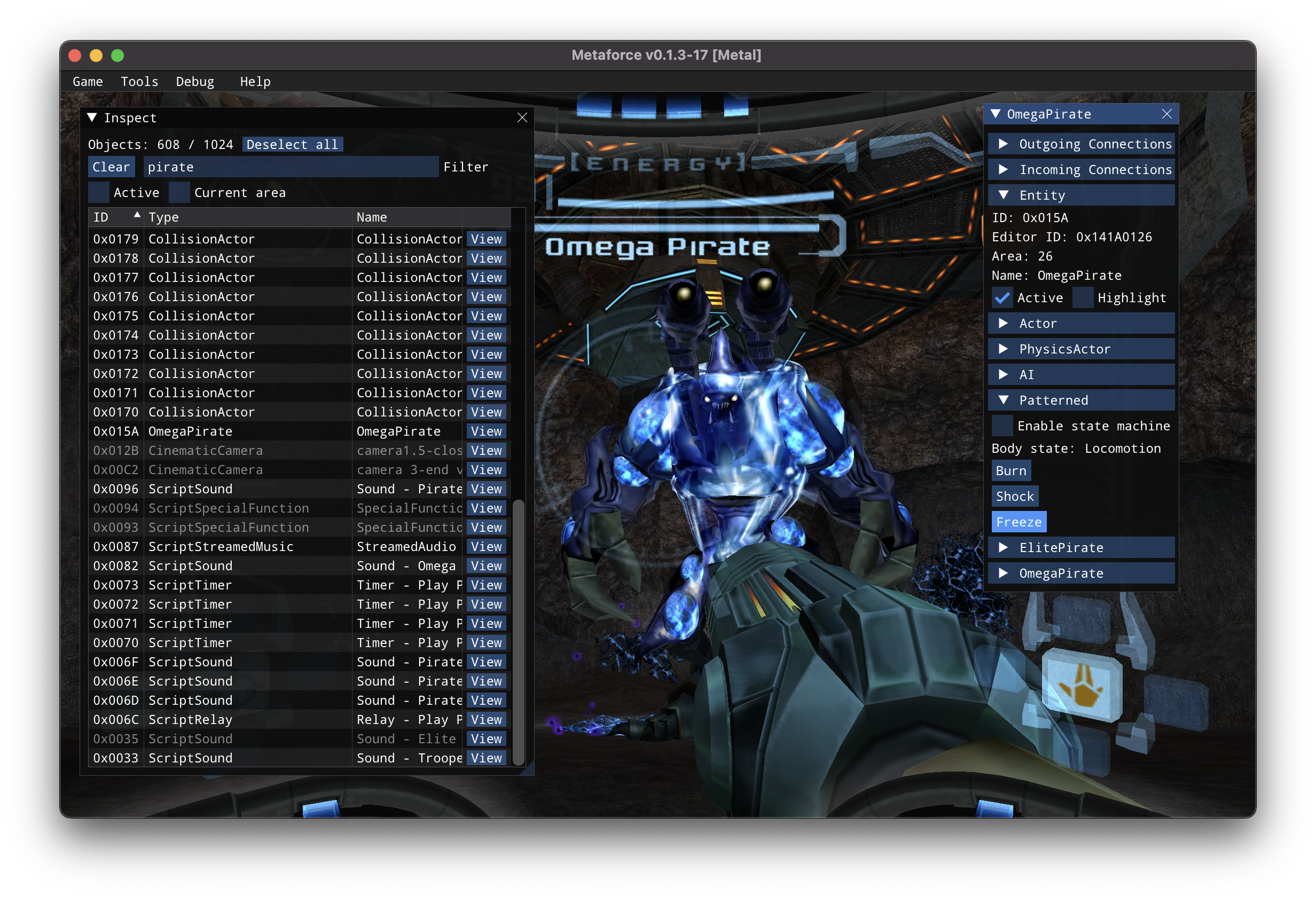
Windows:
metaforce.exemacOS:
Metaforce.appLinux:
chmod +x Metaforce-*.AppImageMetaforce-*.AppImage-l: Enable console logging--warp [worldid] [areaid]: Warp to a specific world/area. Example: --warp 2 2+developer=1: Enable developer UICMake Tools in Visual Studiobrew install cmake%PATH% by typing python in cmd.brew install python@3C++ Development and verify the following packages are included:
Windows 10 SDKCMake ToolsC++ Clang CompilerC++ Clang-clbuild-essential curl git ninja-build clang lld zlib1g-dev libcurl4-openssl-dev
libglu1-mesa-dev libdbus-1-dev libvulkan-dev libxi-dev libxrandr-dev libasound2-dev libpulse-dev
libudev-dev libpng-dev libncurses5-dev cmake libx11-xcb-dev python3 python-is-python3
libclang-dev libfreetype-dev libxinerama-dev libxcursor-dev python3-markupsafe libgtk-3-dev
base-devel cmake ninja llvm vulkan-headers python python-markupsafe clang lld alsa-lib libpulse libxrandr freetype2
cmake vulkan-headers ninja-build clang-devel llvm-devel libpng-devel
sudo dnf groupinstall "Development Tools" "Development Libraries"
git clone --recursive https://github.com/AxioDL/metaforce.git
cd metaforcecd metaforce
git pull
git submodule update --recursiveFor Windows, it's recommended to use Visual Studio. See below.
Builds using RelWithDebInfo by default.
cmake -B out -G Ninja # add extra options here
cmake --build out --target metaforce hecl visigen-DCMAKE_BUILD_TYPE=Debug-DCMAKE_C_COMPILER=clang -DCMAKE_CXX_COMPILER=clang++-DMETAFORCE_VECTOR_ISA=native(main development / debugging IDE)
Open the repository's CMakeLists.txt.
Optionally configure CMake options via File > Settings > Build, Execution, Deployment > CMake.
Open the repository's CMakeLists.txt via File > Open File or Project.
Configure the desired CMake targets to build in the Projects area of the IDE.
Verify all required VS packages are installed from the above Build Prerequisites section.
Open the metaforce directory in Visual Studio (imports CMake configuration).
MSVC and clang-cl configurations should import automatically.
cmake -G Xcode ../metaforceThen open metaforce.xcodeproj







