labml
1.0.0

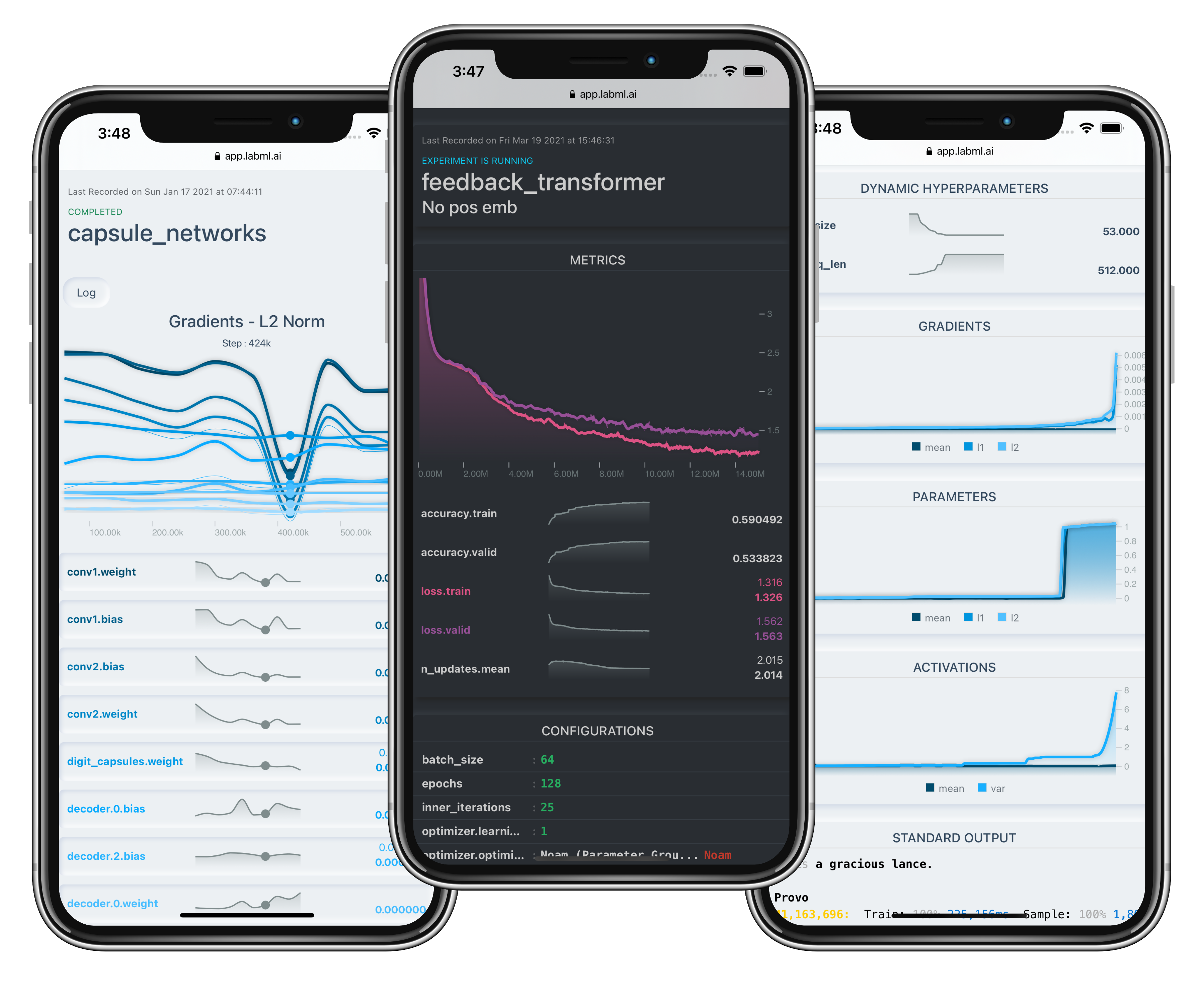
لتثبيت MongoDB ، راجع الوثائق الرسمية هنا.
قم بتثبيت الحزمة باستخدام PIP:
pip install labml-app # Start the server on the default port (5005)
labml app-server
# To start the server on a different port, use the following command
labml app-server --port PORTاختياري: لإعداد وتكوين NGINX في الخادم الخاص بك ، يرجى الرجوع إلى هذا.
يمكنك الوصول إلى واجهة المستخدم إما عن طريق زيارة http://localhost:{port} أو ، إذا تم تكوينها على جهاز منفصل ، عن طريق التنقل إلى http://{server-ip}:{port} .
pip install labml.labml.yaml في المستوى العلوي من مجلد المشروع الخاص بك ، وأضف السطر التالي إلى الملف: app_url : http://localhost:{port}/api/v1/default
# If you are setting up the project on a different machine, include the following line instead,
app_url : http://{server-ip}:{port}/api/v1/default from labml import tracker , experiment
with experiment . record ( name = 'sample' , exp_conf = conf ):
for i in range ( 50 ):
loss , accuracy = train ()
tracker . save ( i , { 'loss' : loss , 'accuracy' : accuracy }) from labml import tracker , experiment
uuid = experiment . generate_uuid () # make sure to sync this in every machine
experiment . create ( uuid = uuid ,
name = 'distributed training sample' ,
distributed_rank = 0 ,
distributed_world_size = 8 ,
)
with experiment . start ():
for i in range ( 50 ):
loss , accuracy = train ()
tracker . save ( i , { 'loss' : loss , 'accuracy' : accuracy }) # Install packages and dependencies
pip install labml psutil py3nvml
# Start monitoring
labml monitorإذا كنت تستخدم LABML للبحث الأكاديمي ، فيرجى الاستشهاد بالمكتبة باستخدام إدخال Bibtex التالي.
 @misc{labml,
 author = {Varuna Jayasiri, Nipun Wijerathne, Adithya Narasinghe, Lakshith Nishshanke},
 title = {labml.ai: A library to organize machine learning experiments},
 year = {2020},
 url = {https://labml.ai/},
}








