path 模組是Node.js 官方提供的、用來處理路徑的模組。它提供了一系列的方法和屬性,用來滿足使用者對路徑的處理需求。
path.join() 方法,用來將多個路徑片段拼接成一個完整的路徑字串
語法格式為

…paths(string) 路徑片段的序列,就是你需要拼接的所有路徑系列
需要注意的是這個回傳的值為string
//引入path模組const path=require("path")
//寫要拼接的路徑const pathStr=path.join('/a','/b/c','../','./d','e')

console.log(pathStr)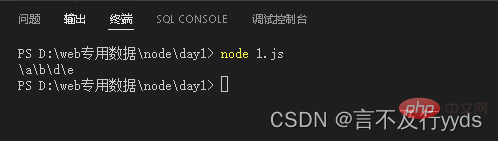
使用path.basename() 方法,可以取得路徑中的最後一部分,經常透過這個方法取得路徑中的檔案名稱
語法格式

const path=require("path")

const fpath='./a/b/c/index.html'

var fullname=path.basename(fpath)

console.log(fullname)
//取得指定後綴的檔案名稱const namepath=path.basename(fpath,'.html')

console.log(namepath)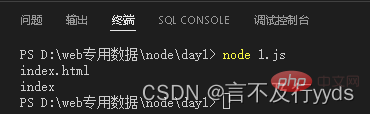
path.extname()用於取得路徑中的檔案副檔名
格式為

path 必選參數,表示一個路徑的字串
回傳: 傳回得到的副檔名字串
const path=require("path")

const fpath='./a/b/c/d/index.html'

const ftext =path.extname(fpath)

console.log(ftext)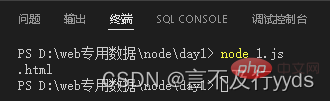
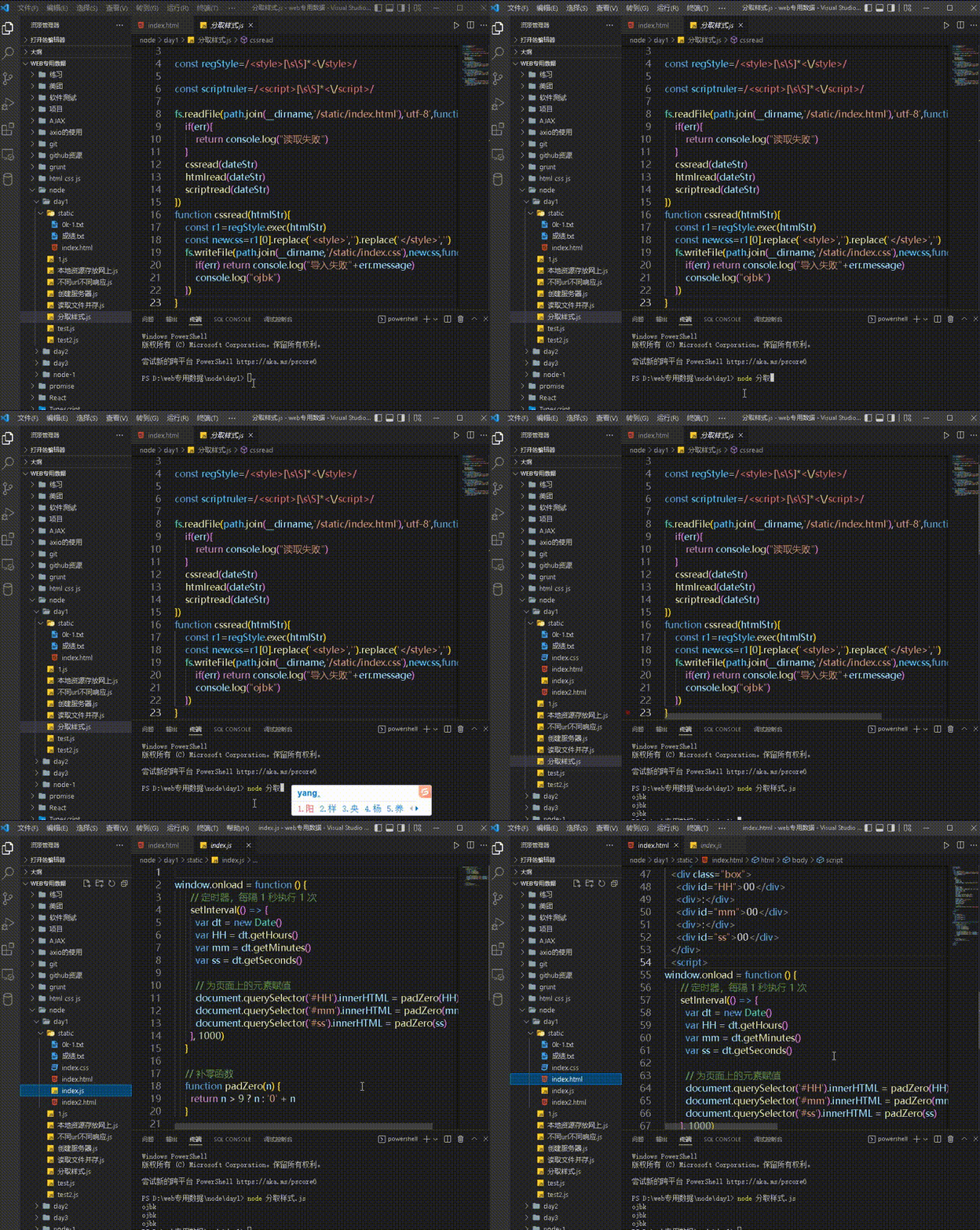
將所提供的程式碼(一個檔案同時擁有html,css,js)進行分割拆分成三個檔案分別為index.html index.css index.js並將其存放到一個準備好的文件中
原始碼:http: //127.0.0.1:5500/node/day1/static/index.html
1.建立兩個正規表示式,分別用來符合
<style>和<script>標籤
2. 使用fs 模組,讀取需要處理的HTML 文件
3. 自訂resolveCSS 方法,來寫入index.css 樣式文件
4. 自訂resolveJS 方法,來寫入index.js 腳本文件
5.自訂resolveHTML 方法,來寫入index.html 檔案
const path=require('path')
const fs=require('fs')

const regStyle=/<style>[sS]*</style>/

const scriptruler=/<script>[sS]*</script>/
//需要讀取的檔案fs.readFile(path.join(__dirname,'/static/index.html'),'utf-8',function(err,dateStr){
    if(err){
        return console.log("讀取失敗")
    }
   resolveCSS(dateStr)
   resolveHTML(dateStr)
   resolveJS (dateStr)
}) function resolveCSS(htmlStr){
const r1=regStyle.exec(htmlStr)
const newcss=r1[0].replace('<style>','').replace('</style>','')
//將符合的css寫入到指定的index.css檔案中fs.writeFile(path.join(__dirname,'/static/index.css'),newcss,function(err){
if(err) return console.log("導入失敗"+err.message)
console.log("ojbk")
})
}
function resolveJS(htmlStr){
const r2=scriptruler.exec(htmlStr)
const newcss=r2[0].replace('<script>','').replace('</script>','')
//將符合的css寫入到指定的index.js檔案中fs.writeFile(path.join(__dirname,'/static/index.js'),newcss,function(err){
if(err) return console.log("導入失敗"+err.message)
console.log("ojbk")
})
}
function resolveHTML(htmlStr){
const newhtml=htmlStr
.replace(regStyle,'<link rel="stylesheet" href="./index.css">')
.replace(scriptruler,'<script src="./index.js"></script>')
//將符合的css寫入到指定的index.html檔案中fs.writeFile(path.join(__dirname,'/static/index2.html'),newhtml,function(err){
if(err) return console.log("導入失敗"+err.message)
console.log("ojbk")
})
}最終的結果就是在指定的文件中將樣式剝離開
但是那個最開始的index.html由於是包含全部的代碼,而後在拆分樣式的時候存放的位置還是原來的,所以最終index.html的代碼不變