RippleAi Summary Illustration TTS
1.0.0

Blog/Live Demo • License
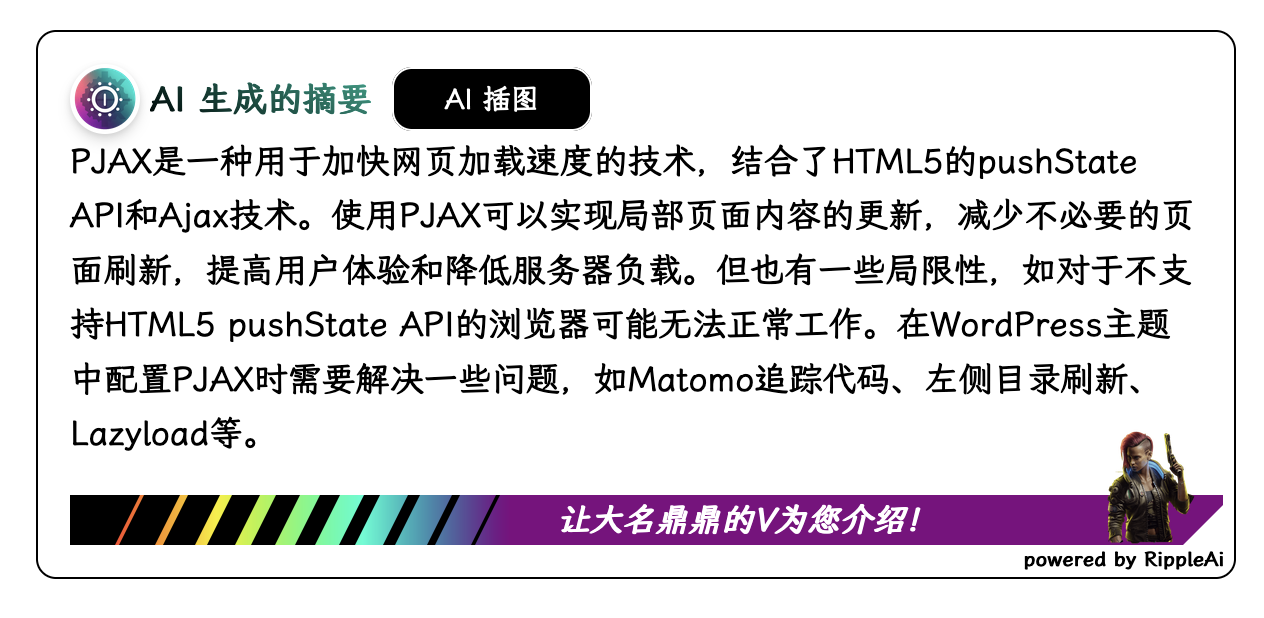
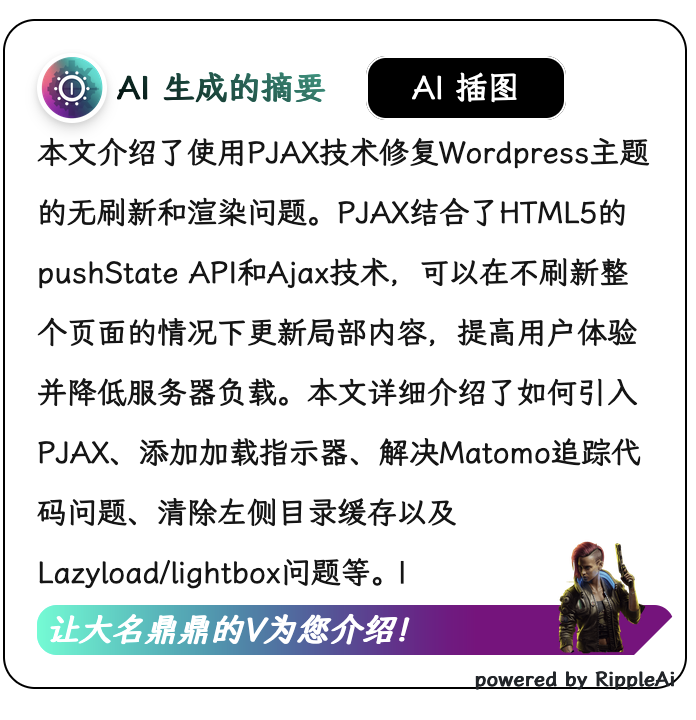
例如我的博客正文被class="entry-content"包裹,那麼let RippleGPT_postSelector = '.entry-content';
 < div class =" ripple-ai mt-4 " >
</ div >
< link href =" /path/to/ripplegpt.css " rel =" stylesheet " type =" text/css " />
  < script >
let RippleGPT_postSelector = '文章正文' ;
let GPT_URL = 'https://api.example.com/' ;
let MJ_URL = 'https://api.example.com/send_and_receive' ;
let VITS_URL = 'https://api.example.com/models/${path}/speakers/${id}' ;
</ script >
  < script src =" /path/to/ripplegpt.js " > </ script >
  < script src =" /path/to/typeit.min.js " > </ script >
< script > document . addEventListener ( 'DOMContentLoaded' , function ( ) {
  runRippleGPT ( ) ;
} ) ;
</ script > < div class =" ripple-ai mt-4 " >
</ div >
< link href =" https://myripple.cc/cdn/RippleGPT.css " rel =" stylesheet " type =" text/css " />
< script >
let RippleGPT_postSelector = '文章正文' ;
let GPT_URL = 'https://api.example.com/' ;
let MJ_URL = 'https://api.example.com/send_and_receive' ;
let VITS_URL = 'https://api.example.com/models/${path}/speakers/${id}' ;
</ script >
< script src =" https://myripple.cc/cdn/RippleGPT.js " > </ script >
< script src =" https://myripple.cc/cdn/typeit.min.js " > </ script >
< script > document . addEventListener ( 'DOMContentLoaded' , function ( ) {
runRippleGPT ( ) ;
} ) ;
</ script > /* 容器外部(footer.php) */
<script src="https: //myripple.cc/cdn/RippleGPT.js"></script>
<script>
runRippleGPT ();
</script>
<script>
$ (document). on ( ' pjax:complete ' , function () {
runRippleGPT ();
});
</script>
/* 容器内部(single.php) */
<link href="https: //myripple.cc/cdn/RippleGPT.css" rel="stylesheet" type="text/css" />
<script>
let RippleGPT_postSelector = '文章正文';
let GPT_URL = 'https: //api.example.com/';
let MJ_URL = 'https: //api.example.com/send_and_receive';
let VITS_URL = 'https: //api.example.com/models/${path}/speakers/${id}';
</script>