fettle
1.0.0

Fettle是開源狀態頁面,完全由GitHub動作,問題和頁面提供支持。
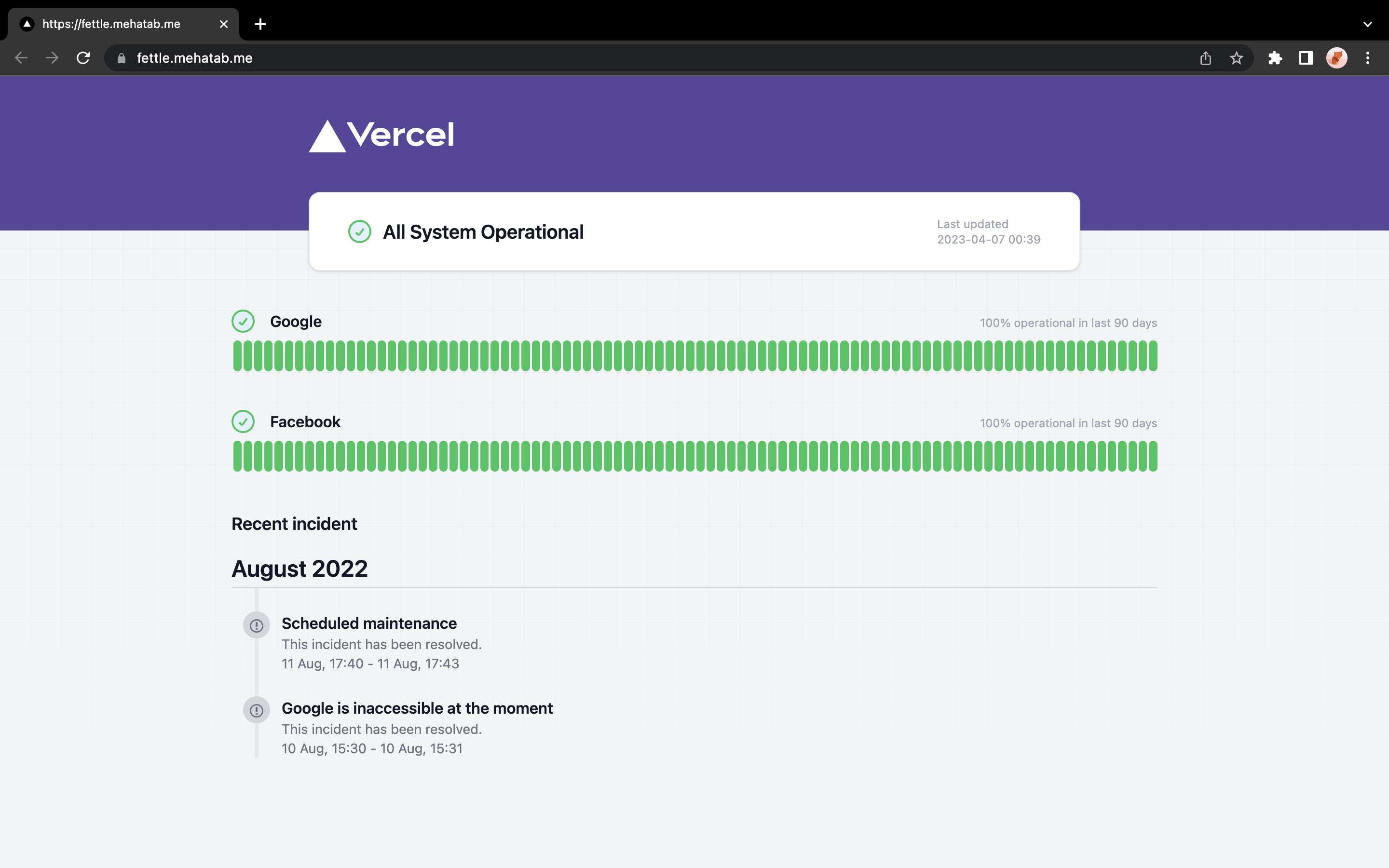
首先,您需要為此存儲庫提供。
在public > urls.cfg文件中更新urls.cfg文件中的URL和名稱。
 Google=https://google.com
Facebook=https://facebook.com
轉到src > incidents > hooks > useIncidents.tsx文件,然後使用您的存儲庫URL更新URL。
用您的用戶名/repo-name替換Mehatab/fettle
https://api.github.com/repos/mehatab/fettle/issues?per_page=20&state=all&labels=incident
轉到src > services > hooks > useServices.tsx文件,然後使用您的存儲庫URL更新URL。
用您的用戶名/repo-name替換Mehatab/fettle
https://raw.githubusercontent.com/mehatab/fettle/main/public/status/${key}_report.log
轉到src > services > hooks > useSystemStatus.tsx文件,然後使用您的存儲庫URL更新URL。
用您的用戶名/repo-name替換Mehatab/fettle
https://raw.githubusercontent.com/mehatab/fettle/main/public/status/${key}_report.log
然後,您需要在分叉存儲庫上啟用GitHub頁面。您可以通過轉到Settings > Pages並在main分支上啟用它來做到這一點。
在構建和部署部分中,選擇GitHub操作。
如果要更改監視的時間間隔,則可以在.github > workflows > health-check.yml文件中更改它。在以下行中更新CRON時間。
    on :
      schedule :
- cron : " 0 0/12 * * * " incidentincident添加到該問題託管
監視
事件
請隨時提交錯誤和/或提交錯誤和建議的文件問題。







