gfonts
v0.2.0

下載“ Google”字體(通過Google-Webfonts-Helper),並生成用於RmarkDown文檔和閃亮應用程序的CSS。包括一些流行字體並準備使用。
從Cran安裝:
install.packages( " gfonts " )您可以使用GitHub安裝開發版本:
 # install.packages("remotes")
remotes :: install_github( " dreamRs/gfonts " )獲取可用1474之間所需字體的ID:
library( gfonts )
get_all_fonts()
下載用於使用所需的文件並生成適當的CSS代碼:
setup_font(
  id = " roboto " ,
  output_dir = " path/to "
)
在{shiny}或{rmarkDown}中使用它:
use_font( " roboto " , " www/css/roboto.css " )請參閱詳細的示例
包裝中包含一些字體並準備使用:
use_pkg_gfont( " roboto " )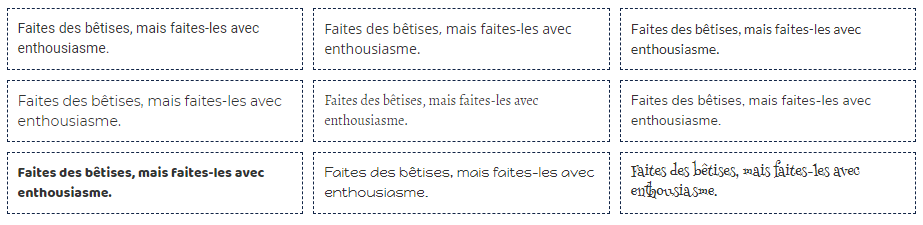
查看所有可用字體
googlefontR提供了輔助功能,以簡化與R的Google字體使用。showtext使在R圖中使用各種類型的字體(TrueType,Opentype,1,Web字體等)變得易於使用。







