julia logo graphics
1.0.0

該存儲庫包含有關朱莉婭編程語言使用的徽標的信息。
重要的
此存儲庫中的徽標設計是
版權所有(C)2012-2022:Stefan Karpinski [email protected]。
這些設計是在創意共享“ BY-NC-SA” 4.0許可下獲得許可的。這意味著您可以自由:
如果您希望按原樣使用朱莉婭徽標,或從中派出其他徽標來商業目的,則必須聯繫許可人Stefan Karpinski,以便允許這樣做,因為此許可證未涵蓋此類用法。
有關完整的詳細信息,請參見License.MD。
要生成Julia-Circles徽標,您可以將以下代碼用於luxor.jl:
 using Luxor
R = 100
Drawing ( 7 R / 2 , 7 R / 2 , " /tmp/julialogo.svg " )
origin ()
translate ( 0 , R / 4 )
juliacircles (R)
finish ()
preview ()要生成Julia語言徽標,您可以將以下代碼用於luxor.jl:
 using Luxor
Drawing ( 360 , 260 , " /tmp/julia-language-logo.svg " )
origin ()
julialogo (centered = true )
finish ()
preview ()
有時擁有白色邊框很有用(例如,對於黑暗模式)
 using Luxor
Drawing ( 360 , 260 , " /tmp/julia-language-logo-white-border.svg " )
origin ()
julialogo (centered = true , action = :path )
setline ( 1 )
sethue ( " white " )
strokepath ()
julialogo (centered = true )
finish ()
preview ()該圖顯示了十六進制和RGB中的顏色值,如果您僅使用colors.jl命名顏色。
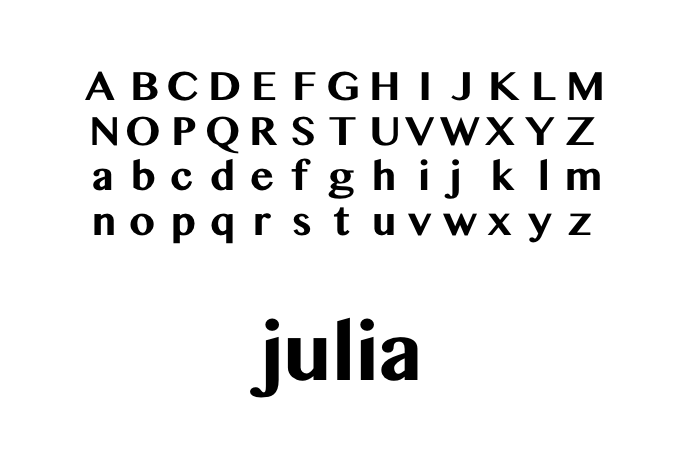
用於徽標的原始設計的字體通常稱為泰米爾姆 - 折疊或拉丁語。 MN,Oriya MN,Sinhala MN,MN和Telugu MN。所有這些字體的拉丁語(即西方/羅馬)角色設計都採用相同獨特的“無串行時代羅馬”風格。
請參閱Julia_logo_latex,以獲取用於繪製徽標的乳膠代碼。
乳膠顏色定義:
 usepackage { xcolor }
definecolor {jlred}{HTML}{CB3C33}
definecolor {jlblu}{HTML}{4063D8}
definecolor {jlgrn}{HTML}{389826}
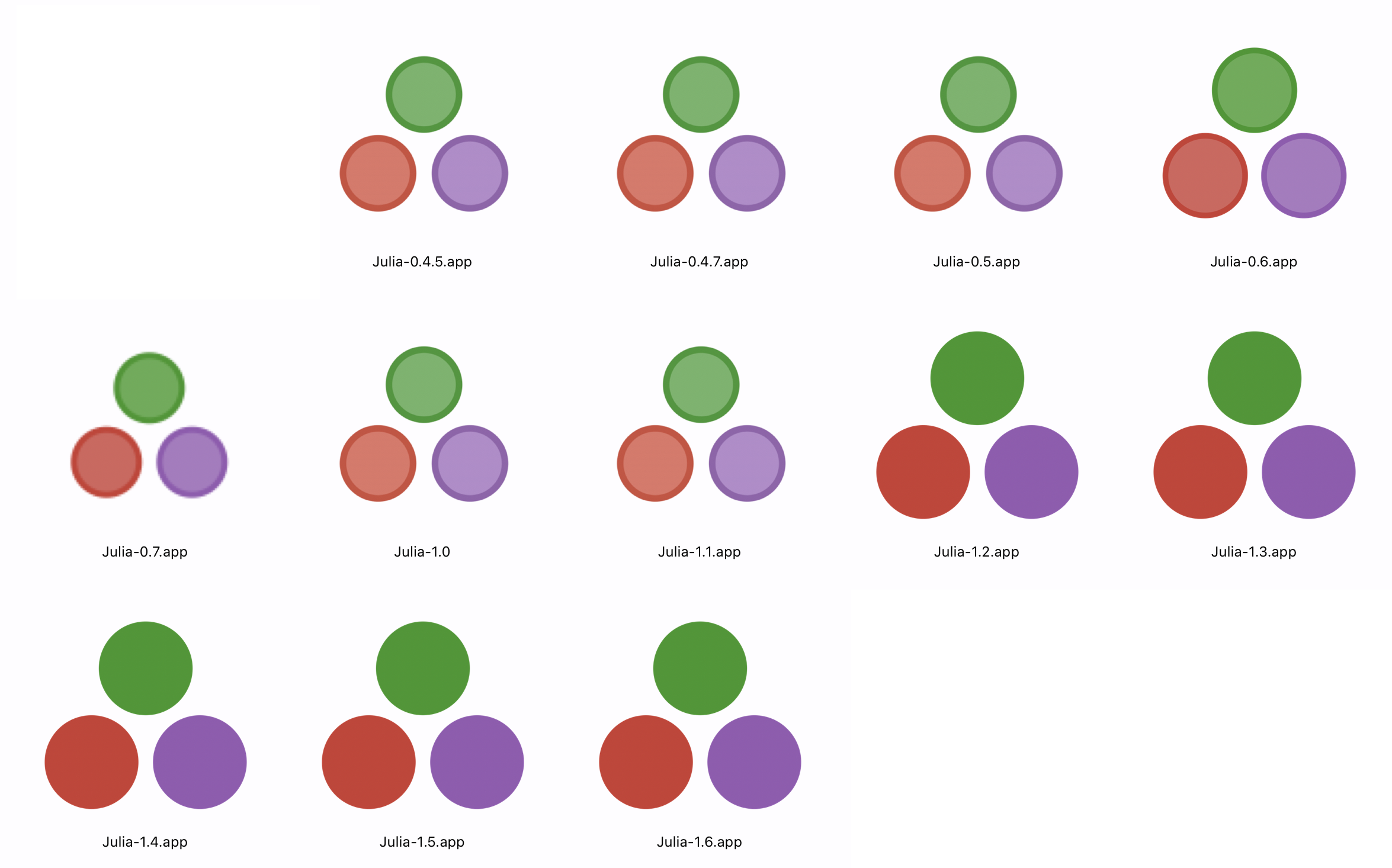
definecolor {jlprp}{HTML}{9558B2}在朱莉婭(Julia)發行v1.2(2019年8月)之前,朱莉婭(Julia)圈子是Duotone,其顏色較深,輪廓較深。
在Flickr上有一些與Julia有關的公共領域CC0許可的圖像,標記為“ Julialang”或“ Julialanguage”。這些應該幫助出版商尋找那些模糊的模糊庫存圖像,以說明顯示朱莉婭代碼的技術主題。

有關使用Julia Code繪製Julia徽標的更多信息,請參見Luxor.jl。

動畫徽標位於images/animated-logo.gif上。
為了顯示MacOS應用程序的圖標,Apple的Finder使用可以存儲在應用程序捆綁包中的.icns文件,in /Applications/appname.app/Contents/Resources/ /contents/resources/。該文件包含不同尺寸和分辨率的相同圖像,以處理Finder中發生的縮放/調整大小。理想情況下,您將分別設計圖像的每個尺寸,對每個像素進行調整以獲得最佳結果,但是誰有時間?因此,以下Julia命令行實用程序會自動從單個圖像(理想情況下是大PNG)生成此文件。它首先使用Apple的sips實用程序從提供的源圖像(PNG)文件中創建必要的圖像,然後運行Apple的iconutil實用程序以構建所需的.icns文件。
 # !/usr/bin/env julia

function main (args)
    length (args) != 1 && return @error ( " supply pathname of an image " )
    sourceimage = first (args)
    ! isfile (sourceimage) && return @error ( " Need a valid image as source material " )
    fname, ext = splitext (sourceimage)
    ext != " .png " && return @error ( " Image should have .PNG suffix " )
    destinationdirectory = dirname (sourceimage)
    iconsetdirectory = joinpath (destinationdirectory, " $(fname) .iconset " )
    ! isdir (iconsetdirectory) && mkdir (iconsetdirectory)
    newiconname ((w, s), ext) = s != 1 ? " icon_ $(w) x $(w)$(ext) " : " icon_ $(w ÷ 2 ) x $(w ÷ 2 ) @2x $(ext) "
    iconspecifications = (( 32 , 1 ), ( 32 , 2 ), ( 64 , 1 ), ( 64 , 2 ), ( 256 , 1 ), ( 256 , 2 ),
    ( 512 , 1 ), ( 512 , 2 ), ( 1024 , 1 ), ( 1024 , 2 ))

    # generate all icons for each pair of size/scale parameters
    for pair in iconspecifications
        outputname = newiconname (pair, ext)
        run ( ` sips
          --resampleHeightWidth $( first (pair)) $( first (pair)) $(sourceimage)
          --out $( joinpath (iconsetdirectory, outputname)) ` )
    end
    @info " icons stored in $iconsetdirectory "
    # run Apple utility iconutil to convert the icon set to an icns file
    run ( ` iconutil -c icns $iconsetdirectory -o $( joinpath (destinationdirectory, fname)) .icns ` )
end

main ( ARGS )將其保存為generate-mac-iconset.jl ,然後用法是:
generate-mac-iconset.jl path/to/imagefile.png








