VCLThemeSelector
version

VCL應用程序以及HighDPI演示
相關鏈接:https://www.embarcadero.com/- https://learndelphi.org/
使用VclThemeselector,您可以輕鬆地為Delphi VCL應用添加現代而優雅的主題選擇器。表格顯示您應用程序中包含的所有VCL樣式,然後將其排列在定義的行和列中。您可以指定包含或不包括“ Windows”未式選項的選項。
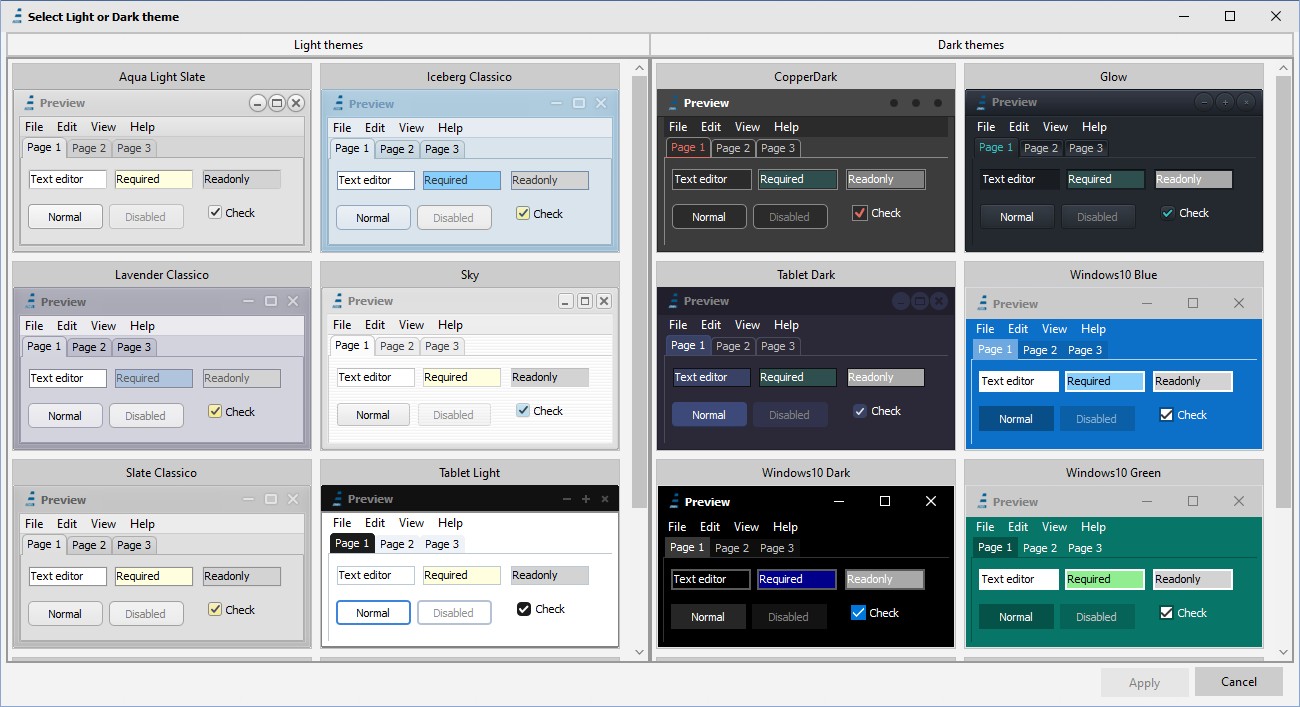
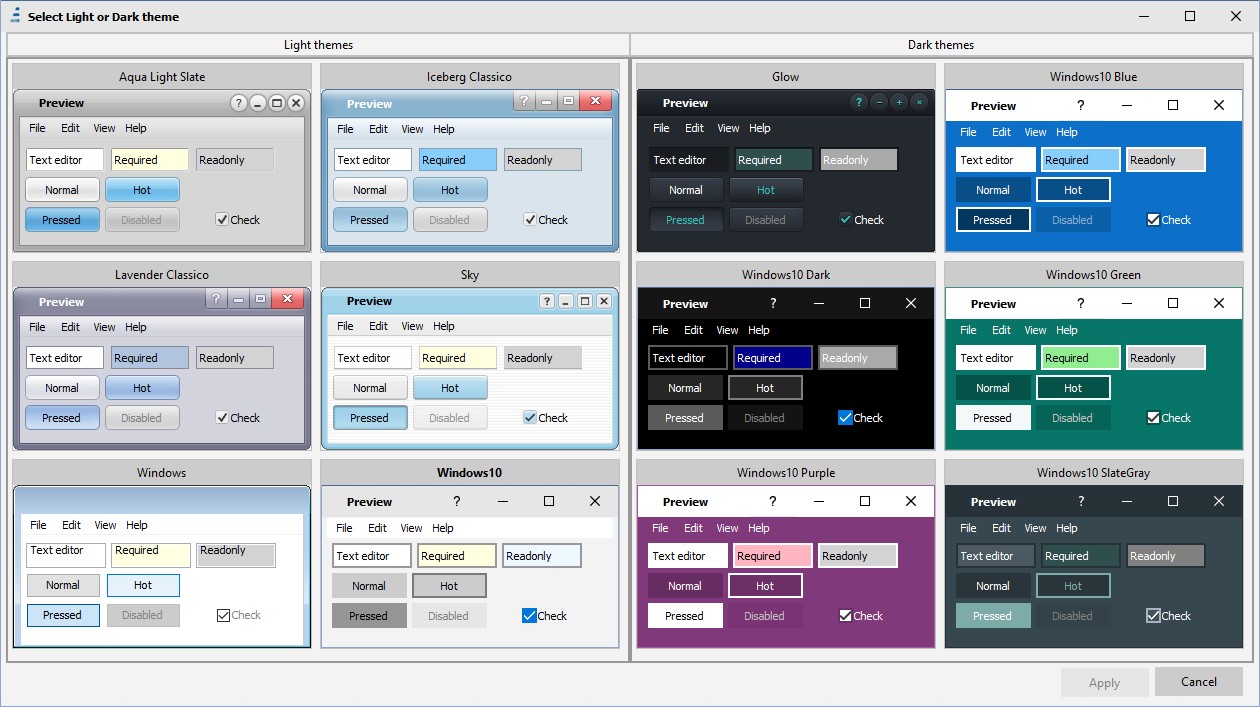
使用Demo文件夾中存在的VclTheMeselectorLauncher演示進行測試,並像在此示例中一樣易於使用它:
 var
  LStyleName: string;
  LExcludeWindows: boolean;
  LMaxRows, LMaxCols: Integer;
begin
  LStyleName := TStyleManager.ActiveStyle. Name ;
  LExcludeWindows := False;
  LMaxRows := 3 ;
  LMaxCols := 4 ;
  if ShowVCLThemeSelector(LStyleName, LExcludeWindows, LMaxRows, LMaxCols) then
    TStyleManager.SetStyle(LStyleName);
end ;
許可證:CBVCLSTYLEPREVIEW基於vclstylepreview(vcl.styles.ext),來自:github.com/rruz/rruz/vcl-styles-utils,並提供全高DPI支持,並在Apache 2.0許可下發布。
還包括在此存儲庫中,您可以找到一個使用VCLThemSelector更改主題的HighDPI -VCL主題應用程序的完整示例。您可以從:demo bin modernappdemo.exe中運行演示。
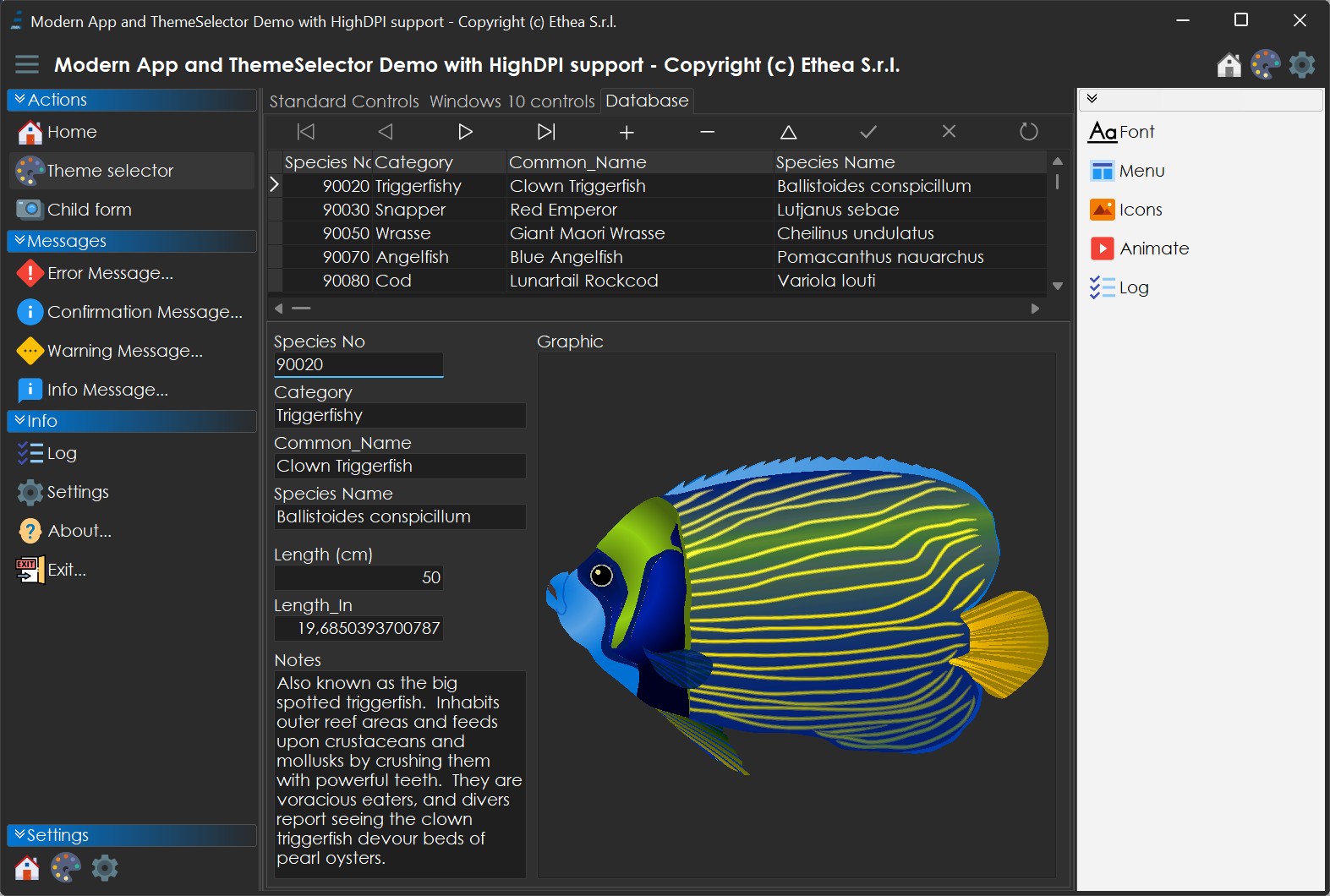
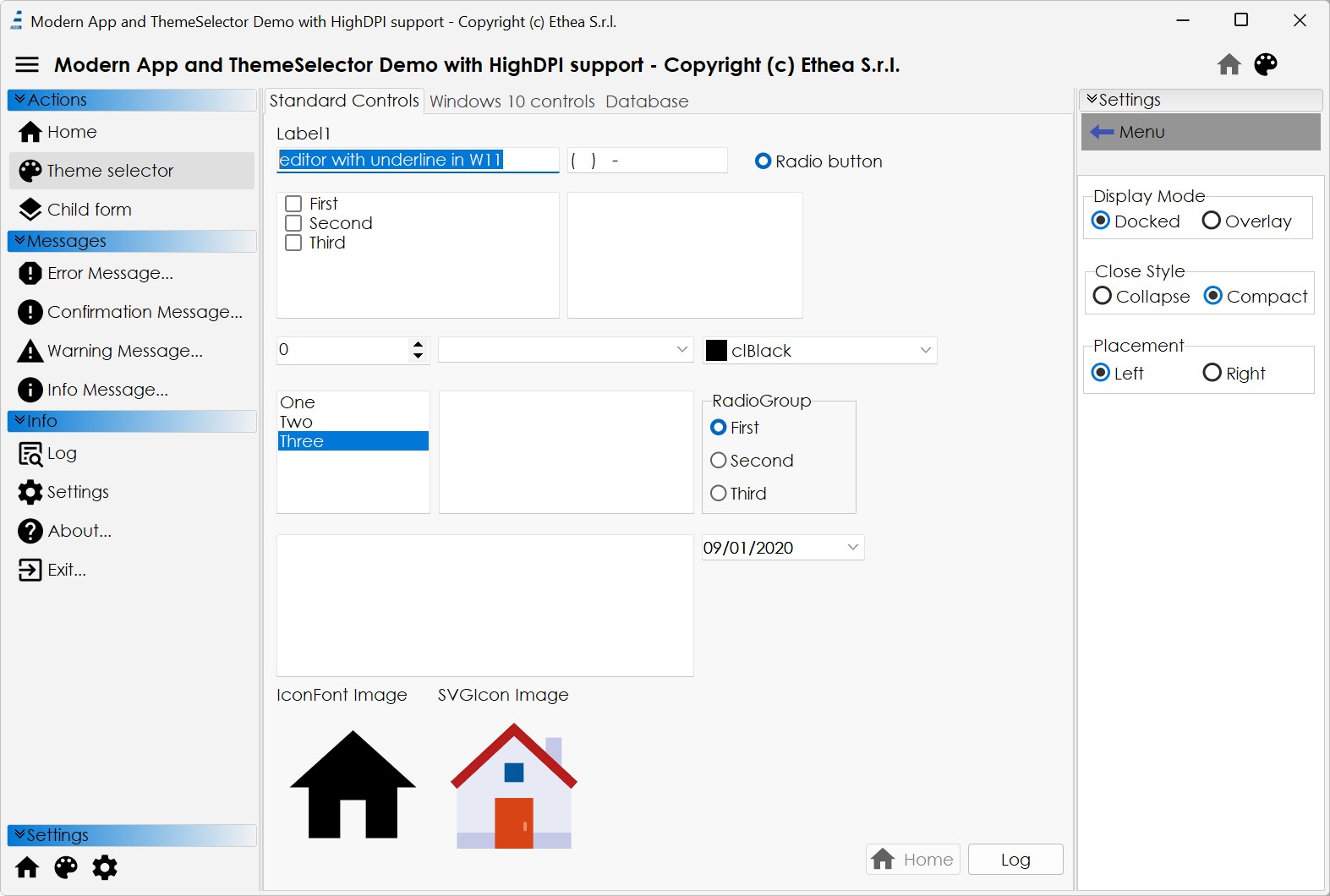
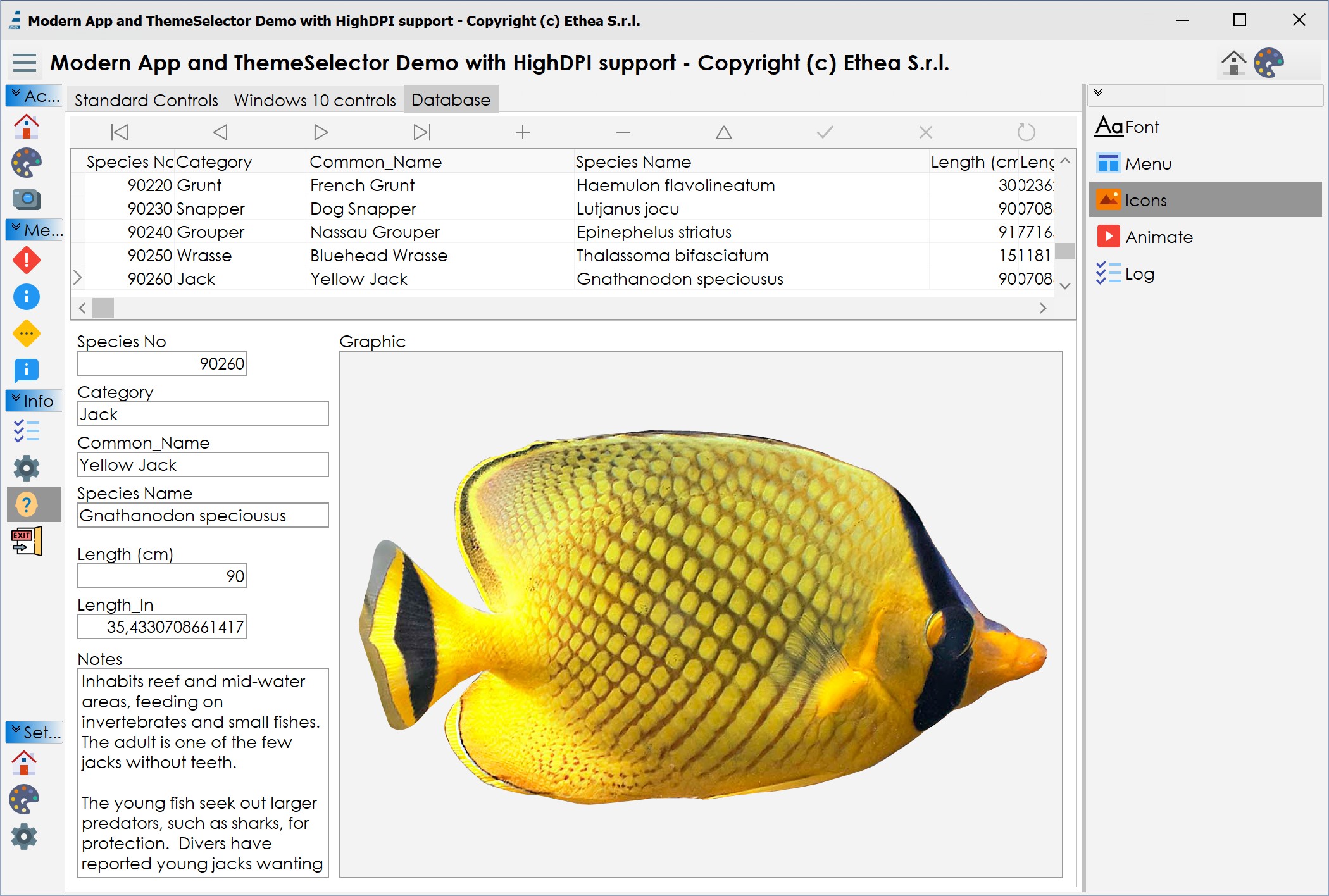
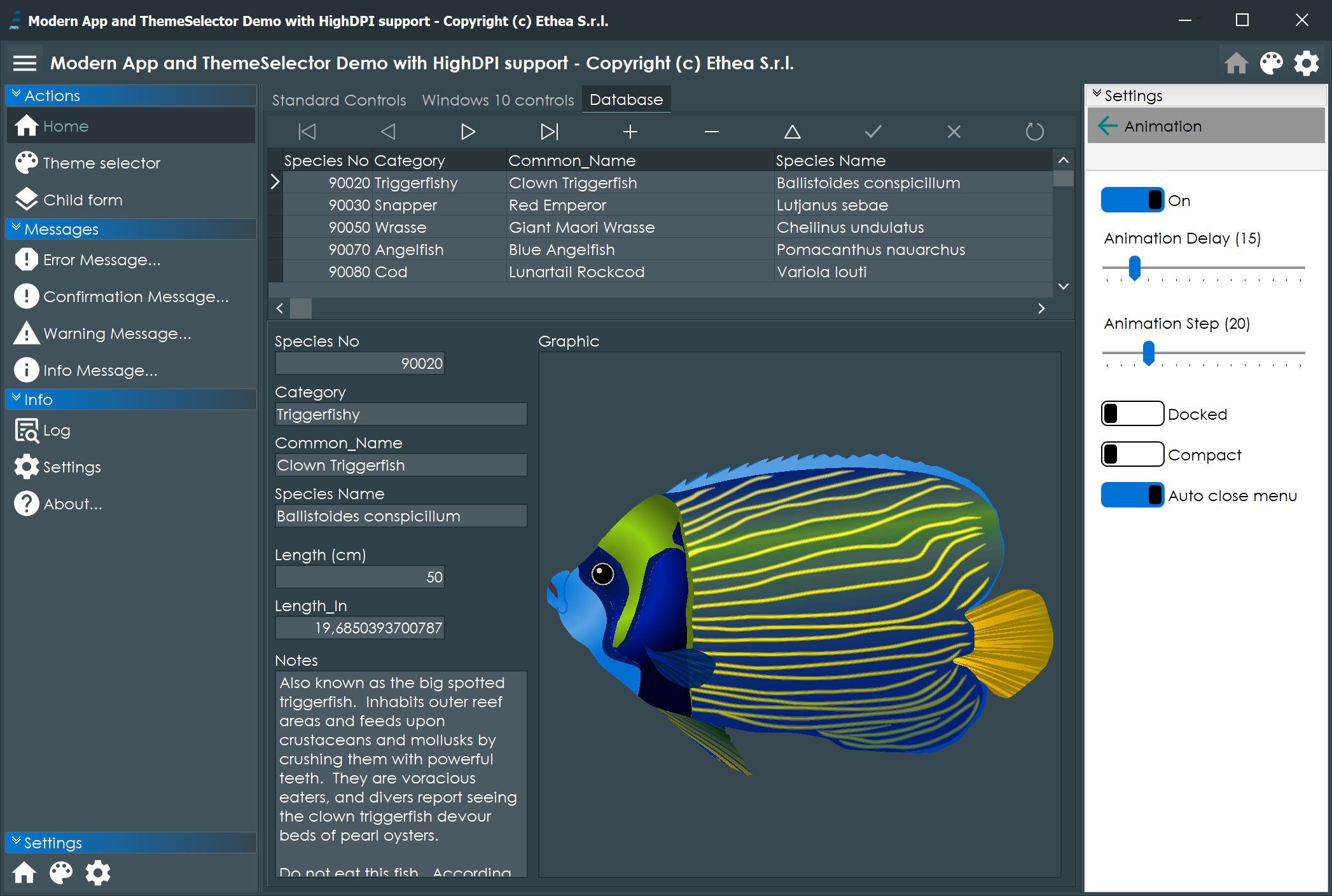
警告:要編輯和編譯演示您必須首先下載:IconFontSimageList免費組件在這裡...和Svgiconimagelist免費組件在這裡...
您還可以使用樣式的COMPONENTS,從而在演示中實現樣式COMPONENTS COMPILER指令。您必須首先在此處下載StyledComponents ...
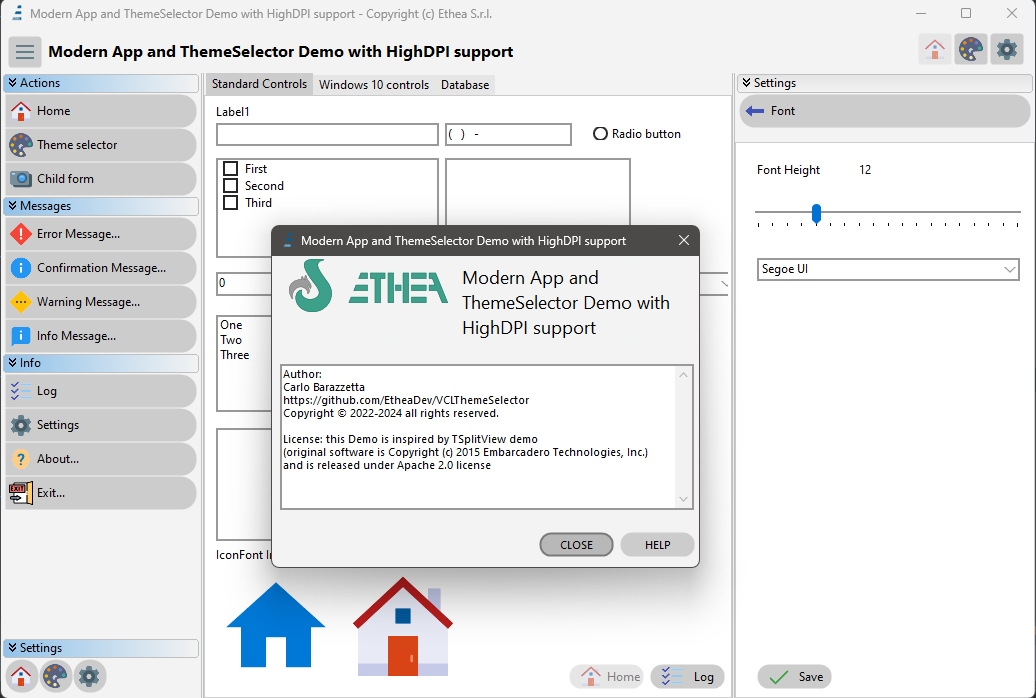
該演示的靈感來自TSPlitView演示(原始軟件是版權(C)2015 Embarcadero Technologies,Inc。),並在Apache 2.0許可下發布。

vclthemeselector和vclthemeselectorLauncher兼容Delphi XE5至12,與高DPI支持有所不同。
ModernAppDemo與Delphi Delphi 12、11、10.4、10.3、10.2和10.1兼容(注意:10.1 png png流的圖片格式biolife.xml不兼容:使用舊的biolife.xml文件)。
2024年11月20日
2024年4月26日
2023年10月20日
2023年3月4日
2022年9月15日
2022年4月10日
2022年2月16日
2021年10月19日
2021年10月16日
2021年8月23日
2021年1月24日
2020年8月30日
2020年6月19日
2020年6月11日
2020年6月9日
2020年5月17日
2020年4月27日
2020年4月25日







