ssd.pytorch
1.0.0

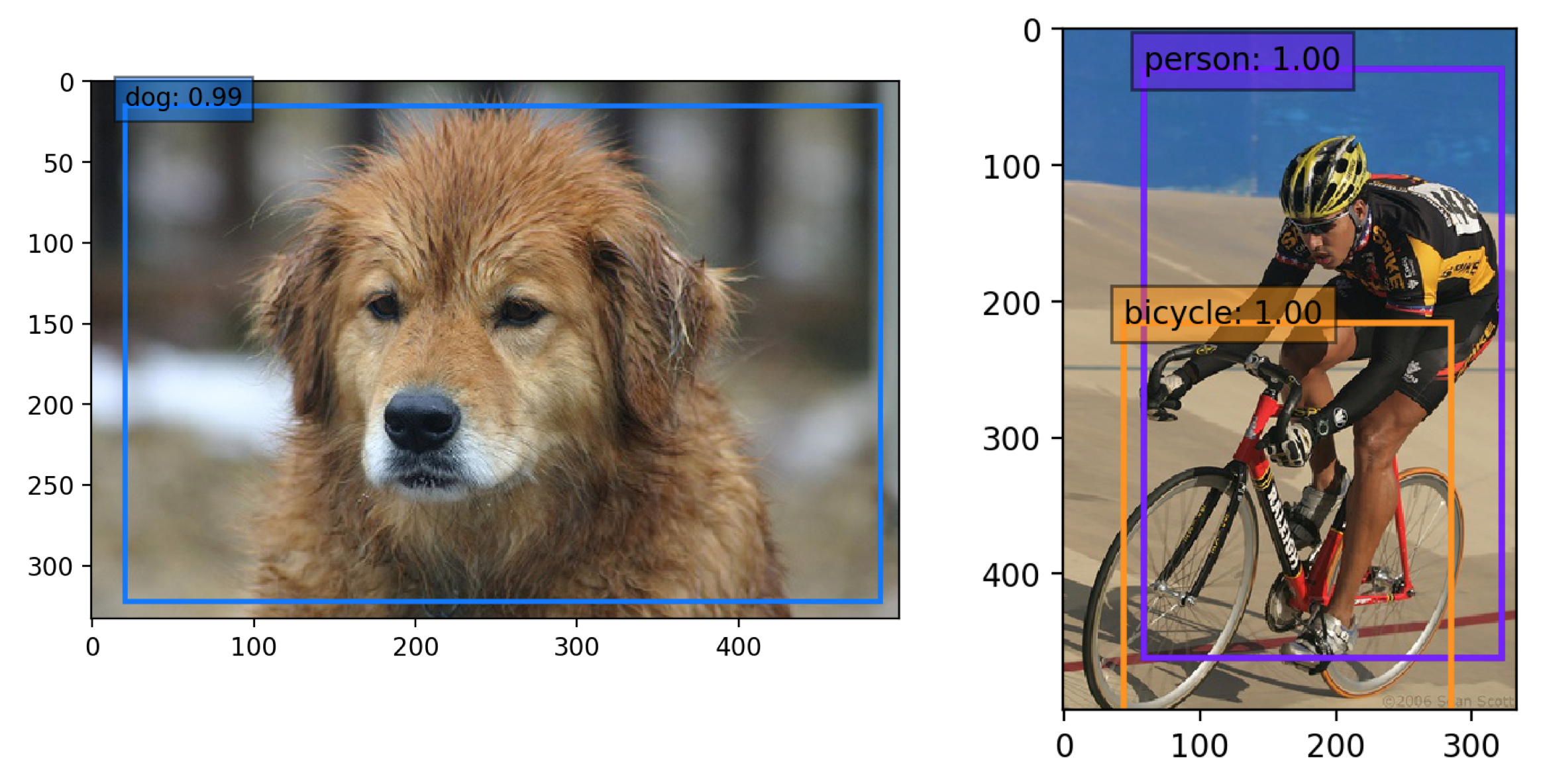
Wei Liu,Dragomir Anguelov,Dumitru Erhan,Christian Szegedy,Scott Reed,Cheng-Yang,Cheng-Yang和Alexander C. Berg的2016年論文中的單桿Multibox檢測器實施了Pytorch。可以在此處找到官方和原始的咖啡式代碼。
 # First install Python server and client
pip install visdom
# Start the server (probably in a screen or tmux)
python -m visdom.server為了使事情變得簡單,我們提供BASH腳本來處理數據集下載和為您設置。我們還提供了簡單的數據集加載程序,該加載程序繼承了torch.utils.data.Dataset ,使其與torchvision.datasets API完全兼容。
Microsoft Coco:上下文中的常見對象
 # specify a directory for dataset to be downloaded into, else default is ~/data/
sh data/scripts/COCO2014.shPascal VOC:視覺對像類
 # specify a directory for dataset to be downloaded into, else default is ~/data/
sh data/scripts/VOC2007.sh # <directory> # specify a directory for dataset to be downloaded into, else default is ~/data/
sh data/scripts/VOC2012.sh # <directory> ssd.pytorch/weights dir中下載了該文件: mkdir weights
cd weights
wget https://s3.amazonaws.com/amdegroot-models/vgg16_reducedfc.pthtrain.py中列出的參數指定為標誌或手動更改它們即可。 python train.pytrain.py ,請參閱選項),從檢查站進行培訓。 評估訓練有素的網絡:
python eval.py您可以通過標記或手動更改eval.py文件中列出的參數。
| 原來的 | 轉換為Weiliu89的重量 | 從划痕/o數據8月 | 從划痕/數據八月 |
|---|---|---|---|
| 77.2% | 77.26% | 58.12% | 77.43% |
GTX 1060: 〜45.45 fps
state_dicts (重量張量)。如果您安裝了帶有conda的pytorch(建議),則應該已經擁有它了。 (只需導航到SSD.Pytorch克隆回購併運行): jupyter notebook
如果使用PIP:
 # make sure pip is upgraded
pip3 install --upgrade pip
# install jupyter notebook
pip install jupyter
# Run this inside ssd.pytorch
jupyter notebookdemo/demo.ipynb ,並在其中!cv2.waitkey以獲得最佳FPS)或NVIDIA GPUdemo/live.py中的默認網絡攝像頭pip install imutilspython -m demo.live打開網絡攝像頭並開始檢測! 我們積累了以下待辦事項清單,我們希望在不久的將來完成
注意:不幸的是,這只是我們的愛好,而不是全職工作,因此我們將盡力保持最新狀態,但不能保證。話雖如此,感謝大家的持續幫助和反饋,這是非常感謝的。我們將嘗試盡快解決所有問題。








