custom electron titlebar
v4.2.8

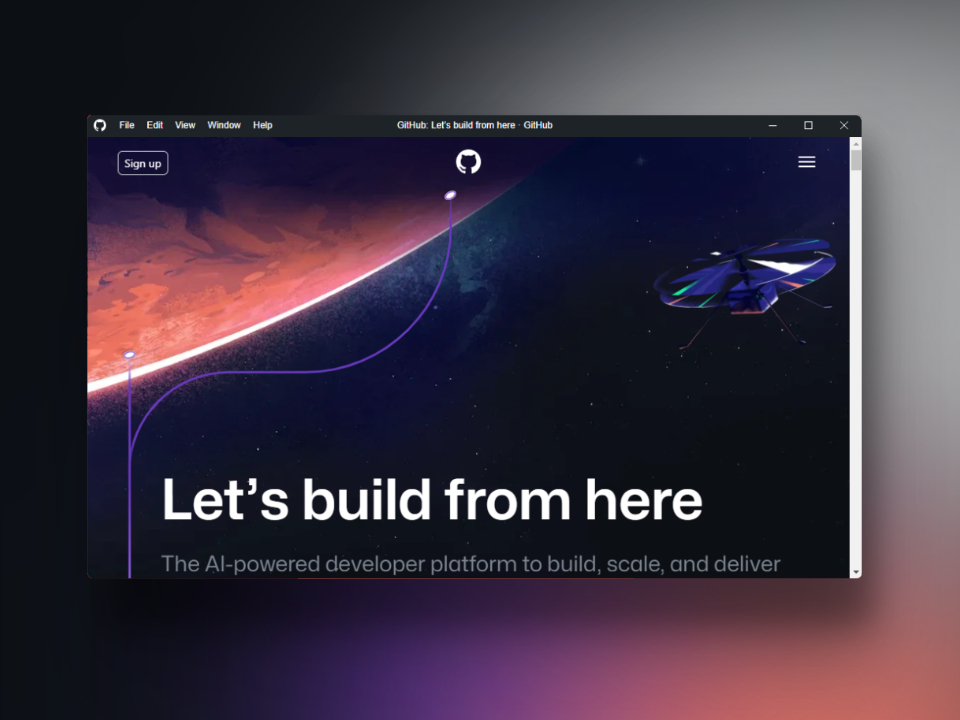
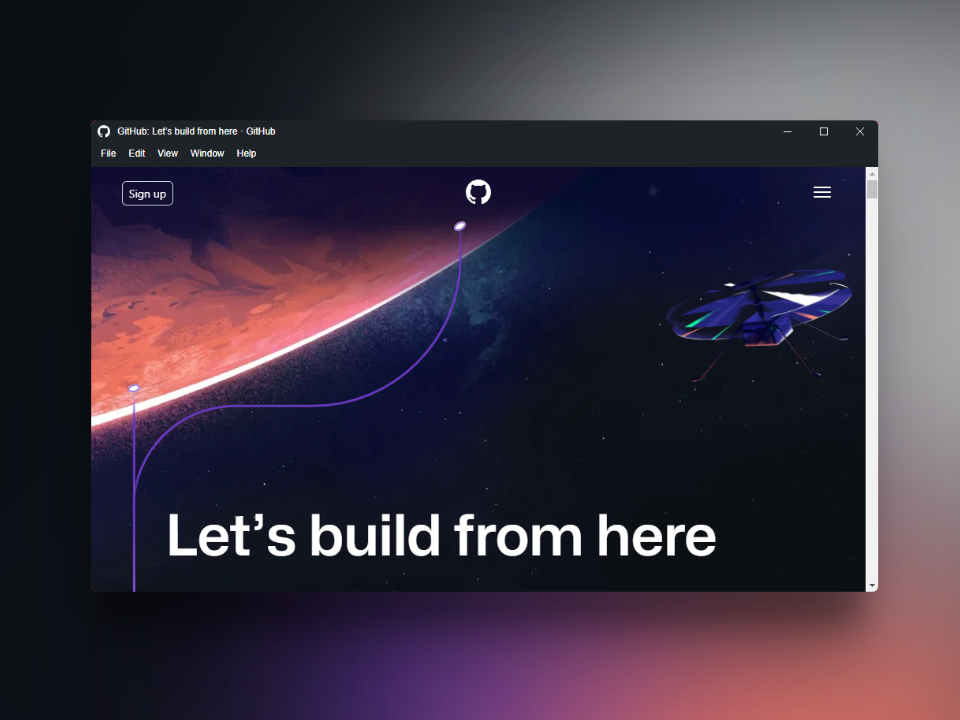
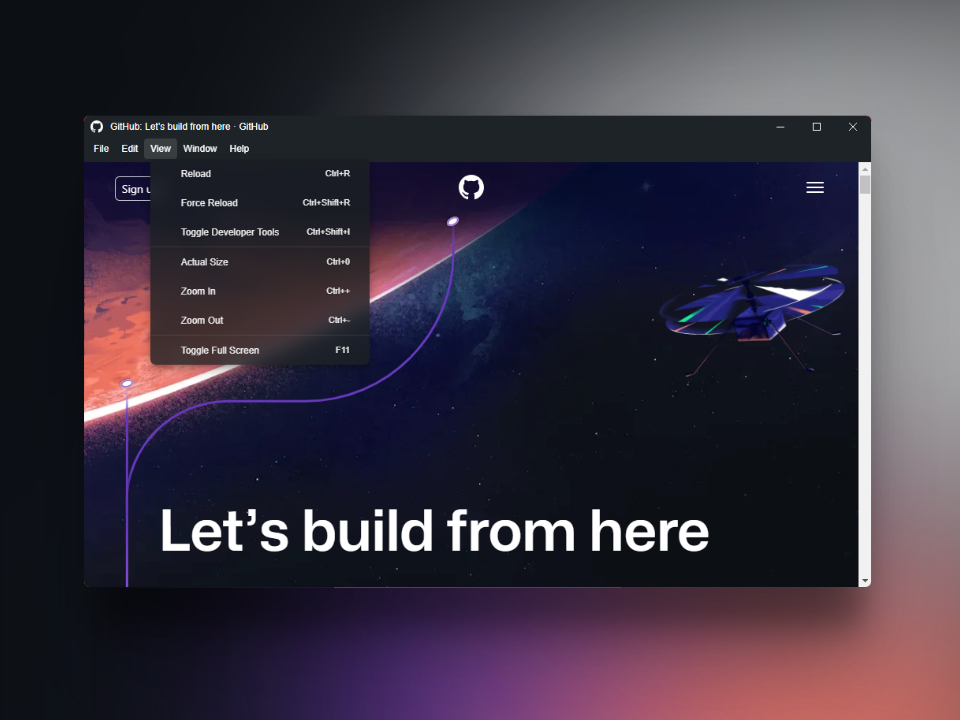
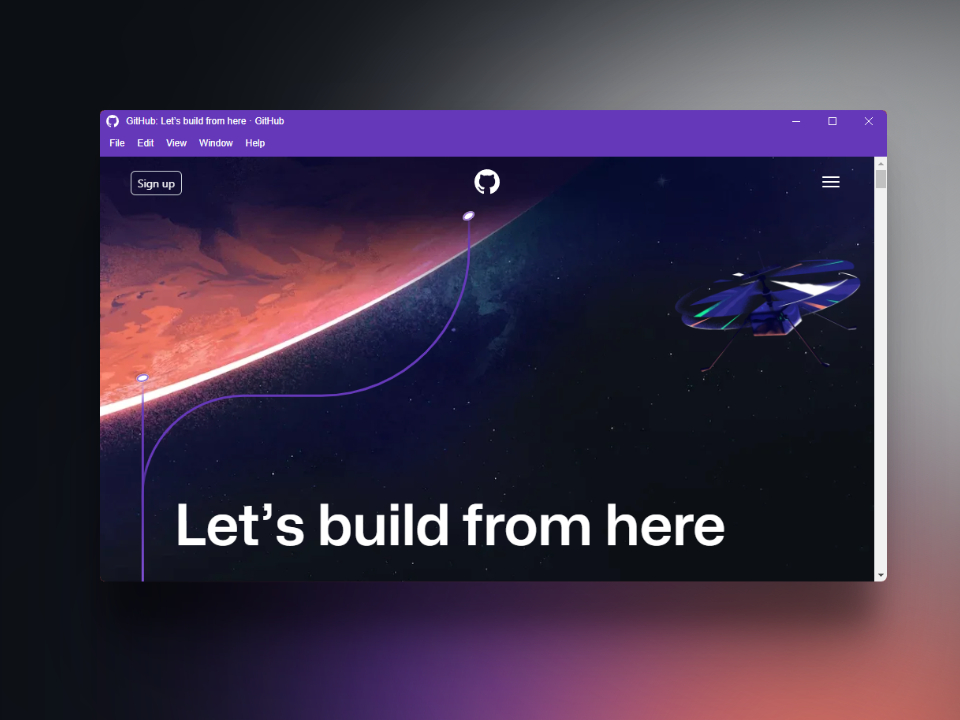
該項目是用於電子的打字稿庫,允許您配置完全可自定義的標題欄。
重要的
該項目將不再維護,因為我是唯一一個從事該項目的項目,而且我沒有空閒時間來查看問題並包含新功能或將依賴項更新為最新版本。
感謝該庫的所有貢獻者和家屬。
?文件
您可以使用npm , pnpm或yarn安裝此軟件包。
npm install custom-electron-titlebarpnpm add custom-electron-titlebaryarn add custom-electron-titlebar實現如下:
在主要應用程序文件(main.js或.ts)中
 import { setupTitlebar , attachTitlebarToWindow } from "custom-electron-titlebar/main" ;

// setup the titlebar main process
setupTitlebar ( ) ;

function createWindow ( ) {
  // Create the browser window.
  const mainWindow = new BrowserWindow ( {
    width : 800 ,
    height : 600 ,
    //frame: false, // needed if process.versions.electron < 14
    titleBarStyle : 'hidden' ,
    /* You can use *titleBarOverlay: true* to use the original Windows controls */
    titleBarOverlay : true ,
    webPreferences : {
      sandbox : false ,
      preload : path . join ( __dirname , 'preload.js' )
    }
  } ) ;

  ...

  // attach fullScreen(f11 and not 'maximized') && focus listeners
  attachTitlebarToWindow ( mainWindow ) ;
}
在預加載文件(PRELOAD.JS或.TS)中
 import { Titlebar } from "custom-electron-titlebar" ;

window . addEventListener ( 'DOMContentLoaded' , ( ) => {
  // Title bar implementation
  new Titlebar ( ) ;
} ) ;
要查看您可以在標題欄構造函數中包含的選項,例如元素,圖標,菜單位置等的顏色,以及您可以使用的方法,請轉到Wiki
如果您想支持我的發展,可以通過捐款來做到這一點?贊助
我要對所有在該項目發展和進步中合作的人表示衷心的感謝。感謝您的貢獻。
該項目屬於麻省理工學院許可證。





