GridStack
1.0.0

Swiftui的靈活網格佈局視圖。
Apple在WWDC20上發布了LazyVGrid和LazyHGrid 。
如果您只能支持I(PAD)OS 14,MACOS 11,TVOS 14,WATCOS 7分別^--絕對是必經之路。
如果您想支持I(PAD)OS 13,MACOS 10.15,TVOS 13,WatchOS 6繼續閱讀。
iOS 13+, MacOS 10.15+, TVOS 13+, ⌚Watchos 6+
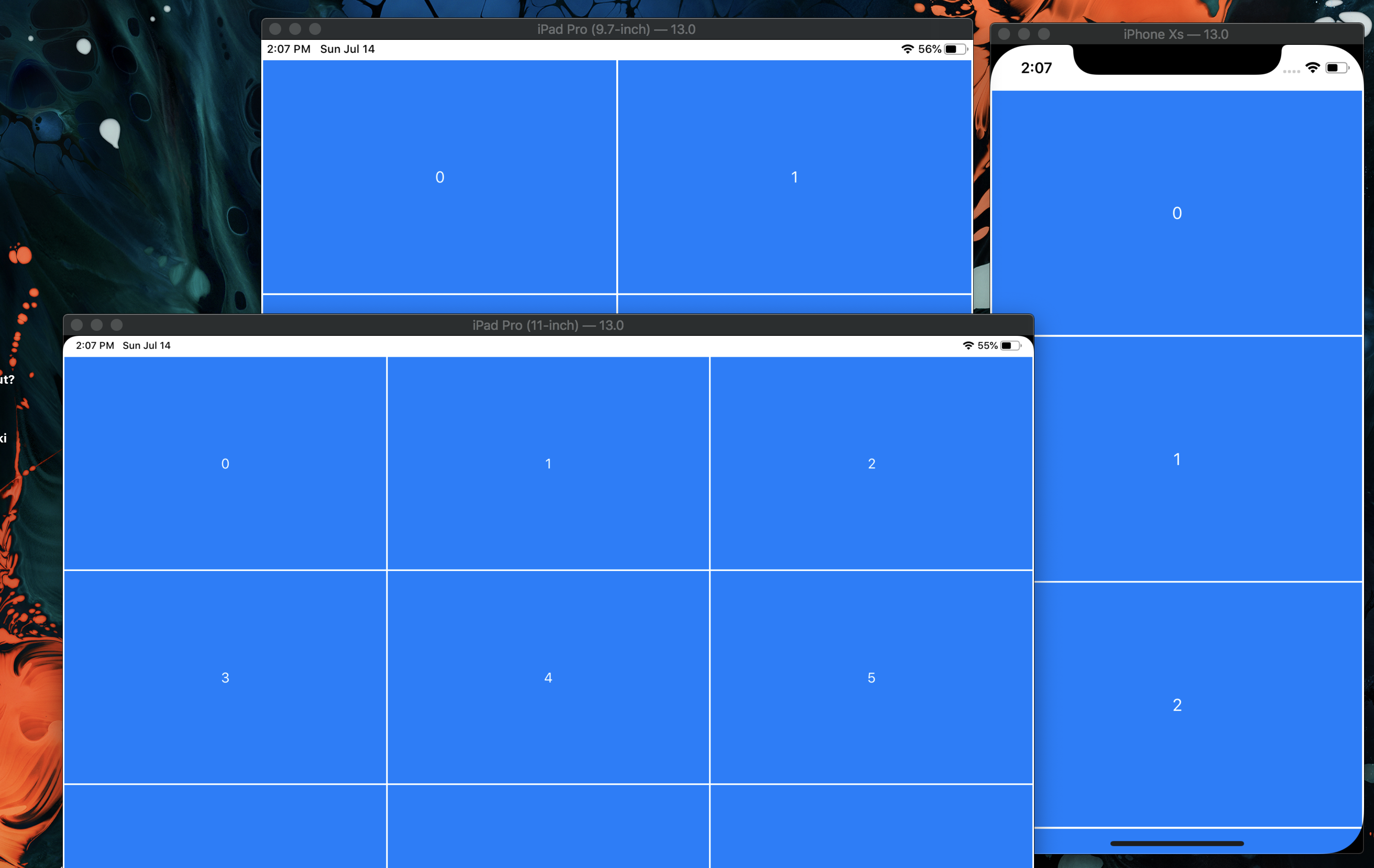
只需傳遞網格電池應具有的最小寬度和它們之間的間距,它將根據可用寬度進行調整。
所以寫這個:

會給你這個:
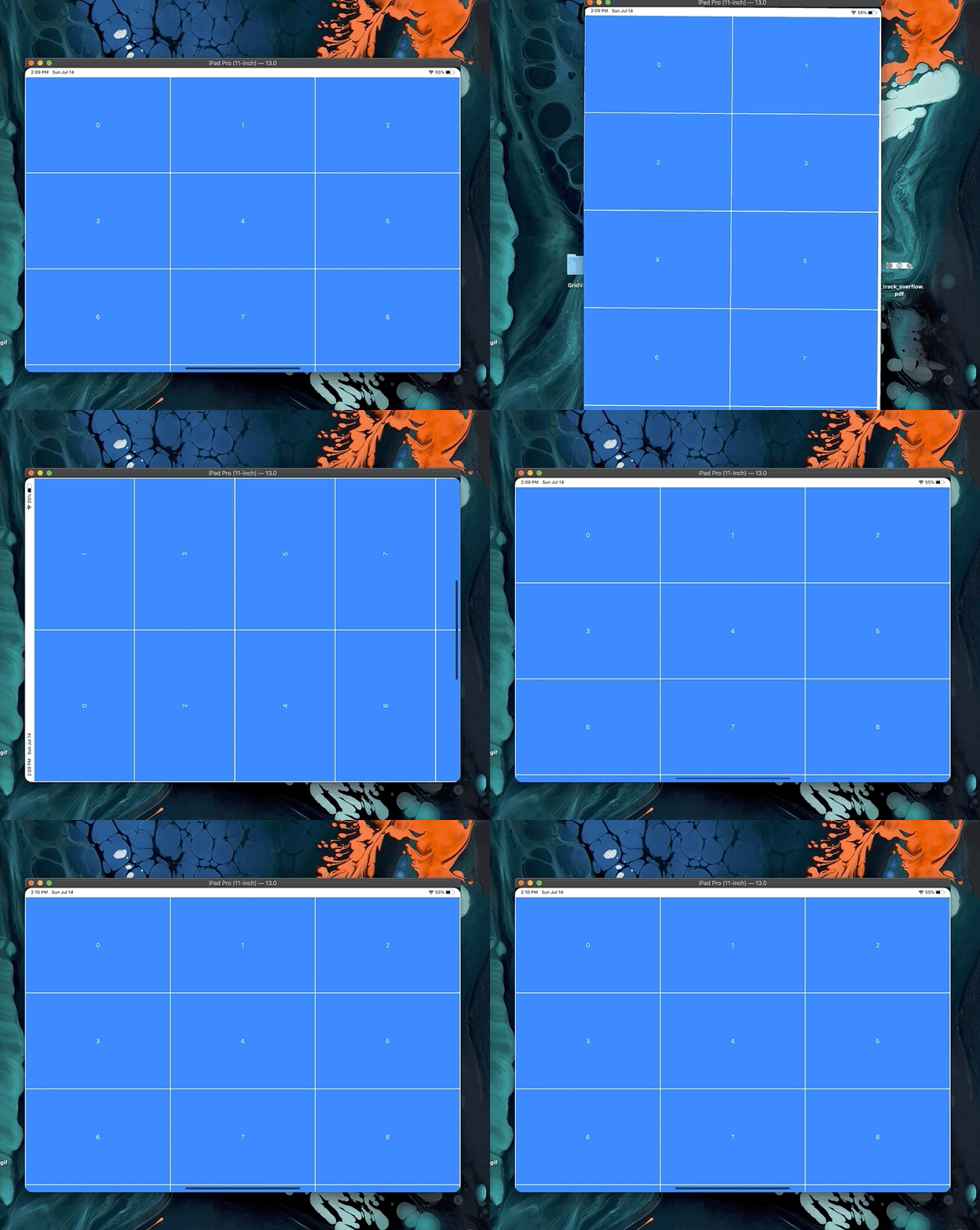
當設備旋轉時,它還可以正確調整:
想一想您希望細胞的最小寬度是什麼。這樣,很容易調整到任何可用空間。您需要提供的唯一其他尺寸是單元之間的間距。
要實際創建網格,我們需要知道項目的數量。然後,將使用每個索引和細胞寬來調用內容視圖構建器,然後可以將其傳遞到內部顯示的任何內容的框架。
網格將包裝您提供的每個項目以將單元格設置為寬度的視圖。小區沒有高度約束。這樣您就可以盡可能靈活地縮小內容。這只是您可以做的幾個示例。
 GridStack ( ... ) { index , cellWidth in
    Text ( " ( index ) " )
        // Don't pass any height to the frame to let it be defined by it's content
        . frame ( width : cellWidth )
} GridStack ( ... ) { index , cellWidth in
Text ( " ( index ) " )
// Pass the cellWidth as width and height to the frame to make a square
. frame ( width : cellWidth , height : cellWidth )
} GridStack ( ... ) { index , cellWidth in
Text ( " ( index ) " )
// Pass the cellWidth as width and a portion of it as height to get a certain aspect ratio
. frame ( width : cellWidth , height : cellWidth * 0.75 )
} GridStack (
minCellWidth : Length ,
spacing : Length ,
numItems : Int ,
alignment : HorizontalAlignment = . leading ,
content : ( index : Int , cellWidth : CGFloat ) - > Void
) 我通過從John Susek撰寫的Flowstack創建了GridStack 。





