synthwave x fluoromachine epic animations
v1.4.13

這個主題將Crazy 80的動畫帶入您的VS代碼中?
這是Synthwave-X-Fluoramacine的叉子,Wich也是 @Robbowen的Synthwave '84主題的叉子,與 @FullerenendReam的fluoramachine主題合併為VSCODE。
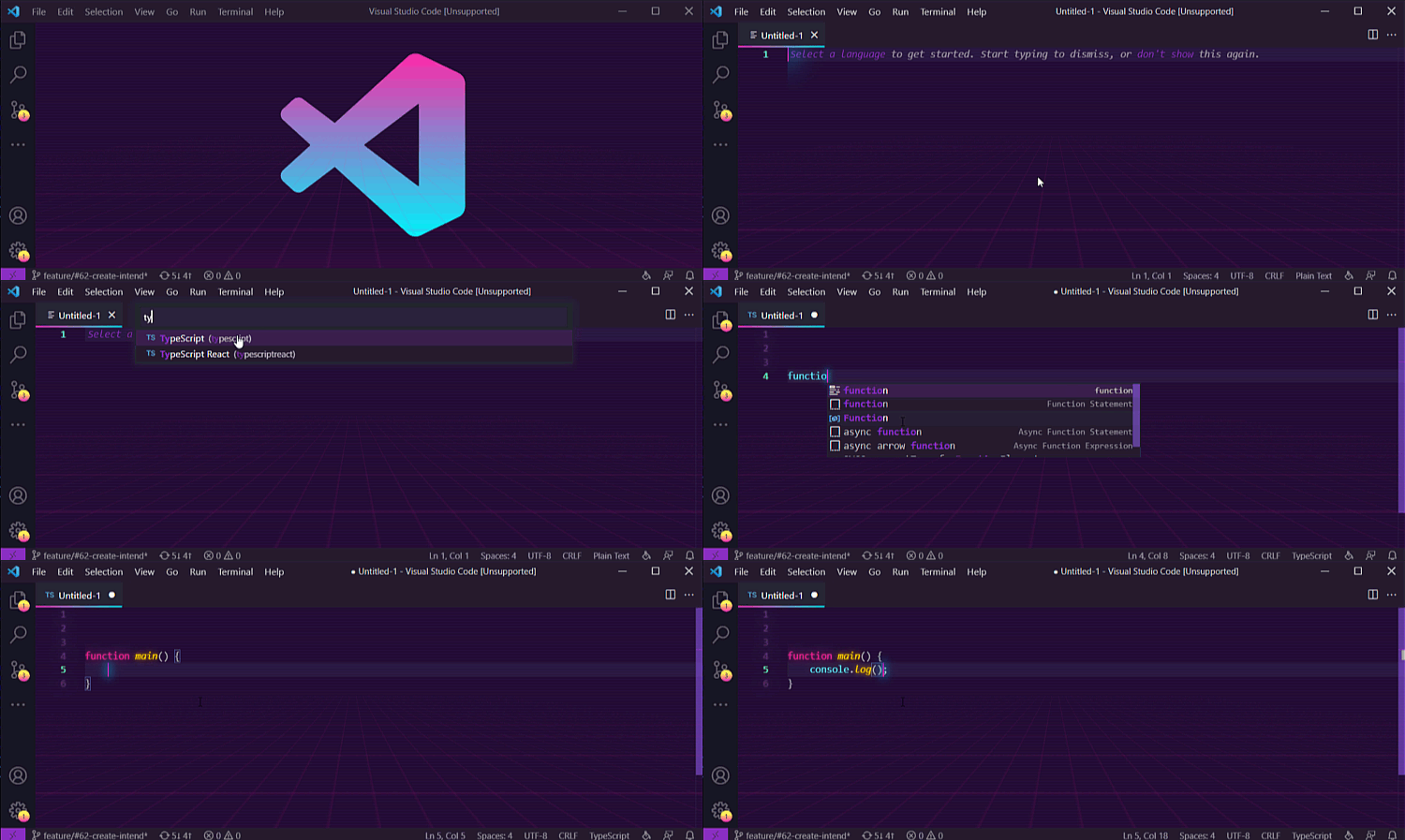
傳奇的Tron地下
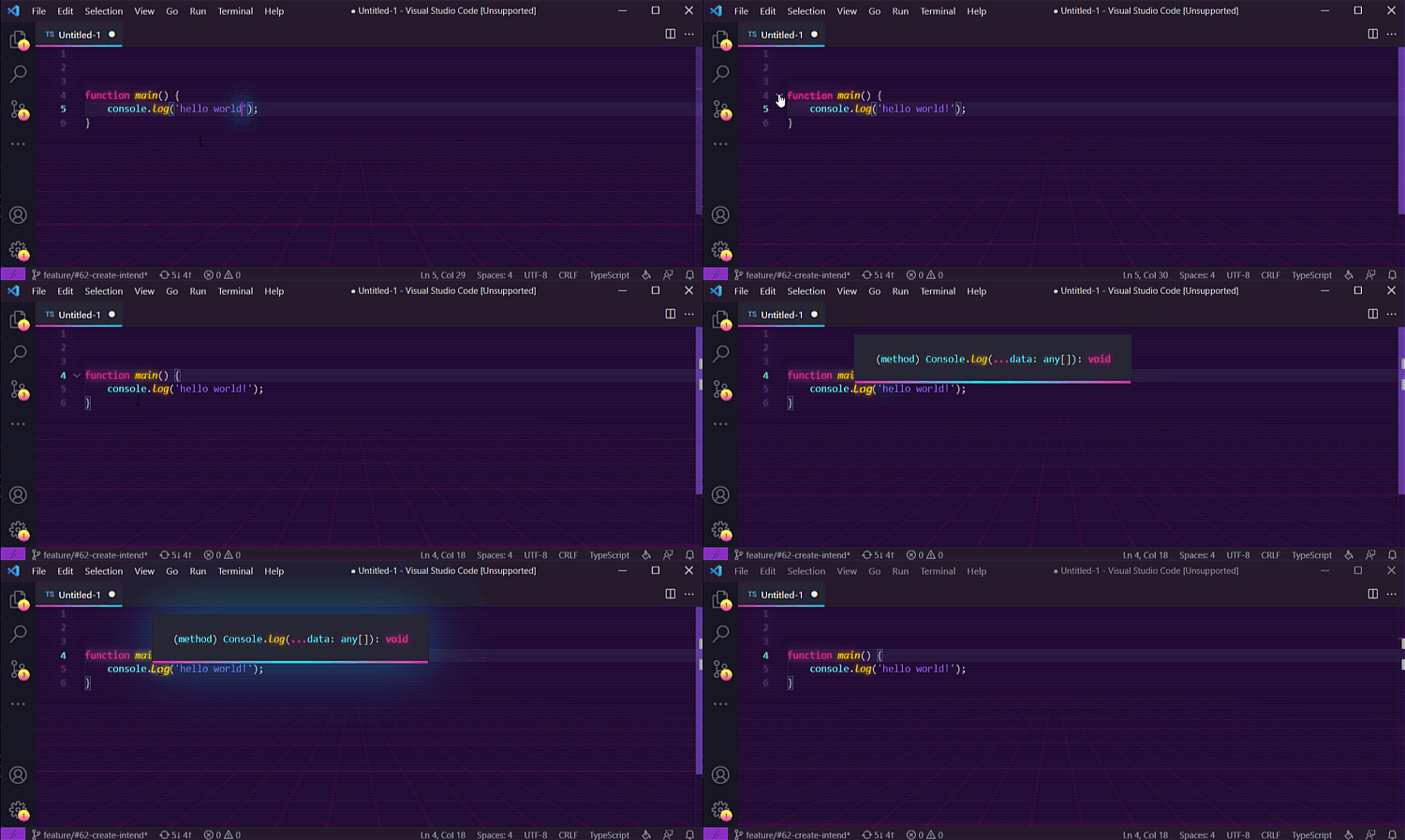
史詩般的霓虹燈發光工具和折疊效果
軟件開發人員的工作很艱難,而且通常太嚴重了。您始終必須提高生產力和有效性。但是有時您需要花時間才能成為書呆子?或再次玩得開心。這個主題正是為了這樣的時代!這樣的書呆子時代需要相應地慶祝嗎?
不幸的是,當前的安裝有點複雜。無麻煩的安裝已經在開發中。在此之前,必須執行以下步驟以安裝主題:
 On Mac it might look something like the snippet below:

{
  "vscode_custom_css.imports": [
    "file:///Users/{your username}/.vscode/extensions/thecodemonkey.synthwave-x-fluoromachine-epic-animations-1.4.13/synthwave-x-fluoromachine.css",
    "file:///Users/{your username}/.vscode/extensions/thecodemonkey.synthwave-x-fluoromachine-epic-animations-1.4.13/epic-80s-transitions.css"
    ]
}

Windows might resemble:

{
  "vscode_custom_css.imports": [
    "file:///C:/Users/{your username}/.vscode/extensions/thecodemonkey.synthwave-x-fluoromachine-epic-animations-1.4.13/synthwave-x-fluoromachine.css",
    "file:///C:/Users/{your username}/.vscode/extensions/thecodemonkey.synthwave-x-fluoromachine-epic-animations-1.4.13/epic-80s-transitions.css"
    ]
}
epic-80s-transitions.css是可選的,將Crazy 80的動畫帶入您的VS代碼中!Reload Custom CSS and JS 。每次VSCODE更新時,您都需要運行此命令。 上面屏幕截圖中使用的字體是帶有連接的操作員單聲道。
歡迎所有貢獻,包括問題,新文檔以及更新和調整,博客文章,研討會等。
在Twitter上寫信給我。
我❤️MIT





