Capo
Capo Minor Update: 4

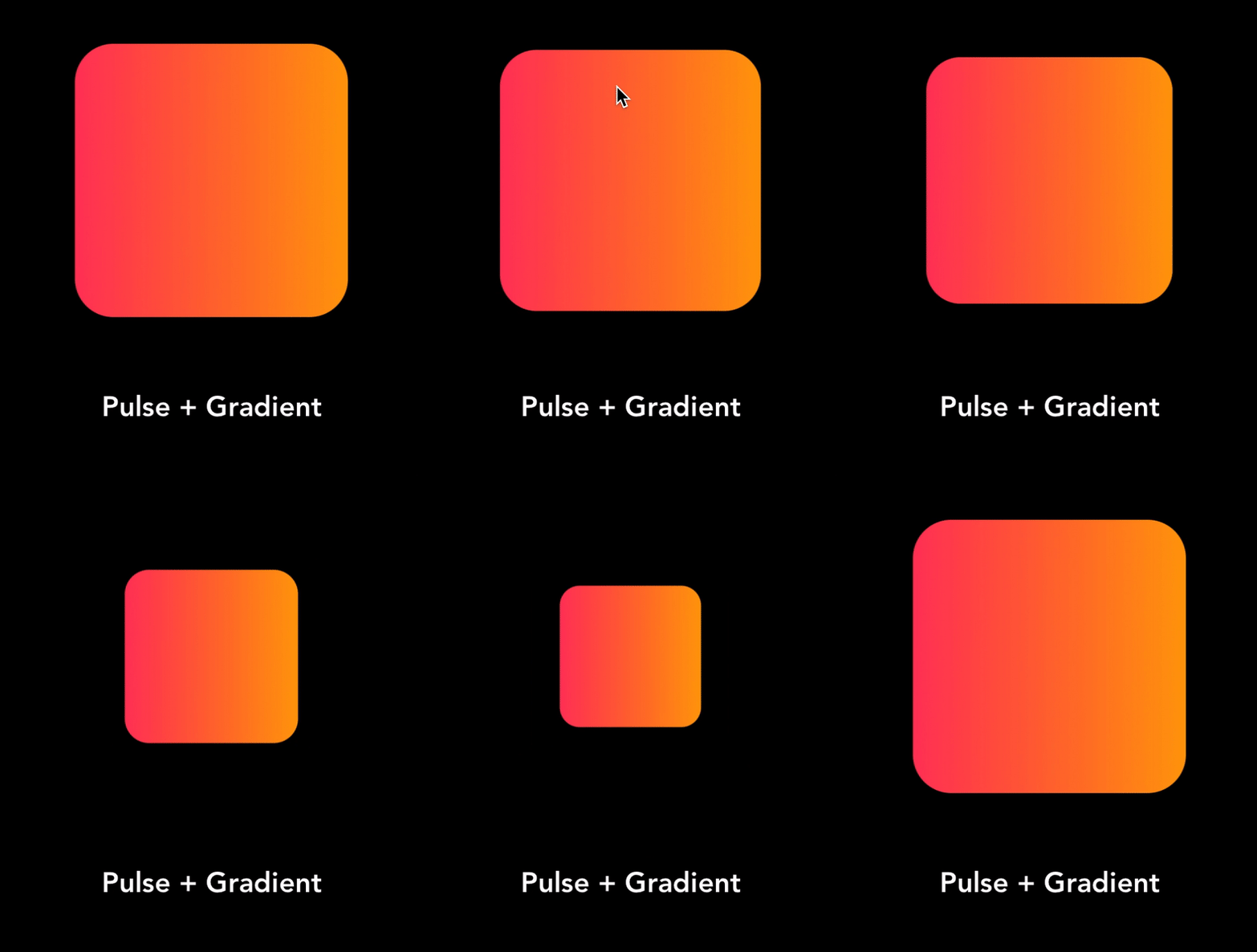
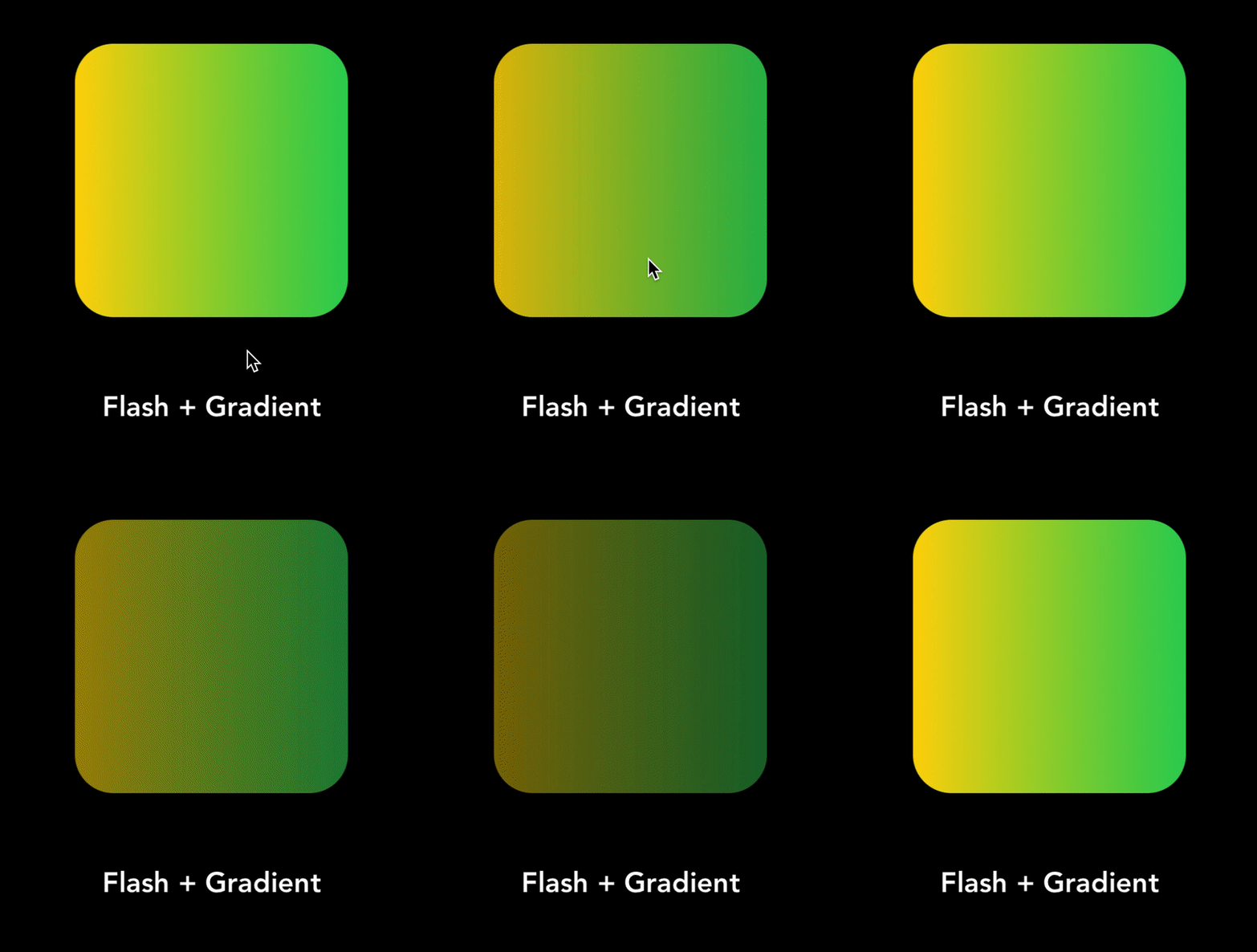
因此,Capo是一種自定義框架,用於將各種動畫和效果應用於按鈕。 CAPO將您的10-12行代碼線減少到1行,使閱讀和執行更方便。 CAPO帶有各種動畫,例如Pulse,Flash和諸如應用梯度背景和等效果。因此Capo不需要任何其他依賴性,它是一個小而優化的庫,可以使您的工作更加方便,易於,優化且易於理解。
因此,在編碼時,我發現每當應用動畫和效果時,我們都應該多次編寫相同的代碼行,這使我的編碼頻率慢,甚至使代碼外觀不良。因此,我想製作一個圖書館,這將使我的工作很容易最終使他人工作。這是開發Capo的想法。
要運行示例項目,請首先從示例目錄中pod install 。
在iOS/iPados 12.0+版本上運行的設備。
CAPO可通過Cocoapods獲得。要安裝它,只需將以下行添加到您的podfile:
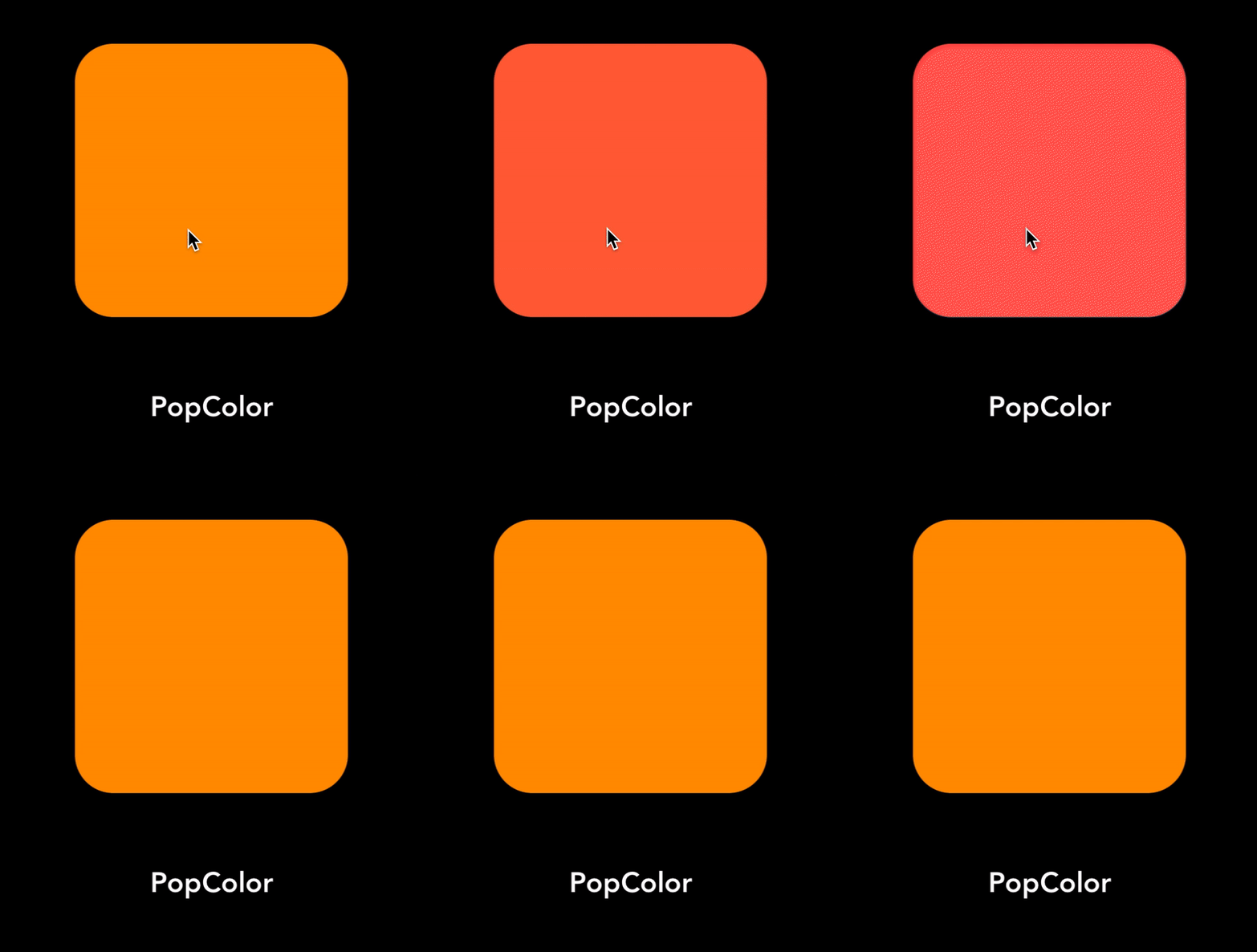
pod 'Capo' CapoTuner . tune ( button : UIButton , cornerRadius : CGFloat , borderWidth : CGFloat , borderColor : UIColor ) CapoTuner . applyGradient ( button : UIButton , color1 : UIColor , color2 : UIColor , cornerRadius : CGFloat ) CapoTuner . applyShadow ( button : UIButton , color : UIColor , width : Double , height : Double , Radius : CGFloat , opacity : Float ) CapoTuner . pulsate ( button : UIButton , duration : CFTimeInterval , from : CFTimeInterval , to : CFTimeInterval , autoReverse : Bool = false , repeatCount : Float = 0 , velocity : CGFloat , damping : CGFloat ) CapoTuner . flash ( button : UIButton , duration : CFTimeInterval , from : CFTimeInterval , to : CFTimeInterval , autoReverse : Bool = false , repeatCount : Float = 0 ) CapoTuner . popColors ( button : UIButton , fromColor : UIColor , toColor : UIColor , cornerRadius : CGFloat = 0 , duration : CFTimeInterval , autoReverse : Bool = false , repeatCount : Float = 0 )| 效果1 | 效果2 | 效果3 |
|---|---|---|
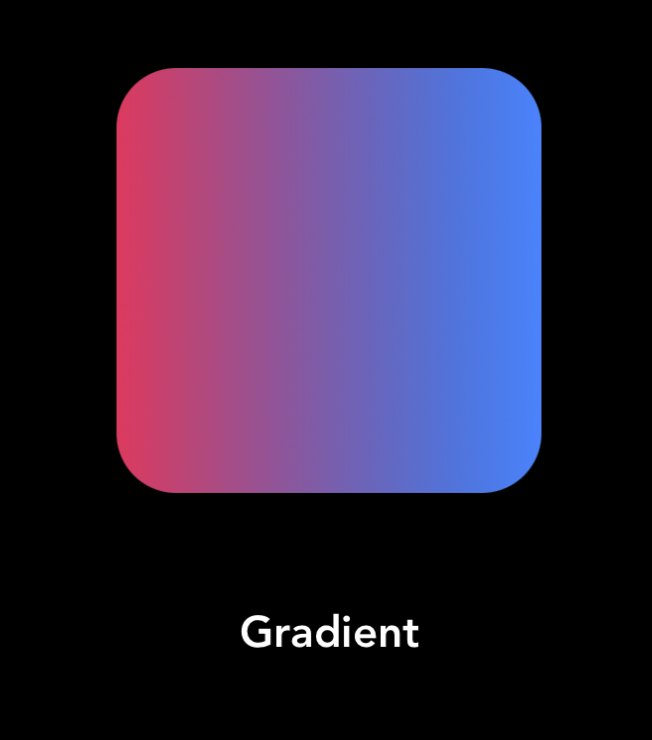 | 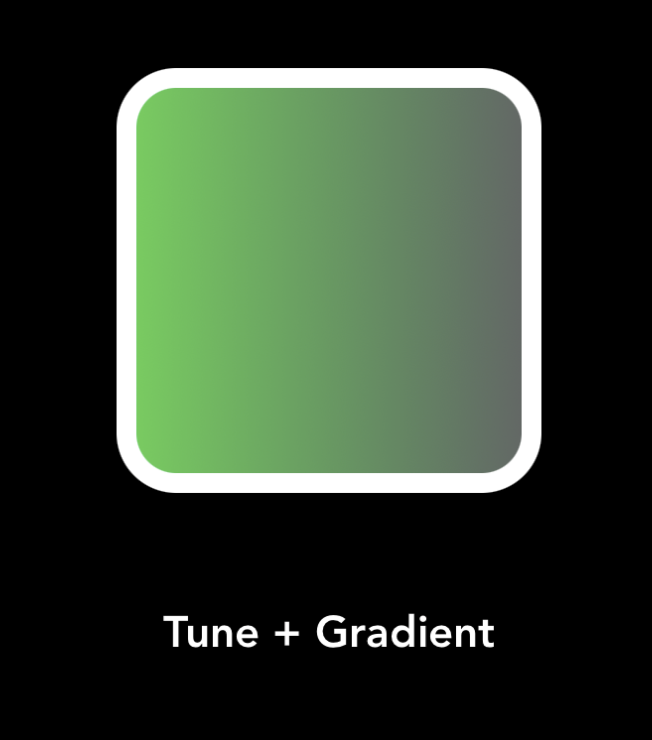 | 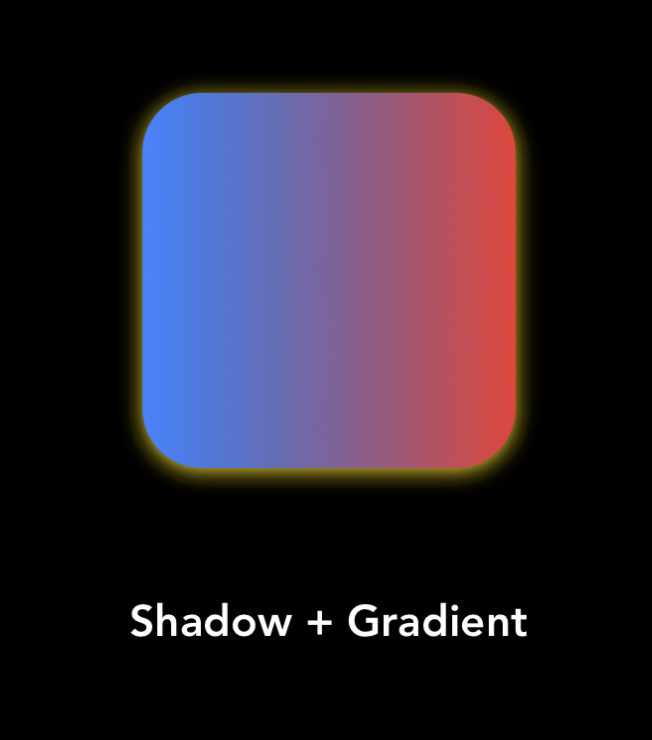 |
| 效果4 | 效果5 | 效果6 |
|---|---|---|
 |  |  |
CAPO可根據MIT許可證獲得。有關更多信息,請參見許可證。
目前,Capo具有有限的功能,它將隨後發布,因此請繼續關注以了解有關CAPO的更多信息。
 |
|---|
| Gokul Nair |
   |
如果您喜歡使用我的任何項目或喜歡我的工作,請考慮以欣賞我的工作來支持我:給我發消息
或者
如果您覺得這個項目很有趣,請放一顆星星!
由Gokul Nair製成







