SwiftyCam
4.0.0

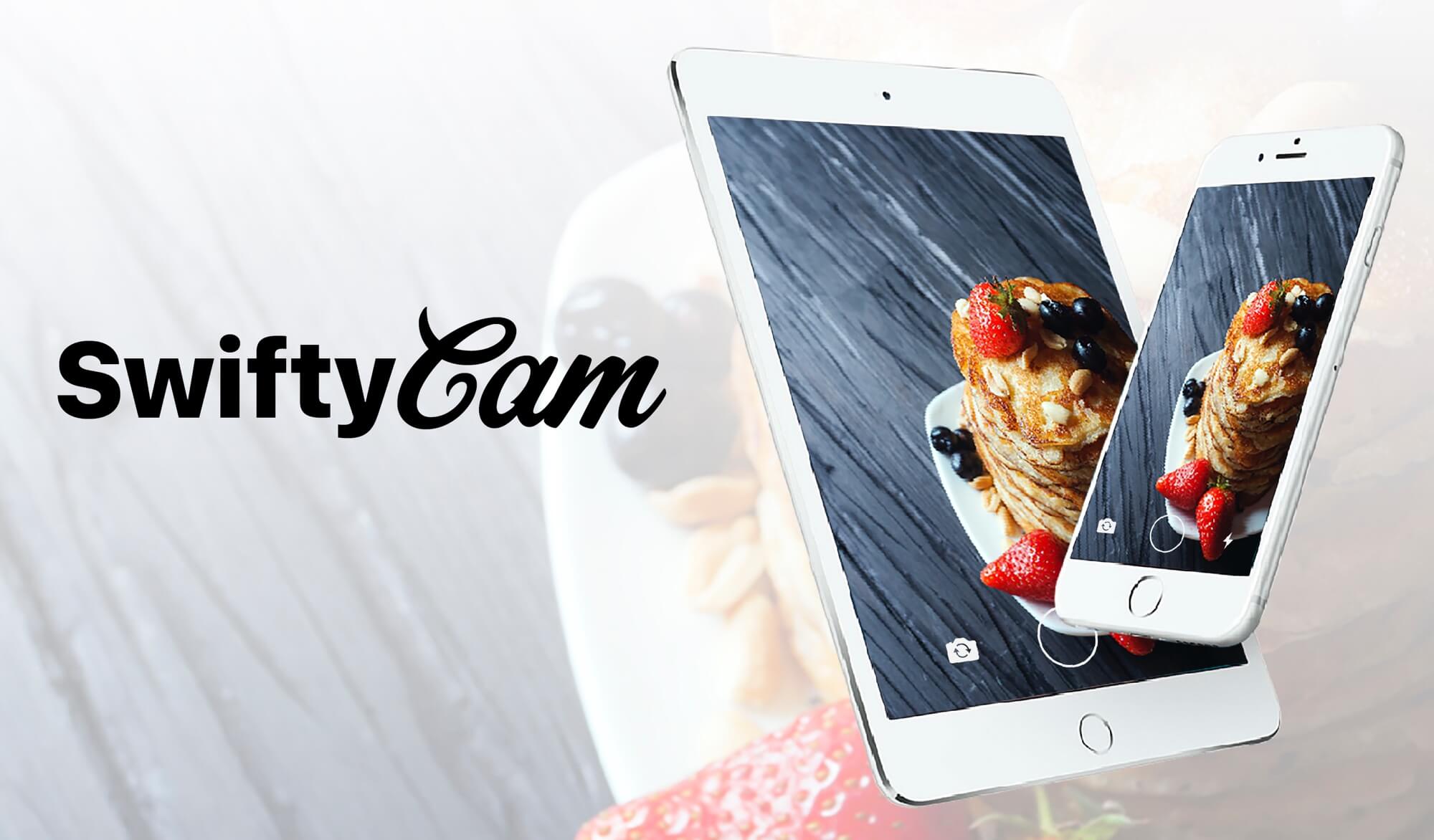
SwiftyCam是簡單,Snapchat風格的iOS相機框架,可輕鬆拍照和視頻捕獲。 SwiftyCAM允許用戶從同一會話中捕獲照片和視頻,但很少配置。
在Avounation中配置相機視圖控制器可能會很乏味且耗時。 SwiftyCAM是視圖控制器的下降,可以完全控制公寓。
| swiftycam | |
|---|---|
| Snapchat風格的媒體捕獲 | |
| 支持ios8+ | |
| 圖像捕獲 | |
| 視頻捕獲 | |
| 手動圖像質量設置 | |
| 前後攝像頭支撐 | |
| 前後閃光 | |
| 視網膜閃存支撐 | |
| 支持手動變焦 | |
| 支持手動重點 | |
| 低光設置 | |
| 背景音頻支持 |
SwiftyCAM可根據BSD許可獲得。有關更多信息,請參見許可證文件。
SwiftyCAM可通過可可錄提供。要安裝它,只需將以下行添加到您的podfile:
pod "SwiftyCam"將其添加到Cartfile
github "Awalz/SwiftyCam" ~> 2.2.1
$ carthage update SwiftyCam
只需將源文件夾的內容複製到您的項目中。
使用SwiftyCam非常簡單。
從iOS 10開始,Apple要求您的應用程序的infos.splat of NSCameraUsageDescription和NSMicrophoneUsageDescription字符串。例子:
< key >NSCameraUsageDescription</ key >
	< string >To Take Photos and Video</ string >
< key >NSMicrophoneUsageDescription</ key >
< string >To Record Audio With Video</ string >如果您從Cocoapods安裝SwiftyCam,請確保將模塊導入視圖控制器:
import SwiftyCam SwiftyCAM是一個倒入便利框架。要創建相機實例,請創建一個新的UiviewController子類。用SwiftyCamViewController替換UiviewController子類聲明:
class MyCameraViewController : SwiftyCamViewController這就是設置圖片和視頻捕獲的Avsession所需的一切。 SwiftyCAM將提示用戶使用相機/麥克風的權限,並配置設備輸入和輸出。
SwiftyCam採用非常方便的捕獲媒體方法。 SwiftyCambutton用UITapGestureRecognizer捕獲照片,並用UILongPressGestureRecognizer捕獲視頻
要使用SwiftyCambutton,只需創建一個並將代表分配給您的SwiftyCamviewController:
 let captureButton = SwiftyCamButton ( frame : buttonFrame )
captureButton . delegate = self用SwiftyCam捕獲媒體非常簡單。要捕獲照片,只需調用takePhoto函數:
takePhoto ( )捕獲視頻同樣容易。要開始錄製視頻,請調用startVideoRecording函數:
startVideoRecording ( )要結束視頻的捕獲,請調用stopVideoRecording函數:
stopVideoRecording ( )為了獲取SwiftyCambutton或手動拍攝的照片和視頻,您必須實現SwiftyCamViewControllerDelegate ,並將cameraDelegate設置為視圖控制器實例:
 class MyCameraViewController : SwiftyCamViewController , SwiftyCamViewControllerDelegate {

    override func viewDidLoad ( ) {
        super . viewDidLoad ( )
        cameraDelegate = self
    }
    ...
} func swiftyCam ( _ swiftyCam : SwiftyCamViewController , didTake photo : UIImage ) {
// Called when takePhoto() is called or if a SwiftyCamButton initiates a tap gesture
// Returns a UIImage captured from the current session
}
func swiftyCam ( _ swiftyCam : SwiftyCamViewController , didBeginRecordingVideo camera : SwiftyCamViewController . CameraSelection ) {
// Called when startVideoRecording() is called
// Called if a SwiftyCamButton begins a long press gesture
}
func swiftyCam ( _ swiftyCam : SwiftyCamViewController , didFinishRecordingVideo camera : SwiftyCamViewController . CameraSelection ) {
// Called when stopVideoRecording() is called
// Called if a SwiftyCamButton ends a long press gesture
}
func swiftyCam ( _ swiftyCam : SwiftyCamViewController , didFinishProcessVideoAt url : URL ) {
// Called when stopVideoRecording() is called and the video is finished processing
// Returns a URL in the temporary directory where video is stored
}
func swiftyCam ( _ swiftyCam : SwiftyCamViewController , didFocusAtPoint point : CGPoint ) {
// Called when a user initiates a tap gesture on the preview layer
// Will only be called if tapToFocus = true
// Returns a CGPoint of the tap location on the preview layer
}
func swiftyCam ( _ swiftyCam : SwiftyCamViewController , didChangeZoomLevel zoom : CGFloat ) {
// Called when a user initiates a pinch gesture on the preview layer
// Will only be called if pinchToZoomn = true
// Returns a CGFloat of the current zoom level
}
func swiftyCam ( _ swiftyCam : SwiftyCamViewController , didSwitchCameras camera : SwiftyCamViewController . CameraSelection ) {
// Called when user switches between cameras
// Returns current camera selection
} 可以通過更改flashEnabled屬性來啟用Flash(Torch):
flashEnabled = true現在,閃光燈用於前後攝像頭。
對於照片,攝像頭會像託管iOS相機一樣閃爍。對於視頻,火炬(Flash)將在視頻捕獲過程中啟用。
對於支持Retina Flash的模型,前置攝像頭將使用默認閃光燈進行圖像捕獲。如果不支持視網膜閃光燈,則使用類似於Snapchat的人造視網膜閃光燈。
對於面向前視頻,在視頻捕獲期間,將在視頻供稿上放置白色的85%不透明的視圖。
默認情況下,SwiftyCam將啟動到後面攝像頭。可以通過更改viewDidLoad中的defaultCamera屬性來更改:
 override func viewDidLoad ( ) {
    super . viewDidLoad ( )
    defaultCamera = . front
    ...
}
Swiftycam支持從前後攝像機捕獲。要切換攝像機,請調用該功能:
switchCamera ( )當選擇前置攝像頭時,不支持對聚焦,捏合Zoom和相機閃光燈。當前不支持視頻時切換視頻
SwiftyCam還可以通過雙龍頭手勢在攝像機之間切換。要禁用此功能,請使用doubleTapCameraSwitch屬性:
doubleTapCameraSwitch = falseSwiftyCAM有幾種配置捕獲功能的選項:
可以通過SwiftyCamviewController的視頻質量屬性來設置視頻質量。可用的選擇對應於匹配的avcapturesessessest :
| 視頻素 | avcapturesessessesset |
|---|---|
.high | AvcapturePresthigh |
.medium | avcapturePresetmedium |
.low | avcapturepresetlow |
.resolution352x288 | Avcapturesessessesset352x288 |
.resolution640x480 | Avcapturesessessessetreset640x480 |
.resolution1280x720 | Avcapturesessessesset1280x720 |
.resolution1920x1080 | Avcapturesessesseessestreset1920x1080 |
.resolution3840x2160 | Avcapturesessessesset3840x2160 |
.iframe960x540 | avcapturesessessesseessementiframe960x540 |
.iframe1280x720 | Avcapturesessessessesseprrame1280x720 |
默認值為。高。為了與前置攝像頭一起使用,將始終使用高。
如果使用SwiftyCambutton,則可以為視頻長度設置最大視頻持續時間。一旦達到了時間限制,我將自動停止視頻錄製,並且將調用SwiftyCamDidFinishRecordingVideo的代表方法。要設置此值,只需更改maximumVideoDuration值:
maximumVideoDuration = 10.0值為0.0的值將允許通過SwiftyCambutton進行無限的視頻錄製。默認值為0.0 。
SwiftyCam通過Pinch和Pan手勢支持相機會話的數字變焦。手勢的工作原理與默認的iOS應用程序相似,並將縮放到最大支持的縮放級別。相機變焦僅在後面的攝像頭上支撐。 AvFoundation當前不支持前面相機變焦。要禁用此功能,請更改pinchToZoom屬性:
pinchToZoom = false默認情況下,啟用了pinchToZoom 。
Swiftycam還支持使用垂直鍋手勢縮小後置攝像頭的能力。要禁用此功能,請更改swipeToZoom屬性:
swipeToZoom = false默認情況下,啟用了swipeToZoom 。默認的手勢在捕獲會話中放大,並向下滑動,然後向上滑動放大。這可以通過更改swipeToZoomInverted屬性來逆轉:
swipeToZoomInverted = true您還可以限制後面攝像頭可以放大的數量。為此,請使用maxZoomScale屬性:
maxZoomScale = 2.0默認情況下, maxZoomScale設置為無限。實際的最大變焦級別由設備的VideoMaxzoomFactor確定。
默認情況下,SwiftyCam支持點擊專注於視頻預覽。 SwiftyCAM將將會話的焦點和暴露水平設置為敲擊點。雖然兩台攝像頭都支持TAP要進行設置曝光,但僅在後面攝像頭上支持Tap to Focus。一旦SwiftyCAM檢測到挖掘點的顯著運動,自動對焦和自動暴露將被恢復。要禁用此功能,請更改tapToFocus屬性:
tapToFocus = false默認情況下,啟用了tapToFocus 。如果您想在啟動點擊焦點時SwiftyCamDidFocusAtPoint(focusPoint:)屏幕動畫上顯示一個在屏幕動畫上
默認情況下,SwiftyCam將將照片定位設置為肖像。如果您希望保留捕獲照片的方向以允許對景觀圖像的支持,請使用shouldUseDeviceOrientation屬性:
shouldUseDeviceOrientation = trueSwiftyCam有能力允許背景音頻在會話中繼續播放,並可以被視頻錄製捕獲。默認情況下,這將啟用。如果您想禁用此功能,請更改allowBackgroundAudio屬性:
allowBackgroundAudio = false對於受支持的型號(iPhone 5和5C),當檢測到捕獲會話位於弱光區域時,AVCAPTUREDEVICE會支持低光提升。默認情況下,這將設置為true。可以使用lowLightBoost變量進行修改:
lowLightBoost = false當用戶首先啟動SwiftyCamviewController時,將提示他們允許訪問攝像機和麥克風。默認情況下,如果用戶拒絕對硬件的訪問,則SWIFTYCAM將為iOS設置應用程序內的應用程序隱私設置提供提示。
其他屬性:
isCameraFlashOn -booleanisVideoRecording -booleanisSessionRunning -BooleancurrentCamera -CamerAselection如果您有任何疑問,請求或增強功能,請隨時提交拉動請求,創建問題或親自與我聯繫:
Andrew Walz [email protected]







