halfix
1.0.0

Halfix是用C99編寫的便攜式X86仿真器。它使您可以在現代平台上運行舊式操作系統。
我主要是為了娛樂而製作的,因為這是了解X86 PC體系結構的好方法。在更實際的層面上,它可以用於:
您將需要node.js ,C99兼容的編譯器, zlib和Emscripten(僅當您針對瀏覽器時)。確保所需的庫位於編譯器可以找到它們的地方。無需前建造。
顯示驅動程序使用libsdl ,但是如果您在Windows上,則有一個本機端口使用Win32 API,並且不需要SDL。
 # Debug, native
node makefile.js
# Debug, Emscripten, asm.js
node makefile.js emscripten
# Debug, Emscripten, WebAssembly
node makefile.js emscripten --enable-wasm

# Release, native
node makefile.js release
# Release, Emscripten, asm.js
node makefile.js emscripten release
# Release, Emscripten, WebAssembly
node makefile.js emscripten --enable-wasm release

# Win32 API build (no SDL required)
node makefile.js win32
# Win32 API build, release
node makefile.js win32 release

# For more options and fine tuning
node makefile.js --help

# Chunk an image
node tools/imgsplit.js os.img

# Run in browser
http-server
檢查Wiki項目以獲取更多詳細信息。
它引起了廣泛的操作系統軟件,包括所有版本的DOS,大多數版本的Windows(不包括Windows 8),OS/2 Warp(3和4.5)的較新版本,ReactOS,Linux的某些品種(ISO Linux,該死的Small Linux,Red Star OS 2,Red Star OS 2,Red Star OS 2,Buildroot,Ubuntu,Ubuntu,Ubuntu,Ubuntu),9front,Nextep,Nextpep,幾個型號,以及更多的ossoss,以及可能。
有關更多詳細信息,請參見兼容性。
您可以在模擬器內運行模擬器嗎?
是的,但不是很快。
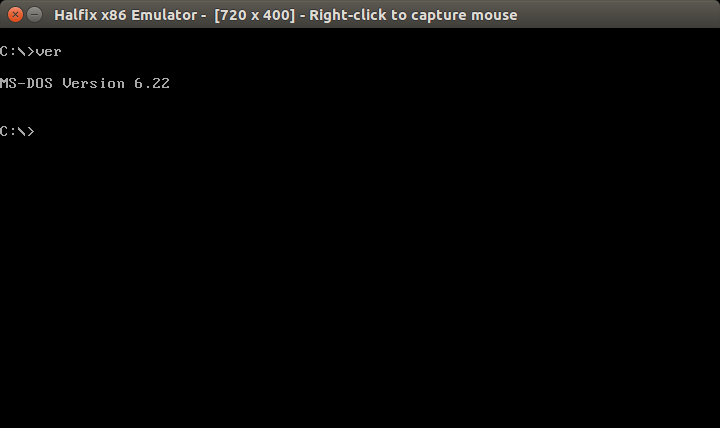
MS-DOS
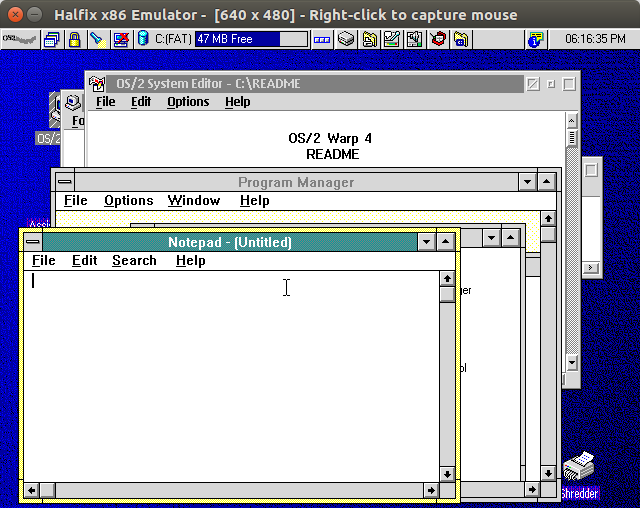
OS/2 Warp 4.5
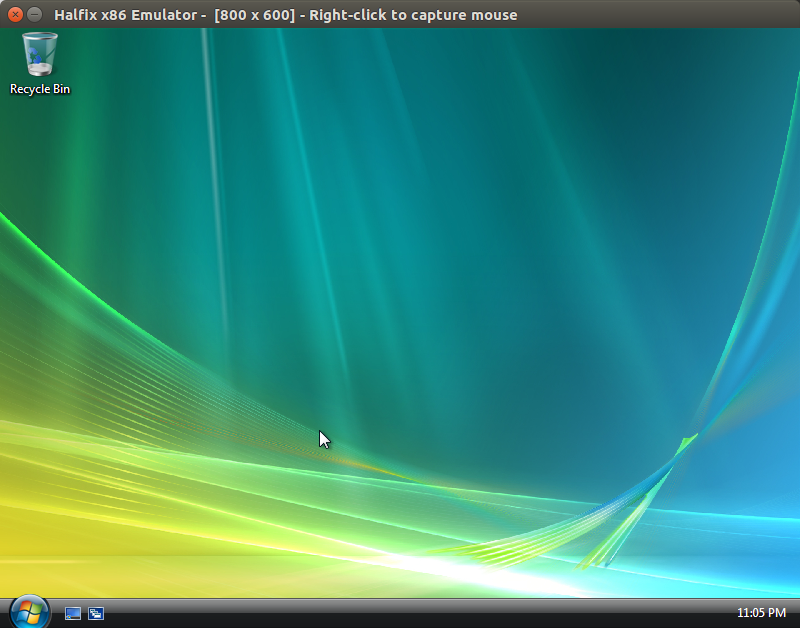
Windows Vista
Windows 7
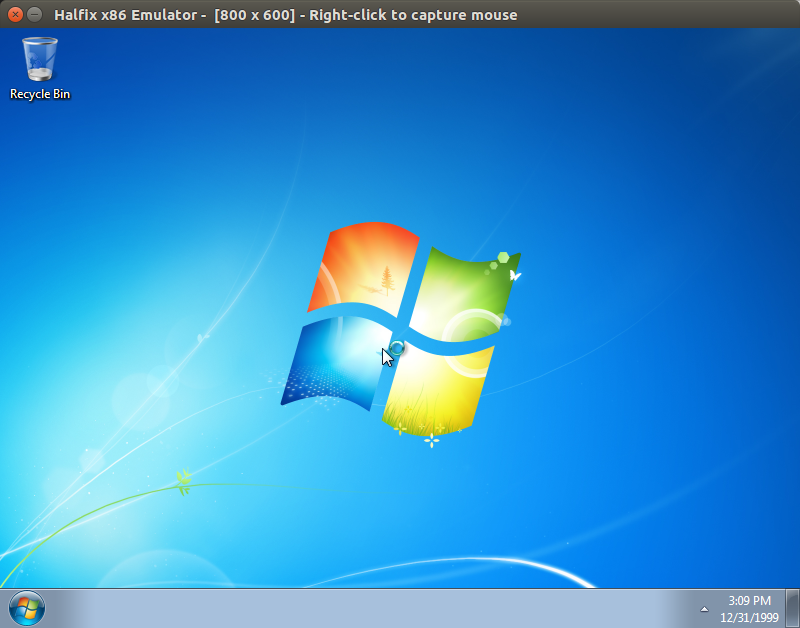
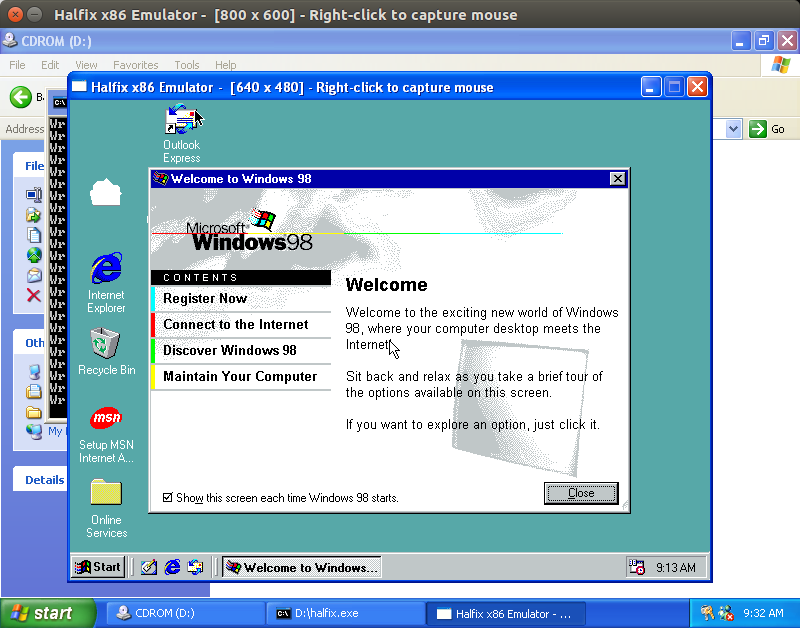
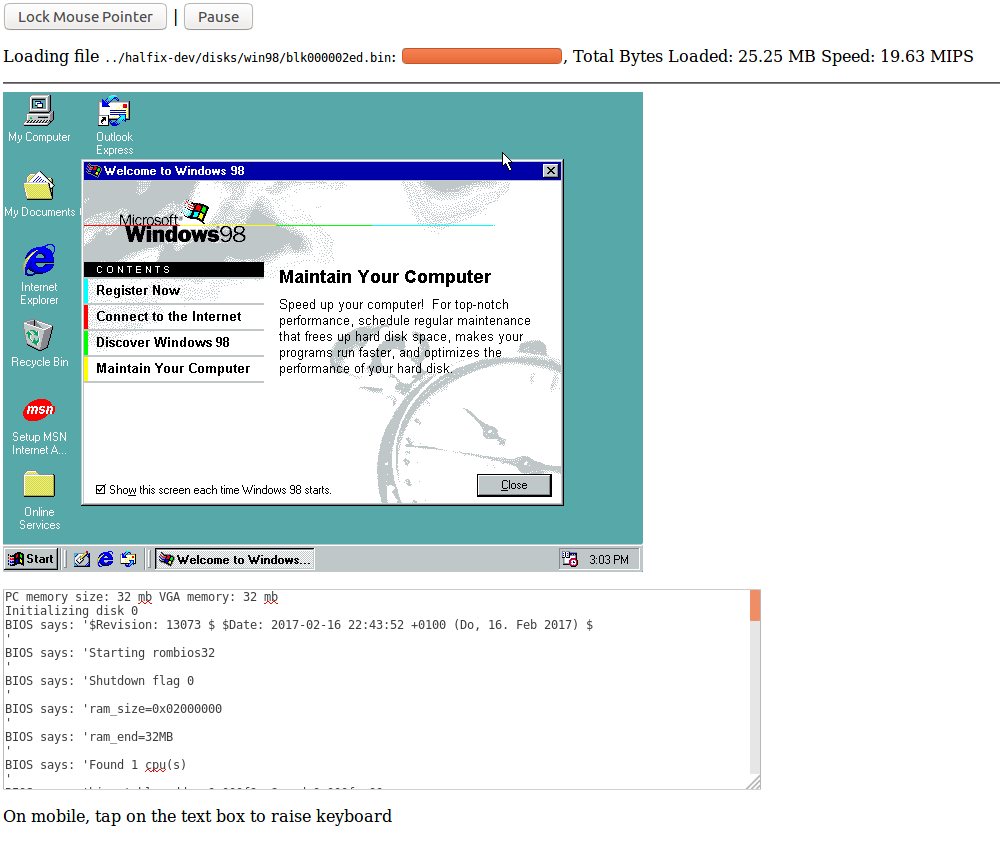
在Firefox中運行的Halfix屏幕截圖中的Halfix中,同一Windows 98磁盤圖像
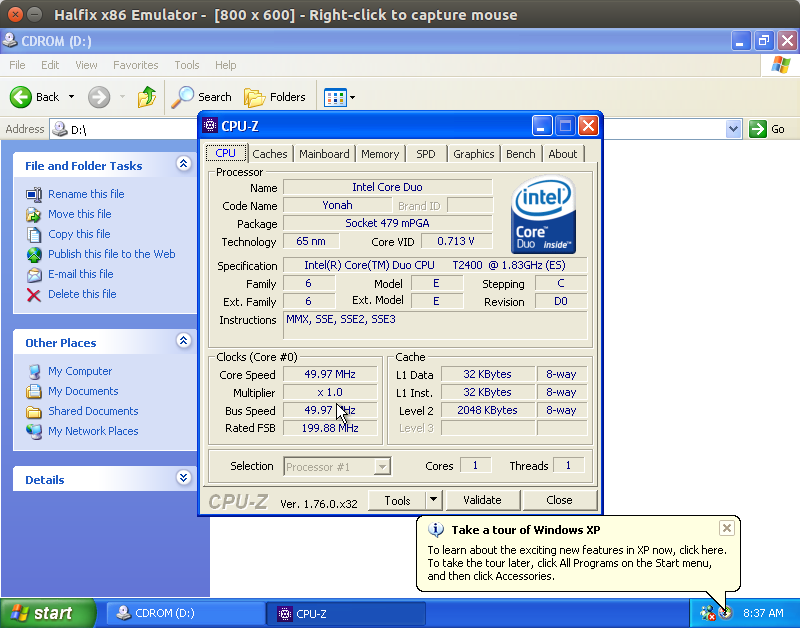
Windows XP上的CPU-Z
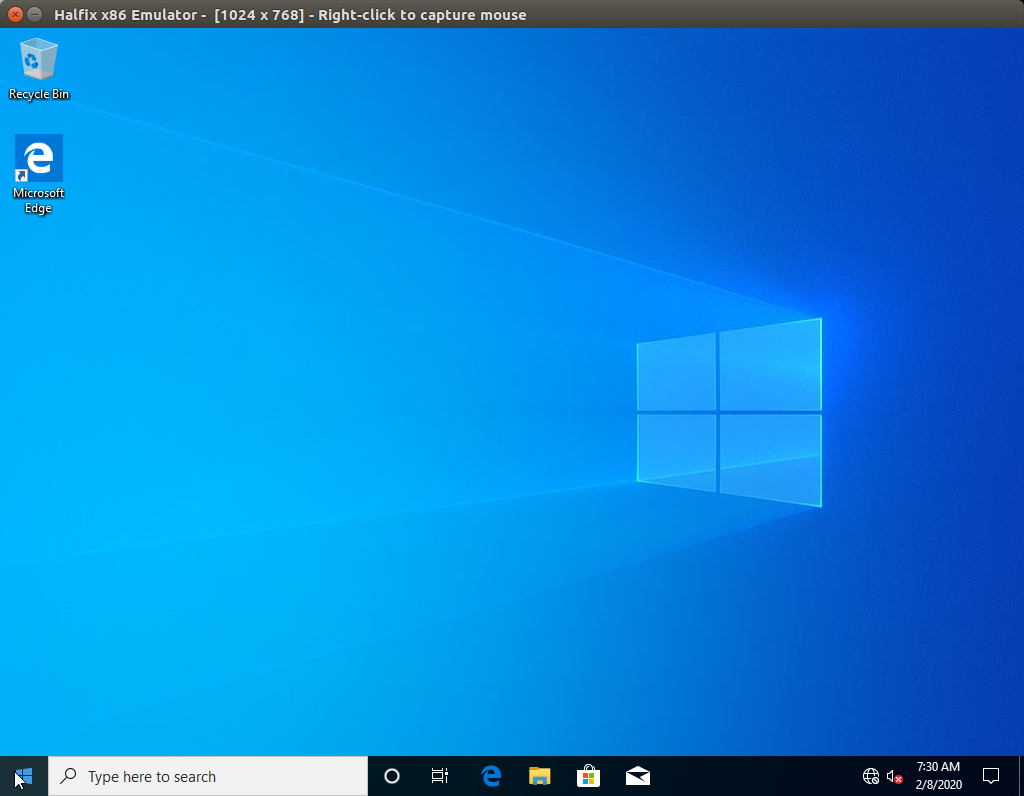
Windows 10
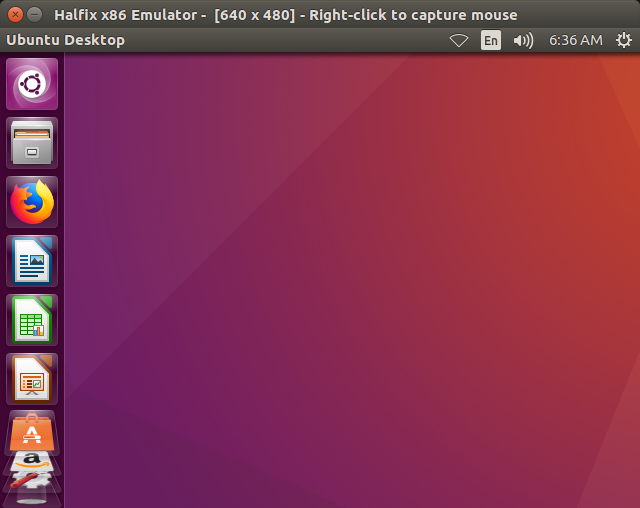
Ubuntu
創建一個目錄,其中所有要傳輸的文件並創建ISO映像。
mkisofs -o programs.iso -max-iso9660-filenames -iso-level 4 programs/
現在,如下以下更新配置文件:
 # Note: it does not hae to be ata0-slave.
# I have not tested it with anything but ata0-slave.
[ata0-slave]
inserted=1
type=cd
file=/tmp/programs.iso
driver=sync
現在,啟動您的操作系統,並將文件從CD-ROM複製到硬盤驅動器。
GNU通用公共許可證版本3
FPU仿真器使用Bochs模擬器中的伯克利軟浮游版的修改版本。





