AAGPT
1.0.0

Auto-Agent-GPT(又名AAGPT)是另一個實驗性開源應用程序,展示了大型語言模型的功能。
支持:一般任務,煮熟的遊戲
語言:[英語] [中文]
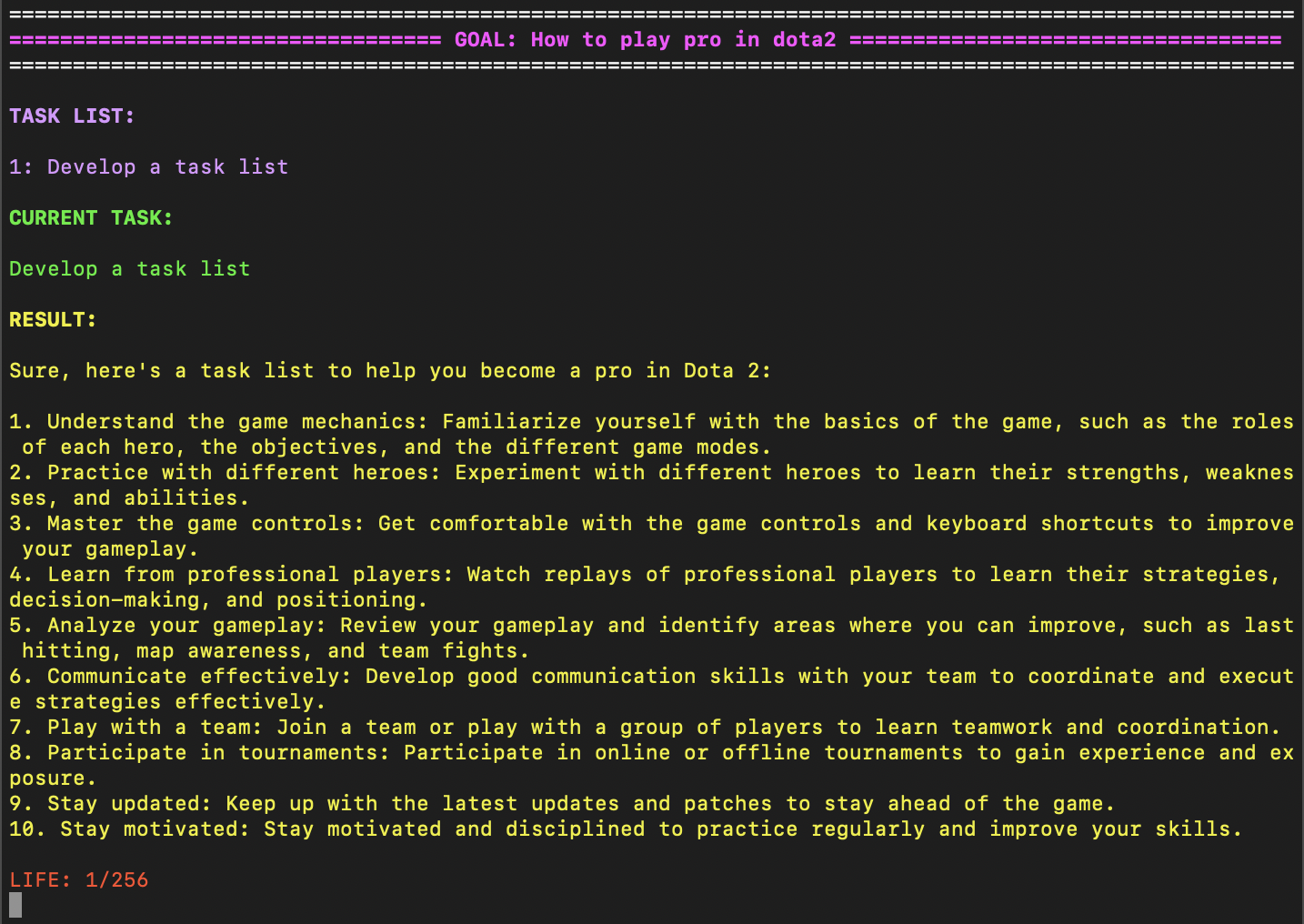
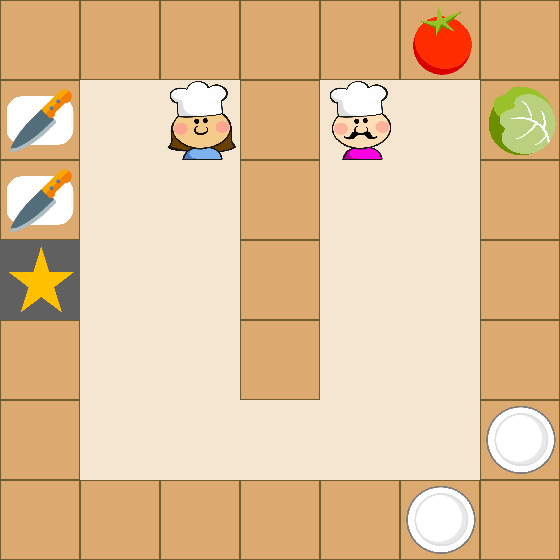
要安裝AAGPT,請按照以下步驟:
克隆AAGPT存儲庫從GitHub進行導航,然後導航到下載的文件夾。
 git clone [email protected]:hyintell/AAGPT.git
cd AAGPT
使用PIP中的終端中使用以下命令:
pip install -r requirements.txt僅兩個步驟,您就可以使用OpenAI API密鑰開始使用AAGPT的自然語言處理能力。
打開setup/game.yaml文件,然後在openai_api_key字段中輸入OpenAI API鍵。
導航到AAGPT文件夾並運行以下命令:
python aagpt.py 安裝AAGPT後,您將需要設置相關的API才能使用該應用程序。您可以按照以下步驟執行此操作:
cd setupsetup folder, there are two game settings, game.yaml which using the Chatgpt as momery store and game2.yaml which using the Pinecone as momery store.您可以選擇其中之一來設置API。game.yaml file, you will use GPT as memory store, so please fill in the following information:openai_api_key : Your OpenAI API key.如果您沒有一個,則可以創建一個免費帳戶並從OpenAI網站獲取API密鑰。openai_model : The OpenAI ChatGPT model to use.從“ GPT-3.5-Turbo”,“ GPT4”或“ Text-Davinci-003”中選擇。env_openai_api_key : OpenAI ChatGPT Key for env, you can keep same as the common.agent_openai_api_key : OpenAI ChatGPT Key for agents, you can keep same as the common.goal : The main objective of the AI agent.init_task : The initial tasks to be appended to the task list.agent_life : The life-time of the agents, in default, we set it to 256. Note: Optionally, you can use game2.yaml which using Pinecone as memory store.除上述設置外,您還需要填寫以下信息:
agent_pinecone_api_key : The form will be a list [Your Pinecone API , Your Pinecone Region] , the first is pinecone API, and second will be the region of your index, you can get it from the Pinecone website.agent_pinecone_index : The index name of the Pinecone index to use. In default, we use aagpt_agent_index . 安裝OpenCooking Envs。
讓我們玩
python aagpt-overcooked.py --renderAfter setting the correct APIs, you can test AAGPT by executing the aagpt.py file in your terminal:
python aagpt.py AAGPT運行後,您可以通過打入提示並觀察其響應來開始與之交互。
如果要更改設置或內存設置,則可以使用以下命令:
python aagpt.py --world_root setup/game2.yaml我們非常感謝開源項目的貢獻:自動GPT和Babyagi。





