vue dashboard
1.0.0

適合您的下一個 Vue.js 儀表板的簡單、輕量級和響應式佈局
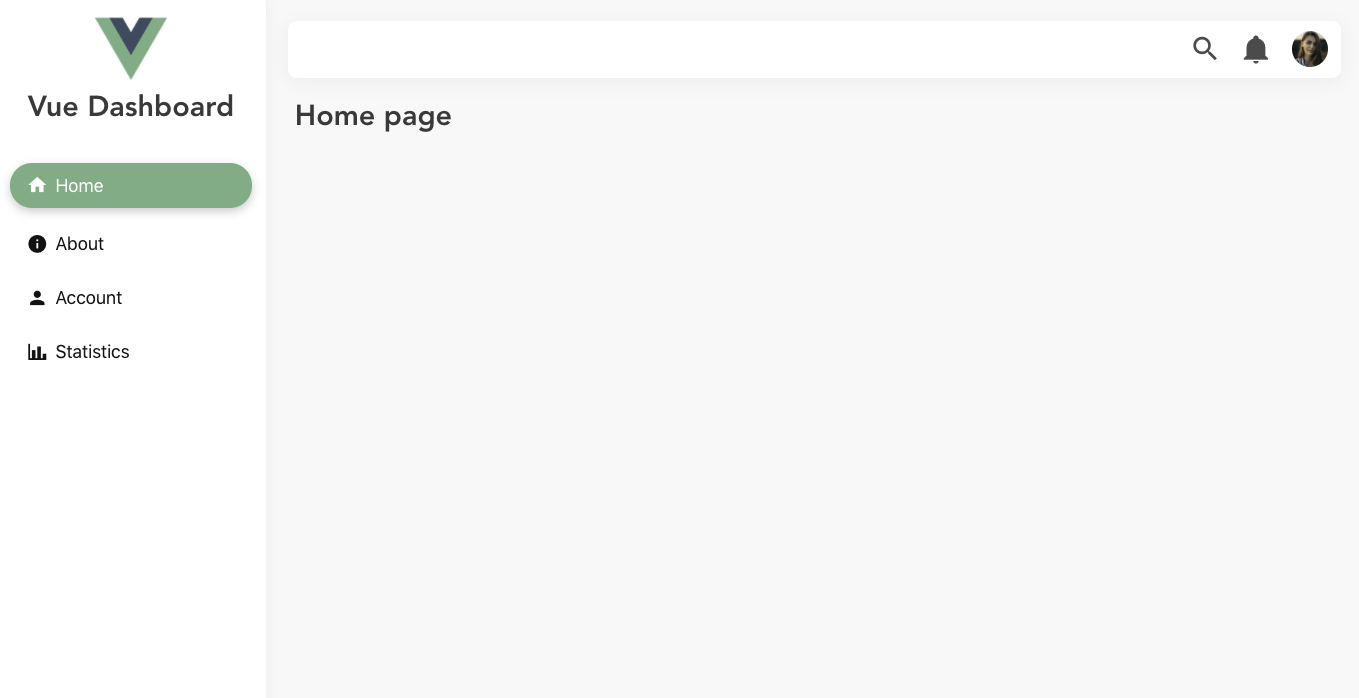
 # yarn
yarn add vue-dashboard-vd
# npm
npm install vue-dashboard-vd import Vue from 'vue' ;
import VueDashboard from 'vue-dashboard-vd' ;
Vue . use ( VueDashboard ) ; 應用程式.vue
 < template >
  < div id =" app " >
    < VdDashboard
      pageBackground =" #f8f8f8 "
      sidebarHeaderHeight =" 175px "
      sidebarWidth =" 300px "
      headerBackground =" white "
      sidebarBackground =" white "
    >
      < template v-slot:main-content >
        < router-view />
      </ template >
      < template v-slot:header-content >
        < HeaderItems > </ HeaderItems >
      </ template >
      < template v-slot:sidebar-header >
        < SidebarHeader > </ SidebarHeader >
      </ template >
      < template v-slot:sidebar-content >
        < SidebarItems > </ SidebarItems >
      </ template >
    </ VdDashboard >
  </ div >
</ template >庫不提供HeaderItems 、 SidebarHeader和SidebarItems 。
可以在此處找到這些組件的範例。
它使用 Bulma 作為 CSS 框架。
完整的範例可以在examples資料夾中找到。
如果您發現這個項目有用,那麼請考慮在 Github 上給它一個️,並透過社交媒體與您的朋友分享。
如果您對新增某個功能有任何建議或某些功能不起作用,請隨時開啟 Github 問題供我們討論。








