dns server
1.0.0

A DNS server app written by pure Nodejs for develop and test use. Only support IPv4 now.
To resolve specified domain name to specified IP using keyword-matching algorithm. Useful for frontend developer and tester when involved into a website project.
純Nodejs寫的本地DNS伺服器,供開發測試使用。
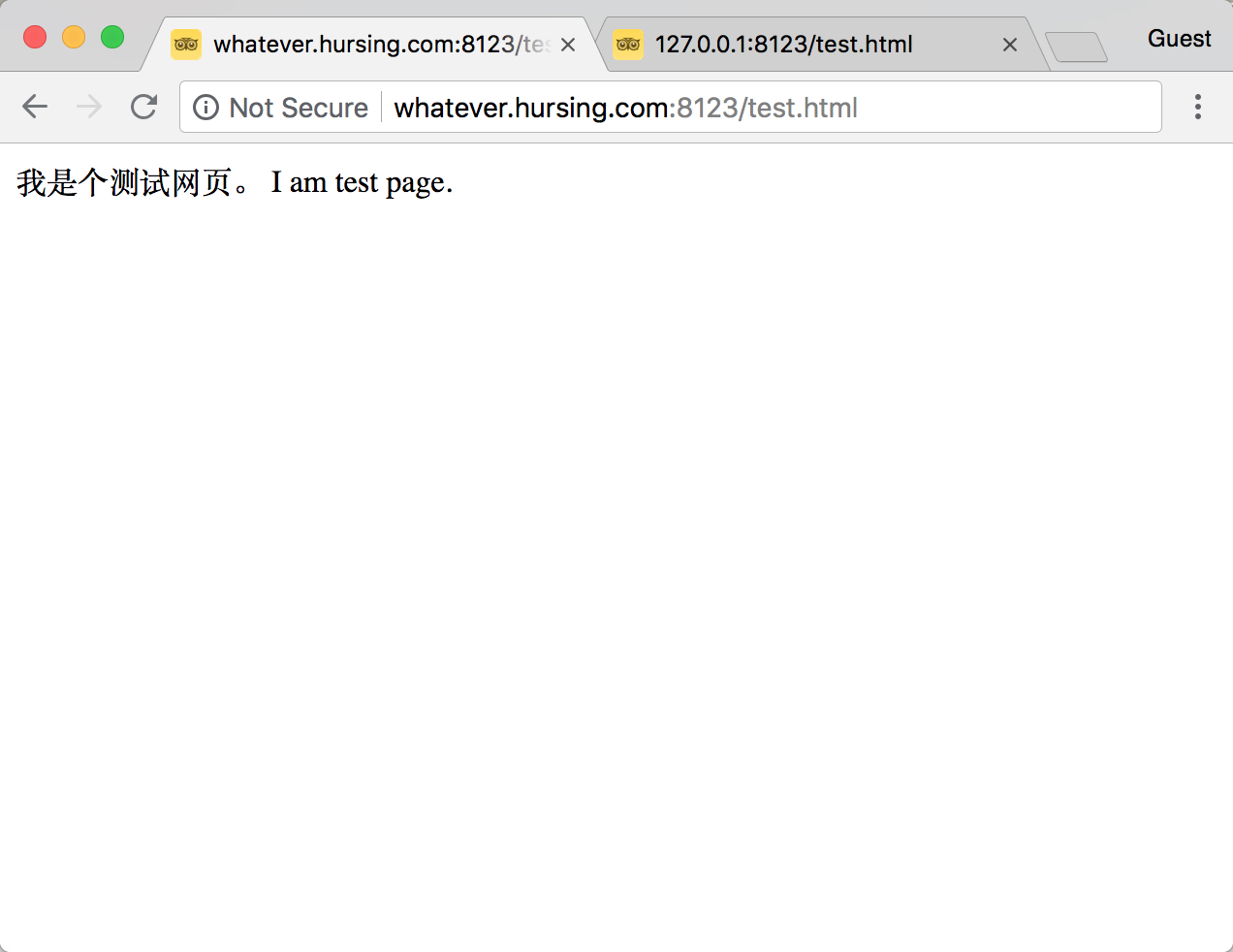
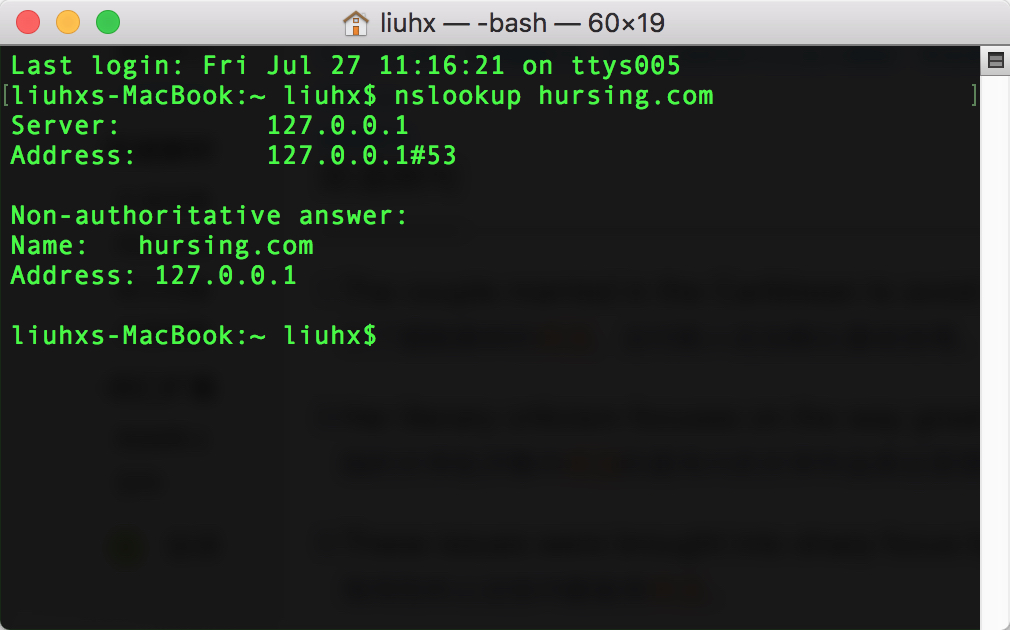
前端做網站時,本地開發通常是用nginx或nodejs做伺服器,然後在瀏覽器中使用IP位址(127.0.0.1或localhost)來開啟網站。但有些功能需要有網域名稱(或二級網域)才能運作,那就可以用這個工具來做本地解析,對符合關鍵字的網域查詢指向指定的IP。
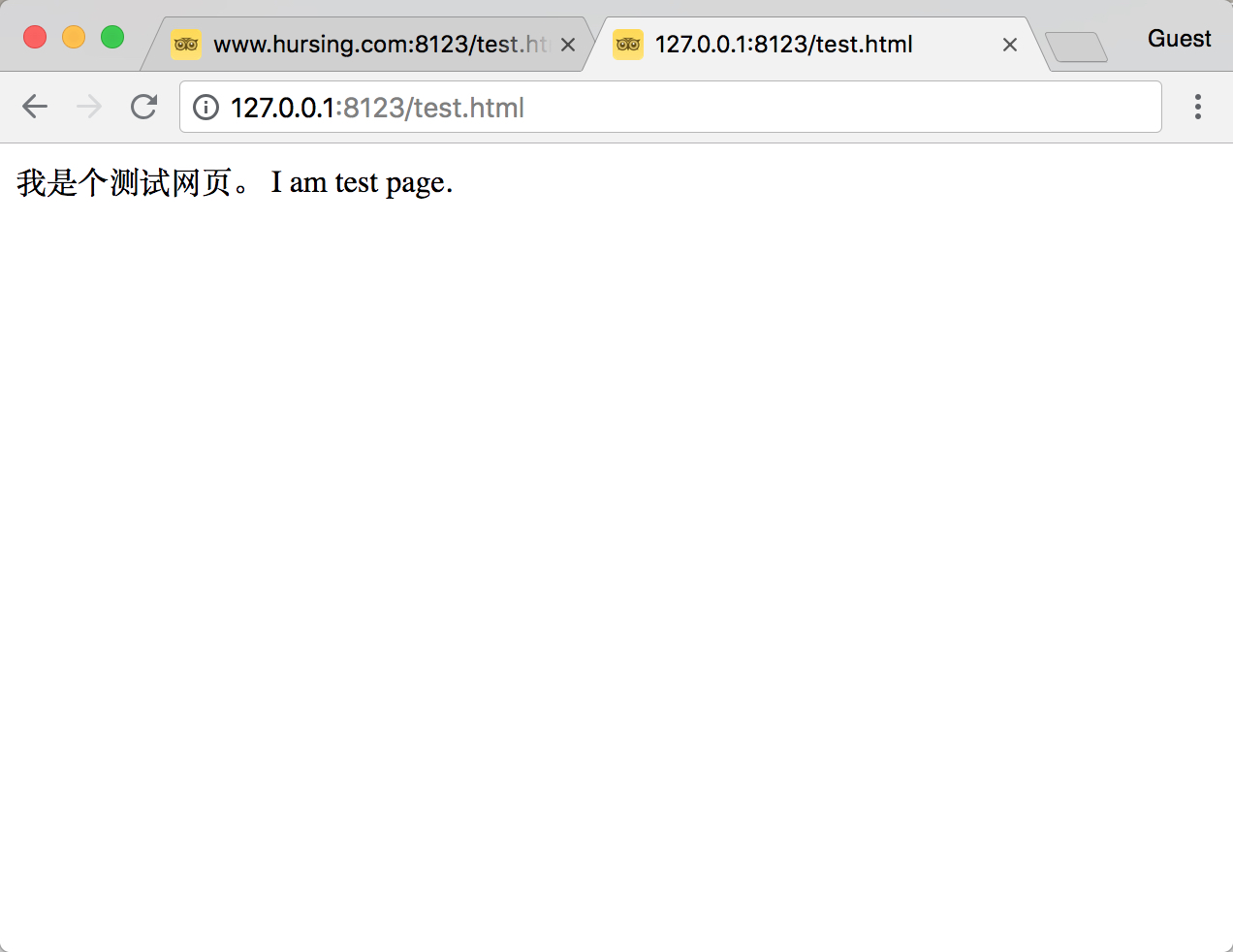
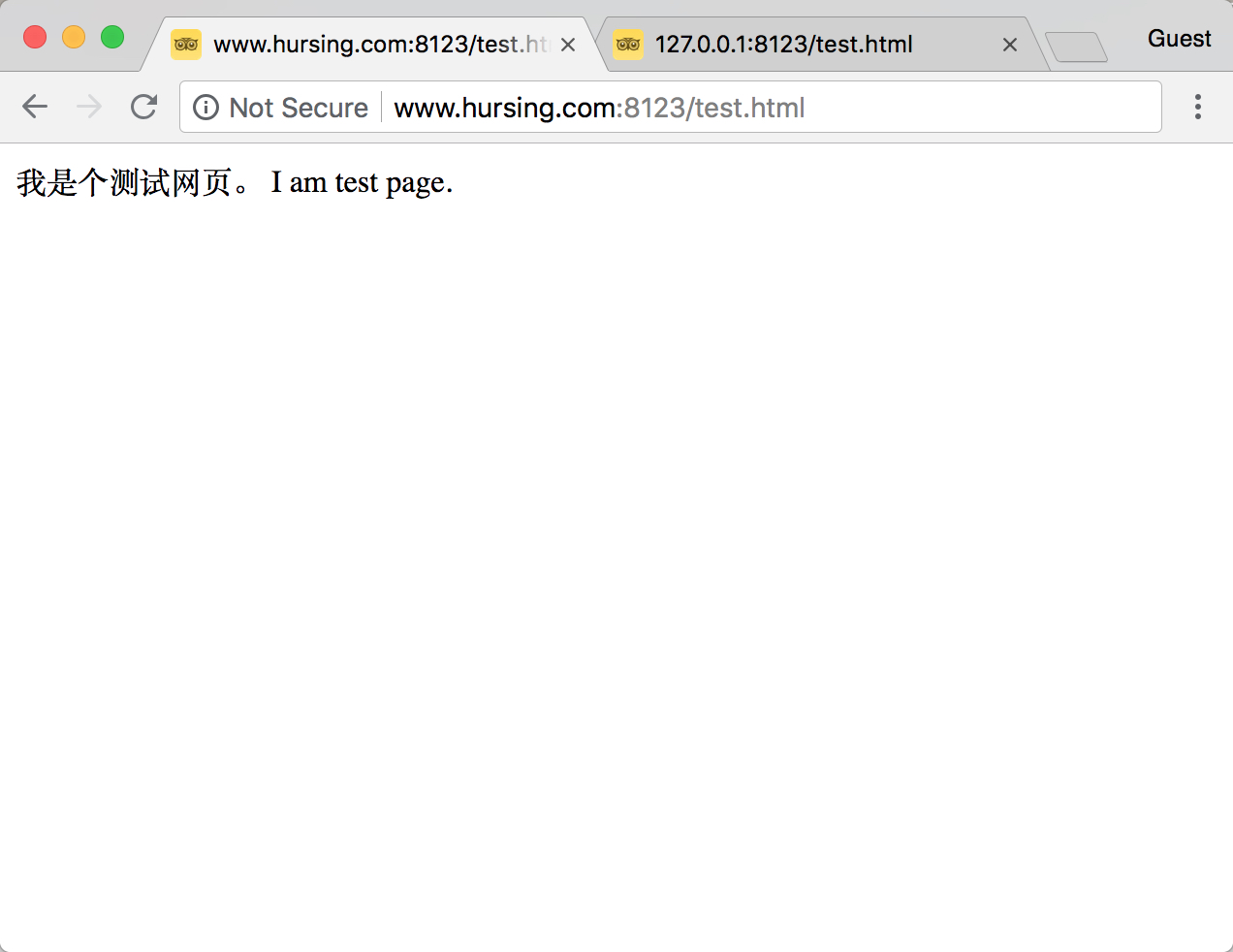
請留意各圖中的url位址,實際上hursing.com不存在的。 Please look at the url and know that the hursing.com does not exist actually.
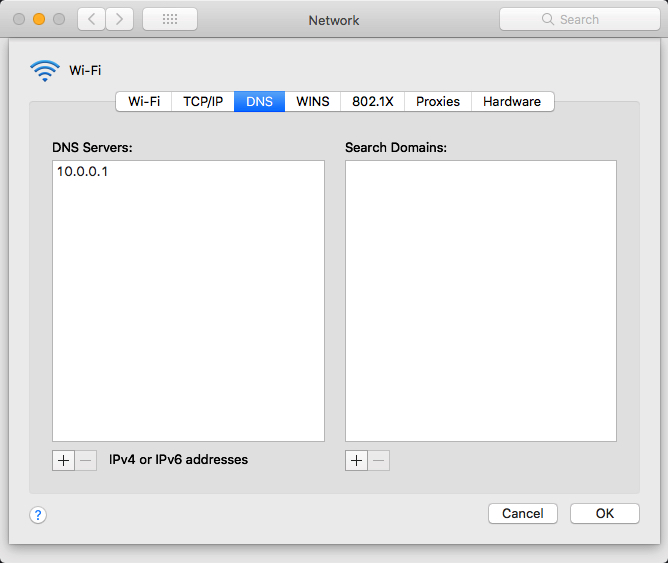
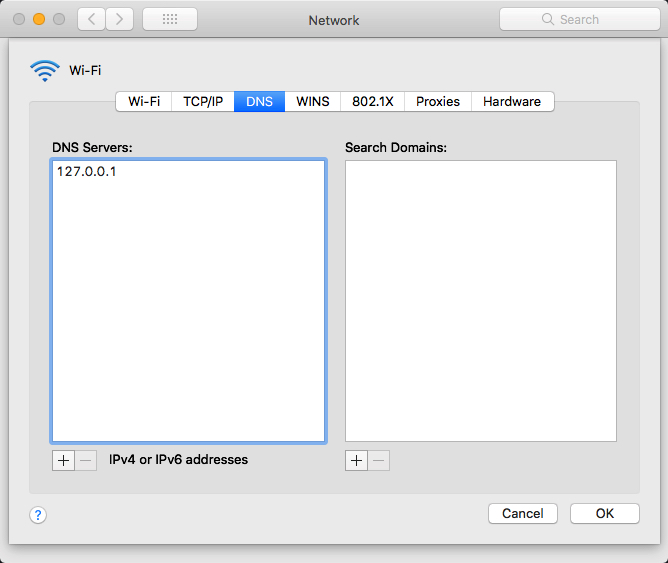
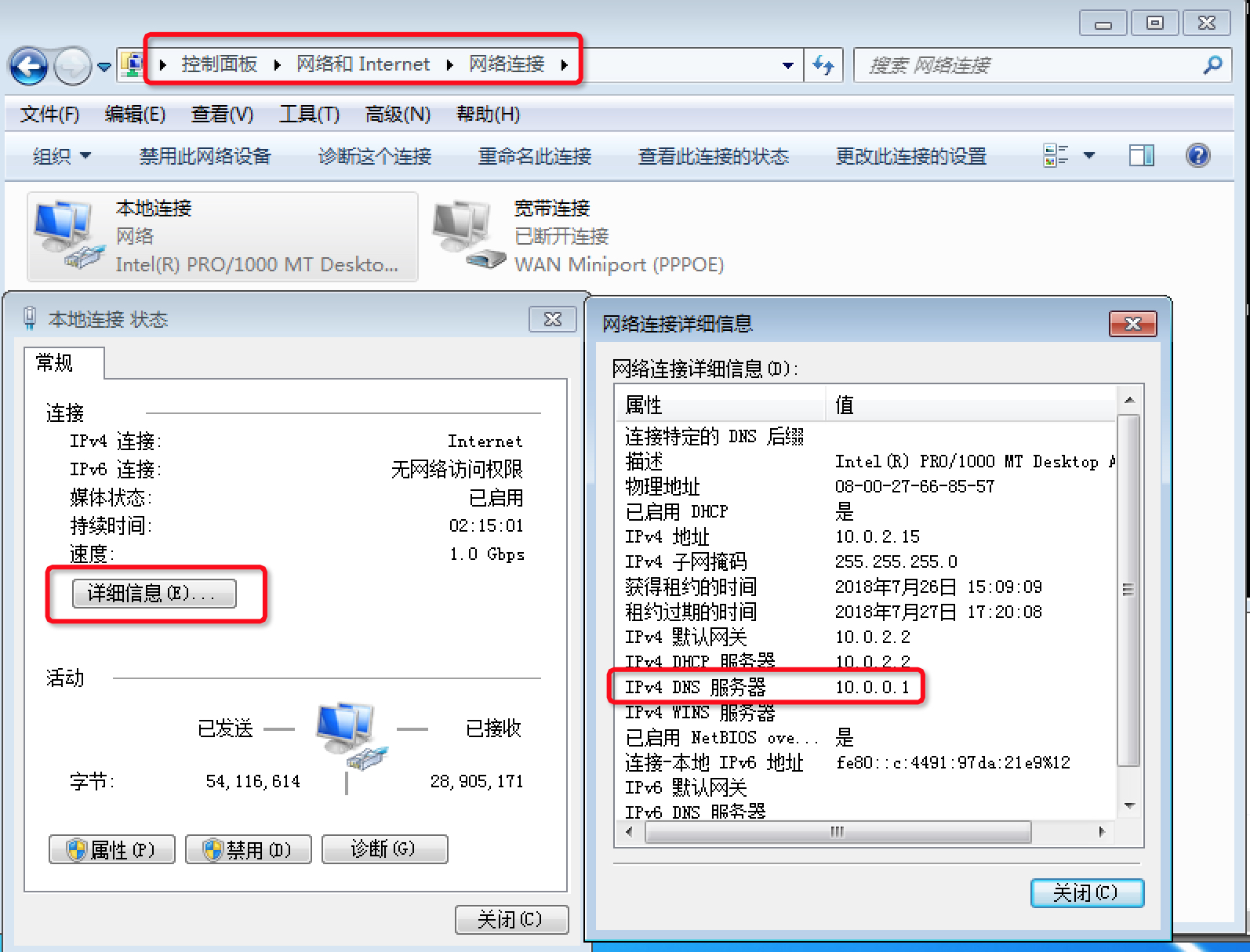
依圖示,找到原來的DNS伺服器位址,並改為127.0.0.1 。 Follow the steps, find the original dns server and change it to 127.0.0.1 .
修改前before change:
修改後after change:
查看原來的dns伺服器位址view the original dns server:
修改前before change:
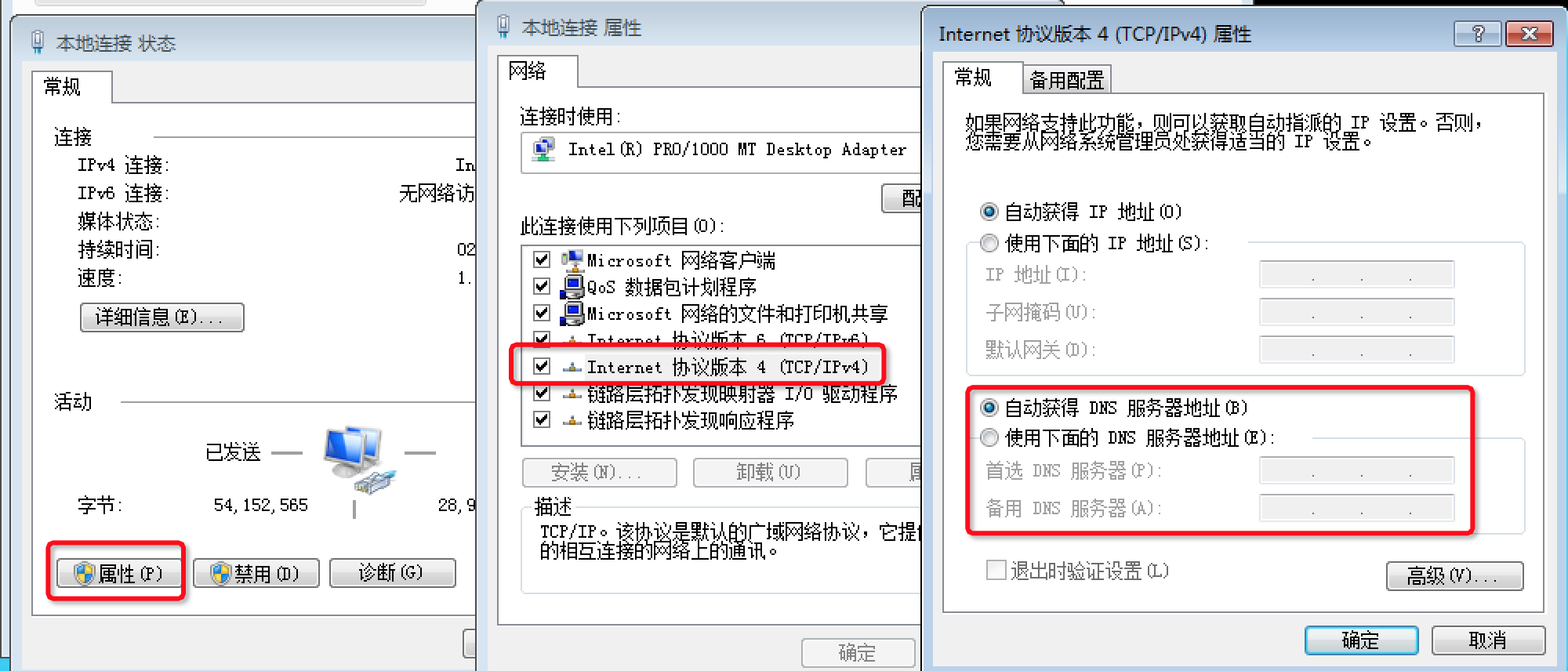
修改後after change: 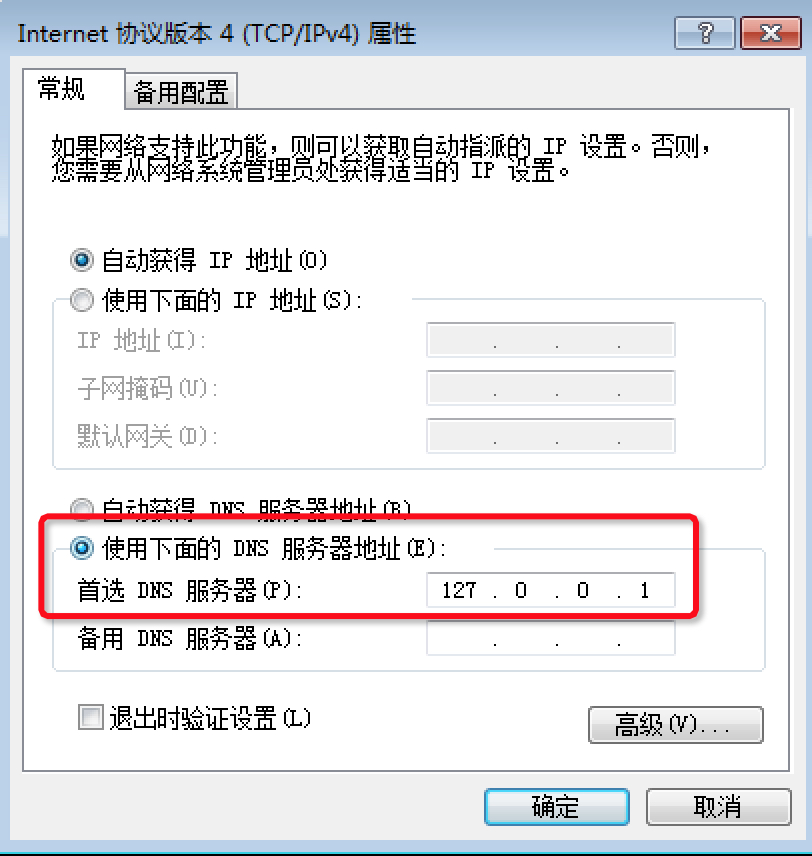
打開open index.js :
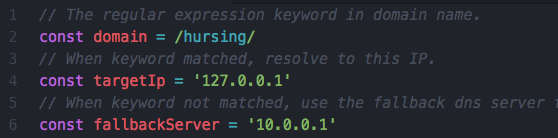
對上面的程式碼做修改modify the code
fallbackServer改成原來的DNS伺服器位址change fallbackServer to your original dns server addressdomain改成你想解析的網域關鍵字change domain to the keyword of your expected domain nametargetIp改成你想解析到的IP位址change targetIp to the resolved IP然後運行then run node index.js 。 mac上需要on mac you have to run sudo node index.js 。
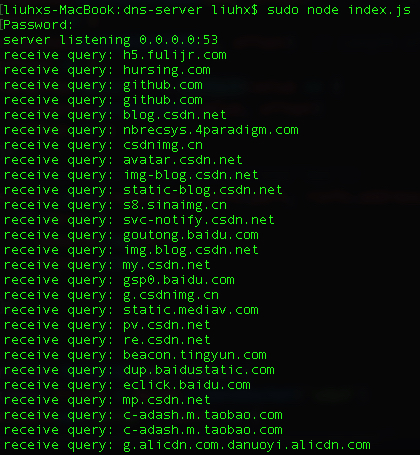
DNS protocol: https://tools.ietf.org/html/rfc1035





