URLS
Version 2.0.2


在纯PHP中使URL看起来不错,这几乎不可能。 URL是一个微型框架,可采用丑陋的URL,并允许您以任何想要的方式重写它。这意味着您可以将此URL转换为https://examplesite.com/blog/home.php?post=1 1, https://examplesite.com/blog/post/1/完全没有.htaccess !
urls_install.php页面,然后按照简单的说明进行操作即可。.htaccess因此它将无法在NGINX服务器上使用。但是,我们正在研究NGINX版本。 urls_install.php文件。有关更完整的示例,请参见Guides/install.md。
blog-home.php的新文件,然后填写: <!DOCTYPE html >
< html >
< head >
< meta charset =" utf-8 " >
< title > My Blog - Home </ title >
</ head >
< body >
< h1 > This is my Blog </ h1 >
< p > Welcome! </ p >
</ body >
</ html > <?php
/*
URLS framework url config file.
Add your paths here:
ex. $urls->path('blog/', 'blog-home.php', true);
*/
include ' urls/Urls.php ' ;
Urls:: $ base = ' / ' ;
$ urls = new Urls ;
$ urls -> exe ();
?>$urls->path('blog/', 'blog-home.php', true);在您的设置文件中include 'urls/Urls.php'; 。这是现在的文件: <?php
/*
URLS framework url config file.
Add your paths here:
ex. $urls->path('blog/', 'blog-home.php', true);
*/
include ' urls/Urls.php ' ;
Urls:: $ base = ' / ' ;
$ urls = new Urls ;
$ urls -> path ( ' blog/ ' , ' blog-home.php ' , true );
$ urls -> exe ();
?>http://yourdomain.com/blog/ 。如果您确实指定了基本URL,请访问http://yourdomain.com/<your base url>/blog/ 。您应该看到blog-home.php文件的内容。 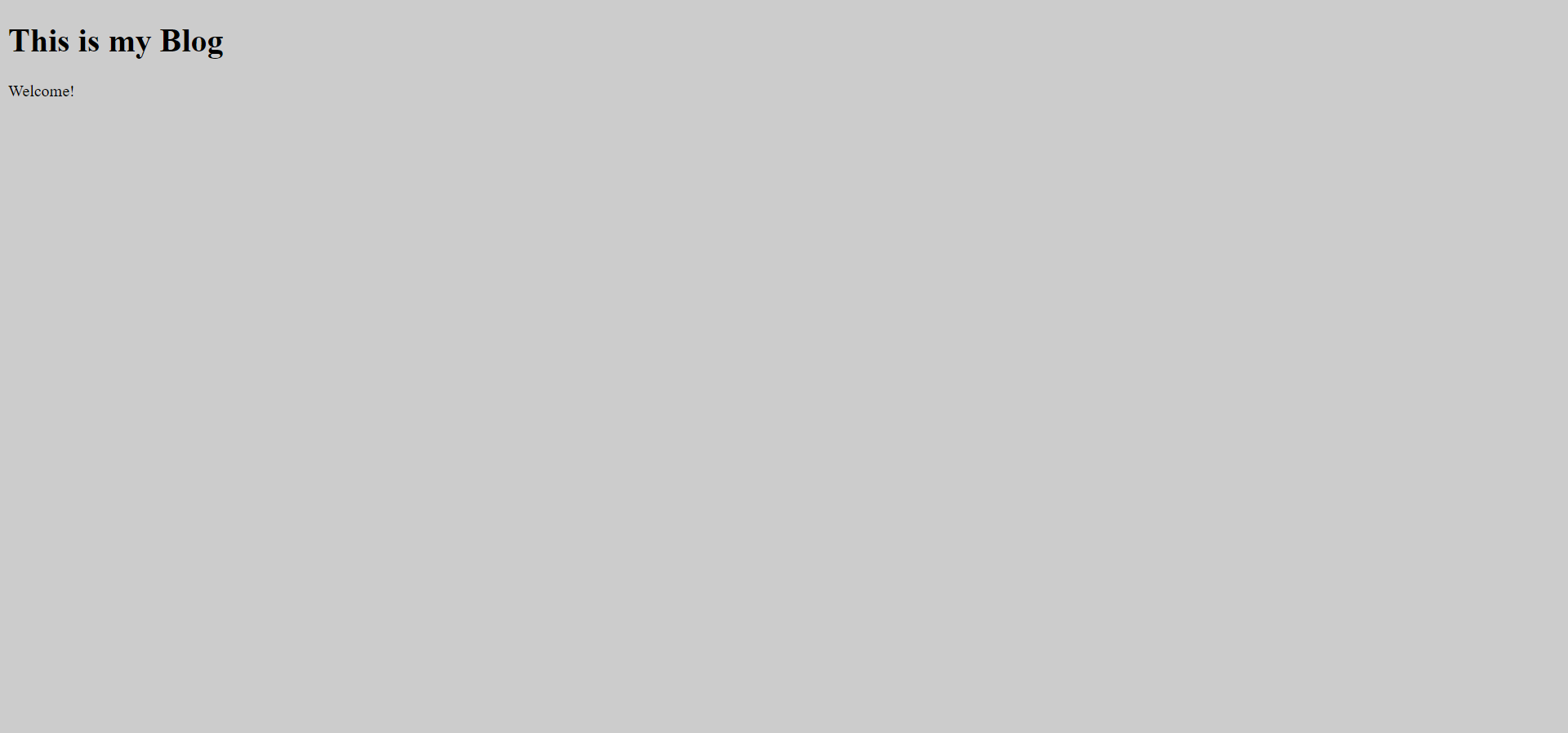
有关更多示例,请参见指南
可以在https://github.com/urls-framework/urls/wiki上找到Wiki的Wiki
可以在docs.md文件上找到URL框架的文档。
该软件在Apache 2.0许可下分布。有关更多信息,请阅读许可证文件。
目前,URL框架是一个私人维护的项目。如果您发现任何错误或有任何建议,请将其提交给问题跟踪器。如果您想编辑Wiki,请随时使用。但是,我们确实要求您遵循有关如何发布的准则。有关更多信息,请参见Wiki中的贡献页面
如果您发现任何错误,请将其报告给问题跟踪器。如果您发现主要的安全漏洞,请不要使用问题跟踪器报告它们。有关更多信息,请参见安全文件。
版权所有©2022 Micah Baumann








