
带有语法突出显示和行号的死去的简单代码编辑器。 3KB/z
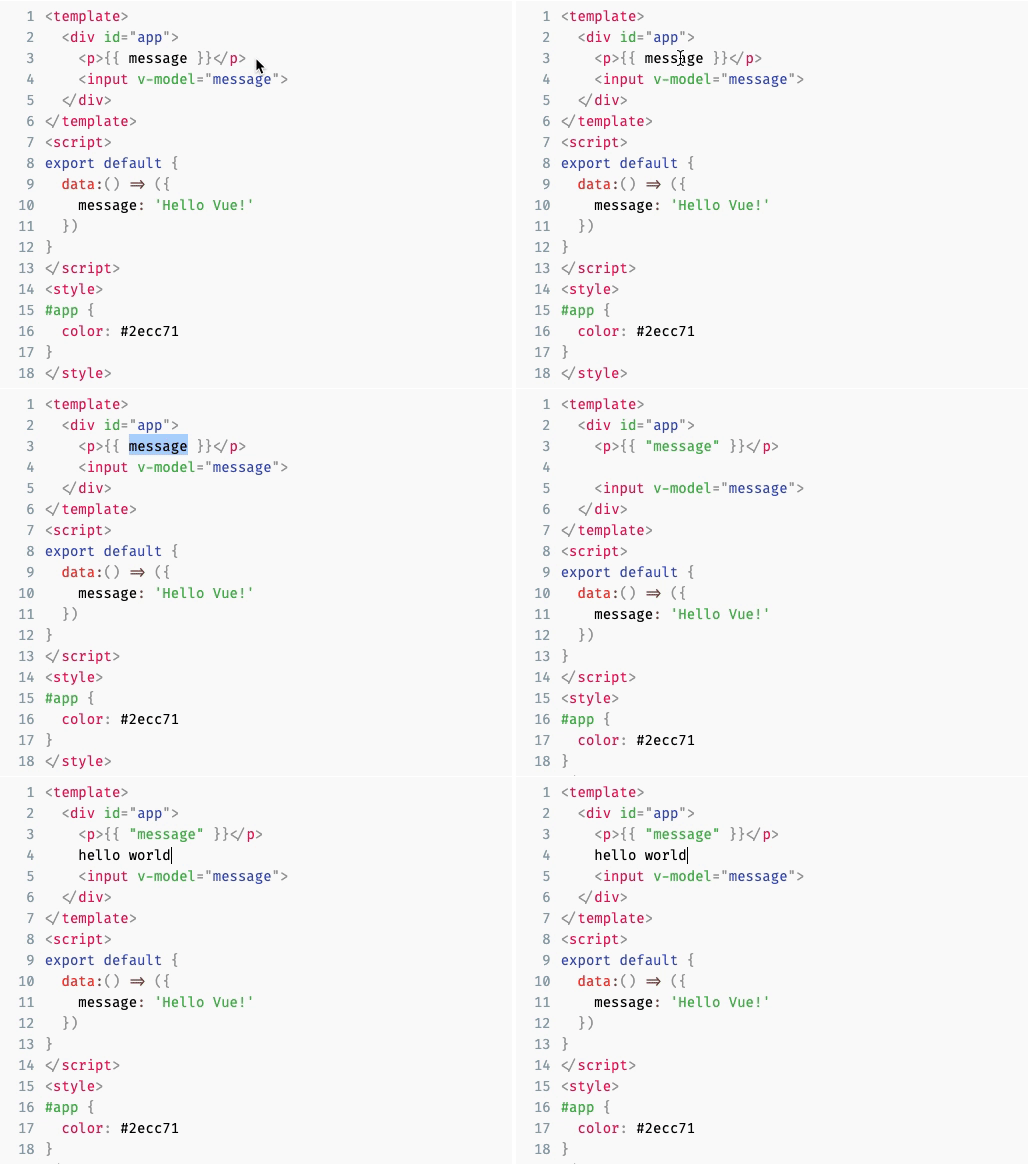
编辑器既适用于VUE 2.X和VUE 3.X,您目前都在支持Vue 2.x的分支机构上。在这里获取VUE 3.x兼容版本
prism-editor.netlify.com
几个基于浏览器的代码编辑器,例如ACE,CODEMIRROR,摩纳哥等。可以在网页中嵌入完整的代码编辑器。但是,如果您只需要一个带有语法突出显示而没有任何额外功能的简单编辑器,那么它们通常不会有过度杀伤,因为它们通常没有小的捆绑尺寸足迹。该库旨在为一个简单的代码编辑器提供语法突出显示支持,而无需任何额外功能,非常适合用户可以提交代码的简单嵌入和表单。
npm install vue-prism-editor或者
yarn add vue-prism-editor您需要将编辑器与提供语法突出显示的第三方库一起使用。例如,它看起来像是prismjs的关注:
在本地注册组件并使用它(建议)
 < template >
  < prism-editor class =" my-editor " v-model =" code " :highlight =" highlighter " line-numbers > </ prism-editor >
</ template >

< script >
  // import Prism Editor
  import { PrismEditor } from 'vue-prism-editor' ;
  import 'vue-prism-editor/dist/prismeditor.min.css' ; // import the styles somewhere

  // import highlighting library (you can use any library you want just return html string)
  import { highlight , languages } from 'prismjs/components/prism-core' ;
  import 'prismjs/components/prism-clike' ;
  import 'prismjs/components/prism-javascript' ;
  import 'prismjs/themes/prism-tomorrow.css' ; // import syntax highlighting styles

  export default {
    components : {
      PrismEditor ,
    } ,
    data : ( ) => ( { code : 'console.log("Hello World")' } ) ,
    methods : {
      highlighter ( code ) {
        return highlight ( code , languages . js ) ; // languages.<insert language> to return html with markup
      } ,
    } ,
  } ;
</ script >

< style >
  /* required class */
  .my-editor {
    /* we dont use `language-` classes anymore so thats why we need to add background and text color manually */
    background: #2d2d2d;
    color: #ccc;

    /* you must provide font-family font-size line-height. Example: */
    font-family: Fira code, Fira Mono, Consolas, Menlo, Courier, monospace;
    font-size: 14px;
    line-height: 1.5;
    padding: 5px;
  }

  /* optional class for removing the outline */
  .prism-editor__textarea:focus {
    outline: none;
  }
</ style >
请注意,根据您的语法荧光笔,您可能必须包括其他CSS以进行语法突出显示才能工作。
或在全球注册组件
 import { PrismEditor } from 'vue-prism-editor' ;
import 'vue-prism-editor/dist/prismeditor.min.css' ; // import the styles
Vue . component ( 'PrismEditor' , PrismEditor ) ;
浏览器使用(用于Codepen等):
 < script src =" https://unpkg.com/[email protected].* " > </ script >

<!-- Prism Editor -->
< script src =" https://unpkg.com/vue-prism-editor " > </ script >
< link rel =" stylesheet " href =" https://unpkg.com/vue-prism-editor/dist/prismeditor.min.css " />

<!-- custom highlighter: -->
< script src =" https://unpkg.com/prismjs/prism.js " > </ script >
< link rel =" stylesheet " href =" https://unpkg.com/prismjs/themes/prism-tomorrow.css " />

< style >
  .height-200{
    height: 200px
  }

  .my-editor {
    /* we dont use `language-` classes anymore so thats why we need to add background and text color manually */
    background: #2d2d2d;
    color: #ccc;

    /* you must provide font-family font-size line-height. Example:*/
    font-family: Fira code, Fira Mono, Consolas, Menlo, Courier, monospace;
    font-size: 14px;
    line-height: 1.5;
    padding: 5px;
  }

  /* optional class for removing the outline */
  .prism-editor__textarea:focus {
    outline: none;
  }
</ style >

< div id =" app " >
  < prism-editor class =" my-editor height-200 " v-model =" code " :highlight =" highlighter " line-numbers > </ prism-editor >
</ div >

< script >
  new Vue ( {
    el : "#app" ,
    data : ( ) => ( {
      code : "console.log('hello world')"
    } ) ,
    methods : {
      highlighter ( code ) {
        // js highlight example
        return Prism . highlight ( code , Prism . languages . js , "js" ) ;
      }
    } ,
  } )
</ script > | 姓名 | 类型 | 默认 | 选项 | 描述 |
|---|---|---|---|---|
V模型value | string | "" | - | 编辑器的当前值,即要显示的代码 |
| 强调 | string => string | - | - | 回调将接收文本以突出显示。您需要使用诸如prismjs之类的库来返回带有语法突出显示的HTML字符串。 |
| 可读 | Boolean | false | - | 可读 |
| 亚麻家 | Boolean | false | - | 是否显示行号。默认false |
| 自动素烯象 | Boolean | true | - | 匹配行号文本颜色与主题。默认为true |
| tabsize | number | 2 | - | 按下选项卡键时要插入的字符数。例如,对于4个空间缩进, tabSize将为4 , insertSpaces将是true 。默认值: 2 |
| 插入空间 | boolean | true | - | 是否使用空间进行凹痕。默认值: true 。如果将其设置为false ,则可能还需要将tabSize设置为1 |
| 无知 | boolean | false | - | 编辑器是否应忽略选项卡键按下,以便键盘用户可以标记编辑器。用户可以使用Ctrl+Shift+M (Mac) / Ctrl+M手动切换此行为false默认值: false |
| 姓名 | 参数 | 描述 |
|---|---|---|
| 输入 | (code) | 更改代码时会发射。 |
| 钥匙 | (event) | 当编辑器中发生键盘事件时,发出此事件 |
| 钥匙 | (event) | 当编辑器中发生关键事件时,会发出此事件 |
| 点击 | (event) | 单击编辑器中的任何位置时会发出此事件 |
| 重点 | (event) | 当聚焦时会发出此活动 |
| 模糊 | (event) | 当模糊时发出此活动 |
该部分取自React-Simple-Code-editor
它通过将语法突出显示<pre>块上的<textarea>覆盖。当您键入,选择,复制文本等时,您会与基础<textarea>进行交互,因此体验感觉是本地的。与重新实现行为的其他编辑相比,这是一种非常简单的方法。
只要返回HTML并且由用户完全控制,任何第三方库就可以由任何第三方库进行。
Vanilla <textarea>不支持插入选项卡字符以进行凹痕,因此我们通过聆听keydown事件并编程更新文本来重新实现它。通过编程方式更新文本的一个警告是,我们将失去撤消堆栈,因此我们需要维护自己的撤消堆栈。结果,我们还可以实施改进的撤消行为,例如撤消与VSCODE这样的编辑类似的整个单词。
由于其工作方式,它有一定的局限性:
<textarea>进行对齐的突出显示代码的作用,因此更改影响布局的任何内容都可能将其错过。-webkit-text-fill-color: transparent文本中隐藏文本,它在所有现代浏览器中都起作用(甚至是非webkit的浏览器,例如Firefox和Edge)。在IE 10+上,我们使用color: transparent 。在不支持的浏览器中,文本可能看起来更大胆。 反应简单编码编辑器
麻省理工学院






