maple font
v6.4 Release

笔记
现在几乎是稳定的。
作为周末的附带项目,我将发布新的Beta版本,以修复1-2周内每日编码中报告或遇到的错误,并在新网站上进行一些工作并构建工具。
如果一切顺利,稳定版本将于今年晚些时候发布。
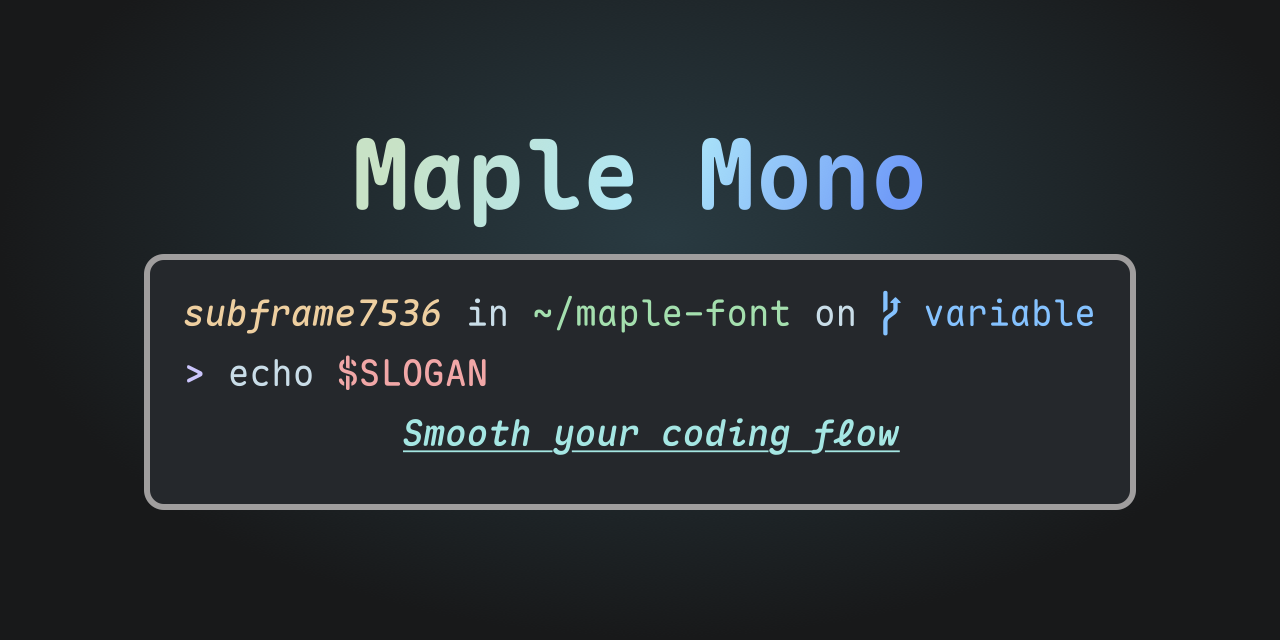
Maple Mono是一种开源单层字体,专注于平滑您的编码流。
我创建它是为了增强我的工作经验,并希望它对他人有用。
V7是一个完全重新设计的版本,可提供可变字体,重新设计了一半以上的字形并提供更智能的连字。您可以在此处查看V6
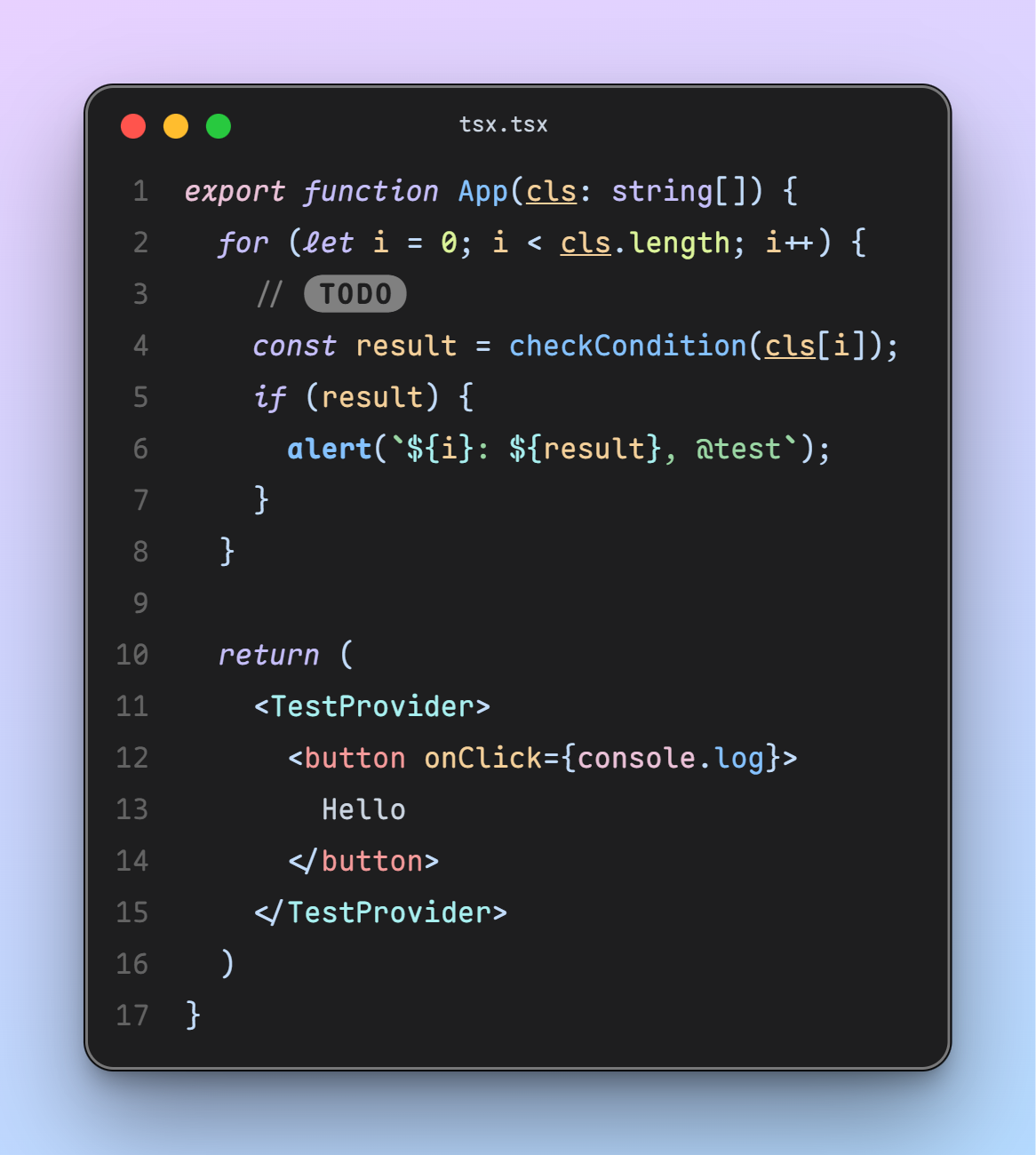
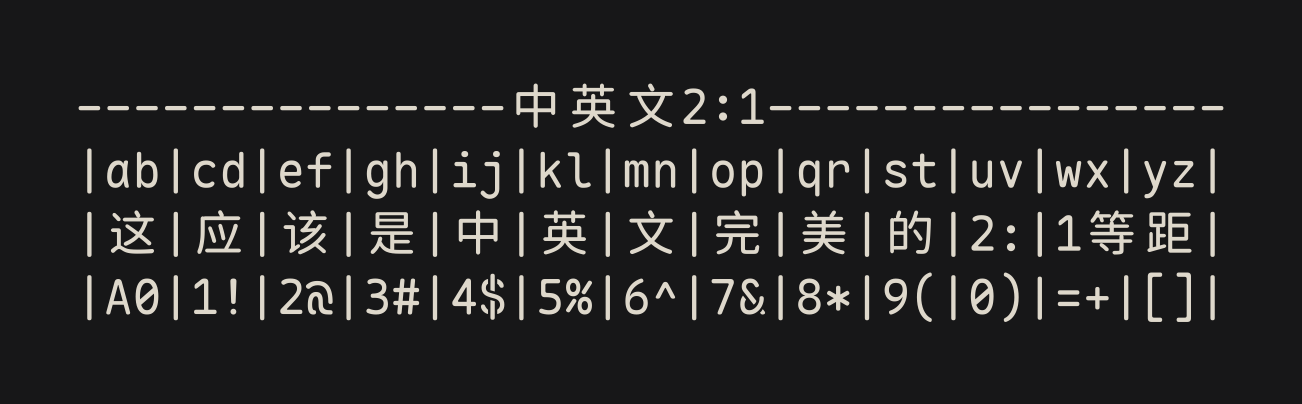
@ $ % & Q ->以及斜体风格的草书fijklxy 。features/CN版本将简化和传统的中文和日语的字形占据,它们不如大多数CN字体正常。 CJK字形的间距非常宽松,可以更好地对齐,请参阅发行说明和此问题中的详细信息。
您可以从发行版中下载所有字体档案。
paru -S ttf-maple-betaMaple Mono )Maple Mono NL )--normal预设,带有绑扎( Maple Mono Normal )--normal预设,无连字( Maple Mono Normal NL )-NF后缀)-CN后缀)-NF-CN后缀)MapleMono-TTF-AutoHint / MapleMono-NF / MapleMono-NF-CN等。MapleMono-OTF / MapleMono-TTF / MapleMono-NF-unhinted / MapleMono-NF-CN-unhinted ,等等。-AutoHint和-unhinted后缀?-AutoHint仅用于TTF格式。 config.json文件用于配置构建过程。查看模式或文档以获取更多详细信息。
还有一些用于自定义构建过程的命令行选项。 CLI选项的优先级高于config.json中的选项。
您可以使用github操作来构建字体。
config.json中的内容Custom Build菜单项Run workflow按钮git clone https://github.com/subframe7536/maple-font --depth 1 -b variable
docker build -t maple-font .
docker run -v " $( pwd ) /fonts:/app/fonts " -e BUILD_ARGS= " --normal " maple-font克隆回购并在本地机器上运行。确保已安装python3和pip
git clone https://github.com/subframe7536/maple-font --depth 1 -b variable
pip install -r requirements.txt
python build.pyUbuntu或Debian ,也许还需要python-is-python3如果您在安装依赖项时遇到困难,只需创建一个新的github codespace并在那里运行命令
对于自定义font-patcher Args,需要font-forge (也许还需要python3-fontforge )。
也许您还应该更改config.json中的"nerd_font.extra_args"
在build.py中添加--normal标志,用于通用配置,使字体像JetBrains Mono一样(零斜率)。
特征冻结有三种选择:
enable :将绑扎规则移动到calt ,该规则将启用功能,而无需设置字体中的cvXX / ssXX / zero ,就像默认的连接一样disable :删除cvXX / ssXX / zero中的功能,即使您手动启用它也将不再效果ignore :什么都不做使用--apply-fea-file标志,run build.py ,来自source/features/{regular,italic}.fea功能文件将应用于变量字体。您可以对其进行修改以更改所有功能,例如删除calt中的一些连接。
运行python build.py --cn ,CN基本字体(约135 MB)将从GitHub下载。
如果要从变量(约35 MB)构建CN基础字体,请设置“ CN.USE_STATIC_BASE_FONT”:inform config.json和be Cathion中的"cn.use_static_base_font": false ,实例化大约需要40-50分钟。
构建脚本将自动从GitHub下载Neccessory Assets。如果您在下载方面遇到困难,请在config.json中设置github_mirror或$GITHUB到您的环境变量。 (目标URL将为https://{github_mirror}/<user>/<repo>/releases/download/{tag}/{file} ),或者只下载目标.zip文件并将其放入与build.py同一目录中。
 usage: build.py [-h] [-v] [-d] [--debug] [-n] [--feat FEAT] [--apply-fea-file] [--hinted]
                [--no-hinted] [--liga] [--no-liga] [--cn-narrow]
                [--nerd-font | --no-nerd-font] [--cn | --no-cn] [--cn-both] [--ttf-only]
                [--cache] [--archive]

 Builder and optimizer for Maple Mono

options:
  -h, --help        show this help message and exit
  -v, --version     show program's version number and exit
  -d, --dry         Output config and exit
  --debug           Add `Debug` suffix to family name, skip optimization

Feature Options:
  -n, --normal      Use normal preset, just like `JetBrains Mono` with slashed zero
  --feat FEAT       Freeze font features, splited by `,` (e.g. `--feat
                    zero,cv01,ss07,ss08`). No effect on variable format
  --apply-fea-file  Load feature file from `source/features/{regular,italic}.fea` to
                    variable font
  --hinted          Use hinted font as base font
  --no-hinted       Use unhinted font as base font
  --liga            Preserve all the ligatures
  --no-liga         Remove all the ligatures
  --cn-narrow       Make CN characters narrow (experimental)

Build Options:
  --nerd-font       Build Nerd-Font version
  --no-nerd-font    Do not build Nerd-Font version
  --cn              Build Chinese version
  --no-cn           Do not build Chinese version
  --cn-both         Build both `Maple Mono CN` and `Maple Mono NF CN`. Nerd-Font version
                    must be enabled
  --ttf-only        Only build unhinted TTF format
  --cache           Reuse font cache of TTF, OTF and Woff2 formats
  --archive         Build font archives with config and license. If has `--cache` flag,
                    only archive Nerd-Font and CN formats
SIL开放字体许可证1.1