programming fonts
1.0.0

Buy a 4K+ resolution monitor to overcome your programming font addiction, and get the fucking job done!
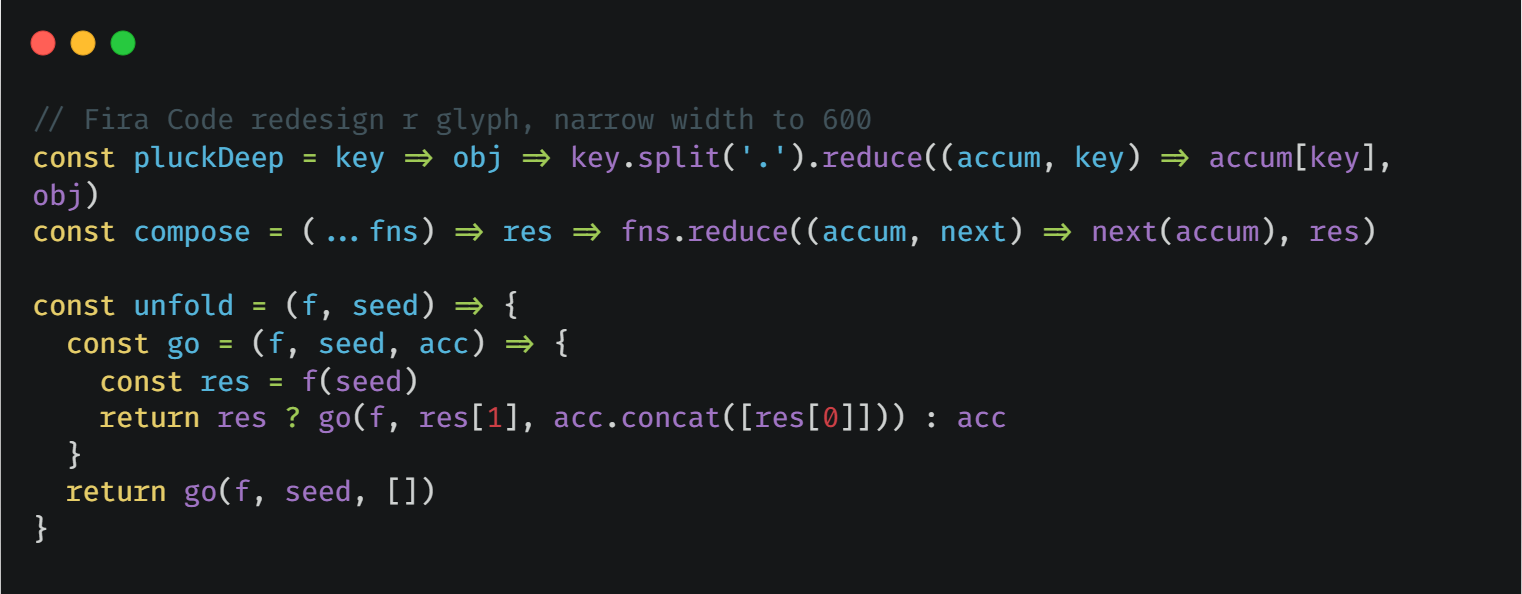
Fira Code
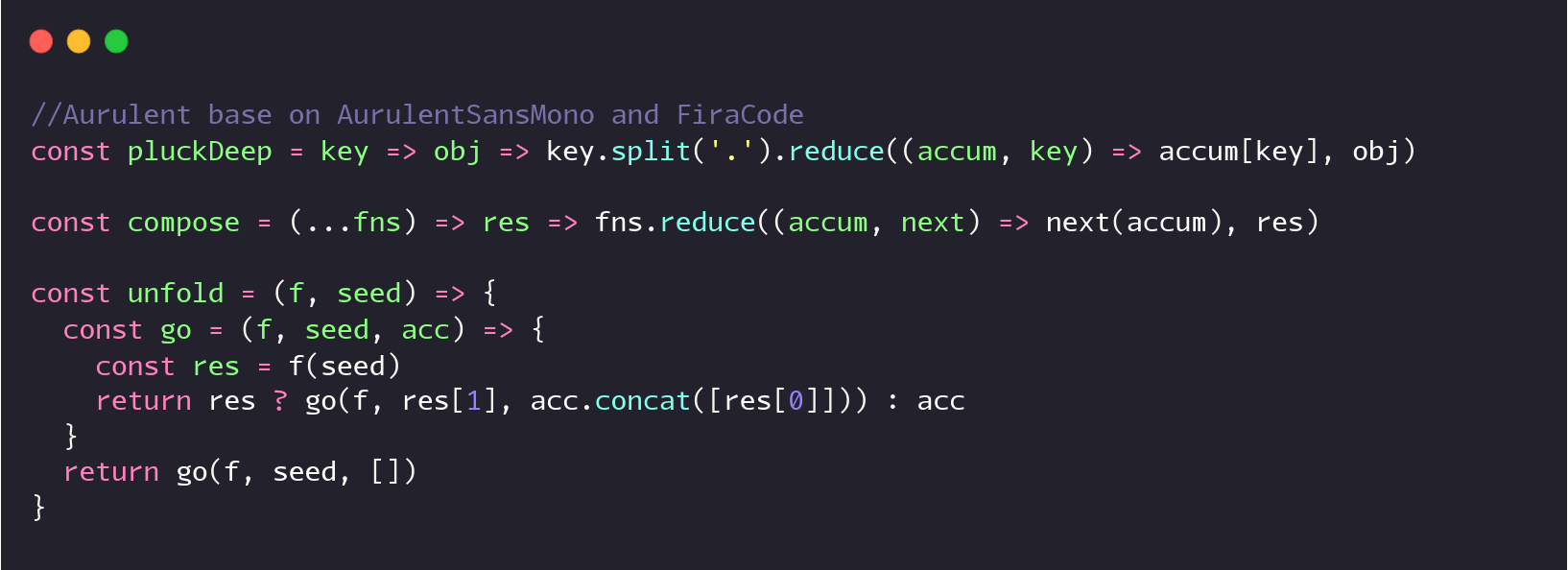
 Aurulent
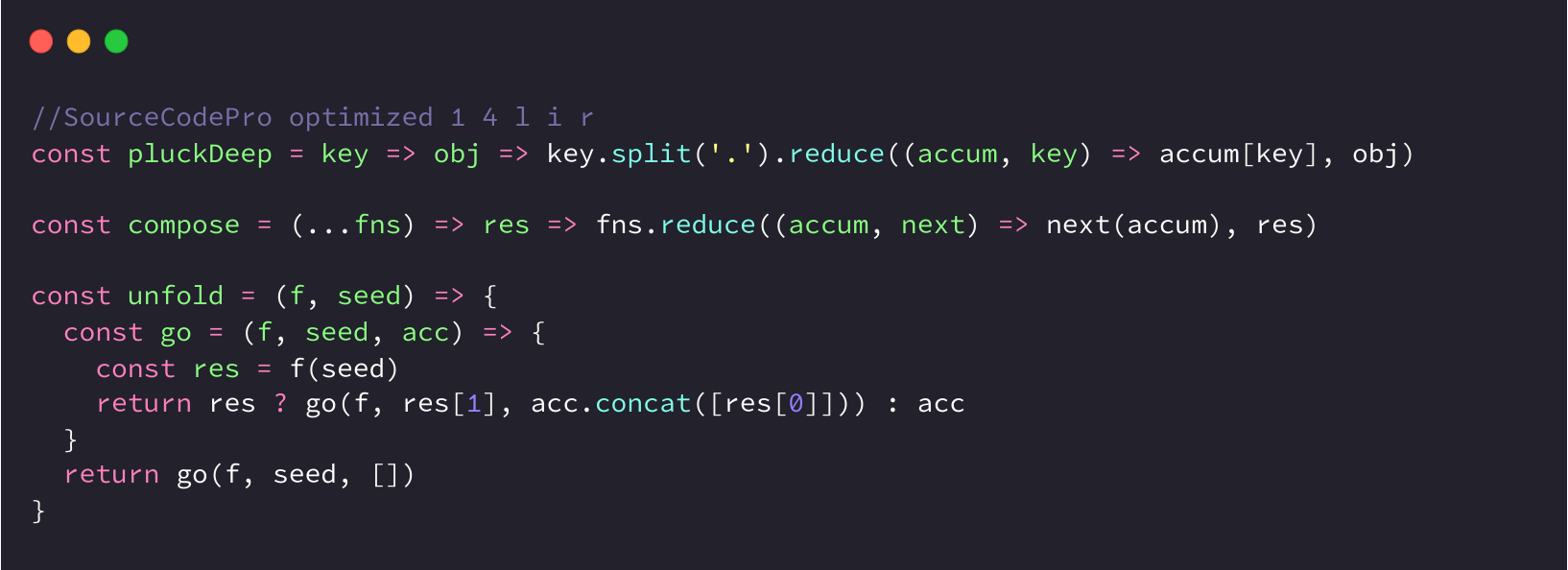
 Source Code Pro
python fontname.py "Monaspace" MonaspaceArgon-Regular.ttf sudo apt install ttfautohint
for f in ./*.ttf; do ttfautohint ${f} out/${f} --stem-width-mode qqq --composites ;donedocker run --rm -v ./:/in:Z -v ./patched:/out:Z nerdfonts/patcher --use-single-width-glyphs --boxdrawing --powerline --powerlineextrafrom fontTools.ttLib import TTFont
font = TTFont('C:\Documents\YaHei.ttf')
# xAvgCharWidth只能脚本设置,fontforge计算的不对
# 设置成中文字符宽度的1/2,否则部分windows软件(字体预览、notepad)中文间距很大
font['OS/2'].xAvgCharWidth = 500
# 下面两个在fontforge也可以设置,设置后terminal可以识别成等宽字体
font['OS/2'].panose.bProportion = 9 # 9表示monospaced,0表示any
font['OS/2'].panose.bFamilyType = 2 # 2表示Latin: Text and Display
font.save('C:\Documents\YaHei-R.ttf')
# 注意,大部分terminal展示非ascii字符的宽度是ascii字符*2,
# 由于FangSongCode的ASCII字符是600,所以会用1200宽度展示中文字符,导致看着间距很大并且不是居中
# 目前无解,只能选用中英2:1的字体中文才能正常展示,Yahei:Consolas=1000:550,间距看着会正常一点







