nataicons
3.0.1


Natatoko的人们以有趣的简单开源图标为主题。
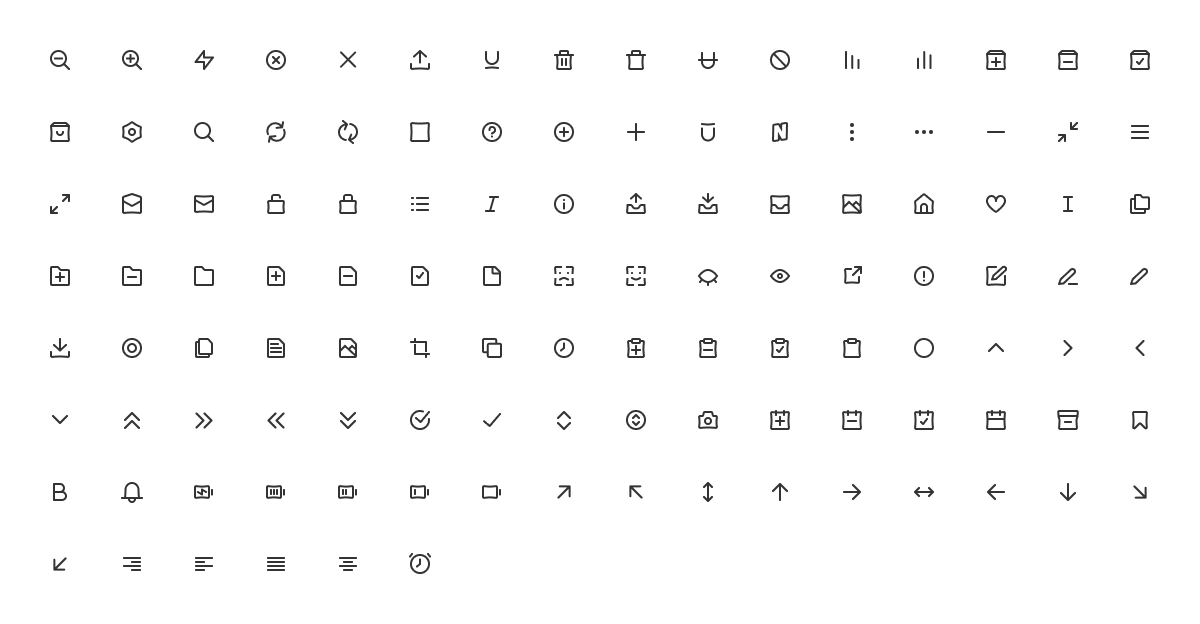
使用NPM安装
npm install nataicons复制您要在node_modules/nataicons中使用icons/24x24 icons/20x20中使用的SVG,然后将它们插入HTML中。
 < svg xmlns =" http://www.w3.org/2000/svg " width =" 24 " height =" 24 " fill =" none " viewBox =" 0 0 24 24 " >
  < path stroke =" currentColor " stroke-linecap =" round " stroke-linejoin =" round " stroke-width =" 2 " d =" M3.5 14l8.515-11v6.5H21L12.015 21v-7H3.5z " />
</ svg >在您的页面上包含一个图标,并带有以下标记:
 < svg width =" 24 " height =" 24 " class =" custom-class " >
  < use xlink:href =" #24x24--alarm " > </ use >
</ svg >npm install @nataicons/vue import { AlarmIcon , AlertIcon , NataIcon } from "nataicons/vue" < template >
< div >
< AlarmIcon color = "red" size = "24" />
< NataIcon name = "bell" color = "blue" size = "32" />
</ div >
</ template >
< script >
import { AlarmIcon } from "nataicons/vue"
export default {
components : { AlarmIcon }
}
< / script>您可以设置自定义size (以像素为单位)或使用默认尺寸(24px或20px)。 color道具使您可以更改图标颜色。
npm install @nataicons/react import { AlarmIcon , NataIcon } from "@nataicons/react" function MyComponent ( ) {
return (
< div >
< AlarmIcon color = "red" size = { 24 } />
< NataIcon name = "bell" color = "blue" size = { 32 } />
</ div >
)
}与VUE相似,您可以设置自定义size (以像素为单位)或使用默认大小。 color道具使您可以更改图标颜色。
Nataicons已获得MIT许可证的许可。简而言之,您可以自由在任何个人,开源或商业作品中使用这些图标。归因是可选的,但值得赞赏。








