window vibrancy
vibrancy v0.5.2

使您的窗户充满活力。
提示
如果您使用的是tauri@v1 ,则需要使用此板条箱的0.4版。
 use window_vibrancy :: { apply_blur , apply_vibrancy , NSVisualEffectMaterial } ;

# [ cfg ( target_os = "macos" ) ]
apply_vibrancy ( & window , NSVisualEffectMaterial :: HudWindow , None , None ) . expect ( "Unsupported platform! 'apply_vibrancy' is only supported on macOS" ) ;

# [ cfg ( target_os = "windows" ) ]
apply_blur ( & window , Some ( ( 18 , 18 , 18 , 125 ) ) ) . expect ( "Unsupported platform! 'apply_blur' is only supported on Windows" ) ; 如果您使用的是Tauri,请不要忘记:
html, body { background: transparent }请参阅index.html#l12"windows": [ { "transparent": true } ]请参阅tauri.conf.json#l57"macOSPrivateApi": true请参阅tauri.conf.json#l49有关Tauri使用更完整的示例,请参见examples/tauri 。
| 功能 | 支持的平台 | 笔记 |
|---|---|---|
apply_blur & clear_blur | Windows 7/10/11(仅22H1) | 调整/拖动Windows 11构建22621+的窗口时的性能不佳。 |
apply_acrylic & clear_acrylic | Windows 10/11 | 调整/拖动Windows 10 V1903+和Windows 11 Build 22000时的窗口大小时性能不佳。 |
apply_mica & clear_mica | Windows 11 | |
apply_vibrancy | MacOS 10.10和更新 |
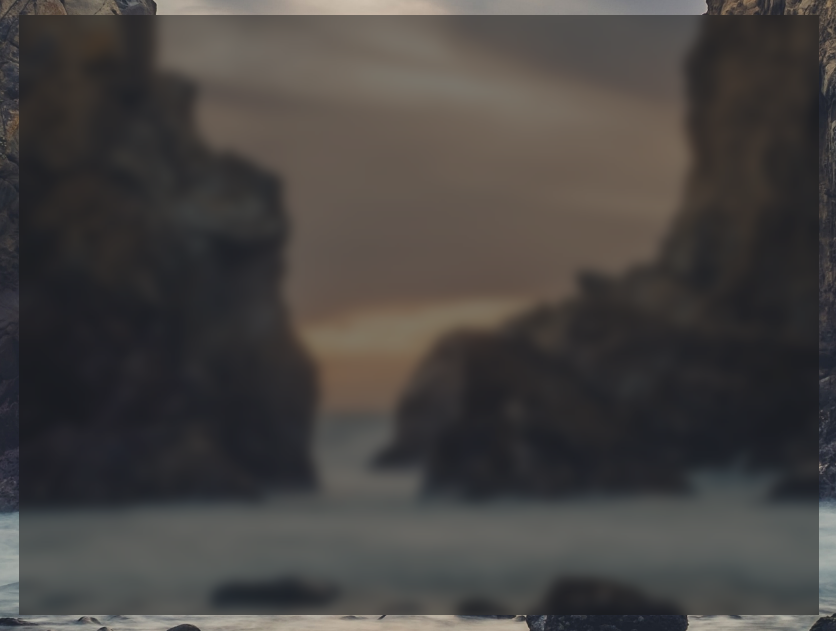
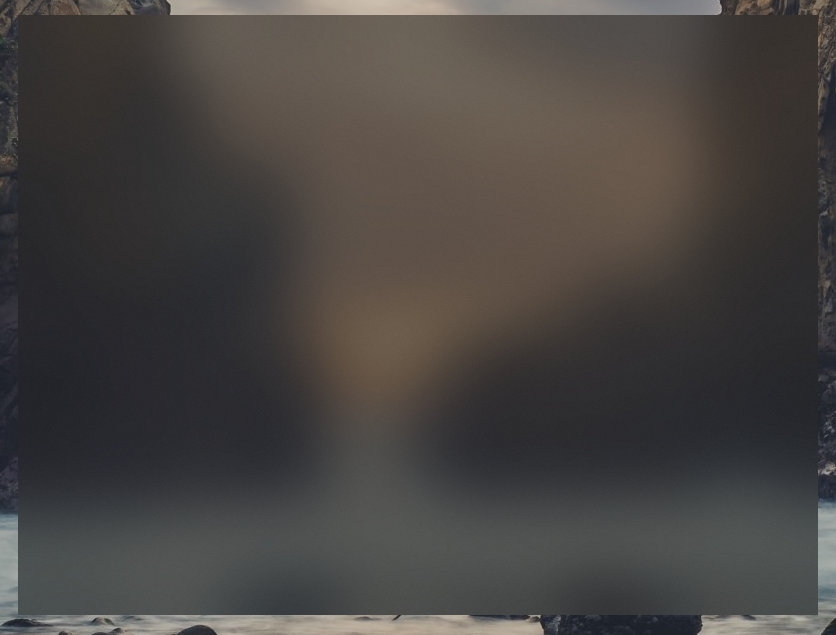
| apply_blur | apply_acrylic | apply_mica | apply_vibrancy |
|---|---|---|---|
 |  |  |  |





