dotnet upforgrabs
1.0.0

相关博客:https://tattooocoder.com/finding-your-next-net-open-source-project-using-command-command-line/
欢迎使用.NET Core Global工具,以帮助您开始为开源项目做出贡献。
不确定哪些项目需要帮助?还是从哪里开始?
从https://dot.net安装.NET Core 3.1,然后安装upforgrabs
dotnet tool install -g upforgrabs打开您喜欢的终端并跑步。
upforgrabs upforgrabs -h用于选项。
 Usage: upforgrabs [arguments] [options]

Arguments:
  ProjectName

Options:
  -?|-h|--help           Show help information
  -o|--open              Auto open the selected issue
  -l|--lucky             Open first result
  -n|--number <RESULTS>  Number of results 1 - 25
-lang|--language <LANGUAGE> Select a .NET programming language (csharp, c#, fsharp, f#)使用箭头键浏览项目选择器并点击<Enter>或选择该项目的COORORED对话# 。
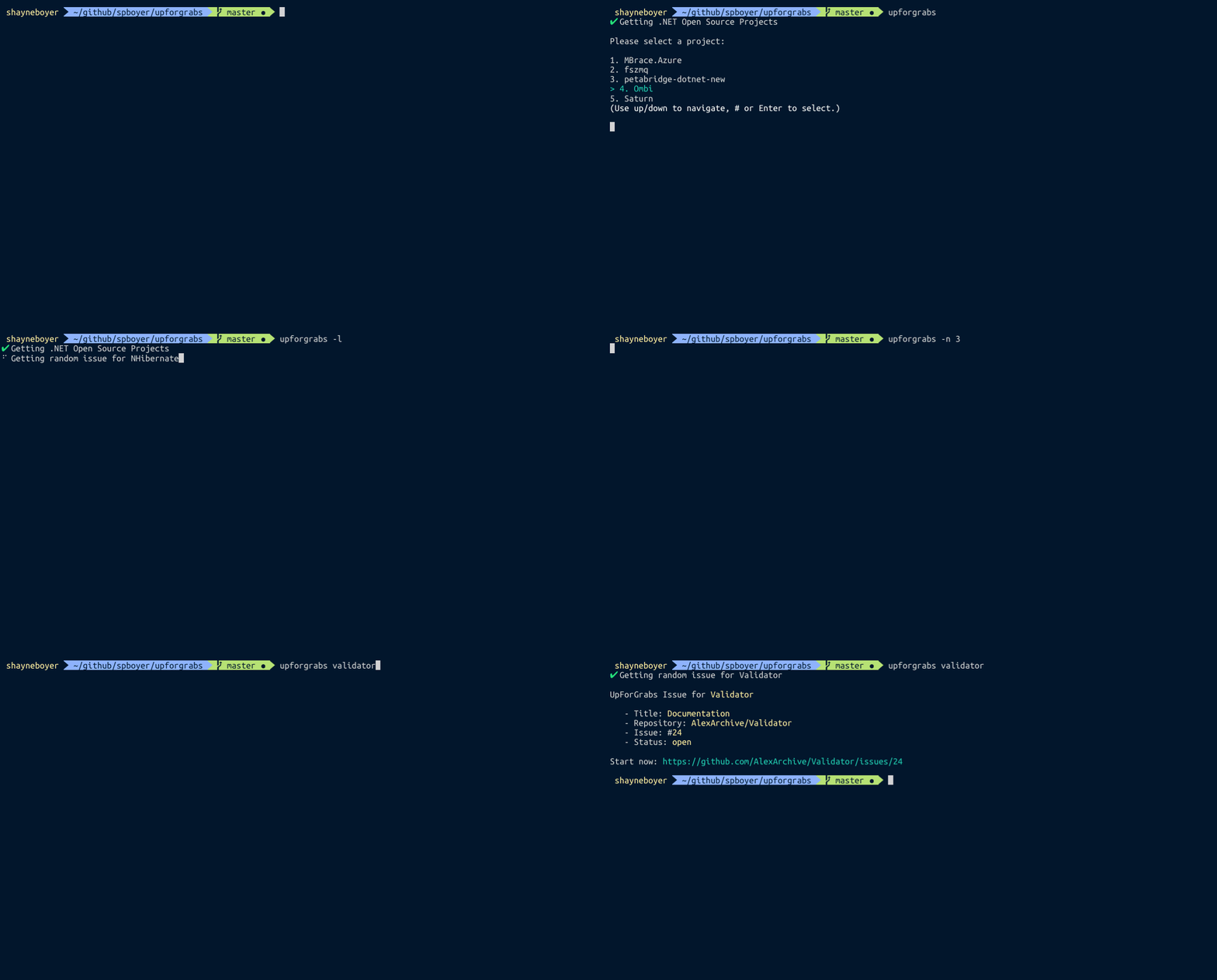
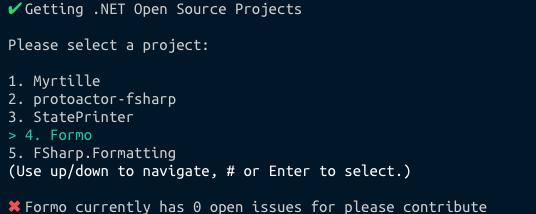
如果所选项目中没有当前项目打开,则将向您提供与此类似的消息。
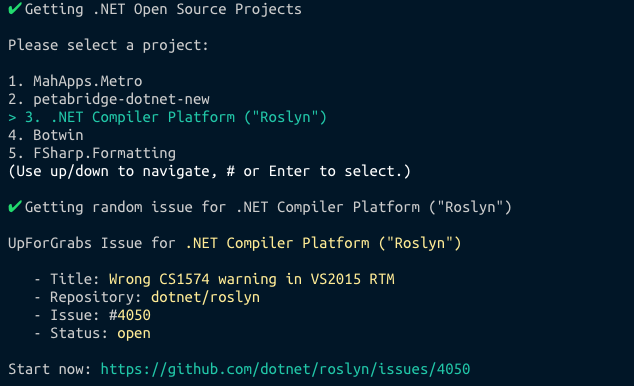
否则会提出随机问题。大多数终端都允许通过CMD+单击或CTRL+单击单击以打开URL。或者,您可以将粘贴复制到浏览器中以开始。
享受!并去捐款!





