Stable Diffusion NCNN
1.0.0

NCNN框架基于C ++,支持TXT2IMG和IMG2IMG实施稳定扩散!
Zhihu:https://zhuanlan.zhihu.com/p/582552276
视频:https://www.bilibili.com/video/bv15g411x7hc
txt2img性能(时间pre-it和ram)
| 每个 | I7-12700(512x512) | i7-12700(256x256) | Snapdragon865(256x256) |
|---|---|---|---|
| 慢的 | 4.85S/5.24G(7.07G) | 1.05S/3.58G(4.02G) | 1.6s/2.2g(2.6g) |
| 快速地 | 2.85s/9.47g(11.29g) | 0.65s/5.76g(6.20g) |
2023-03-11:很高兴添加IMG2IMG Android并发布新APK
2023-03-10:很高兴添加img2img x86
2023-01-19:加快速度,X86中的RAM,X86中的动态形状
2023-01-12:更新到最新的NCNN代码并使用优化模型,更新Android,添加内存监视器
2023-01-05:将256x256型号添加到X86项目
2023-01-04:合并并完成X86中的MHA OP,启用快速凝胶

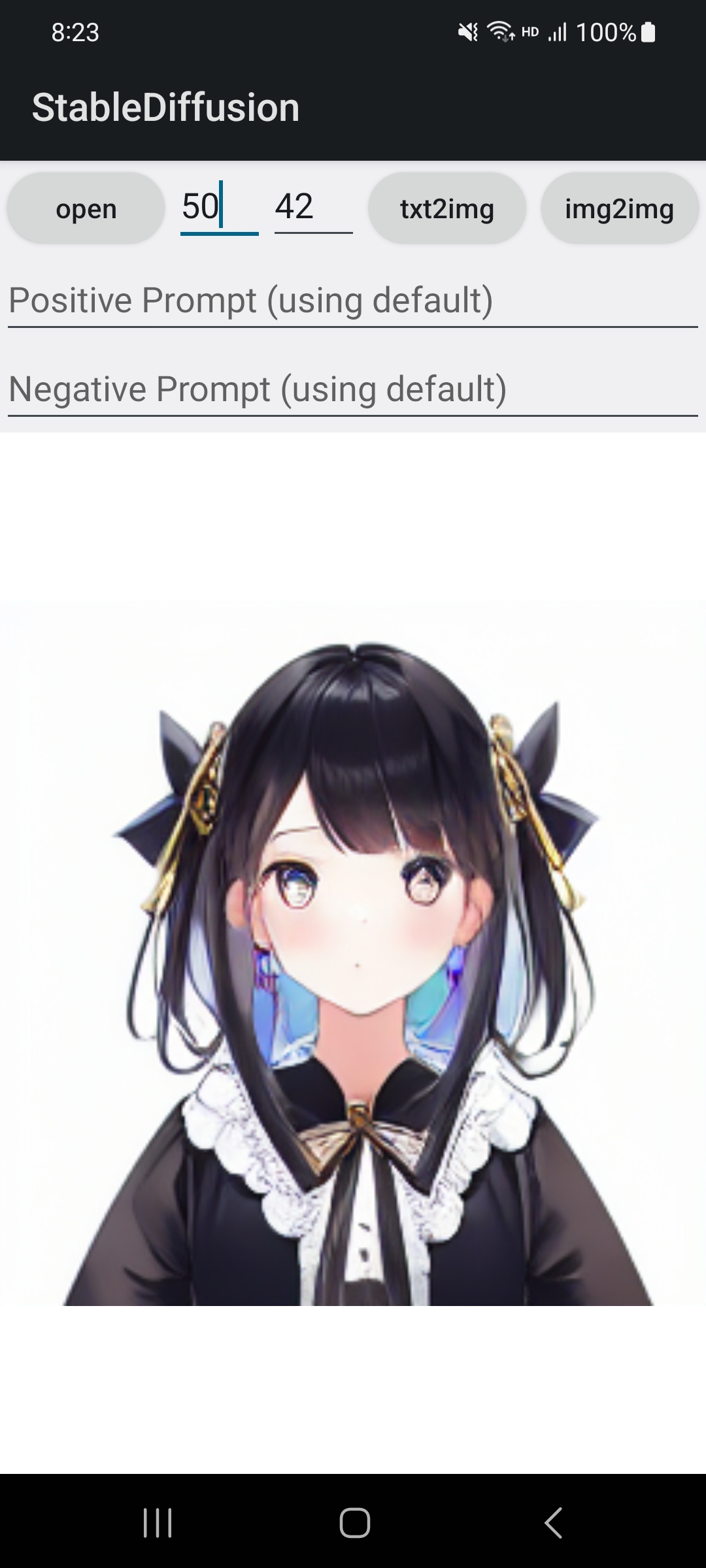
所有模型和EXE文件,您都可以从百度网盘或Google Drive下载或发布
如果您只需要NCNN型号,则可以从硬件模型库-设备专用模型搜索它,它将更快,免费。
AutoencoderKL-fp16.bin, FrozenCLIPEmbedder-fp16.bin, UNetModel-MHA-fp16.bin, AutoencoderKL-encoder-512-512-fp16.bin assetsmagic.txt中设置您的配置,每行都是:stable-diffusion.exe注意:请遵守SD模型的要求,不要将其用于非法目的
AutoencoderKL-fp16.bin, FrozenCLIPEmbedder-fp16.bin, UNetModel-MHA-fp16.bin, AutoencoderKL-encoder-512-512-fp16.bin assets cd x86/linux
mkdir -p build && cd build
cmake ..
make -j $( nproc )AutoencoderKL-fp16.bin, FrozenCLIPEmbedder-fp16.bin, UNetModel-MHA-fp16.bin ,然后放置它们来build/assets文件夹./stable-diffusion-ncnnAutoencoderKL-fp16.bin, FrozenCLIPEmbedder-fp16.bin, UNetModel-MHA-fp16.bin然后将它们放在assets文件夹中我已经上传了稳定扩散使用的三种ONNX模型,以便您可以做一些有趣的工作。
您可以从上面的链接中找到它们。
 ncnn (input & output): token, multiplier, cond, conds
onnx (input & output): onnx::Reshape_0, 2271

z = onnx(onnx::Reshape_0=token)
origin_mean = z.mean()
z *= multiplier
new_mean = z.mean()
z *= origin_mean / new_mean
conds = torch.concat([cond,z], dim=- 2 ) ncnn (input & output): in0, in1, in2, c_in, c_out, outout
onnx (input & output): x, t, cc, out
outout = in0 + onnx(x=in0 * c_in, t=in1, cc=in2) * c_out






