gdansk ai
1.0.0

? Gdańsk AI ?GdańskAi是一个完整的堆栈AI语音聊天机器人(语音到文本,LLM,文本到语音),并集成到Auth0,OpenAI,Google Cloud API和Stripe-Web App,API和AI
它使用Stripe提供付款基础架构,因此用户可以购买bibs - API令牌。 Auth0用于提供身份验证和授权。您可以免费使用它们-Auth0每月最多可以免费使用7000个用户。条纹仅收取购买费用,因此您没有任何一个持续的费用。
如果要使用这些服务,则必须设置条纹和Auth0帐户,并将API键放入Web .env web-api/ Directory中。
Node.js,TypeScript和Express此处使用
.env_example显示您必须设置的值
 CHATBOT_API_KEY={whatever you decide; this value is reused among ai-api, web-api and web in this project}
OPEN_AI_API_KEY={go to platform.openai.com, generate and copy-paste api key here}
# Google Cloud API
type=service_account
project_id={project id}
private_key_id=
private_key={multiline private key with structure like this:-----BEGIN PRIVATE KEY-----...-----END PRIVATE KEY-----n}
client_email={project name}@{project id}.iam.gserviceaccount.com
client_id=
auth_uri=https://accounts.google.com/o/oauth2/auth
token_uri=https://oauth2.googleapis.com/token
auth_provider_x509_cert_url=https://www.googleapis.com/oauth2/v1/certs
client_x509_cert_url=https://www.googleapis.com/robot/v1/metadata/x509/{project-name}%40{project-id}.iam.gserviceaccount.com
universe_domain=googleapis.com

# Stripe
STRIPE_SECRET_KEY={sk_...}
STRIPE_PUBLISHABLE_KEY={pk_...}
TOKENS_PRICE_ID={price_some characters here - you need to create a price in Stripe for tokens first and then copy-paste it here}
# TOKENS_PER_TRANSACTION defines how many interactions user can make with AI per single bibs purchase
TOKENS_PER_TRANSACTION=5

# Auth0
AUTH0_ISSUER_BASE_URL='https://{tenant-name}.us.auth0.com'
AUTH0_DOMAIN='{tenant-name}.us.auth0.com'
AUTH0_CLIENT_ID=
AUTH0_CLIENT_SECRET=
AUTH0_AUDIENCE="https://{tenant-name}.us.auth0.com/api/v2/"
AUTH0_SCOPE="openid profile email offline_access"
CLIENT_URL={url pointing to where web is deployed}
AI_API_URL={url pointing to where ai api is deployed}
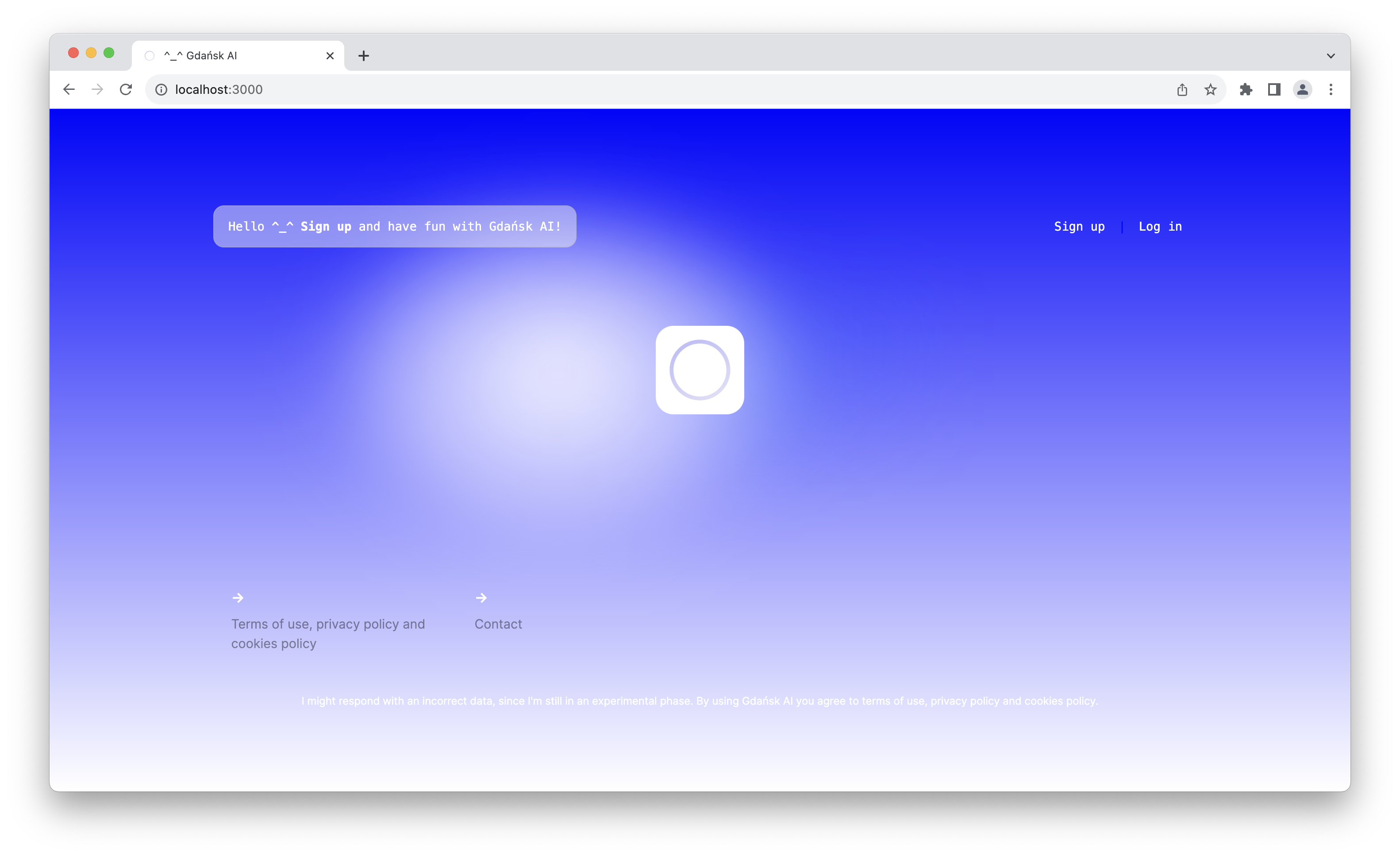
web-api目录npm install或npm cinpm run buildnpm run start或npm run dev可以使用热率加载它目前在Google Chrome中起作用。您可以按GdańskAi徽标记录音频,然后再次按下将其发送到Web API。成功响应后,向您播放了收到的音频。
Next.js此处与Vercel的模板一起使用
.env_example显示您必须设置的值
 CHATBOT_API_KEY={whatever you decide; this value is reused among ai-api, web-api and web in this project}
CHATBOT_API_URL={url to where api is deployed}


NEXT_PUBLIC_API_URL={url pointing to where api is deployed}
API_URL={url to where api is deployed}

# Auth0
NEXT_PUBLIC_AUTH0_ISSUER_BASE_URL="https://{tenant-name}.us.auth0.com"
NEXT_PUBLIC_AUTH0_CLIENT_ID=
AUTH0_SECRET=
AUTH0_BASE_URL={url pointing to where web is deployed}
AUTH0_ISSUER_BASE_URL='https://{tenant-name}.us.auth0.com'
AUTH0_DOMAIN='{tenant-name}.us.auth0.com'
AUTH0_CLIENT_ID=
AUTH0_CLIENT_SECRET=
AUTH0_AUDIENCE="https://{tenant-name}.us.auth0.com/api/v2/"
AUTH0_SCOPE="openid profile email offline_access"
CLIENT_URL={url pointing to where web is deployed}
web目录npm install或npm cinpm run build/webhook stripe listen --forward-to http://localhost:3000/webhook (如果您更改了3000,请调整端口npm run startsignup.ts中删除/评论screen_hint: "signup", OpenAI和Google Cloud API在这里用于提供语音到文本(Whisper-1),LLM(GPT-3.5-Turbo)和文本对语音(Google Cloud Cloud TextTospeechClient)服务。
Python和Fastapi在这里
.env_example显示您必须设置的值
 CHATBOT_API_KEY={whatever you decide; this value is reused among ai-api, web-api and web in this project}
OPEN_AI_API_KEY={go to platform.openai.com, generate and copy-paste api key here}
# Google Cloud API start
type=service_account
project_id={project id}
private_key_id=
private_key={multiline private key with structure like this:-----BEGIN PRIVATE KEY-----...-----END PRIVATE KEY-----n}
client_email={project name}@{project id}.iam.gserviceaccount.com
client_id=
auth_uri=https://accounts.google.com/o/oauth2/auth
token_uri=https://oauth2.googleapis.com/token
auth_provider_x509_cert_url=https://www.googleapis.com/oauth2/v1/certs
client_x509_cert_url=https://www.googleapis.com/robot/v1/metadata/x509/{project-name}%40{project-id}.iam.gserviceaccount.com
universe_domain=googleapis.com
PORT=9000
ai-api目录创建一个帐户,然后创建一个新房客。您需要设置:
申请
蜜蜂
创建一个帐户,转动测试模式,除非您想在生产和处理真实付款中运行它,请转到开发人员选项卡,然后转到API键。在这里,您可以找到stripe_secret_key和stripe_publishable_key的值。现在,转到产品选项卡,添加代表单次购买的产品(一个围嘴 - 与用户的AI交互)。创建它后,将PriceID复制并将其放入.env中为Tokens_price_id。
创建一个帐户,转到platform.openai.com,生成API密钥,在.env文件中使用它
创建一个帐户,转到IAM&Admin,然后服务帐户并创建一个项目 - 您需要项目的ID才能放入.ENV文件中。然后,您需要生成具有凭据的JSON,并将值从文件中提取到.env文件。转到创建访问凭据页面(您可以使用搜索引擎查找链接)。然后键 - >添加键 - >创建新键 - > json->创建。您应该获得凭据。最后,您需要启用文本到语音API服务,您已经准备好了
感谢Jeff McJunkin通过从头开始填写配置过程并填补文档中的空白,从而改善了读数。
GNU GPL V2
如果您在研究中使用此软件,请使用以下引用:
 @software { Maczan_Gdansk_AI_2023 ,
author = { Maczan, Jędrzej Paweł } ,
title = { {Gdańsk AI - Full stack voice chatbot} } ,
url = { https://github.com/jmaczan/gdansk-ai } ,
year = { 2023 } ,
publisher = { GitHub }
}jędrzejpawełMaczan于2023年在波兰的Gdańsk制造





