the butler
1.31.0

管家准备使用由Cecil提供支持的静态博客。
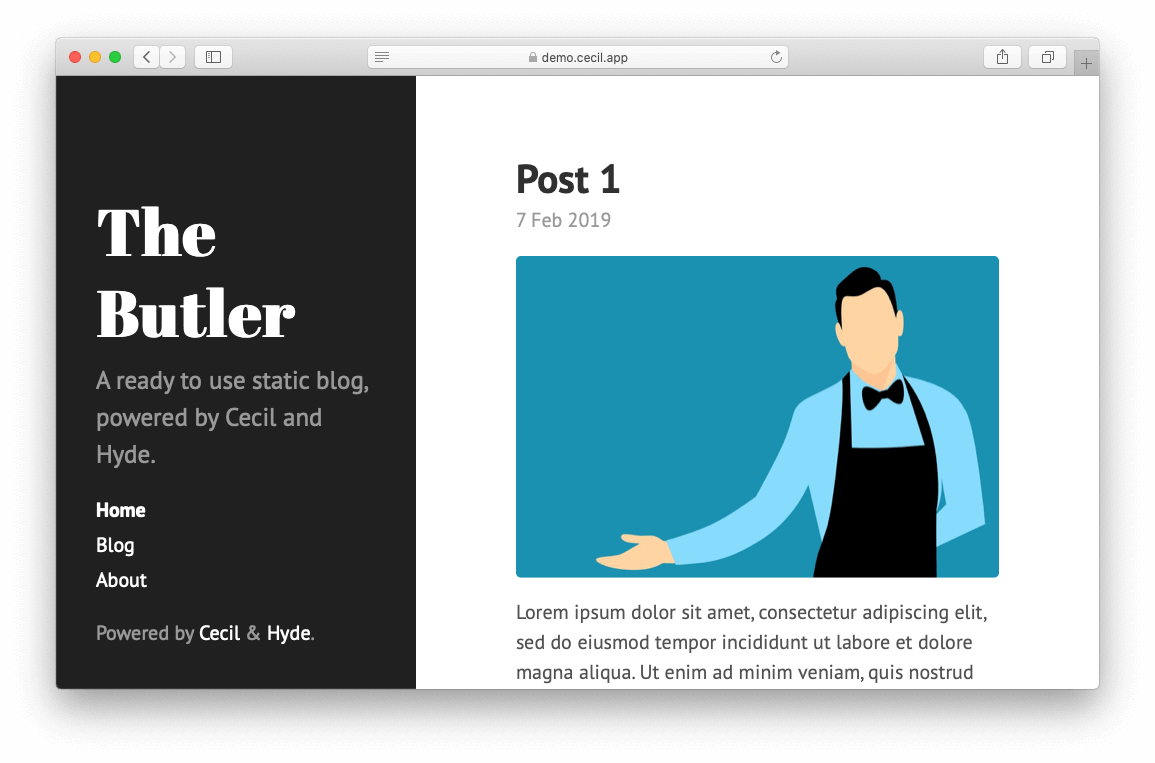
从GitHub模板中创建自己的存储库,然后只需在pages/blog/中编辑Markdown文件即可。
部署和管理博客的最简单方法肯定是Netlify + Netlify CMS。
config.yml文件更改配置themes/<theme>/layouts/将模板复制到您自己的layouts/目录以覆盖它们来更改模板themes/hyde/layouts/themes/garth/layouts/在终端中运行以下命令:
bash ./scripts/build.sh| 提供者 | 演示 | 部署 |
|---|---|---|
| Netlify | https://the-butler-demo.cecil.app | |
| 动词 | https://the-butler.vercel.app | |
| Cloudflare页面 | https://the-butler.pages.dev | - 框架预设: None- 构建命令: curl -sSOL https://cecil.app/build.sh && bash ./build.sh- 构建输出目录: _site |
| github | https://cecilapp.github.io/the-butler/ | 请参阅github操作工作流文件。 |
| GitLab | https://cecilapp.gitlab.io/the-butler/ | 请参阅GitLab配置文件。 |
| N/A。 | 请参阅Travis配置文件。 |
要使用NetLify CMS (DEMO),您必须:
https://<your-blog>.netlify.com/admin/与用户凭据阅读Cecil的文档和/或在Cecil的讨论中寻求帮助。
管家是根据MIT许可条款分发的免费软件。
©Arnaud Ligny





